color palette
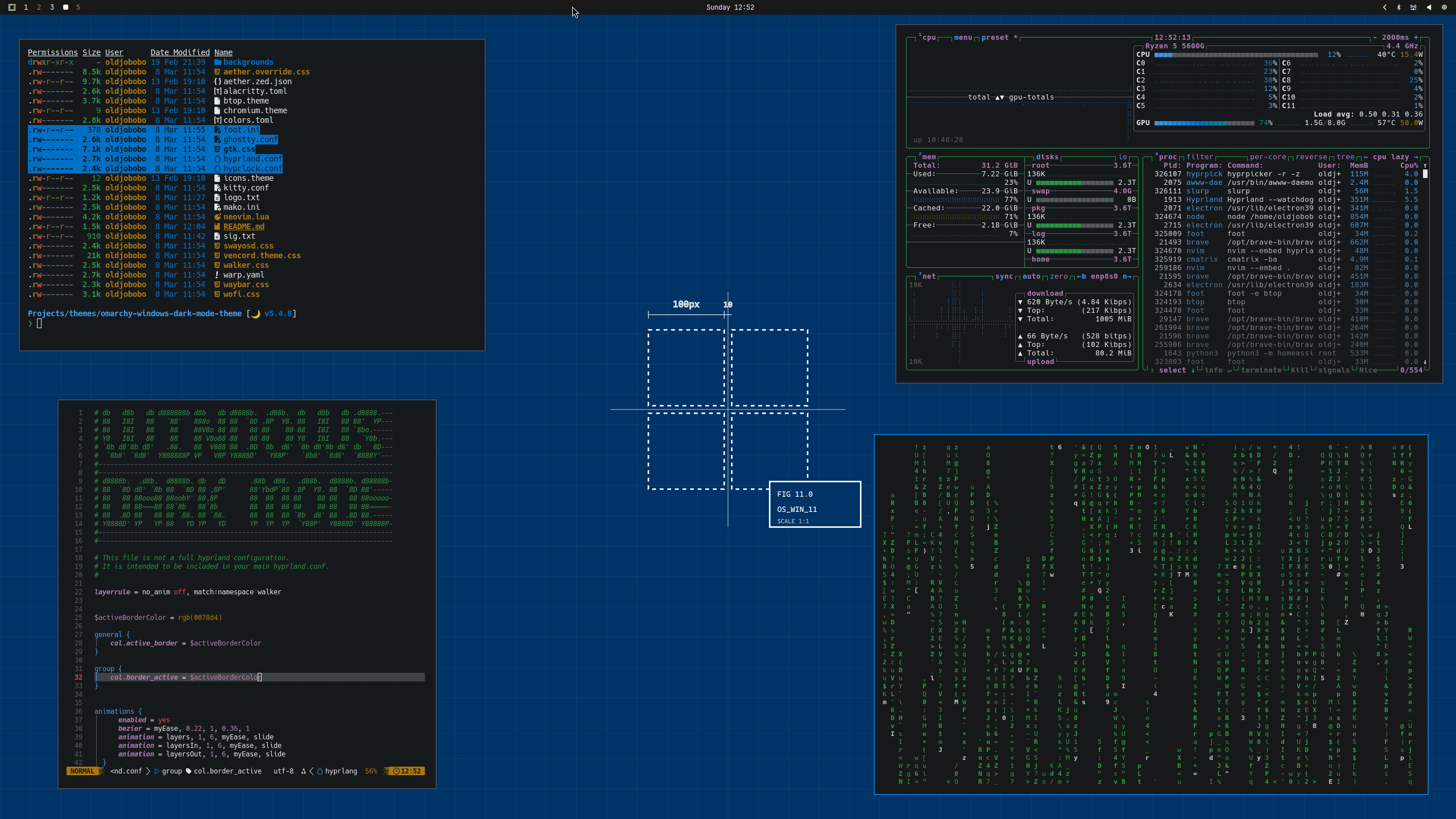
preview
readme
Omarchy Windows Dark Mode Theme
A clean Windows-inspired dark theme for Omarchy with a neutral charcoal base, bright white text, and a classic blue accent (#0078d4).
Preview
Install
Use the Omarchy theme installer:
omarchy-theme-install https://github.com/oldjobobo/omarchy-windows-dark-mode-theme
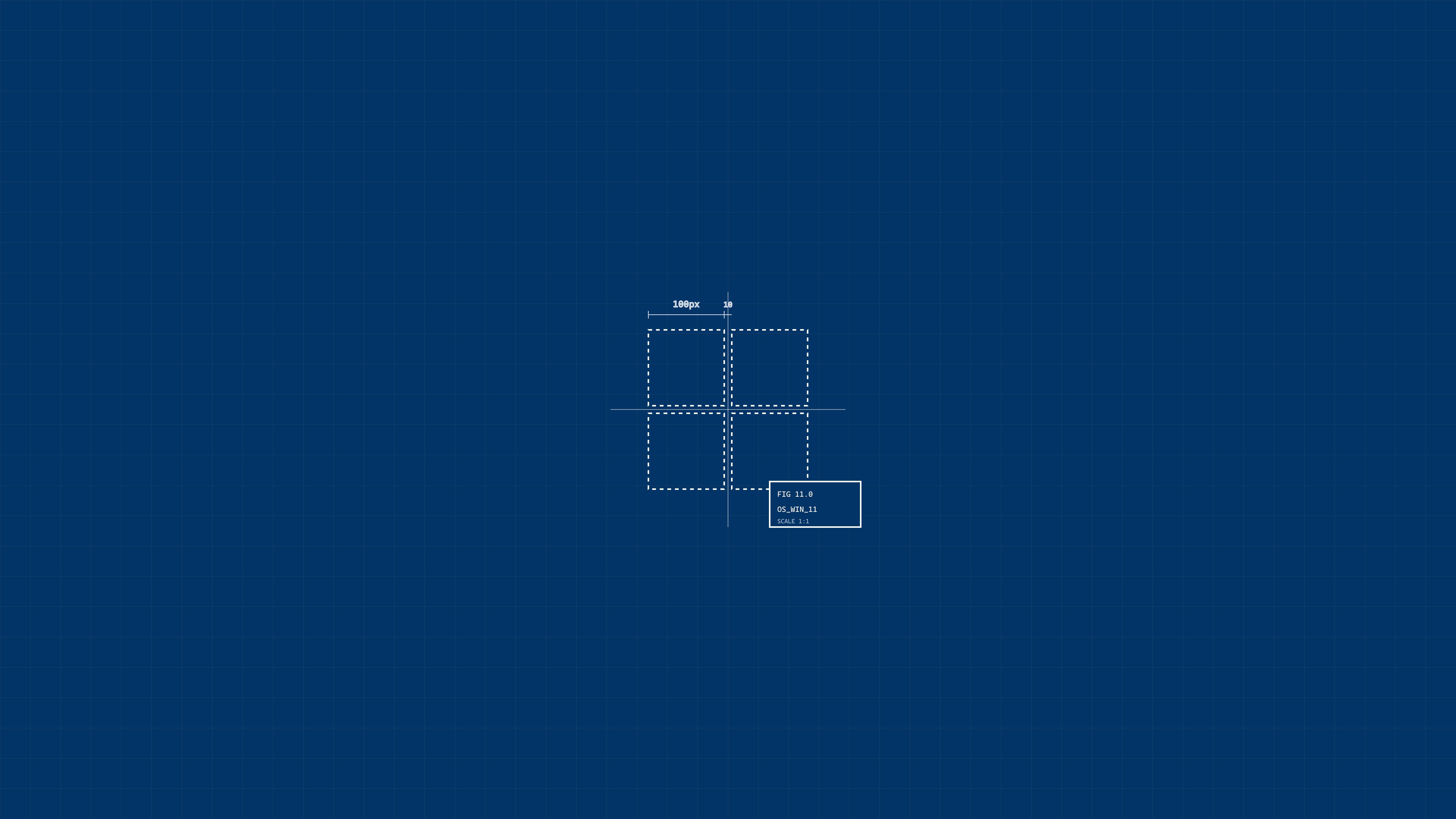
Wallpapers
 |  |  |
 |  |  |
Requirements
- A Hyprland-based Omarchy setup
- Waybar
- At least one supported terminal (Alacritty, Kitty, Ghostty, or Foot)
Notes
- Accent color is set to Windows blue (
#0078d4) across terminal/UI palette files. - Includes
foot.inialongsidealacritty.toml,kitty.conf, andghostty.conf. - This theme directory is self-contained and intended to be applied through Omarchy theme switching.
Attribution
- Inspired by the Windows dark mode visual style and accent palette.
- Wallpapers are from included background assets in this repository/theme folder.