color palette
#0C0A0E
#F0E8E0
#FFB020
preview
readme
Ultra Street Fighter IV — Omarchy theme
Remember the game that gave you a mostly hardcore American community to fight against — to such a degree that you thought learning English through there would be a good idea? How you picked up 80s values and ideas from there? A few n-bombs and some mashing, sure, lots of friendships, some still lasting. Started in Vanilla, but the final version is here since that’s what peeps expect. Had its issues, but still — gotta respect the game that taught me a lot of what I know and who I am these days. Natural extension for your hypr system — the one I started with, the one that’s retro now, holy hell, still playable with friends til Steam dies. Good vibes. In the words of Daigo Umehara (EVO 2017, different game in the series, but…): “Fighting game, it’s something, so great!”
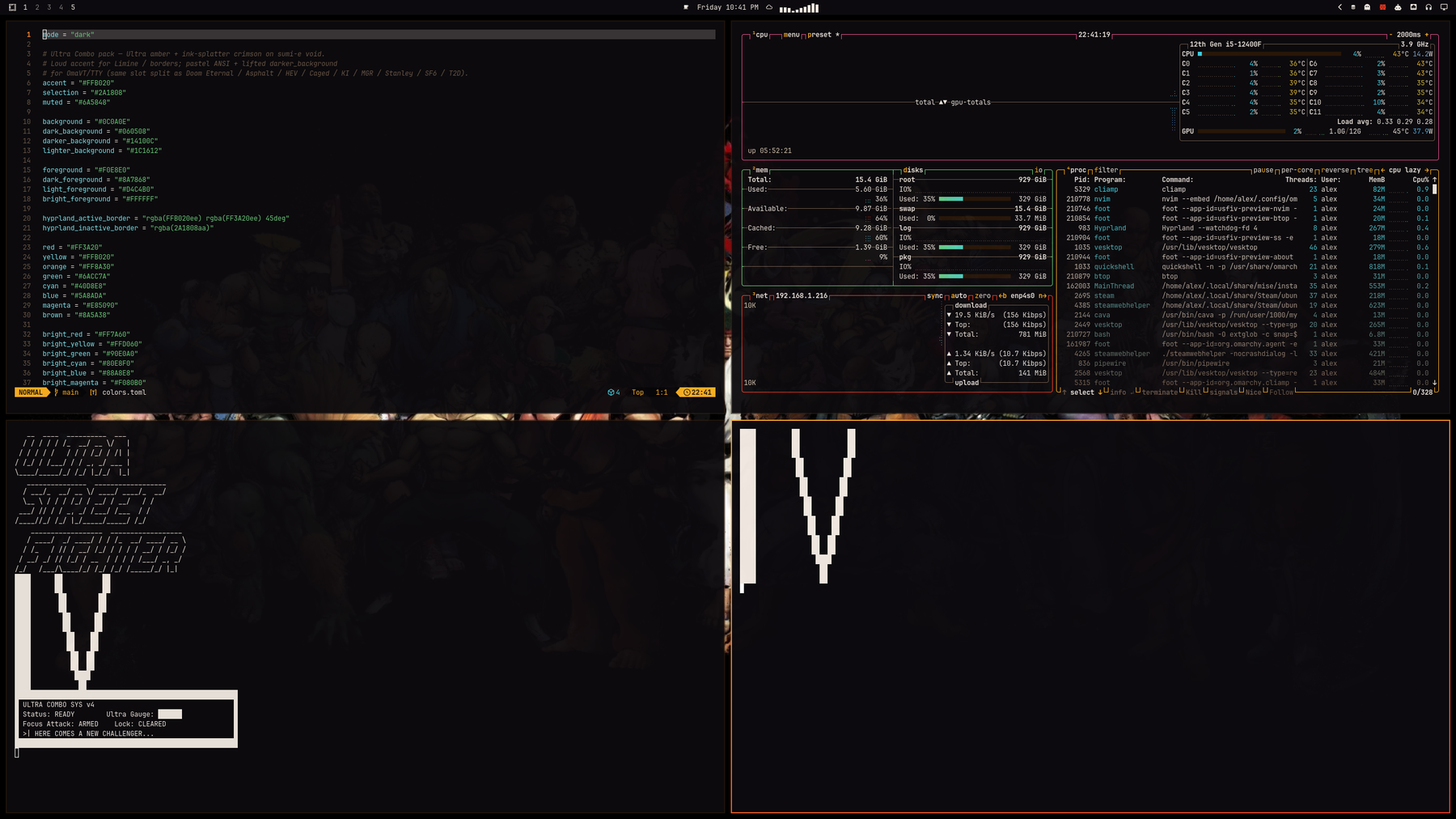
What if your desktop matched Capcom’s Ultra Street Fighter IV Ultra amber → ink-splatter crimson on a sumi-e void instead of another flat dark mode? Same dual-accent border trick as Asphalt, HEV, Galuga, CS, Cyber Shadow, Doom 2016, Eternal, Caged, KI, Rising, Stanley, SF6 & T2D — different arcade.
Fighting-game theme for Omarchy. Inspired by the look of Ultra Street Fighter IV — not affiliated with Capcom (see Credits below).
No Omarchy pack turned up. HyperSpin / Steam Grid “USFIV” skins are logo-heavy frontends, not a Hyprland palette. Windows / Rainmeter SF packs don’t hand you colors.toml. Built from Steam store / library art and Wallhaven key art the same way as Asphalt Legends, HEV Suit, Operation Galuga, Counter-Strike, Cyber Shadow, Doom 2016, Doom Eternal, Half-Life Caged, Killer Instinct, Metal Gear Rising, Stanley Parable, Street Fighter 6, and Terminator 2D: NO FATE.
Install
omarchy theme install https://github.com/AlxWolfenstein97/omarchy-ultra-street-fighter-iv-theme.git
# optional — About + screensaver ASCII for this theme (skippable; see Branding)
cp ~/.config/omarchy/themes/ultra-street-fighter-iv/about.txt ~/.config/omarchy/branding/about.txt
cp ~/.config/omarchy/themes/ultra-street-fighter-iv/screensaver.txt ~/.config/omarchy/branding/screensaver.txt
That clones and applies the theme (omarchy-theme-set runs inside
theme install). Do not follow with another omarchy theme set — a second
set skips the first wallpaper and just wastes a switch.
Or clone into place (then you do need an explicit set):
git clone https://github.com/AlxWolfenstein97/omarchy-ultra-street-fighter-iv-theme.git ~/.config/omarchy/themes/ultra-street-fighter-iv
omarchy theme set "Ultra Street Fighter Iv"
# optional branding — same as above
cp ~/.config/omarchy/themes/ultra-street-fighter-iv/about.txt ~/.config/omarchy/branding/about.txt
cp ~/.config/omarchy/themes/ultra-street-fighter-iv/screensaver.txt ~/.config/omarchy/branding/screensaver.txt
Already installed and just switching back later:
omarchy theme set "Ultra Street Fighter Iv"
# optional — re-apply this theme’s About / screensaver marks
cp ~/.config/omarchy/themes/ultra-street-fighter-iv/about.txt ~/.config/omarchy/branding/about.txt
cp ~/.config/omarchy/themes/ultra-street-fighter-iv/screensaver.txt ~/.config/omarchy/branding/screensaver.txt
Cycle wallpapers with omarchy theme bg next.
What’s in the pack
| Asset | Role |
|---|---|
colors.toml | Palette (the real theme) |
backgrounds/ | HUD-less / logo-free wallpapers |
unlock.png / preview-unlock.png | Plymouth unlock + picker mockup |
preview.png | Theme switcher preview |
icon.txt / logo.txt (+ about.txt / screensaver.txt) | About & screensaver ASCII branding |
icon.png / logo.png | Same marks as images (README + optional “Set From Image”) |
Branding (About / screensaver)
Optional. Omarchy’s About screen and screensaver read from
~/.config/omarchy/branding/. Shipping per-theme .txt marks isn’t original —
other Omarchy 3.x themes did it — but it’s the fast path if you want this
pack’s wordmark on idle and on About without hunting files.
Prefer the .txt files and the cp lines in Install. That’s
what you’re meant to see. Editing the text also works (Style → About /
Screensaver → Edit Text).
Skip the cp if you already have custom logos / screensaver art you care
about — or back those up first. The branding slot is really meant for your
marks (put personal art somewhere easy to reach). The Style file picker works,
but drilling into ~/.config/omarchy/themes/... is slow busywork for something
optional. Don’t feel obliged to bring mine.
The .png versions are here for the README and for a quick Style → Set From
Image try. In my experience Omarchy’s image→ASCII path is a bit thinicky on
color and boxing, so don’t expect magic from the PNGs — the hand text is the
good path.
Screensaver / logo ASCII is a dense ULTRA STREET FIGHTER IV wordmark plus an Ultra Combo status panel (no empty lines). About / icon is a clean block IV monogram (tall I + sharp V, no empty lines).
Unlock
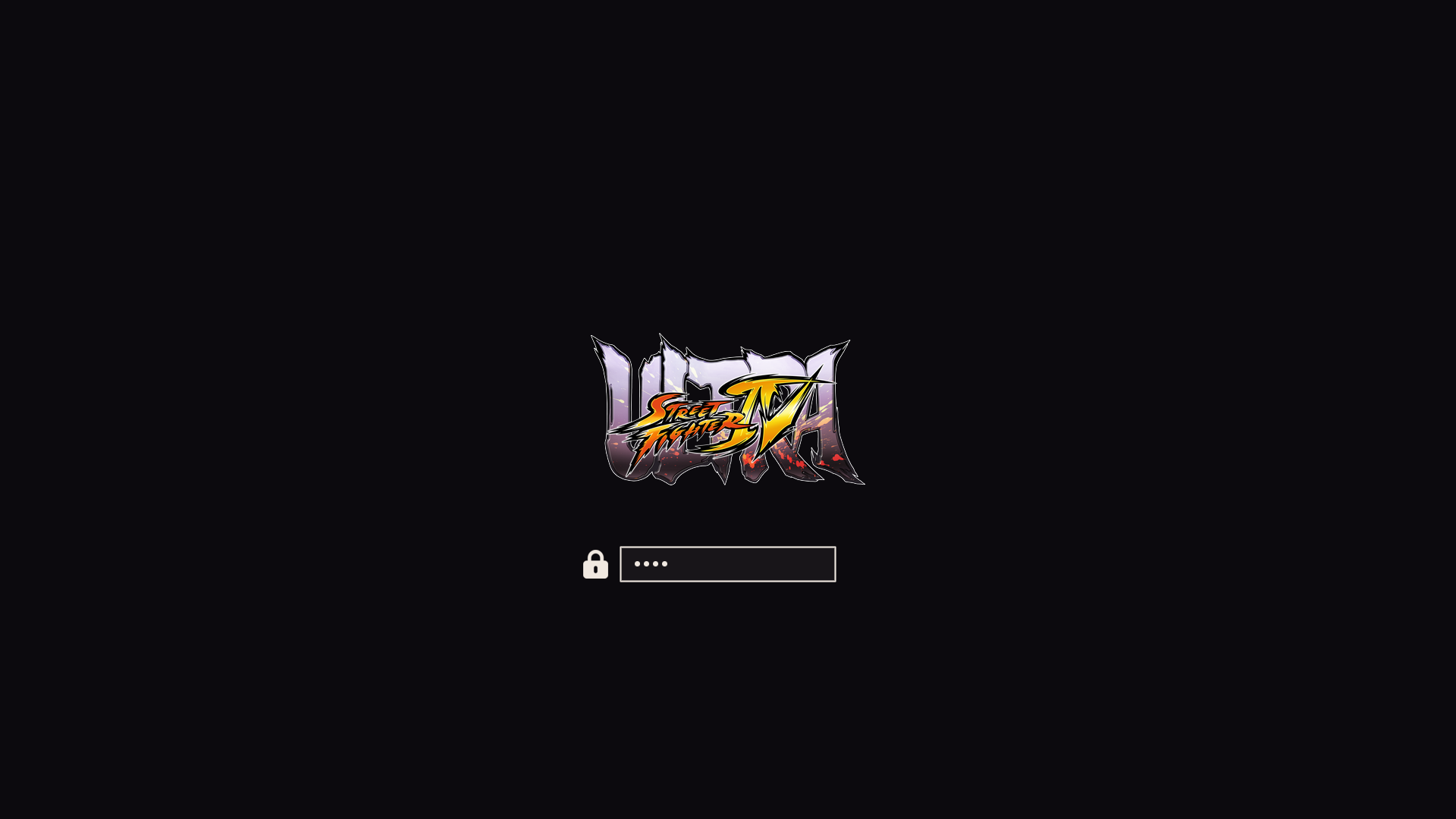
Style → Unlock → pick this theme (unlock.png / preview-unlock.png).
Extend further with plugins
This repo is palette + assets on purpose. Omarchy already colour-coordinates
the shell, terminals, and editor from colors.toml. The plugins below push that
idea as far as it can reasonably go — optional extenders, not required theme
baggage. Themes keep working without them; authors can stick to the snappier
stock pipeline if they prefer.
They do not depend on each other. Pick what you want; run the whole inch-a-lada if you want the desktop to feel like yours.
The big sweep
| Plugin | What it themes |
|---|---|
| Chroma | GTK3 / GTK4 / libadwaita + Qt |
| OmaOBS | OBS Studio (real Yami Omarchy.ovt) |
| OmaCursor | Pointer / Adwaita XCursor recolor (+ optional SDDM) |
| OmaHud | MangoHud colours only — live in-game retint |
| OmaBoot | Limine boot menu colours |
| OmaVT | Virtual console / TTY palette |
| OmaTTY | Console font (Terminus-first, accessibility) |
Boom-in — one paste. --enable --yes skips the per-plugin clone/enable
prompts; arm-all then arms deps + Style/theme-set + root/SDDM/DRM (no Y/n).
Omit any plugin add line you do not want; arm-all only touches what is
installed. Sudo may ask once — that is the boom, not a menu.
omarchy plugin add https://github.com/AlxWolfenstein97/chroma.git --enable --yes
omarchy plugin add https://github.com/AlxWolfenstein97/omaobs.git --enable --yes
omarchy plugin add https://github.com/AlxWolfenstein97/omacursor.git --enable --yes
omarchy plugin add https://github.com/AlxWolfenstein97/omahud.git --enable --yes
omarchy plugin add https://github.com/AlxWolfenstein97/omaboot.git --enable --yes
omarchy plugin add https://github.com/AlxWolfenstein97/omavt.git --enable --yes
omarchy plugin add https://github.com/AlxWolfenstein97/omatty.git --enable --yes
~/.config/omarchy/plugins/io.github.alxwolfenstein97.chroma/tools/arm-all-family.sh
Boom-out — one paste. Teardown + ledger pkg drop + plugin remove. Ledger drops only what we recorded pulling; may fail and stay if something else still needs the package (e.g. Goverlay after Pillow) — fine. Loud boom-in after this is enough — no tombstone purge needed (optional OCD flag lives on the plugin READMEs).
~/.config/omarchy/plugins/io.github.alxwolfenstein97.chroma/tools/wipe-all-family.shPiece-meal (not boom): one plugin’s Workshop paste — plugin add + interactive
install.sh (asks [Y/n]) — lives on that plugin’s GitHub README. Single-plugin
full wipe: …//uninstall.sh --yes.
Already solved elsewhere (gladly)
- Omacord — Vesktop / Vencord Discord
follows Omarchy themes live:
omarchy plugin add https://github.com/ASwenia/omacord --enable
Agent / desktop bridge
- OMCP — MCP desktop bridge:
omarchy plugin add https://github.com/btsouth/omarchy-omcp --enable
Browse more on the Omarchy Plugins site.
Taste
Colours and contrast are tuned for what I like to look at. If they feel loud or
wrong for you, fork and retune colors.toml without guilt.
Credits / legal-ish
- Visual inspiration and reference art from Capcom’s Ultra Street Fighter IV branding and marketing (Steam library hero / logo, HUD-less Steam store screenshots). Not affiliated with, endorsed by, or sponsored by Capcom. Just public pixels arranged into an Omarchy theme — no money, no official product.
- Wallhaven IDs used for key art:
0qkrml,eojgjw,8gg6eo. - Steam store shots kept (Rolento jungle, Poison/Makoto ship, Hugo/Guy street,
Decapre lab, Blanka/Abel factory, Ryu/Ken hadoken, Dan/Fei Long elevator,
Sagat/Balrog Jurassic, Ibuki/Decapre skate park, Cody/Honda hangar,
Bison/Ken lanterns) and the library-hero pad were checked for HUD, title
overlays, and Ultra-era roster/stage fit before shipping — logo-bearing
Wallhaven comps (
49rvjd), SNES collage (492g5k), unrelated “hardcore gamer IQ” collage (nkz9qd), plus Wallhaven IDs that weren’t Ultra-era key art (0jzoky,4yprgk,4yprgg,0pdxje,4gel9d) and one Steam store shot that didn’t belong (ssmarket pair) were dropped on purpose. - If Capcom hates this existing, they can say so and I’ll deal with the repo accordingly.
License
Do whatever you want with this theme pack unless Capcom (or the law) says otherwise. Fork it, recolor it, ship it in a rice. No warranty — it’s wallpaper and hex codes.