color palette
preview
readme
Omarchy Spectral Violet Theme 🌌
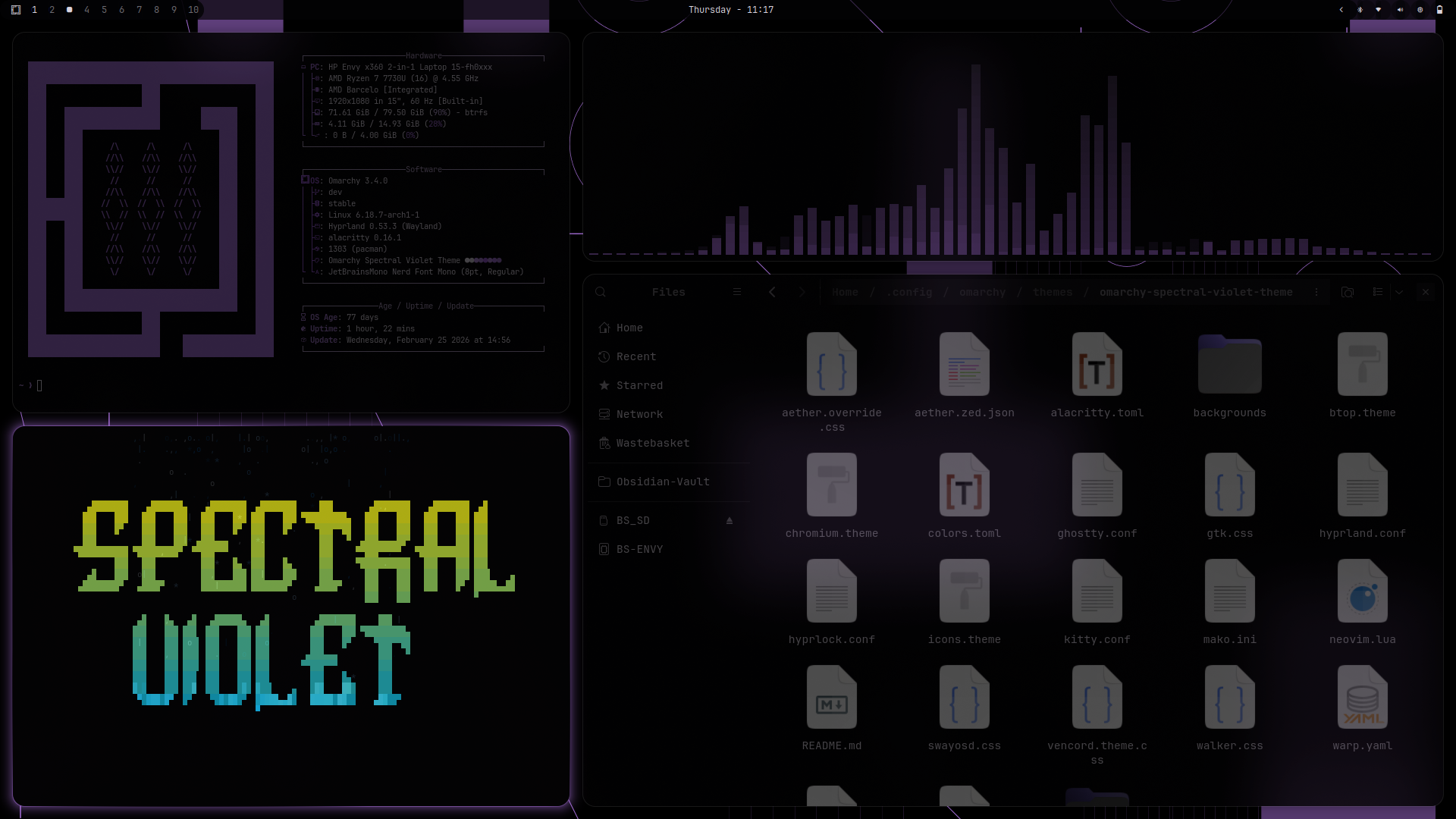
A deep, ethereal violet theme for the Omarchy ecosystem. Inspired by post-spectralist aesthetics and the natural harmonic series, this theme balances dark, obsidian backgrounds with vibrant, lavender-to-purple accents.
Designed with high-contrast typography and a flowy aesthetic, Spectral Violet is built for focus, clarity, and a touch of mathematical precision.
📄 License
This theme is released under the MIT License. See the LICENSE file for details.
🎨 The Palette
- Background:
#040305(Deep Obsidian) - Foreground:
#d9d3de(Soft Lavender Grey) - Accent:
#9357ce(Spectral Violet) - Active Border:
#a765e9(Bright Amethyst)
✨ Visual Characteristics
- Opacity: A signature semi-transparent look with 86% active window opacity and 43% inactive opacity, creating a layered, "ghostly" depth.
- Blur: Multi-pass Gaussian blur on background surfaces for a frosted-glass effect.
- Animations: Smooth, custom bezier curves (
0, 0.2, 0.8, 1) with slide-fade transitions. - Rounded Corners: Border radii are set to 16 for a clean, flowy feel.
📦 Supported Applications
This theme includes configurations for a wide range of tools:
-
Window Manager: Hyprland (
hyprland.conf,hyprlock.conf) -
Terminals: Alacritty, Ghostty, Kitty, Warp
-
Editors: Neovim (Lua)
-
Shell & UI: Waybar (including custom config), Mako (Notifications), SwayOSD, Walker, Wofi
-
Browsers & Chat: Chromium, Vencord (Discord), Zen Browser
-
File Management: Eza, Superfile
-
System Tools: Btop, Qt6, Vicinae (Fetch)
-
Entertainment: Cava, Steam
-
Misc: Obsidian, Icons (Yaru-Purple)
-
Toolkit: GTK4/Adwaita (via
aether.override.css)
🚀 Installation
This theme can be tuned into your Omarchy system in two ways.
Be sure to run the command to obtain the custom waybar config included:
cp -r ~/.config/omarchy/themes/spectral-violet/waybar/ ~/.config/
💻 Terminal
Run the following command to clone and activate the theme:
omarchy-theme-install https://github.com/shmall03/omarchy-spectral-violet-theme.git
🧭 Walker Menu
- Copy this link:
https://github.com/shmall03/omarchy-spectral-violet-theme.git - Open Walker (
SUPER+ALT+SPACE) - Navigate to:
Install < Style < Theme - Paste (
CTRL+SHIFT+V) and press Enter.
🖼️ Backgrounds
The theme comes with a curated set of 6 spectral backgrounds:
1-PurpleMoon.png
2-PerlinFlowfield.png
3-RadialBlur.png
4-RecursiveGeometry.png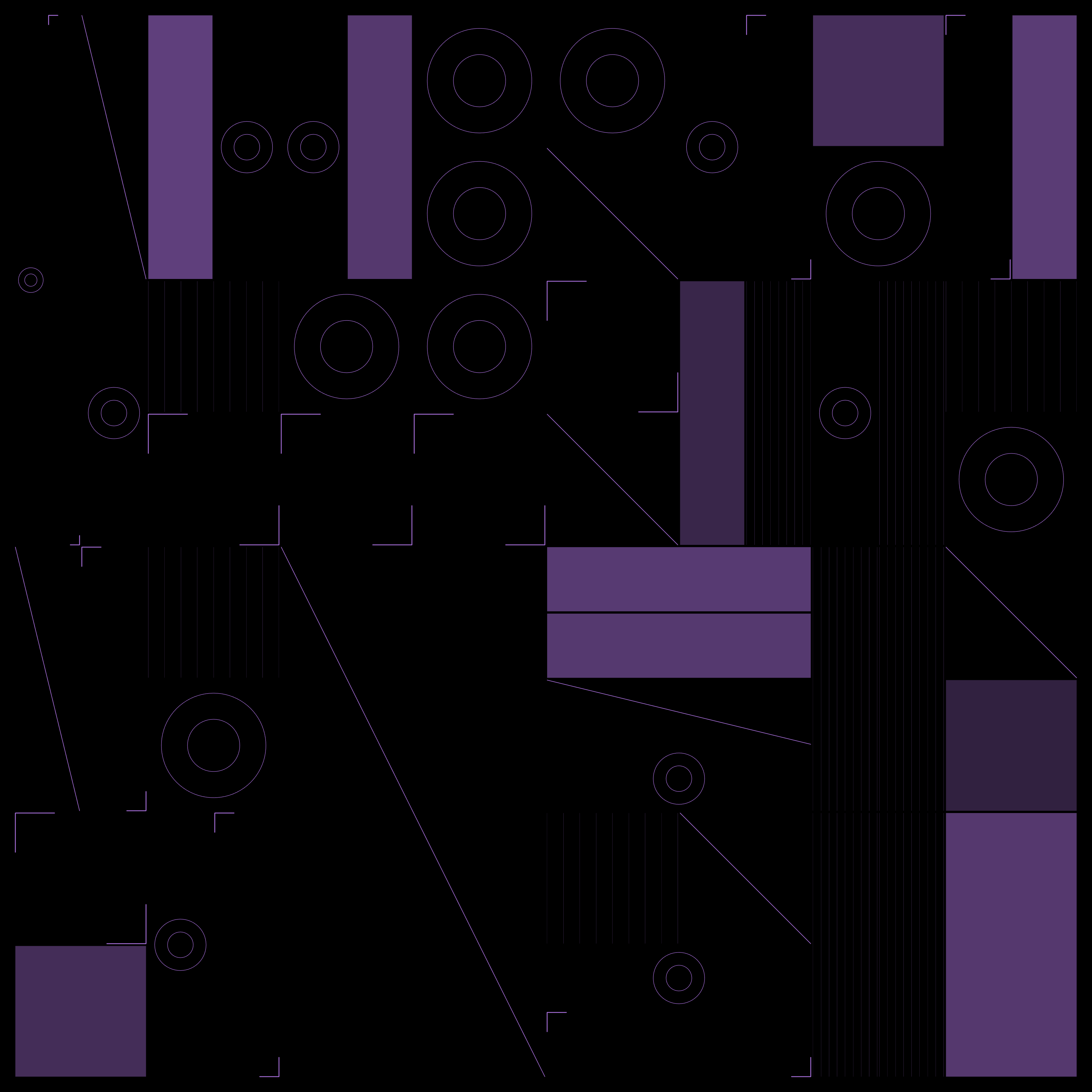
5-TopographyDots.png
6-HypercubeCircles.png
🎹 Inspiration
The name Spectral Violet refers to the post-spectralist movement in music — focusing on the properties of sound itself and the harmonic series. Much like a complex chord being broken down into its constituent frequencies, this theme breaks down the violet spectrum into a functional, cohesive workspace.
🙏 Acknowledgements
Special thanks to @bjarneo for creating the incredible Aether tool, which made the initial creation of this theme possible.
Created with <3 by shmall.