color palette
#17121f
#ded3e8
#d4af37
#f4ead6
#2e2340
#f4ead6
#17121f
#e8536f
#7fb37a
#e8c46a
#7d8ce8
#b57edc
#5fa8b8
#ded3e8
#574569
#ff5c78
#9ccf96
#f6d98a
#9aa8ff
#cb9bf0
#7fc6d6
#f4ead6
preview
readme
Sovereign for Omarchy
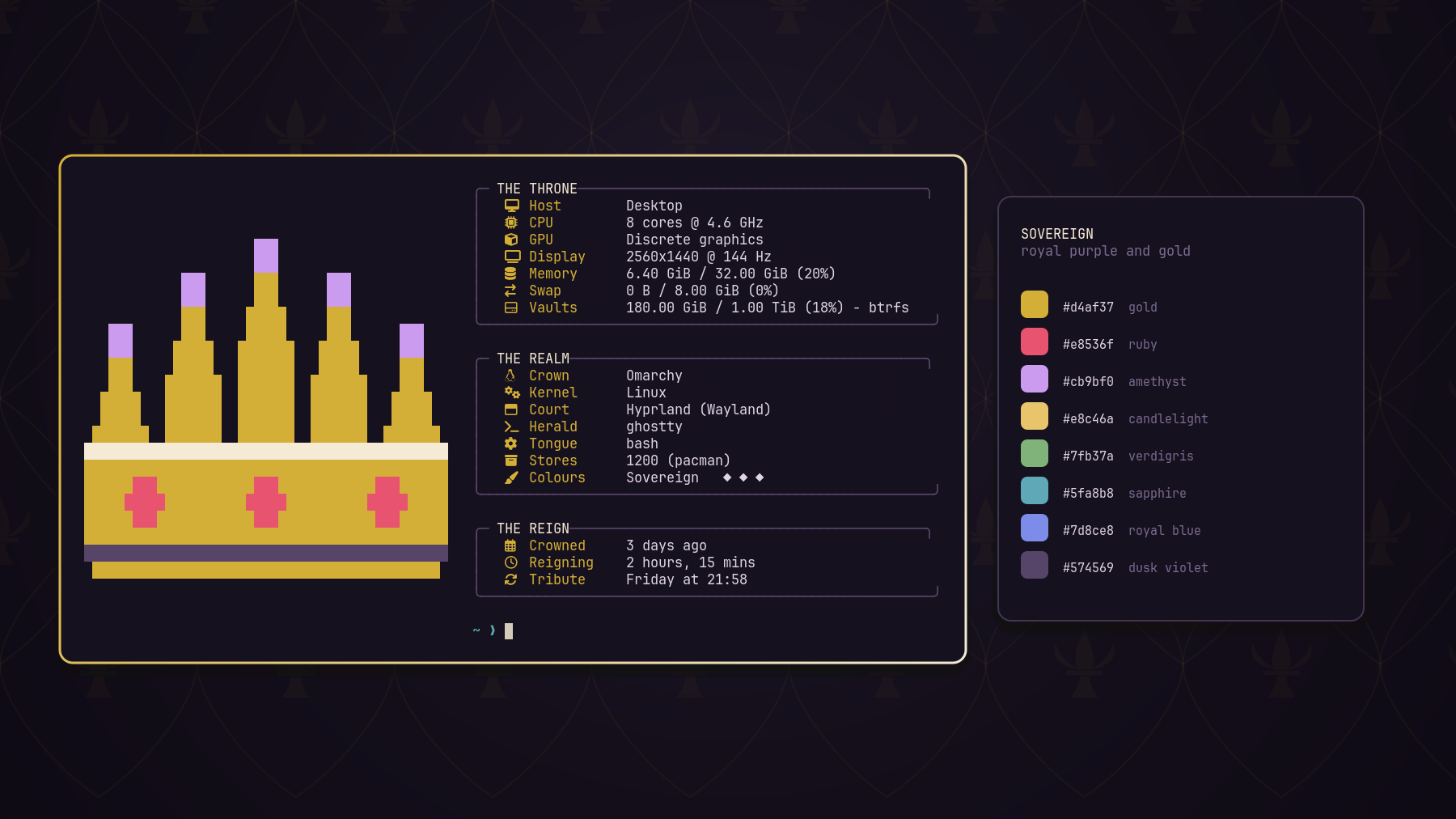
A dark Omarchy theme: a deep purple ground with a gold accent, ruby and amethyst. It was made to go with the king rice: under it the pixel crown renders in gold, with ruby gems on the band and amethysts on the spikes.
Install
omarchy theme install https://github.com/YassineSawahi/omarchy-sovereign-themeCycle the wallpapers with omarchy theme bg next.
Wallpapers
 |  |
 |  |
 |
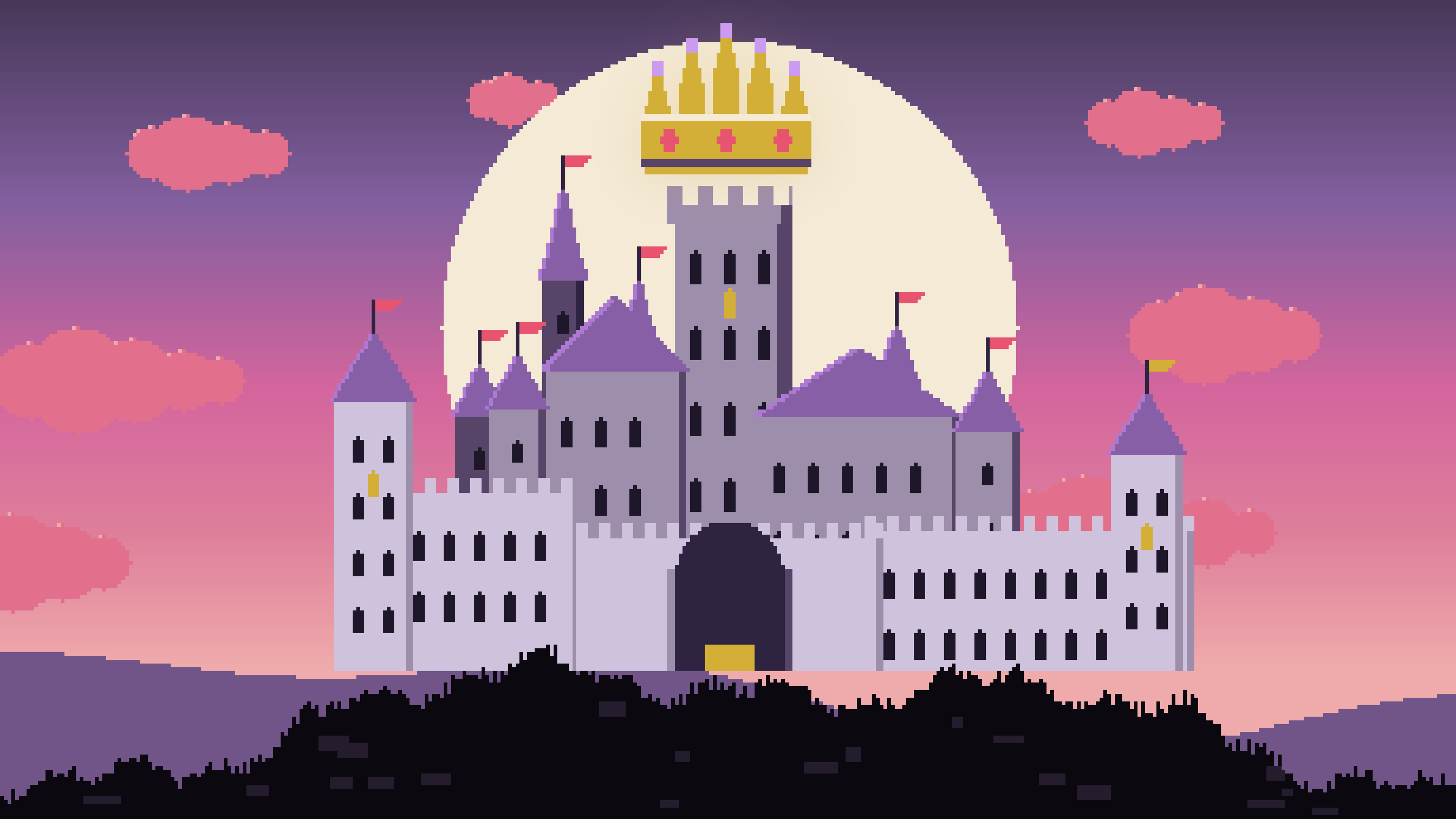
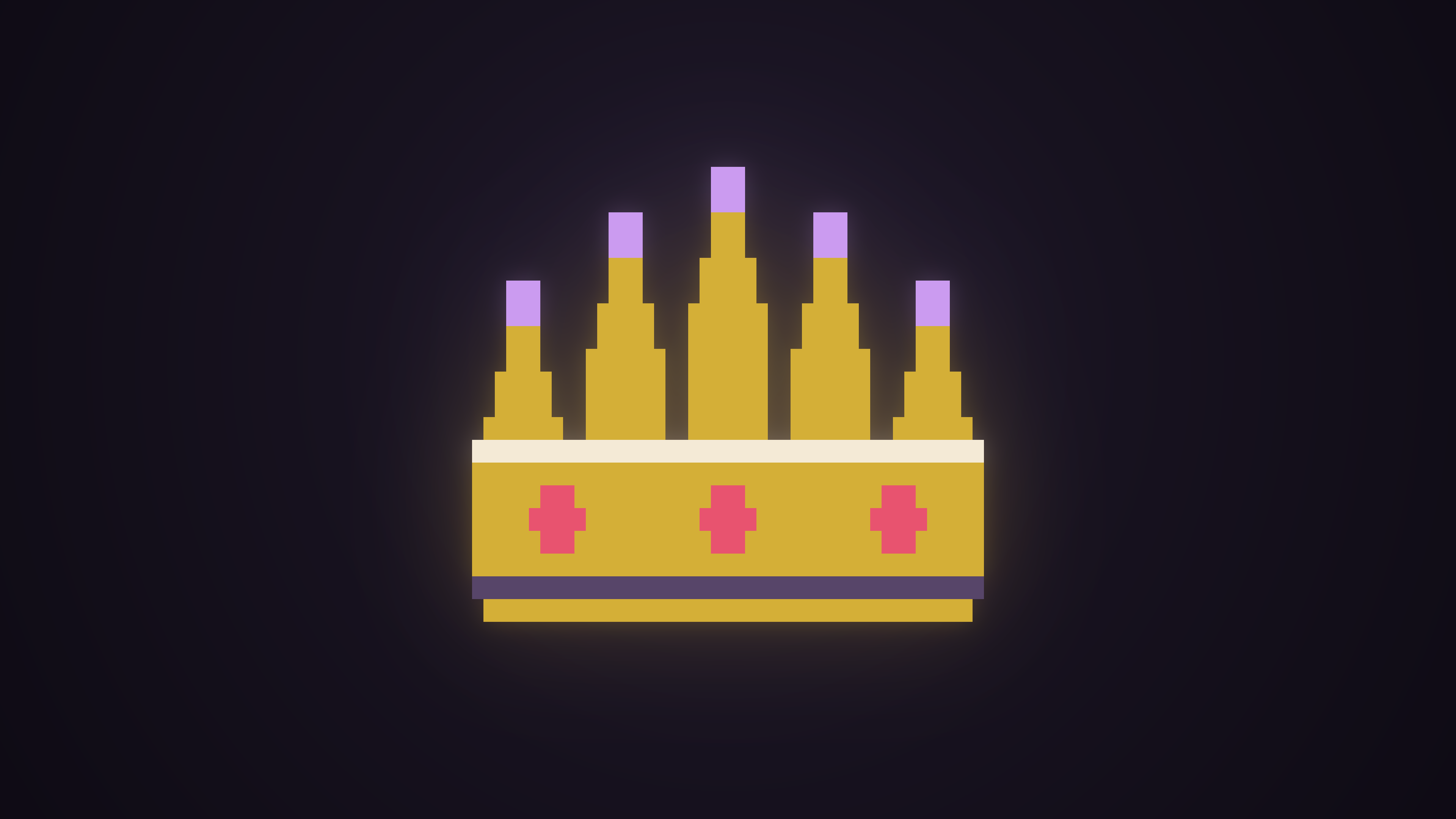
Every wallpaper (a castle, regalia, damask, velvet and heraldry) is drawn by a script from the theme's own colours, so the art sits inside the palette instead of next to it.
Palette
Every colour reads at 4.5:1 or better against the background, except brown (3.7:1) and the muted grey (2.2:1), which is meant for de-emphasised text.
| Slot | Value | Contrast |
|---|---|---|
| background | #17121f | |
| foreground | #ded3e8 | 12.77 |
| accent | #d4af37 | 8.74 |
| red | #e8536f | 5.16 |
| orange | #e08a4a | 6.92 |
| yellow | #e8c46a | 10.97 |
| green | #7fb37a | 7.55 |
| cyan | #5fa8b8 | 6.81 |
| blue | #7d8ce8 | 5.94 |
| magenta | #b57edc | 6.11 |
| brown | #8a6a48 | 3.71 |
| bright red | #ff5c78 | 6.17 |
| bright yellow | #f6d98a | 13.31 |
| bright green | #9ccf96 | 10.31 |
| bright cyan | #7fc6d6 | 9.58 |
| bright blue | #9aa8ff | 8.24 |
| bright magenta | #cb9bf0 | 8.30 |
| muted | #574569 | 2.15 |
| selection | #2e2340 | text on it 10.2 |
Focused windows get a gold-to-ivory border. Icons are Yaru-purple.
How it works
This repo is only files: a palette, the wallpapers and a few images. Omarchy does the rest, on your PC. Nothing runs and nothing goes over the network once it's cloned.
omarchy theme installclones the repo into~/.config/omarchy/themes/sovereignand switches to it.- Switching copies the theme into
~/.local/state/omarchy/current/themeand renders every app's config (terminals, Hyprland, Neovim, btop, VS Code, the bar) fromcolors.tomlthrough Omarchy's own templates. The theme ships no app configs of its own. icons.themenames the icon theme,Yaru-purple, which Omarchy sets for GTK apps.backgrounds/holds the wallpapers.omarchy theme bg nextcycles through them.preview.pngis what Omarchy's theme picker shows.unlock.pngis the logo for the boot screen where you type your disk password, andpreview-unlock.pngits preview. They're only used if you pick Sovereign under Omarchy menu → Appearance → Unlock, which asks for your password because the boot screen is system-wide.
License
MIT. The wallpapers are original, drawn by a script from the palette.