color palette
#090d16
#f8fafc
#529eea
#e09163
#529eea
#090d16
#0f172a
#ef4444
#10b981
#f59e0b
#529eea
#e09163
#06b6d4
#e2e8f0
#334155
#f87171
#34d399
#fbbf24
#529eea
#e09163
#67e8f9
#ffffff
preview
readme
Shinsekai (新世界) — Dynamic Anime Aesthetic Theme for Omarchy
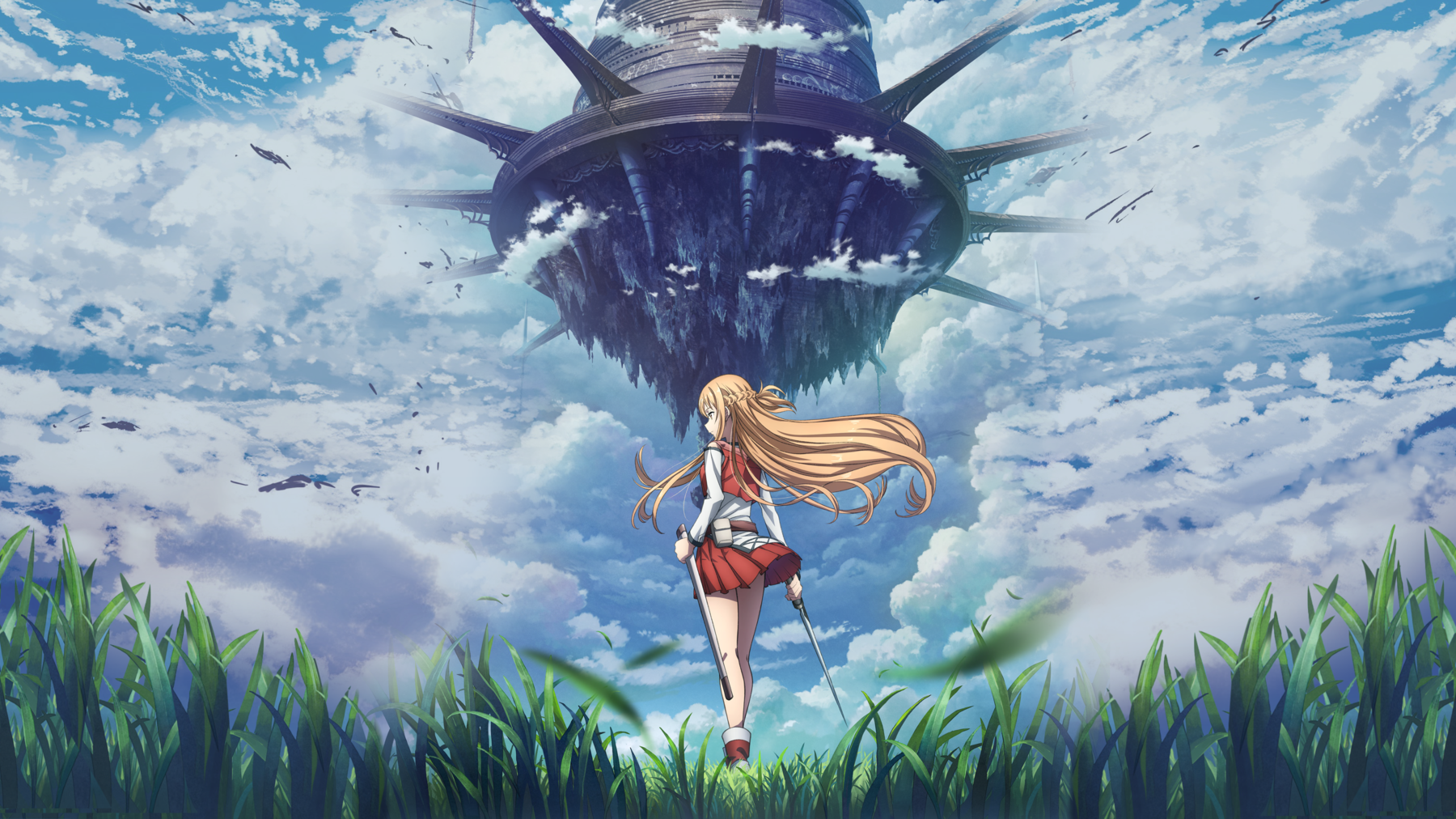
新世界 (Shinsekai) — "New Worlds"
A curated anime visual theme for Omarchy Linux & Hyprland featuring 12 default 4K & 8K anime landscapes, celestial skies, and character art with Real-Time Dynamic Color Adaptation, a built-in CLI Wallpaper Manager, and Trash Recovery (Undo).

-purple?style=for-the-badge)



Table of Contents
- Overview
- Key Features
- Wallpaper Gallery (12 Default Masterpieces)
- Wallpaper Manager CLI (
shin-bg) - Trash Recovery & Undo System
- How Dynamic Theming Works
- Luminance & Readability Guard
- Terminal Download & Installation Guide
- Keyboard Shortcuts
- Included App Styles
- Project File Structure
- License
Overview
Shinsekai (新世界) brings together iconic anime universes into a single, cohesive desktop experience.
From vast open meadows and Lake Itomori sunsets to celestial snow peaks, wisteria mountain trails, neon moonlit skylines, and striking character art, each wallpaper brings a distinct atmosphere.
Powered by a custom Hue-Clustered Dynamic Color Engine, your entire system—window borders, top bar, browser accents, terminal syntax, launcher, and notifications—automatically adapts in real-time to match whichever wallpaper you choose.
Users can freely add as many custom 4K wallpapers as they want ([01-N]) using the built-in shin-bg CLI tool.
Key Features
- Real-Time Dynamic Color Adaptation:
- Automatically extracts dominant color palettes and gradient pairs on wallpaper change.
- Live reloads Hyprland window borders, Walker launcher, SwayOSD, and top bar in a single frame.
- Retints Brave/Chromium browser theme and terminal syntax instantly.
- Dynamic Lock Screen Engine with Toggle:
- Frosted glass multi-pass blur and dynamic wallpaper accent glow on the lock screen.
- Turn dynamic lockscreen theming ON or OFF anytime with
shin-bg lock on/off.
- Day & Night Time-of-Day Auto-Cycling:
- Seamlessly transitions wallpapers across Day (07:00-17:00), Sunset (17:00-20:00), and Night (20:00-07:00).
- Smart manual selection pause: selecting a specific wallpaper automatically pauses auto-cycling. Toggle with
shin-bg auto on/off.
- Music-Reactive Audio Border Pulse:
- Low-overhead PipeWire audio stream tracker that pulses and smoothly rotates Hyprland window border gradients in sync with music/video playback. Toggle with
shin-bg pulse on/off.
- Low-overhead PipeWire audio stream tracker that pulses and smoothly rotates Hyprland window border gradients in sync with music/video playback. Toggle with
- CLI Wallpaper Manager & Quality Checker (
shin-bg):- Add, download, rename, quality-check (4K/8K resolution guard), and manage custom wallpapers directly from any terminal.
- Trash Recovery & Undo System:
- Accidental deletions are safely preserved in recovery trash; restore anytime with
shin-bg undoorshin-bg restore.
- Accidental deletions are safely preserved in recovery trash; restore anytime with
- Zero-Battery Kernel Inotify Engine:
- Event-driven background watcher uses pure Linux kernel inotify blocking (
0.00% CPU, 0 battery consumption).
- Event-driven background watcher uses pure Linux kernel inotify blocking (
- Luminance & Contrast Guard:
- Enforces minimum brightness (
v >= 0.88) on all dynamically extracted accent colors for 100% crisp terminal text readability.
- Enforces minimum brightness (
- 12 Curated 4K & 8K Visual Masterpieces (Expandable):
- High-definition art across iconic anime universes (Sword Art Online, Your Name, Genshin Impact, Frieren, Violet Evergarden, Studio Ghibli, Suzume, Weathering With You, Wuthering Waves, Cyberpunk Edgerunners, Demon Slayer, and Twilight Horizon).
- Silky Spring Animations:
- Snappy cubic-bezier physics transitions (
shinsekaiEase: 0.16, 1, 0.3, 1) for window popins and workspace sliding.
- Snappy cubic-bezier physics transitions (
Wallpaper Gallery (12 Default Masterpieces)
| 01. Sword Art Online — Asuna Sunlit Meadow (4K) | 02. Your Name — Mitsuha Lake Itomori Sunset (4K) |
|---|---|
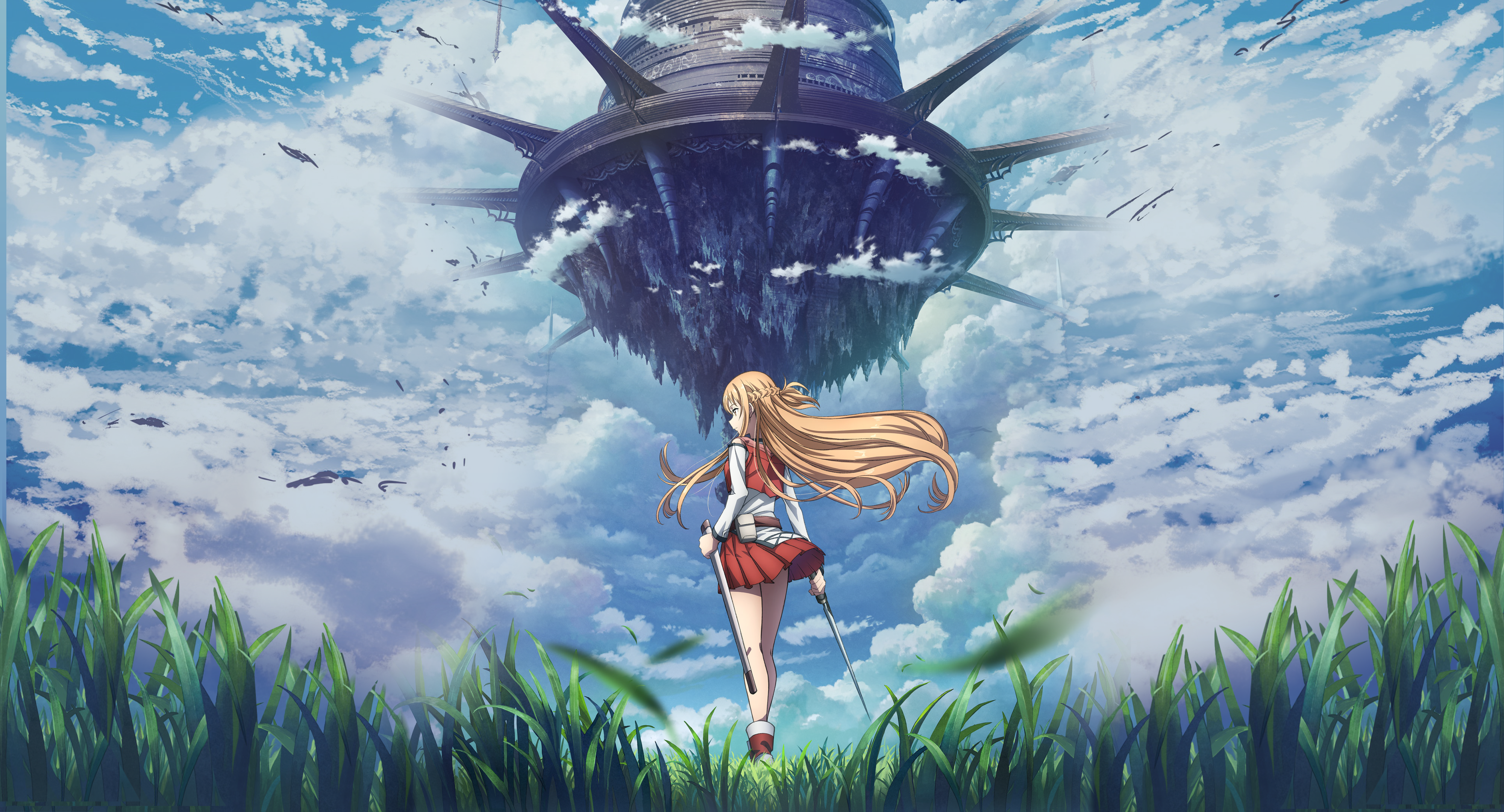 | 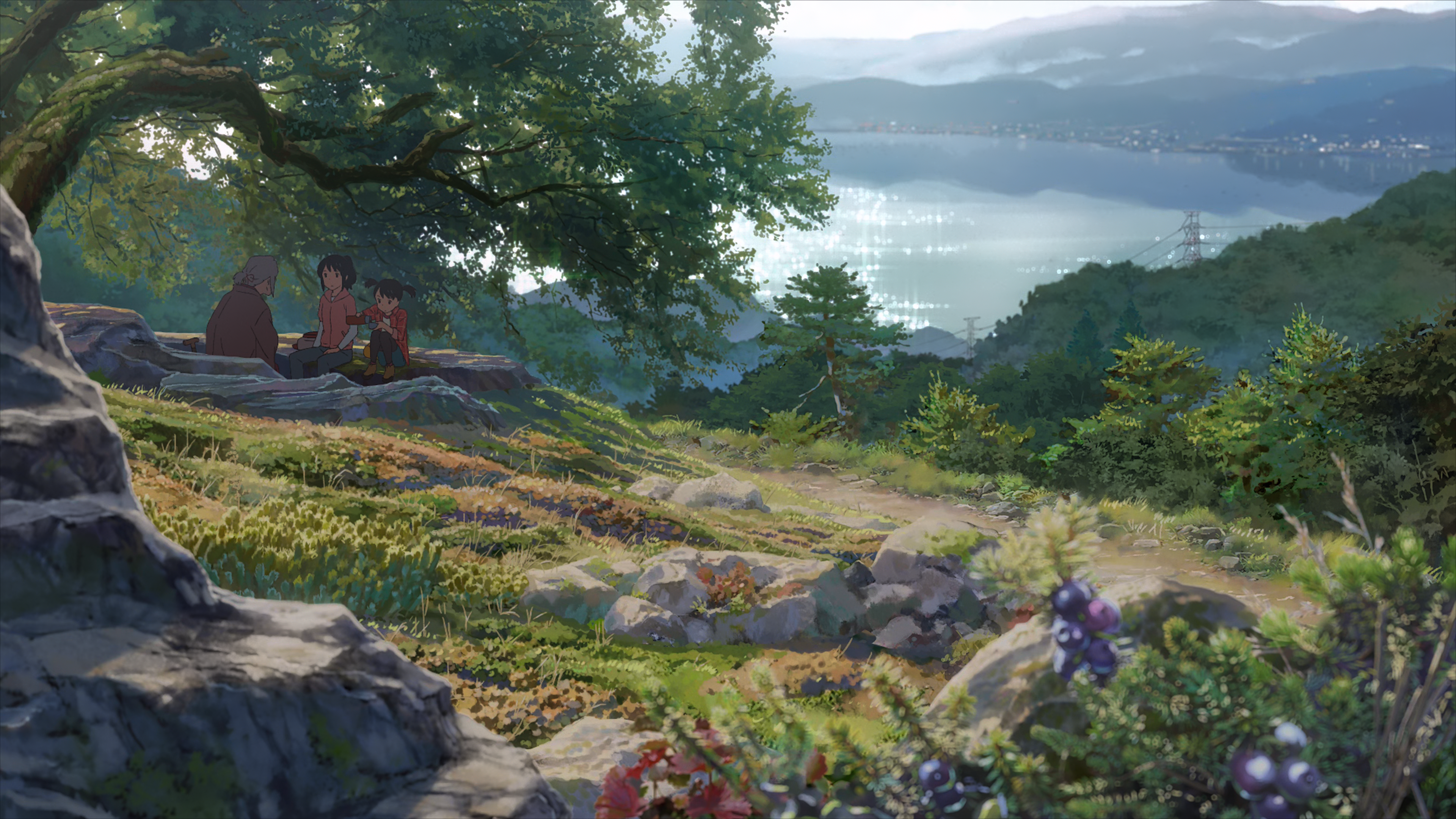 |
| 03. Genshin Impact — Columbina Celestial Snow (8K) | 04. Frieren — Blue Flower Field (4K) |
|---|---|
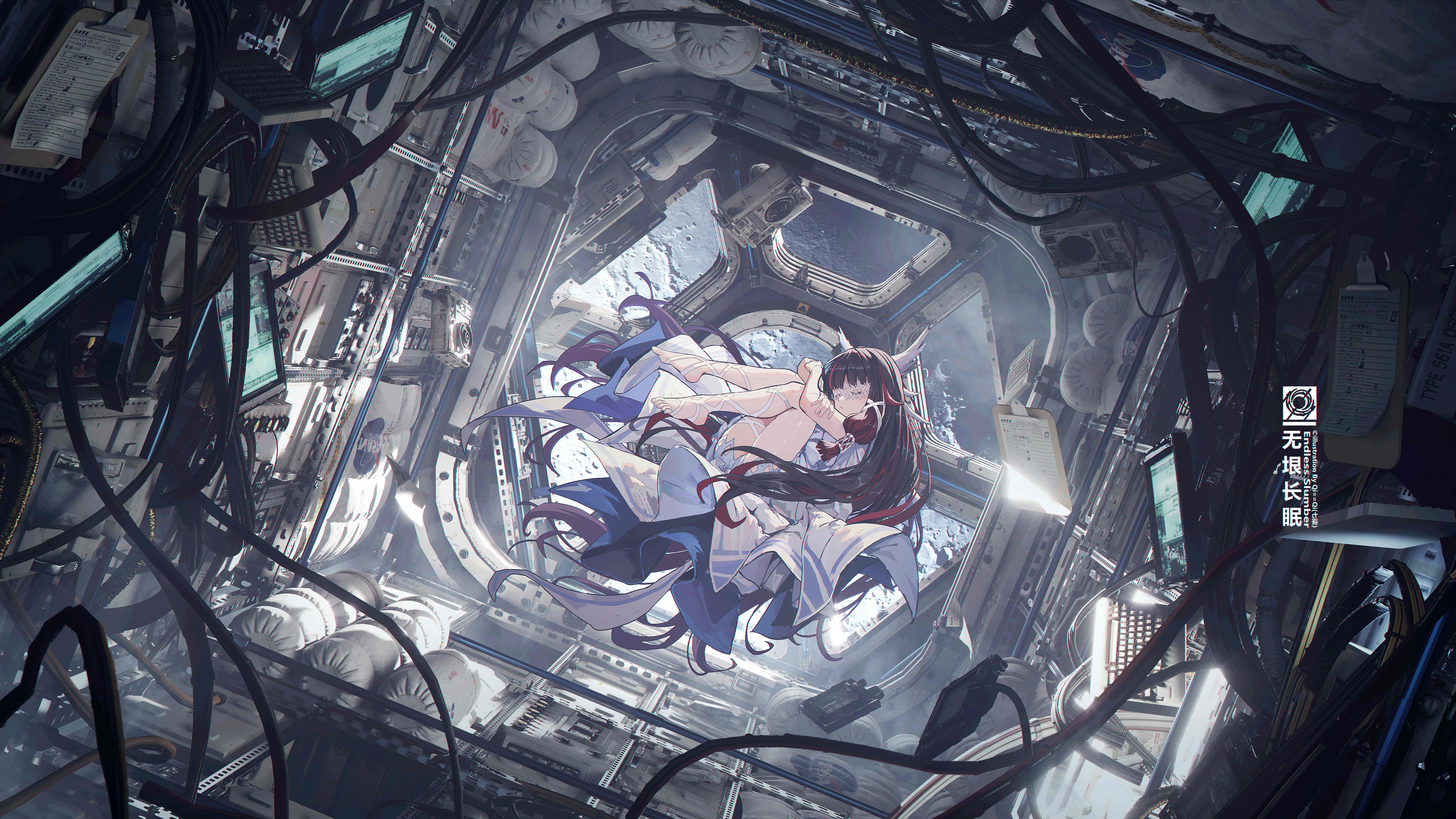 | 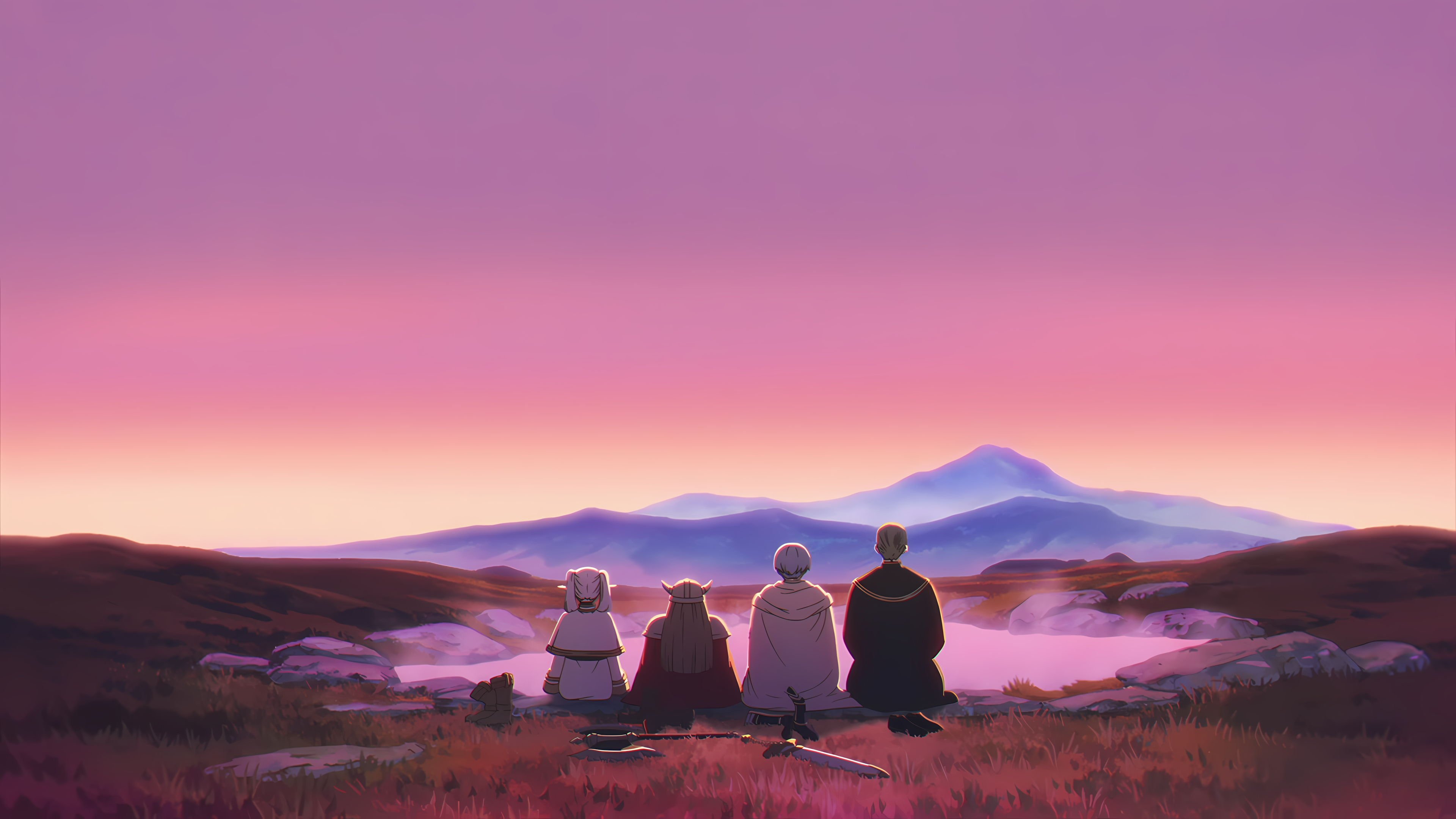 |
| 05. Violet Evergarden — Water Meadow (8K) | 06. Spirited Away — Sea Railway Train (4K) |
|---|---|
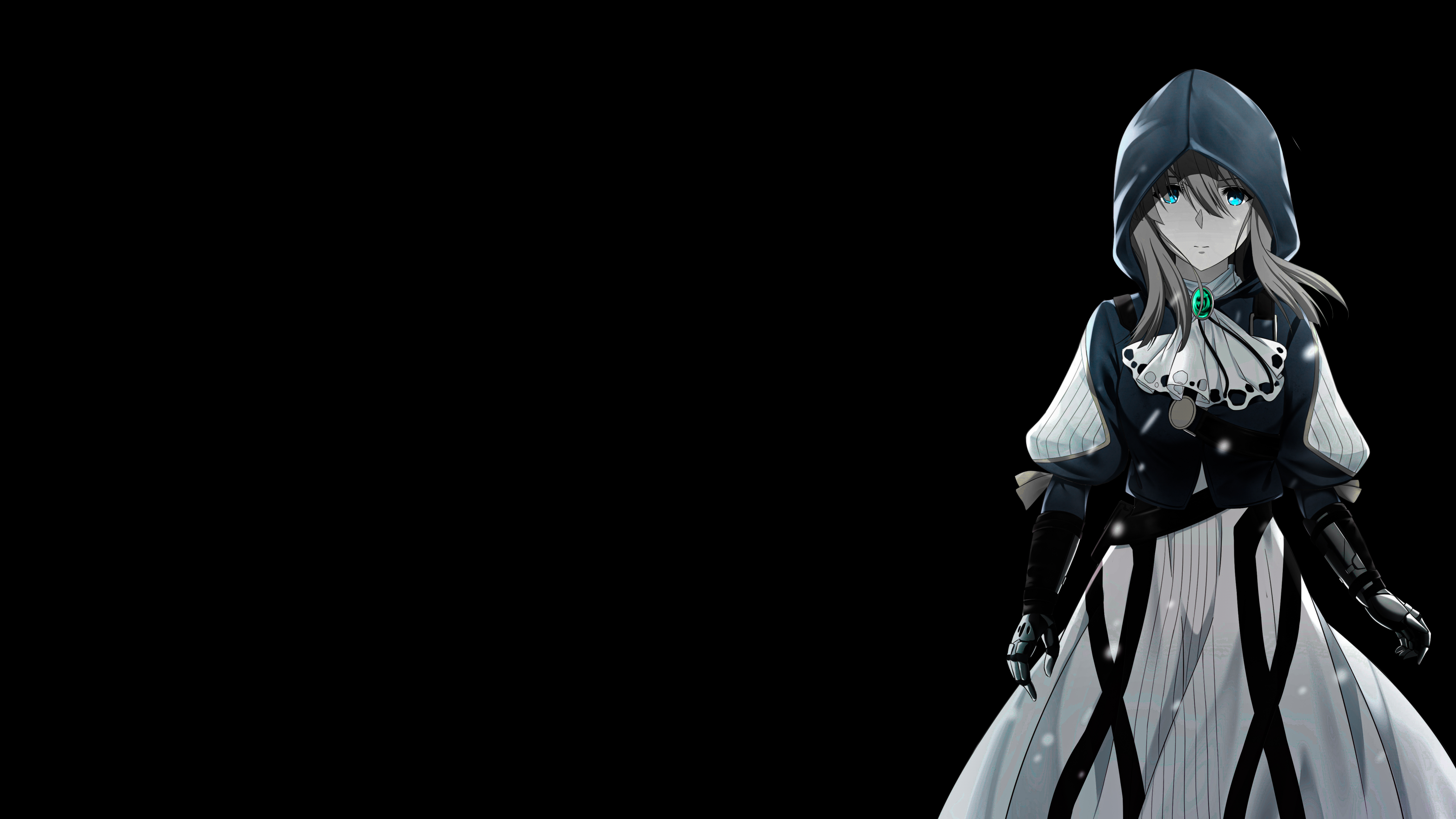 | 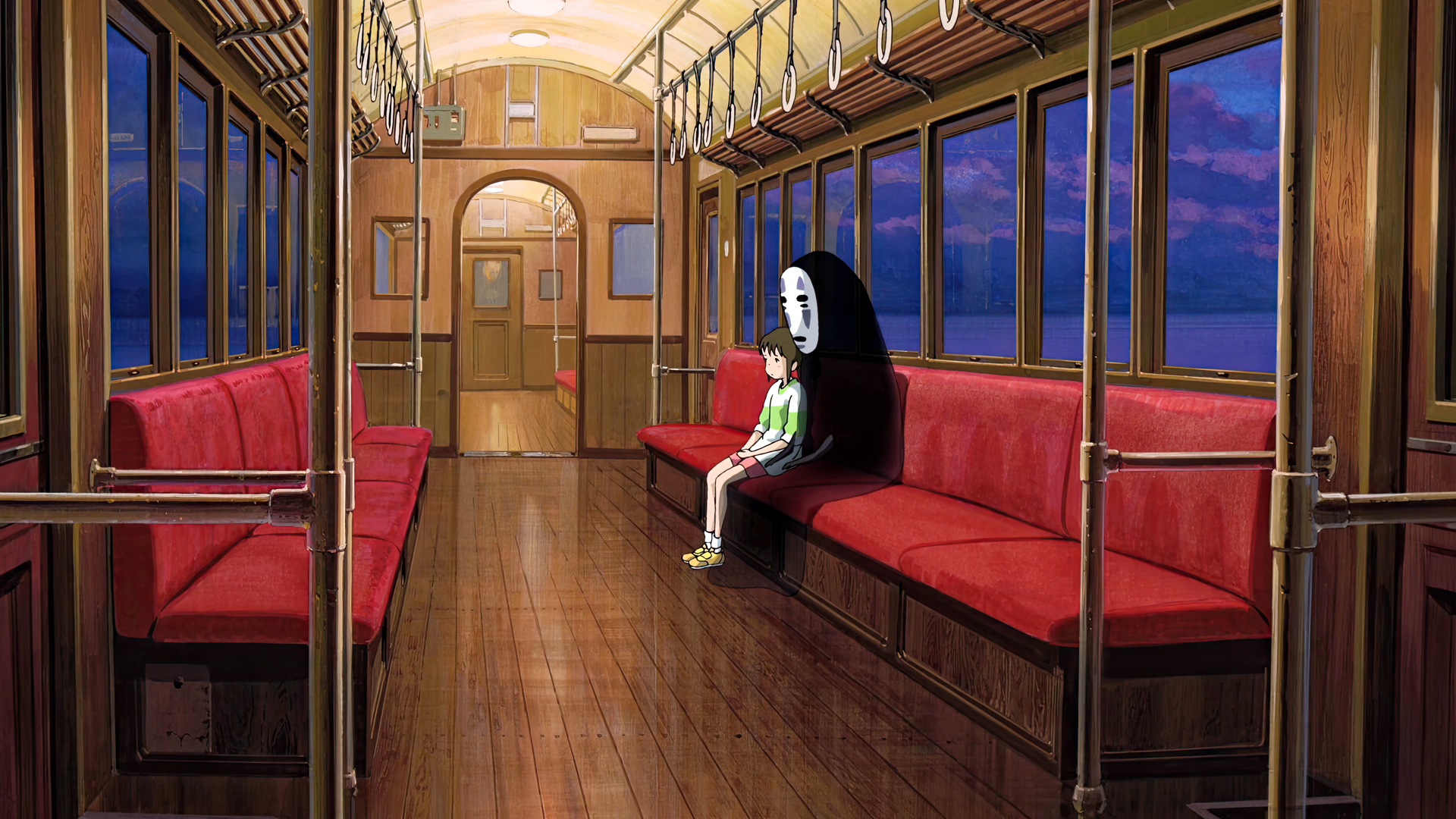 |
| 07. Suzume — Cosmic Starry Twilight (4K) | 08. Weathering With You — Sunshine Clouds (8K) |
|---|---|
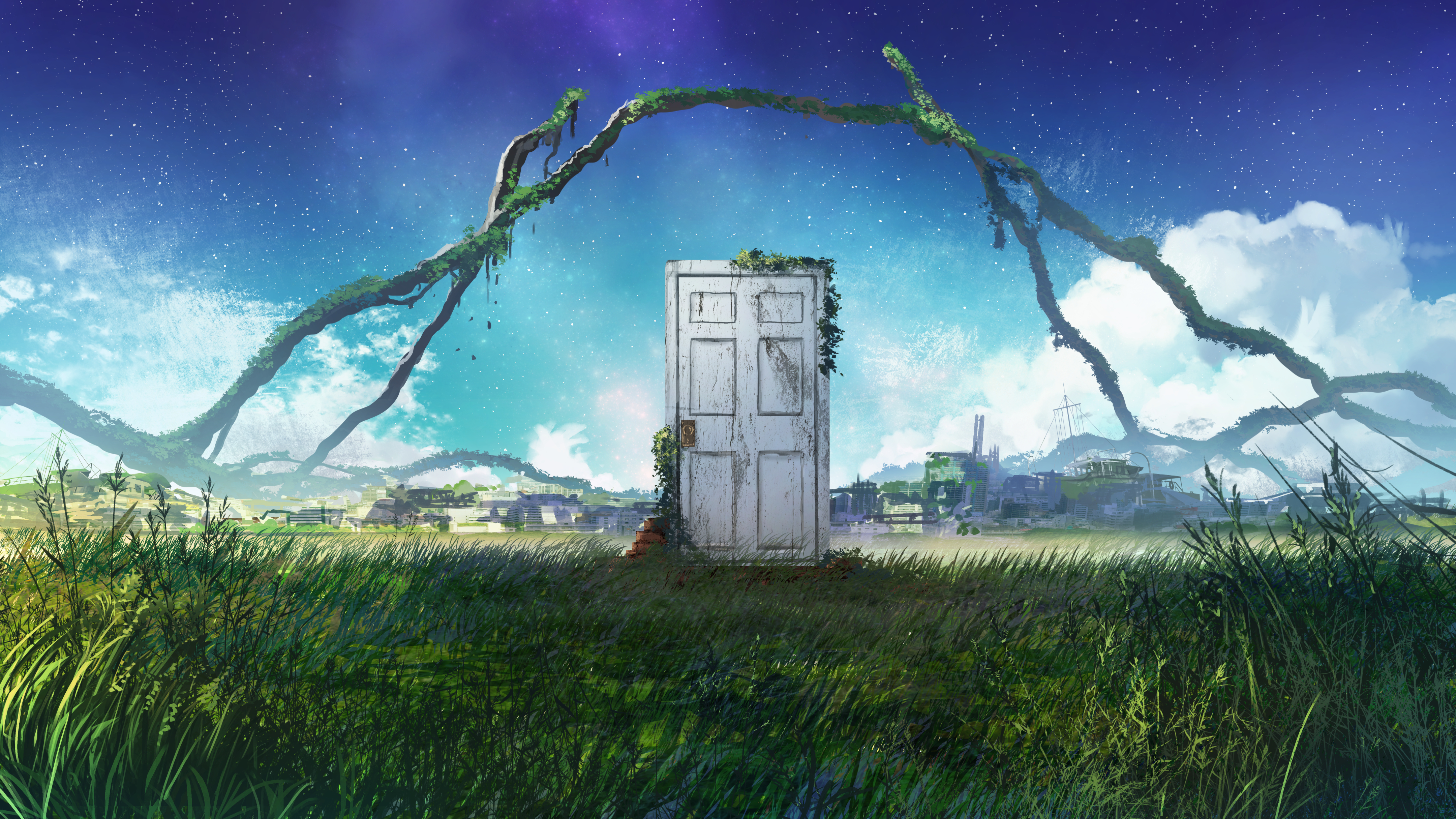 | 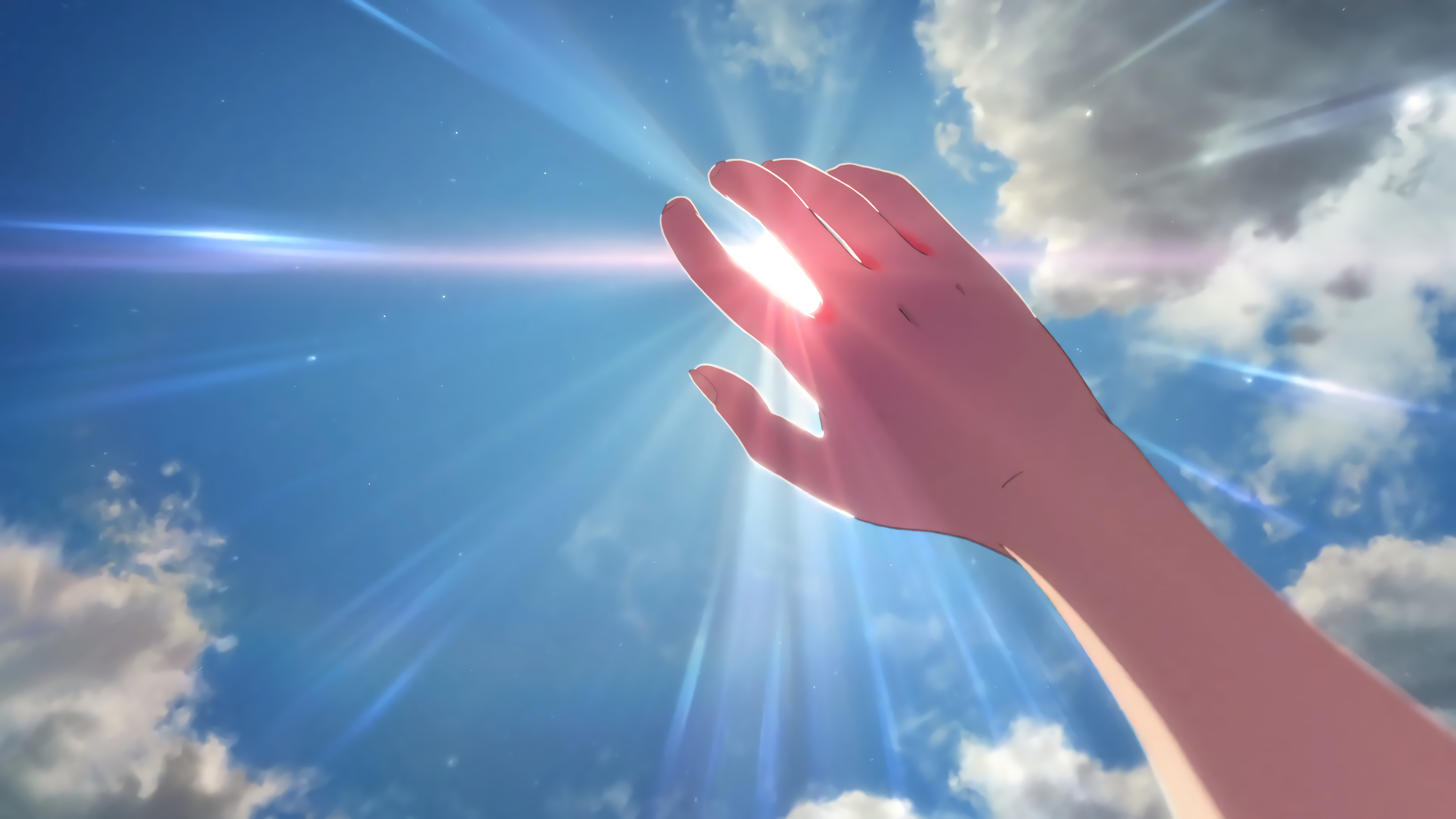 |
| 09. Wuthering Waves — Chisa's Crimson Reach (4K) | 10. Cyberpunk Edgerunners — Moon Skyline (5K) |
|---|---|
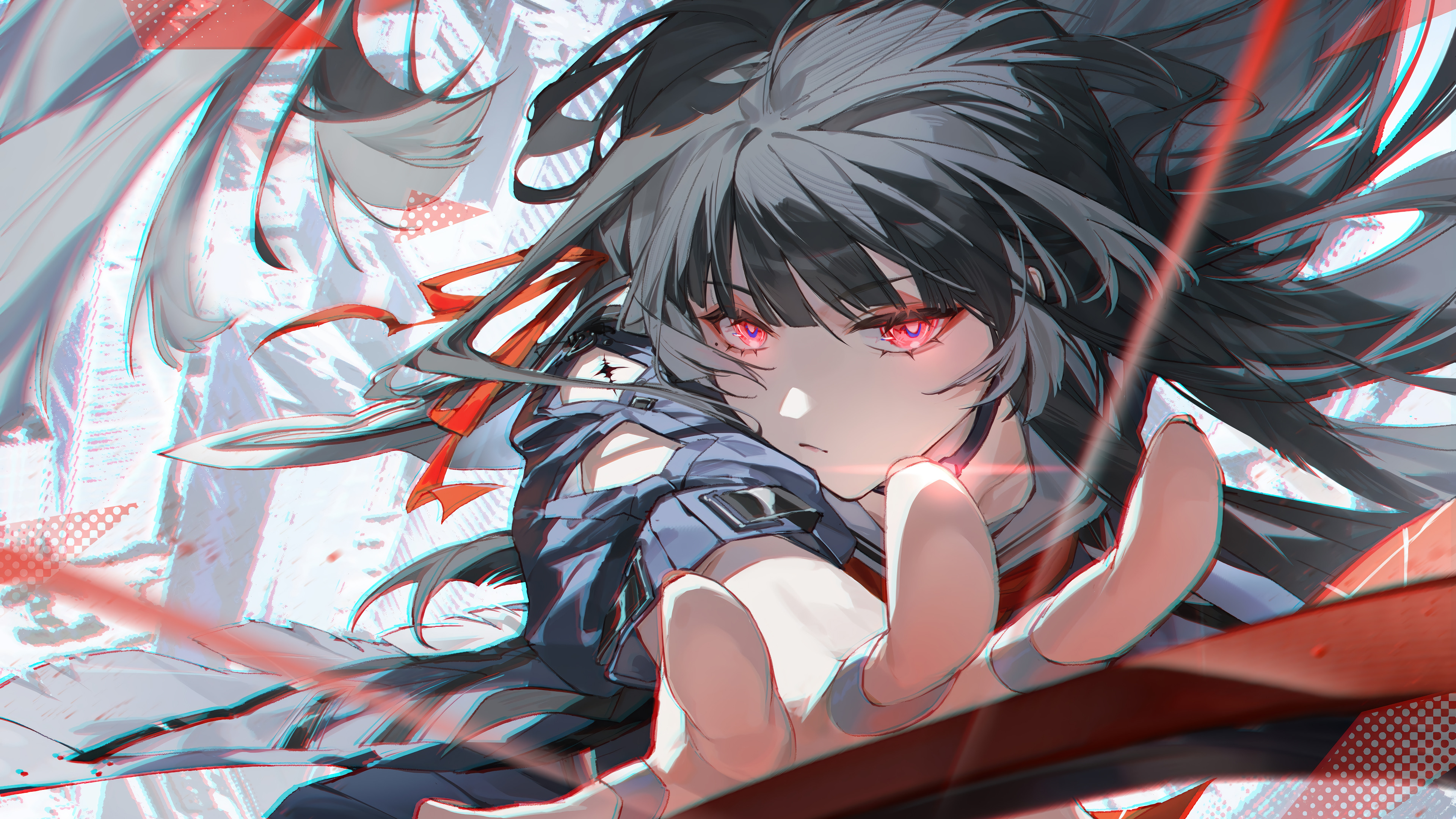 | 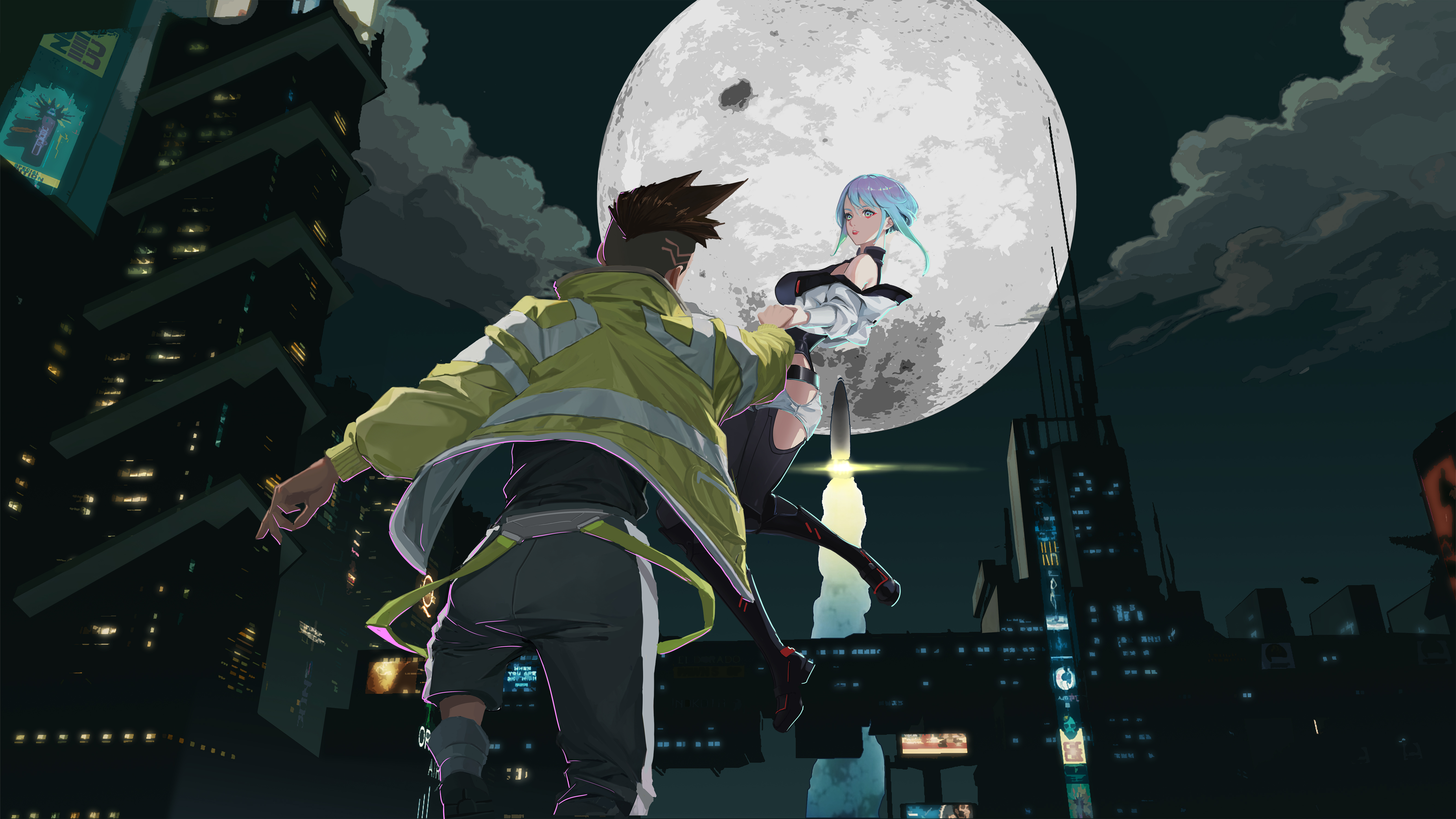 |
| 11. Demon Slayer — Wisteria Mountain (4K) | 12. Anime Scenery — Twilight Horizon (4K) |
|---|---|
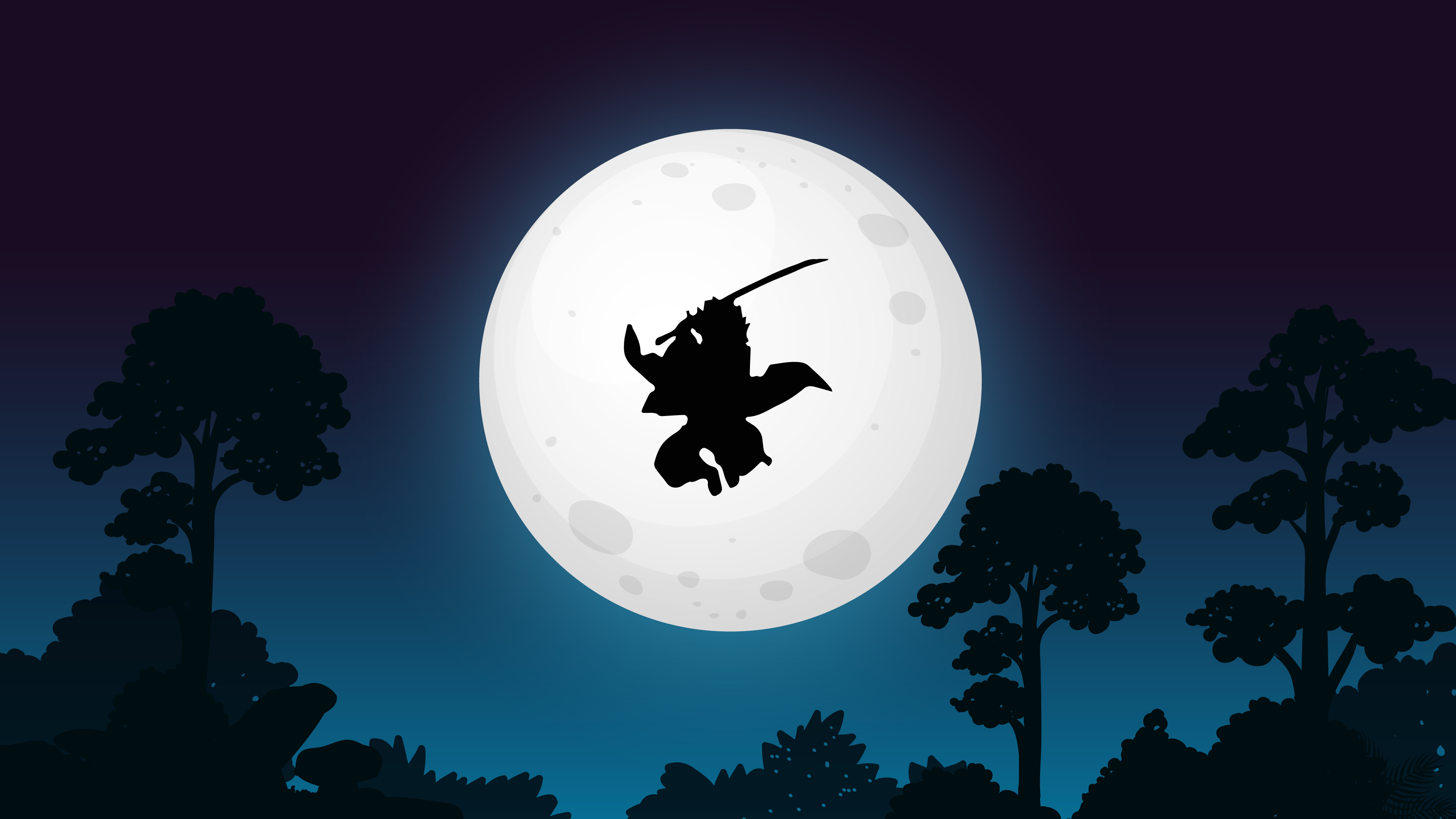 | 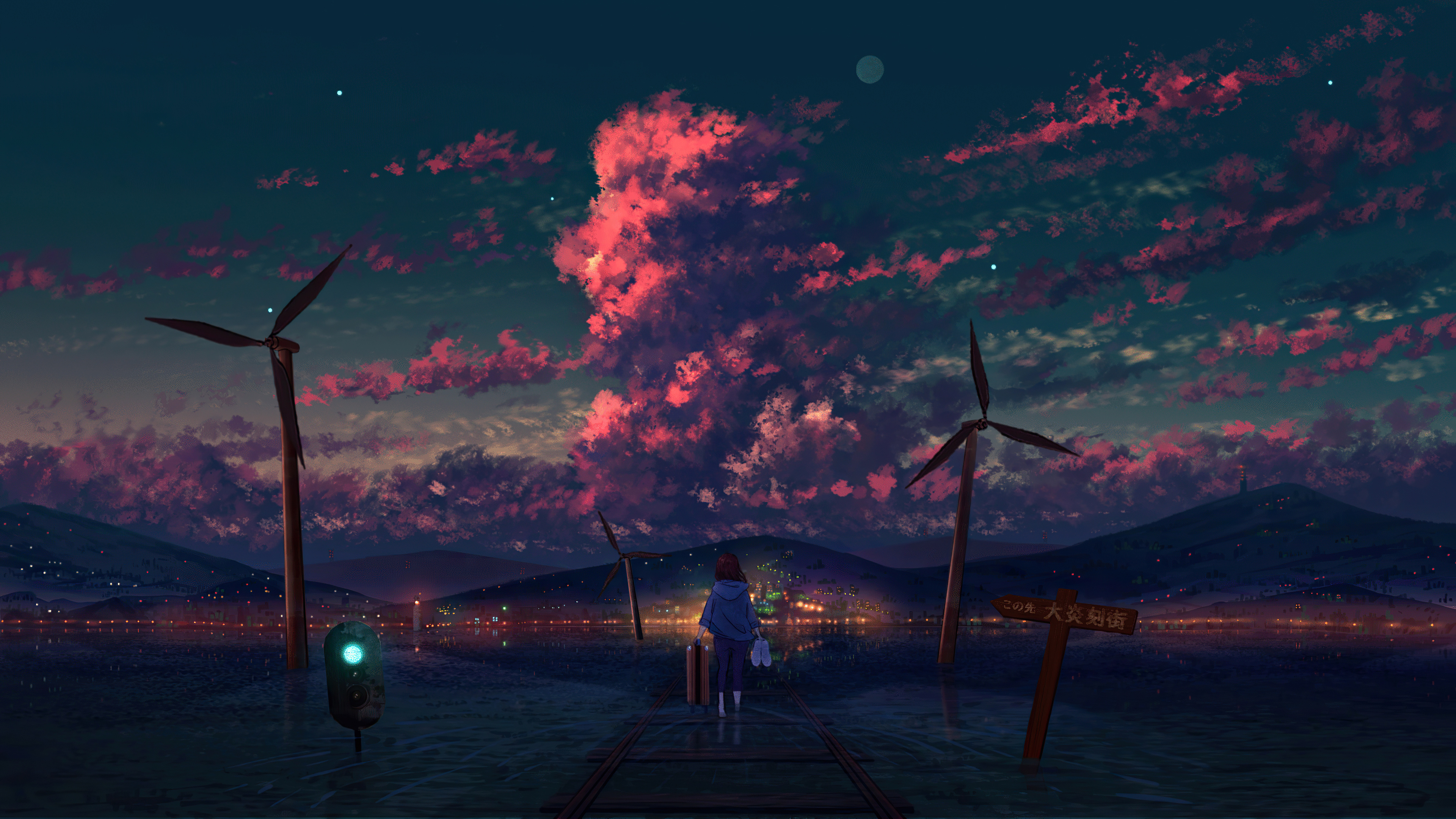 |
Wallpaper Manager CLI (shin / shin-bg)
Shinsekai includes a fast terminal CLI tool shin (or shin-bg) to download, inspect quality, toggle effects, and manage wallpapers from any terminal location (no cd required).
CLI Commands Reference
| Command | Action | Example |
|---|---|---|
shin (or shin-bg) | Open interactive manager with clipboard link detector | shin |
shin list | View all installed wallpapers with assigned numbers [01-N] | shin list |
shin set | Switch active wallpaper by number (auto-pauses cycling) | shin set 4 |
shin add [name] | Download 4K/8K wallpaper & auto-assign next number | shin add solo-leveling |
shin rename | Rename wallpaper while preserving index order | shin rename 13 lord-of-mysteries |
shin auto [on|off|status] | Toggle Day/Night time-of-day auto wallpaper transitions | shin auto on |
shin pulse [on|off|status] | Toggle music-reactive audio glowing window borders | shin pulse on |
shin lock [on|off|status] | Toggle dynamic lockscreen blur & accent border sync | shin lock off |
shin remove | Safely move wallpaper to recovery trash | shin remove 13 |
shin restore [number] | Undo / Restore deleted wallpaper | shin undo or shin restore 13 |
shin trash | View deleted wallpapers in recovery trash | shin trash |
shin update | Update Shinsekai theme & CLI to latest version from GitHub | shin update |
shin next | Cycle to next wallpaper | shin next |
shin current | Show currently active wallpaper | shin current |
Trash Recovery & Undo System
If you accidentally delete a wallpaper:
- Removed wallpapers are moved to
.trash/instead of permanent deletion. - Run
shin undoto immediately restore the last deleted wallpaper. - Or run
shin restoreto recover a specific wallpaper number.
Dynamic Lock Screen Engine & Toggle
Shinsekai integrates directly with both Omarchy's lock screen (omarchy-shell) and Hyprland's hyprlock:
- Frosted Acrylic Background: Multi-pass Gaussian blur (
passes = 3,size = 8,vibrancy = 0.90) rendered live over your current anime wallpaper. - Dynamic Glow Border: When active or typing, the password entry border pulses in the dominant accent color extracted from your current wallpaper.
- Toggle Mode Anytime:
# Enable dynamic wallpaper blur & glowing accent border
shin lock on

# Disable to use clean neutral minimal dark lockscreen
shin lock off

# Check current lockscreen dynamic state
shin lock status
Day & Night Time-of-Day Auto-Cycling
Shinsekai can automatically transition between anime atmospheres according to your local time:
- Day (07:00 – 17:00): Sunlit meadows, blue flower fields, open skies (Asuna, Frieren, Violet Evergarden, Weathering With You).
- Sunset (17:00 – 20:00): Golden hour horizons, lake sunsets, twilight vistas (Your Name Lake Itomori, Twilight Horizon, Sea Train).
- Night (20:00 – 07:00): Celestial skies, neon cityscapes, starry doors, moonlit skylines (Suzume, Edgerunners, Columbina, Wisteria Mountain).
# Enable auto-cycling
shin auto on

# Disable auto-cycling (keeps your current wallpaper)
shin auto off

# Check current time-slot and auto-cycle status
shin auto status
Smart Pause: Selecting any wallpaper manually via
shin setorSUPER + CTRL + SPACEautomatically pauses auto-cycling so your custom choice is never overwritten.
Music-Reactive Audio Border Pulse
Turn your window borders into a live audio visualizer:
- PipeWire Native Stream Tracking: Detects audio from YouTube, Spotify, VLC, browser tabs, or media players with zero lag.
- Dynamic Gradient Rotation: Window borders gently pulse and rotate their dual-tone 45° anime gradient in sync with playing audio.
- Zero-CPU Idle Sleep: Immediately halts when music/video stops, using 0.00% CPU during silence.
# Turn on audio-reactive window borders
shin pulse on

# Turn off audio-reactive borders (returns to static gradient)
shin pulse off

# Check status
shin pulse status
How Dynamic Theming Works
- Kernel Event Detection: A background service (
shinsekai-watcher.py) blocks in Linux kernelinotifysleep with 0.00% CPU / 0 battery draw. - Hue Clustering: Quantizes wallpaper into 12 distinct Hue sectors (30° bins) to aggregate color weight and identify the true dominant atmosphere of the artwork.
- Full-Desktop Broadcast:
- Triggers
omarchy-theme-setto update the top bar, Walker launcher, SwayOSD, and GTK apps. - Retints Brave/Chromium browser via policy JSON.
- Reloads Hyprland active border gradients in 1 frame.
- Triggers
Luminance & Readability Guard
To prevent dark or muted backgrounds from making terminal text and syntax highlighting dim:
- Locked Foreground: Pure starlight white (
#f8fafc) for base text. - Brightness Floor (
v >= 0.88): Automatically lifts dark tones into clear, luminous pastel/neon highlights. - Guaranteed WCAG Contrast: Eliminates unreadable command arguments across all wallpapers.
Terminal Download & Installation Guide
Method 1: Automated Installer (Fastest)
Run the one-line installer in your terminal:
omarchy theme install https://github.com/Madhukumar511/omarchy-shinsekai-theme.gitThen enable the background color sync daemon and CLI tool:
mkdir -p ~/.config/systemd/user ~/.local/bin
ln -nsf ~/.config/omarchy/themes/shinsekai/shinsekai-wallpaper ~/.local/bin/shin
ln -nsf ~/.config/omarchy/themes/shinsekai/shinsekai-wallpaper ~/.local/bin/shin-bg
ln -nsf ~/.config/omarchy/themes/shinsekai/shinsekai-wallpaper ~/.local/bin/shinsekai

cat << 'EOF' > ~/.config/systemd/user/shinsekai-dynamic.service
[Unit]
Description=Shinsekai Theme Dynamic Wallpaper Color Sync
After=graphical-session.target

[Service]
Type=simple
ExecStart=/usr/bin/python3 %h/.config/omarchy/themes/shinsekai/shinsekai-watcher.py
Restart=always
RestartSec=1

[Install]
WantedBy=default.target
EOF

systemctl --user daemon-reload
systemctl --user enable --now shinsekai-dynamic.service
Method 2: Manual Git Clone (Step-by-Step)
If you prefer cloning and setting up manually:
# 1. Clone repository to Omarchy themes directory
git clone https://github.com/Madhukumar511/omarchy-shinsekai-theme.git ~/.config/omarchy/themes/shinsekai

# 2. Activate theme in Omarchy
omarchy theme set shinsekai

# 3. Setup Wallpaper Manager CLI (shin)
mkdir -p ~/.local/bin
ln -nsf ~/.config/omarchy/themes/shinsekai/shinsekai-wallpaper ~/.local/bin/shin
ln -nsf ~/.config/omarchy/themes/shinsekai/shinsekai-wallpaper ~/.local/bin/shin-bg
ln -nsf ~/.config/omarchy/themes/shinsekai/shinsekai-wallpaper ~/.local/bin/shinsekai

# 4. Enable real-time dynamic background color service
mkdir -p ~/.config/systemd/user
cat << 'EOF' > ~/.config/systemd/user/shinsekai-dynamic.service
[Unit]
Description=Shinsekai Theme Dynamic Wallpaper Color Sync
After=graphical-session.target

[Service]
Type=simple
ExecStart=/usr/bin/python3 %h/.config/omarchy/themes/shinsekai/shinsekai-watcher.py
Restart=always
RestartSec=1

[Install]
WantedBy=default.target
EOF

systemctl --user daemon-reload
systemctl --user enable --now shinsekai-dynamic.service

# 5. Reload Hyprland
hyprctl reload
Method 3: Walker GUI Menu
- Copy the repository URL:
https://github.com/Madhukumar511/omarchy-shinsekai-theme.git - Open Walker launcher (
SUPER + ALT + SPACEorSUPER + SPACE). - Navigate: Install > Style > Theme.
- Paste the URL and press Enter.
Verifying & Switching Wallpapers
After installation, cycle through wallpapers and watch your entire desktop dynamically adapt in real-time:
# Cycle to next wallpaper
shin next

# List all wallpapers
shin list
Or press SUPER + CTRL + SPACE on your keyboard to open the visual thumbnail picker.
Keyboard Shortcuts
| Shortcut | Action |
|---|---|
SUPER + CTRL + SPACE | Interactive Wallpaper Switcher GUI |
SUPER + CTRL + L | Lock System (Frosted Glass & Dynamic Glow Border) |
SUPER + SHIFT + CTRL + SPACE | Theme Selector Menu |
SUPER + SPACE | Omarchy Root Menu |
SUPER + ALT + SPACE | Walker / Application Launcher |
SUPER + ENTER | Launch Terminal (frosted acrylic blur) |
Included App Styles
Shinsekai ships with complete styling templates for all major tools:
- Terminal & Shell:
starship.toml,fastfetch.jsonc,alacritty.toml,kitty.conf,btop.theme - Desktop Environment:
hyprland.lua,gtk.css,walker.css,mako.ini,swayosd.css,hyprlock.conf,shell.lock.toml,icons.theme(Yaru-blue-dark) - Code Editors & Apps:
vscode.json,neovim.lua,obsidian.css,vencord.theme.css(Discord),zed.json
Project File Structure
~/.config/omarchy/themes/shinsekai/
├── backgrounds/                # 12+ Default 4K/8K Anime Wallpapers (Expandable to [01-N])
├── .trash/                     # Wallpaper Recovery Trash for Undo
├── shinsekai-wallpaper        # Custom Wallpaper Downloader & CLI Manager (shin-bg)
├── dynamic-theme.py           # Hue-Clustering Dynamic Color Extractor & System Sync
├── shinsekai-watcher.py       # Zero-CPU Linux Kernel Inotify Background Daemon
├── shinsekai-pulse.py         # PipeWire Music-Reactive Dynamic Border Visualizer
├── shinsekai-daemon.sh        # Standalone Bash Watcher
├── colors.toml                # Active Dynamic Palette
├── hyprland.lua               # Hyprland Window Borders, Blur & Animations
├── hyprlock.conf              # Dynamic Hyprlock Lockscreen Styling
├── shell.lock.toml            # Omarchy Quickshell Dynamic Lockscreen Styling
├── chromium.theme             # Brave / Chromium RGB Accent Theme
├── fastfetch.jsonc            # Anime System Info Configuration
├── starship.toml              # Shell Prompt Styling
├── alacritty.toml             # Alacritty Terminal Theme
├── kitty.conf                 # Kitty Terminal Theme
├── btop.theme                 # System Monitor Theme
├── icons.theme                # System Icon Set (Yaru-blue-dark)
├── preview.png                # Theme Selector Preview Banner
├── preview-unlock.png         # Hyprlock Lockscreen Preview
├── unlock.png                 # Lockscreen Asset
└── README.md                  # Theme Documentation
License
Released under the MIT License. Free to use, modify, and distribute.
Artwork & Wallpaper Attribution
All wallpapers curated in this repository belong to their respective original artists and animation studios (including CoMix Wave Films, Kyoto Animation, Studio Ghibli, Wit Studio, Ufotable, Trigger, etc.). They are included under non-commercial fair use for personal desktop customization. If you are an artist and wish to have your artwork specifically credited, linked, or removed, please open an issue and it will be handled promptly.