color palette
background
#191724
foreground
#e0def4
accent
#ebbcba
preview
~/rose-pine-dark
┌──────────────────────Hardware──────────────────────┐
PC: omarchy-host
│ ├: x86_64 (8 cores) @ 4.00 GHz
│ ├: Integrated Graphics
│ ├: 1920x1080 @ 60 Hz
│ ├: 120 / 500 GiB (24%)
│ ├: 8 / 16 GiB (50%)
└ └ : 0 / 4 GiB (0%)
└────────────────────────────────────────────────────┘
┌──────────────────────Software──────────────────────┐
OS: Omarchy 3.6.0
│ ├: master
│ ├: stable
│ ├: linux-arch
│ ├: Hyprland (Wayland)
│ ├: ghostty
│ ├: 1024 (pacman)
│ ├: Rose Pine Dark ●●●●●●●●
└ └: JetBrainsMono Nerd Font (9pt)
└────────────────────────────────────────────────────┘
┌─────────────────Age / Uptime / Update───────────────┐
OS Age: 0 days
Uptime: 2 hours, 13 mins
Update: Today
└────────────────────────────────────────────────────┘
user@omarchy:~ $
readme
Rose Pine Dark theme for Omarchy
A dark (Rosé Pine Main) theme for Omarchy.
Note: Omarchy Quattro ships a built-in Rose Pine theme, which is the light
Dawn variant. This repo is the dark Main variant and installs as
rose-pine-dark, so the two can coexist.
Dark:
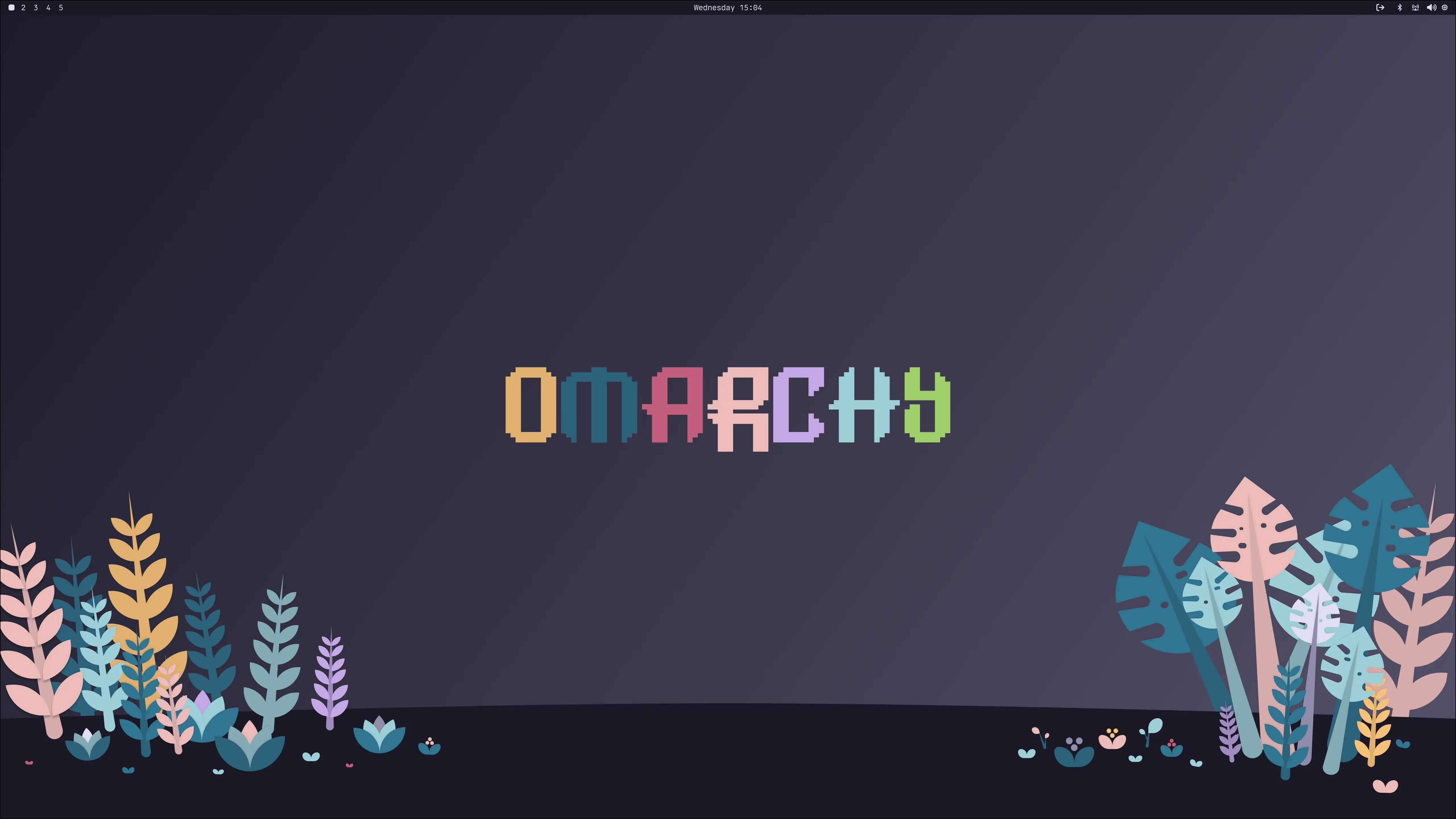
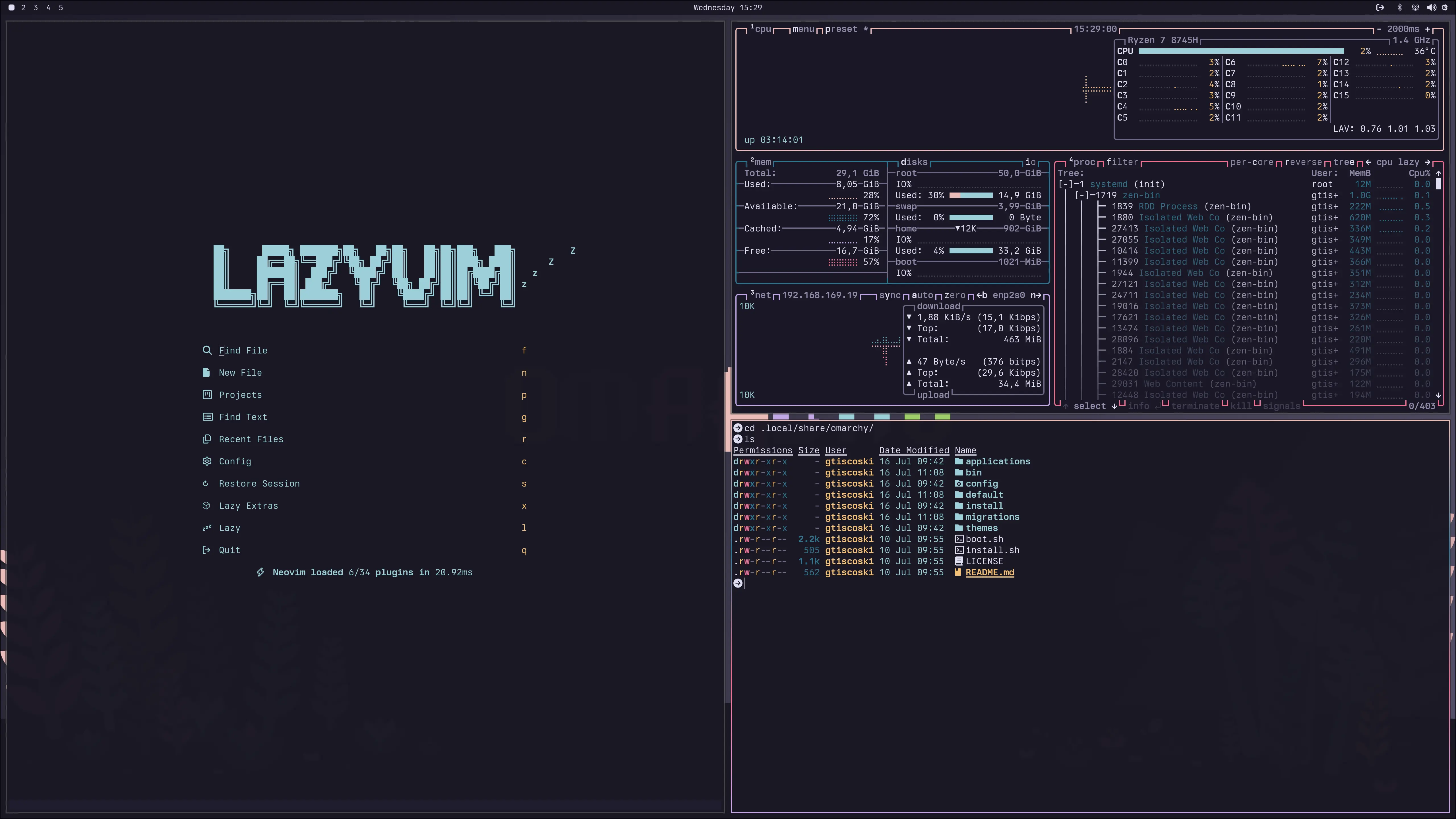
Color palette

Installation
omarchy theme install https://github.com/guilhermetk/omarchy-rose-pine-darkNote: themes installed from a git repo only apply colors — neovim.lua and
vscode.json are skipped by Omarchy and regenerated from colors.toml, so
the editor falls back to the generated theme until you copy those files
manually.