color palette
#f5efe3
#2a2833
#d40078
#16141b
#faec7d
#16141b
#f5efe3
#d91125
#007e45
#926400
#0072b5
#d40078
#007980
#2a2833
#948978
#f15060
#009f56
#b87f00
#0078bf
#ff2aa3
#00838a
#16141b
preview
readme
Riso for Omarchy
A light Omarchy theme: fluorescent pink and teal ink on warm newsprint, like a Risograph print. Every colour starts from a real Risograph ink and is darkened only as far as it needs to be readable on the paper; the raw inks live where nothing has to be read, in the window border and the wallpapers.
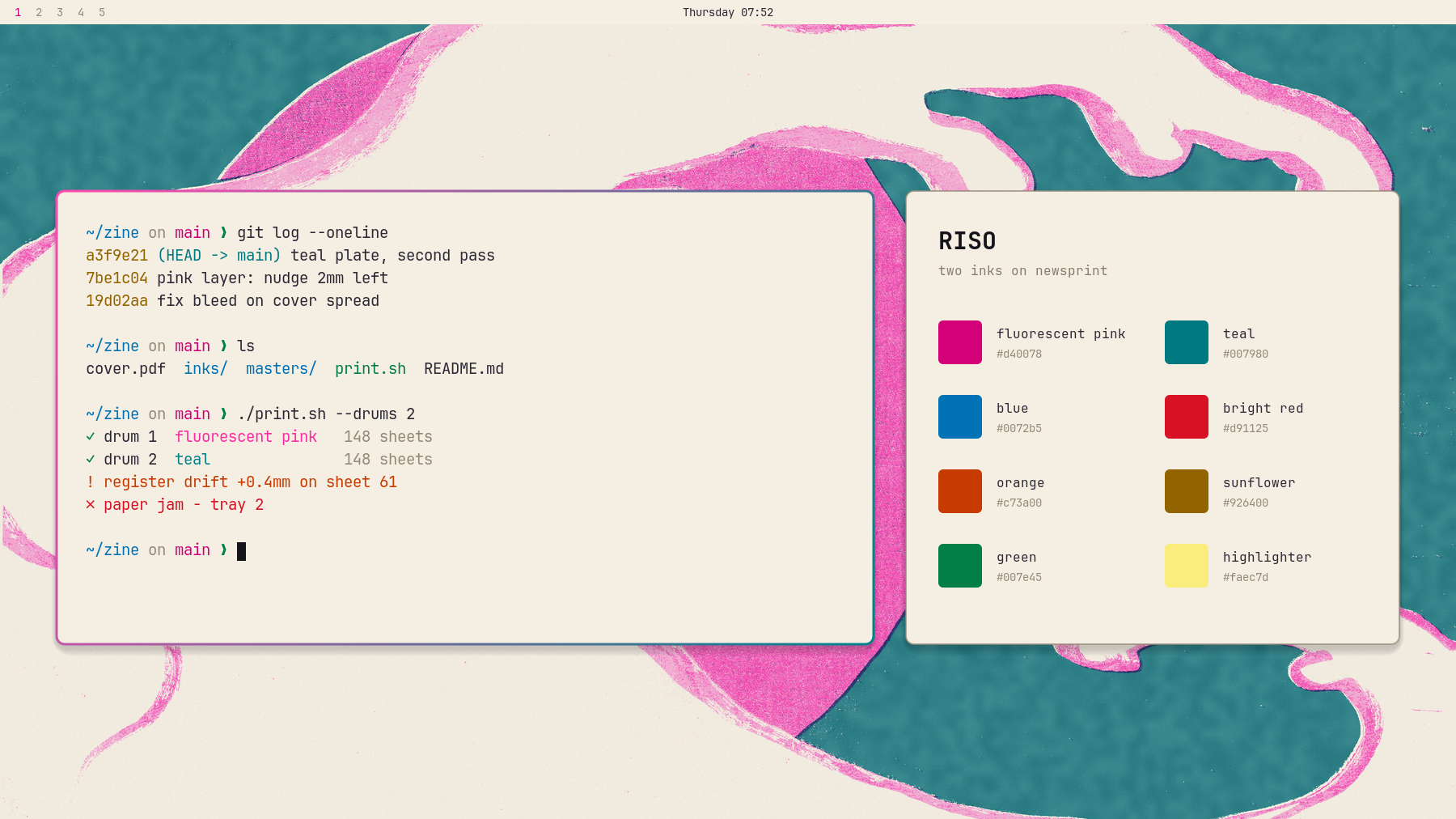
Install
omarchy theme install https://github.com/YassineSawahi/omarchy-riso-themeCycle the wallpapers with omarchy theme bg next.
Wallpapers
 |  |
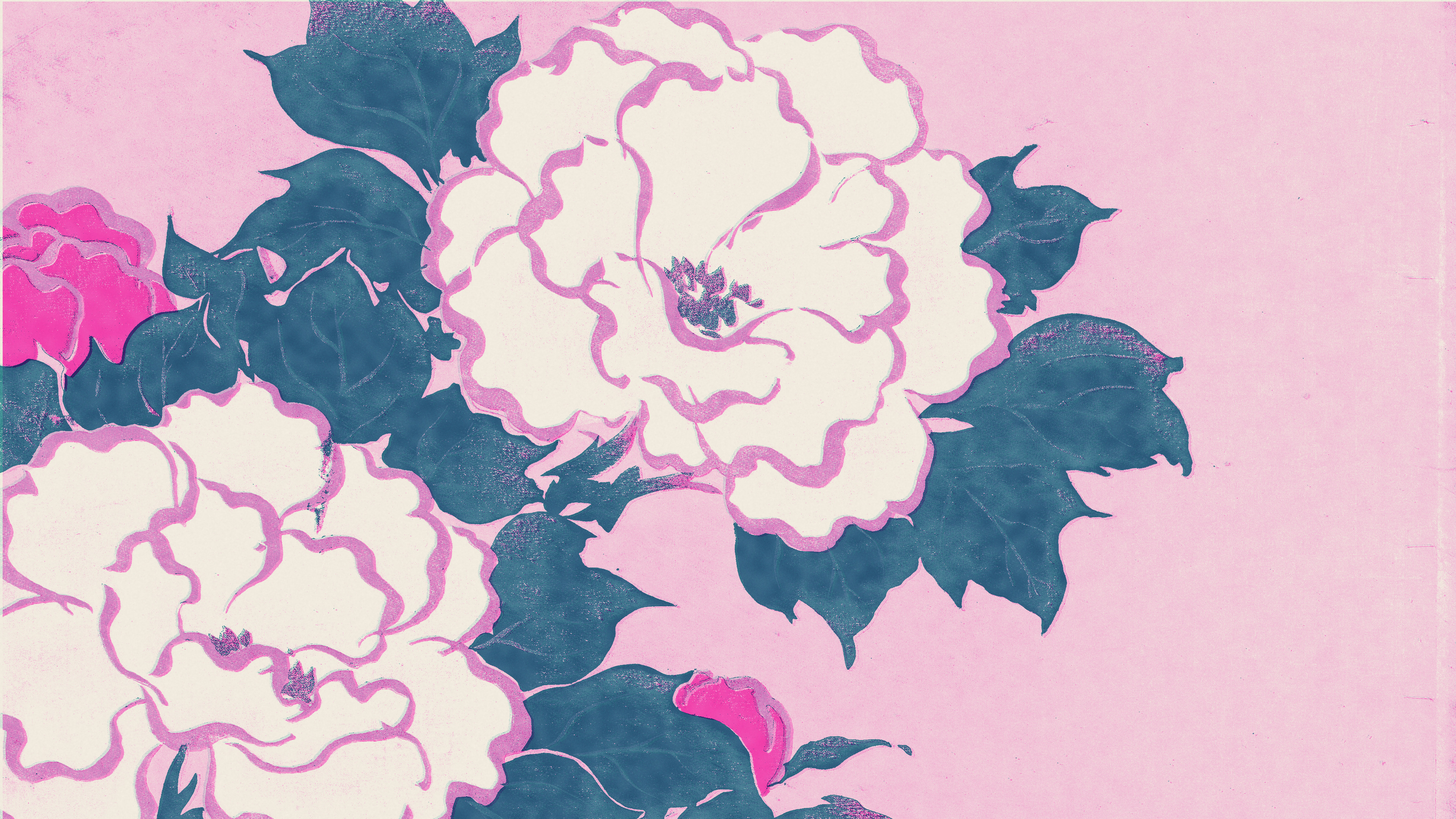 | 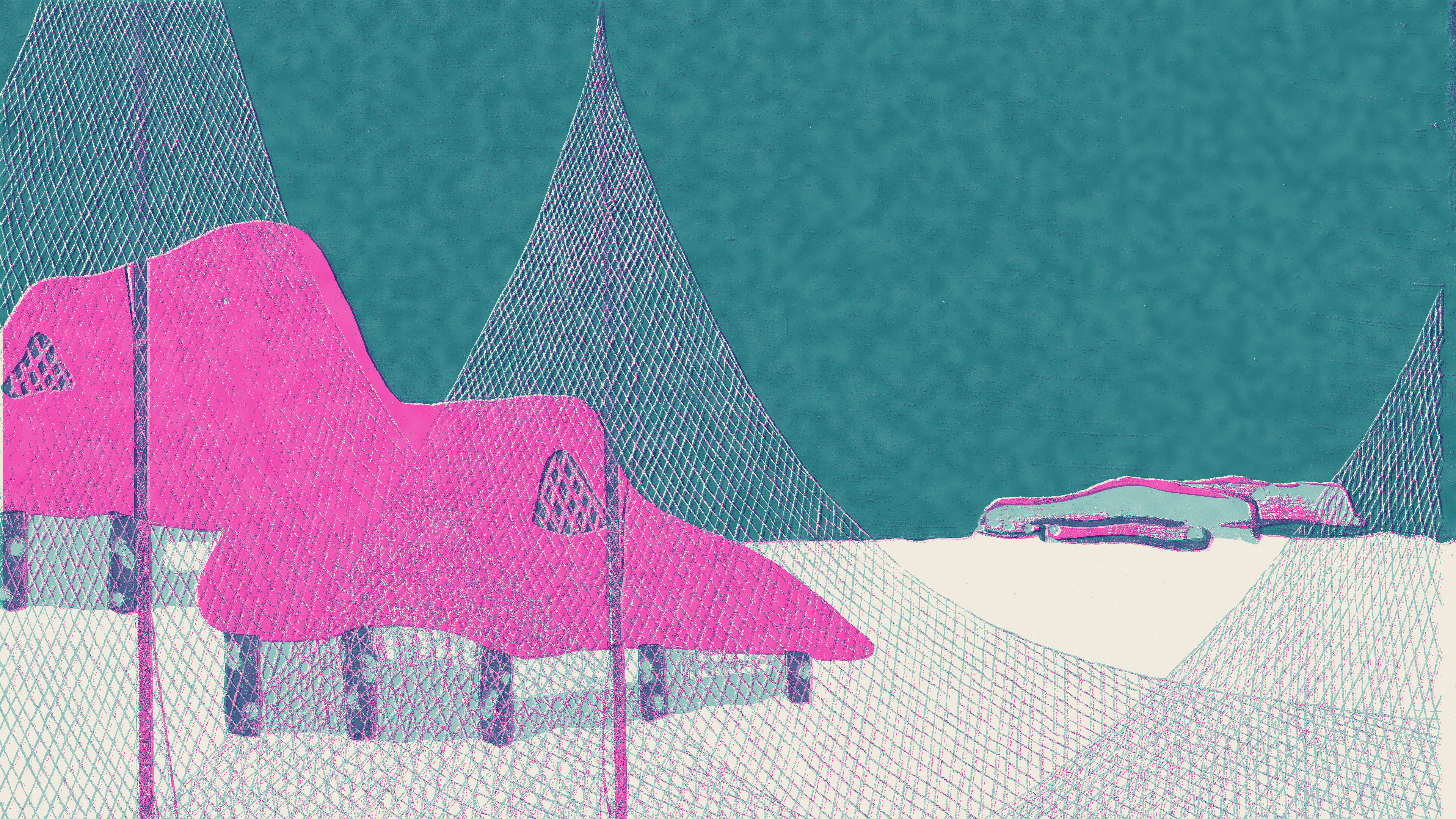 |
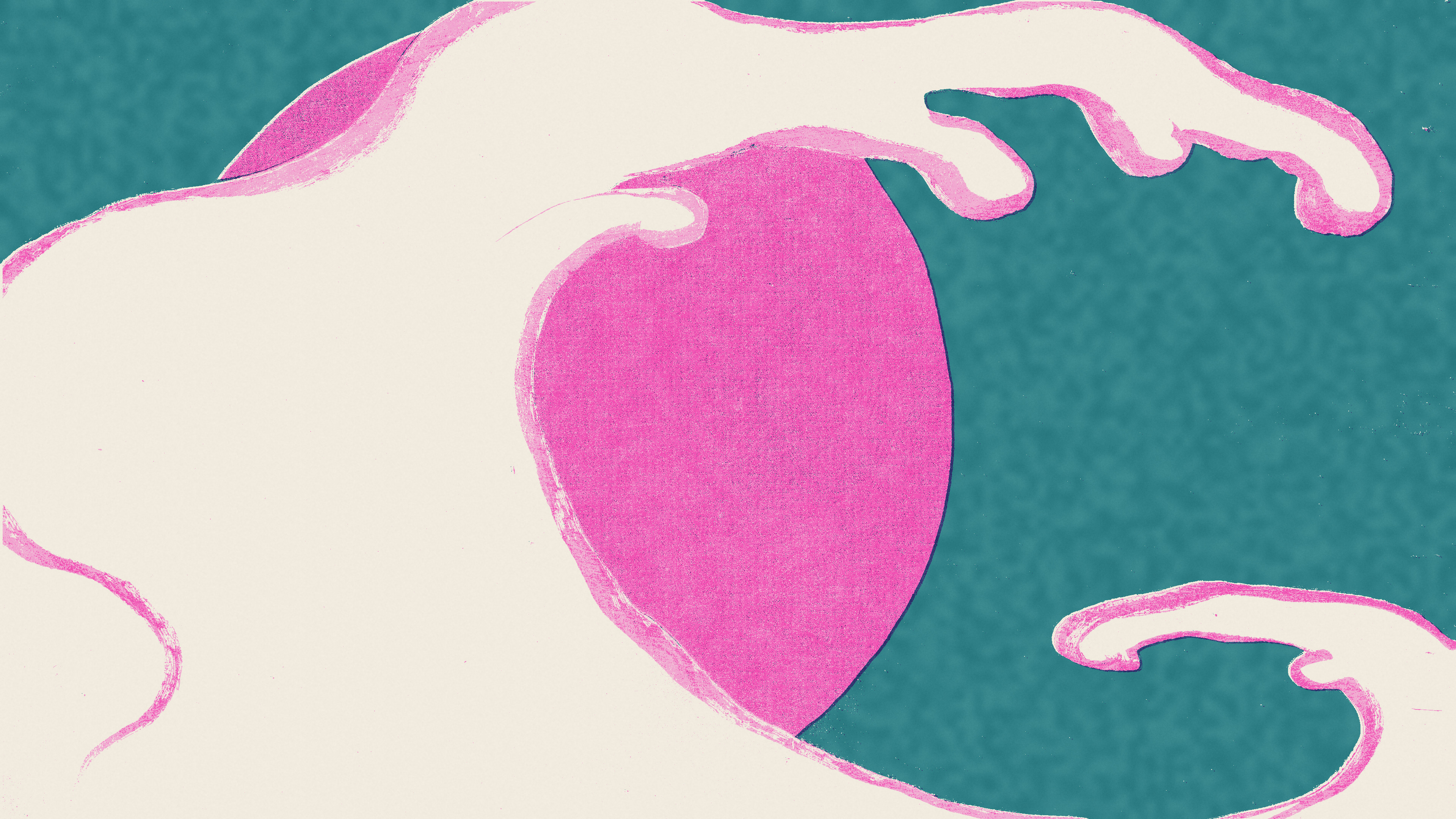
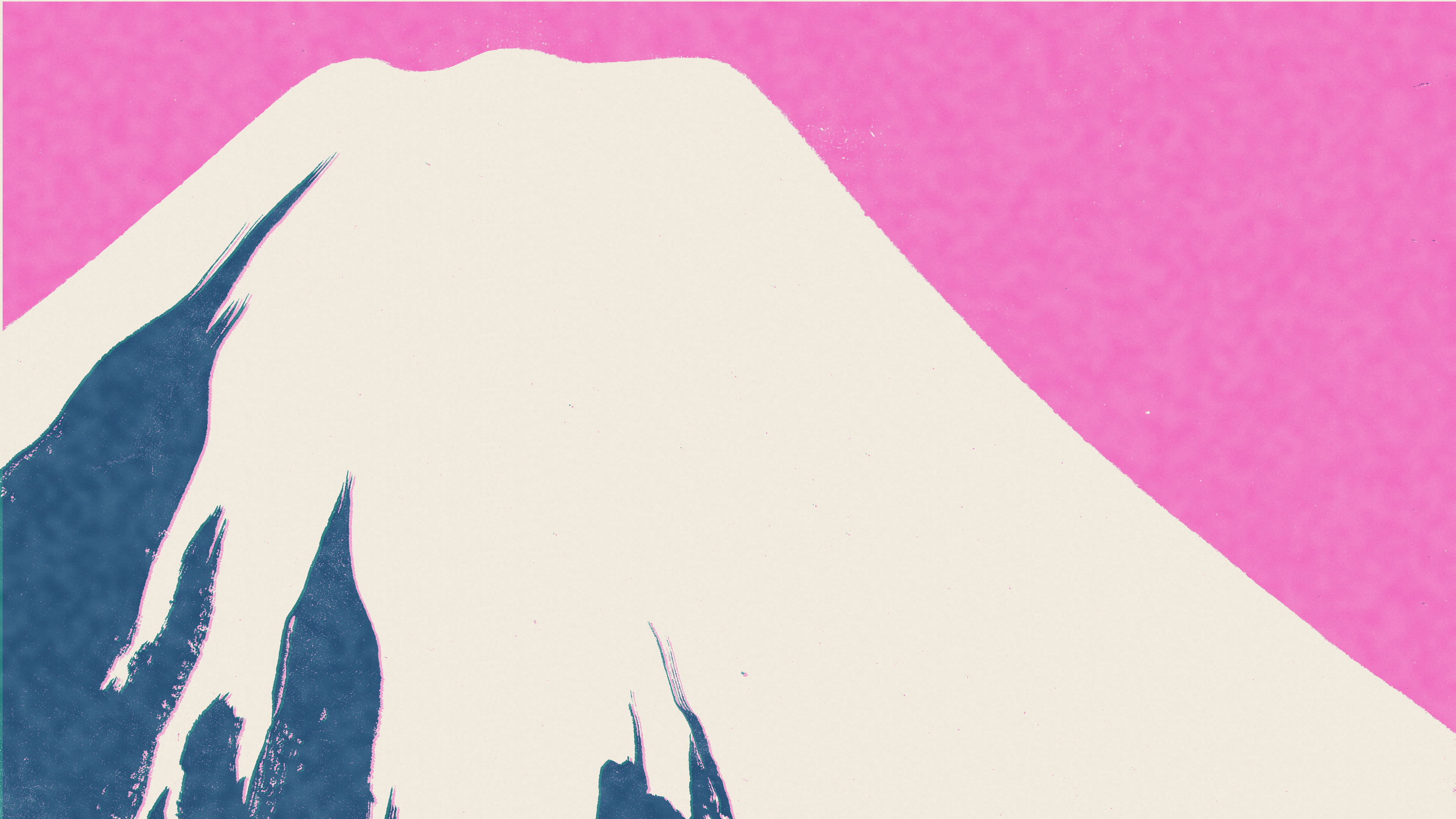
Four plates from Kamisaka Sekka's woodblock book Momoyogusa, re-separated into the theme's two inks, pink and teal, the way a Risograph prints one colour per drum.
| File | Source |
|---|---|
1-waves | Hoge golf Tatsunami, from Kamisaka Sekka's Momoyogusa (1909–10). Rijksmuseum, Amsterdam, CC0 |
2-fuji | De berg Fuji Fuji, from Kamisaka Sekka's Momoyogusa (1909–10). Rijksmuseum, Amsterdam, CC0 |
3-peonies | Pioenrozen Fukamigusa, from Kamisaka Sekka's Momoyogusa (1909–10). Rijksmuseum, Amsterdam, CC0 |
4-village | Vissersdorpje Gyoson, from Kamisaka Sekka's Momoyogusa (1909–10). Rijksmuseum, Amsterdam, CC0 |
Palette
Every normal colour reads at 4.5:1 or better against the background and every bright one at 3:1 or better.
| Slot | Value | Contrast |
|---|---|---|
| background | #f5efe3 | |
| foreground | #2a2833 | 12.65 |
| accent | #d40078 | 4.51 |
| red | #d91125 | 4.52 |
| orange | #c73a00 | 4.55 |
| yellow | #926400 | 4.53 |
| green | #007e45 | 4.51 |
| cyan | #007980 | 4.53 |
| blue | #0072b5 | 4.50 |
| magenta | #d40078 | 4.51 |
| brown | #925f52 | 4.61 |
| bright red | #f15060 | 3.03 |
| bright yellow | #b87f00 | 3.02 |
| bright green | #009f56 | 3.01 |
| bright cyan | #00838a | 3.97 |
| bright blue | #0078bf | 4.13 |
| bright magenta | #ff2aa3 | 3.00 |
| muted | #948978 | 3.00 |
| selection | #faec7d | text on it 12.0 |
Focused windows get a pink-to-teal border. Icons are Yaru-magenta.
How it works
This repo is only files: a palette, the wallpapers and a few images. Omarchy does the rest, on your PC. Nothing runs and nothing goes over the network once it's cloned.
omarchy theme installclones the repo into~/.config/omarchy/themes/risoand switches to it.- Switching copies the theme into
~/.local/state/omarchy/current/themeand renders every app's config (terminals, Hyprland, Neovim, btop, VS Code, the bar) fromcolors.tomlthrough Omarchy's own templates. The theme ships no app configs of its own. icons.themenames the icon theme,Yaru-magenta, which Omarchy sets for GTK apps.backgrounds/holds the wallpapers.omarchy theme bg nextcycles through them.preview.pngis what Omarchy's theme picker shows.unlock.pngis the logo for the boot screen where you type your disk password, andpreview-unlock.pngits preview. They're only used if you pick Riso under Omarchy menu → Appearance → Unlock, which asks for your password because the boot screen is system-wide.
License
MIT. The wallpapers are derived from CC0 works, credited above.