color palette
background
#1a1e24
foreground
#d1d5db
accent
#D9661F
selection foreground
#f8f9fa
preview
~/portal
┌──────────────────────Hardware──────────────────────┐
PC: omarchy-host
│ ├: x86_64 (8 cores) @ 4.00 GHz
│ ├: Integrated Graphics
│ ├: 1920x1080 @ 60 Hz
│ ├: 120 / 500 GiB (24%)
│ ├: 8 / 16 GiB (50%)
└ └ : 0 / 4 GiB (0%)
└────────────────────────────────────────────────────┘
┌──────────────────────Software──────────────────────┐
OS: Omarchy 3.6.0
│ ├: master
│ ├: stable
│ ├: linux-arch
│ ├: Hyprland (Wayland)
│ ├: ghostty
│ ├: 1024 (pacman)
│ ├: Portal ●●●●●●●●
└ └: JetBrainsMono Nerd Font (9pt)
└────────────────────────────────────────────────────┘
┌─────────────────Age / Uptime / Update───────────────┐
OS Age: 0 days
Uptime: 2 hours, 13 mins
Update: Today
└────────────────────────────────────────────────────┘
user@omarchy:~ $
readme
Portal Theme for Omarchy

A dark theme for Omarchy using a blue and orange palette, inspired by the Portal video game series. Includes 15 thematic backgrounds.
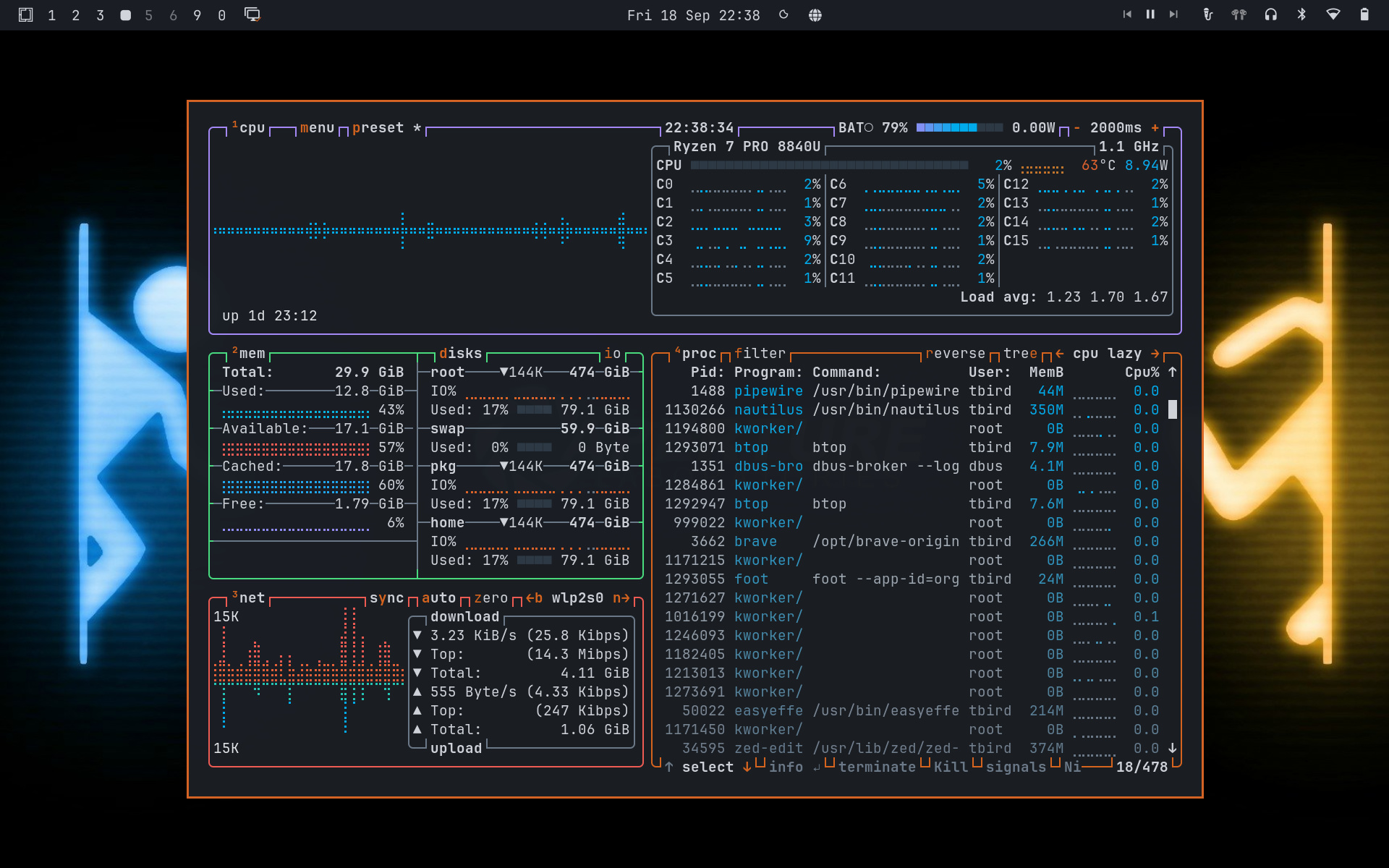
Included Backgrounds
Install
Install from the terminal:
omarchy theme install https://github.com/trevritchie/omarchy-portal-themeOr, open the Omarchy Menu with Super + Space, then choose Install > Style > Theme and paste:
https://github.com/trevritchie/omarchy-portal-themeIncluded Integrations
Portal uses Omarchy's colors.toml to automatically generate configurations for the following systems:
| Surface | Integrations |
|---|---|
| Omarchy shell | Top bar, menus, launcher, notifications, OSD, auth prompts, image picker, lock screen, ... |
| Hyprland | Borders, rounded corners, gaps, blur, animations, active-window glow, ... |
| Terminals | Ghostty, Alacritty, Kitty, Foot, tmux, ... |
| Editors | Neovim, Zed, Helix, Obsidian, VS Code, VSCodium, Cursor, ... |
| CLI Tools | Claude Code, Pi, OpenCode, Gum, btop, ... |
| Browsers | Chromium, Chrome, Edge, Brave, Firefox, ... |