color palette
#14282d
#e8dfc4
#d3ae78
#fff2d5
#3d5960
#fff2d5
#14282d
#d78f79
#a8b887
#dfc181
#91afc5
#b5a0ba
#86b8b5
#e8dfc4
#a1afa9
#ecaa90
#c0cf9d
#f1d79a
#aecbe0
#cfbad2
#a4d1ca
#fff2d5
preview
readme
Outpost · Omarchy 4
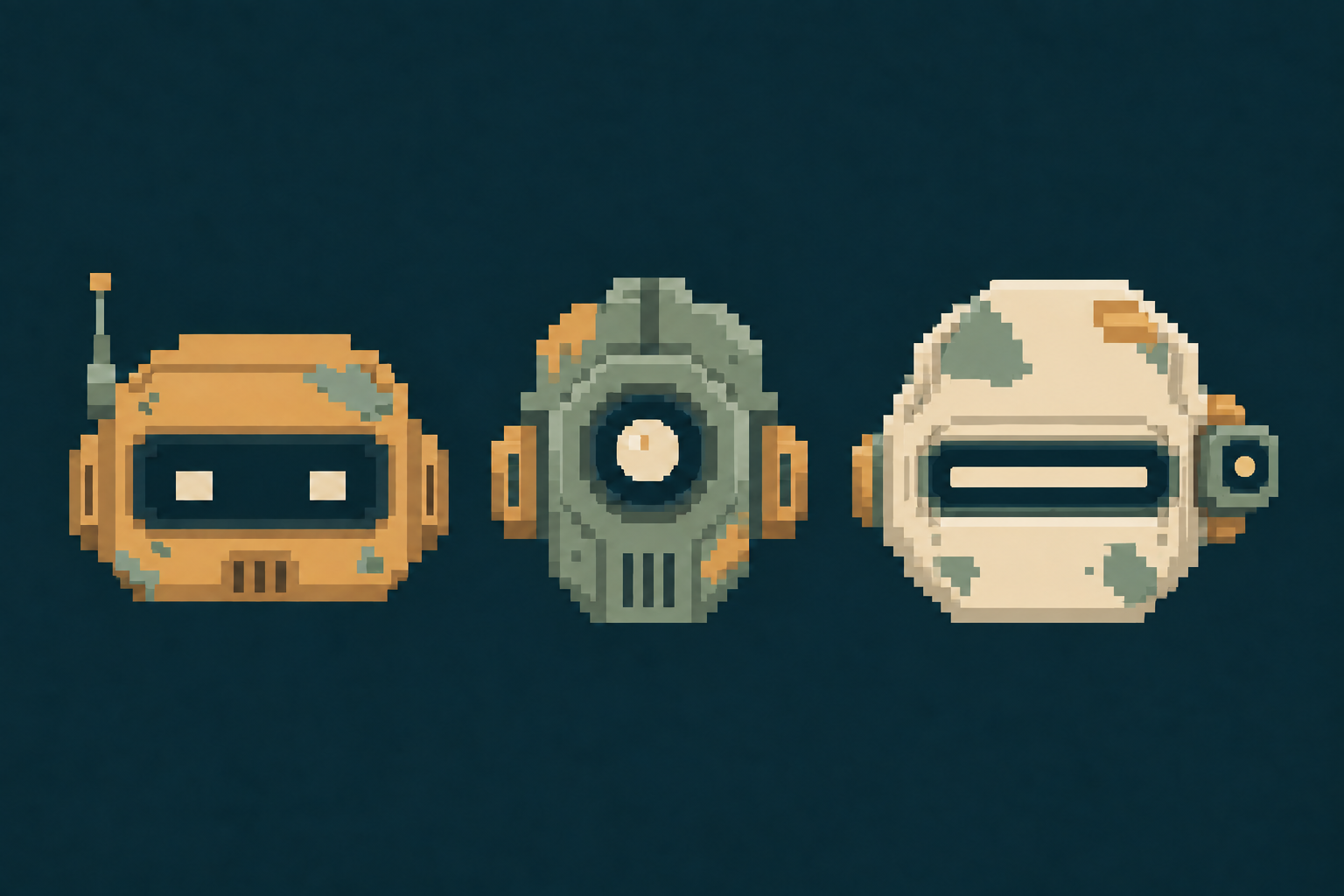
A pixel art theme for Omarchy inspired by remote outposts, wild landscapes, and life alongside robots.
Backgrounds
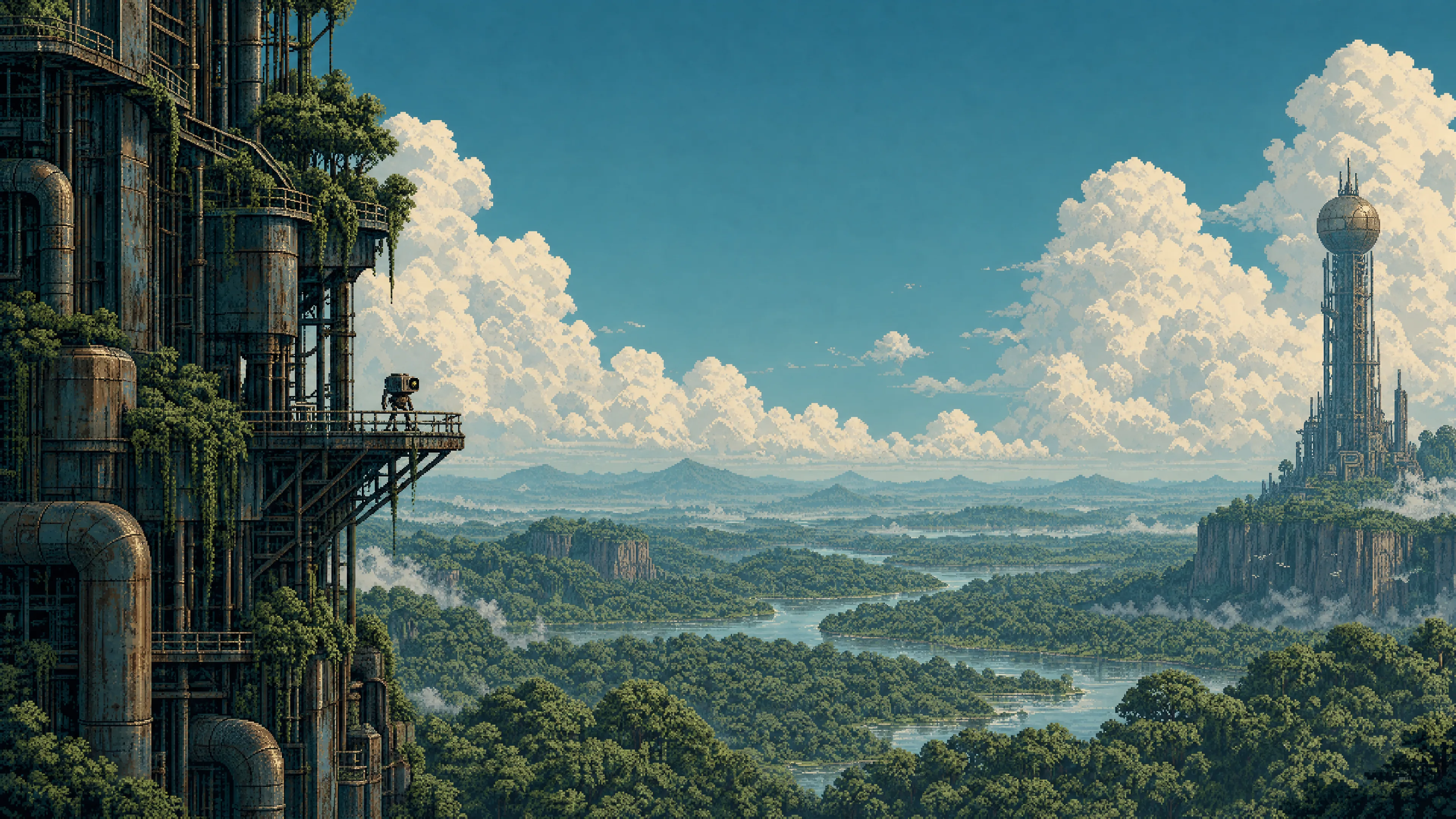
Thirty-six wallpapers, all native 3840 × 2160: twelve original scenes, twelve night companions, and twelve dawn/sunset companions. Click a preview to open the full-resolution PNG.
Original scenes
 Forest | 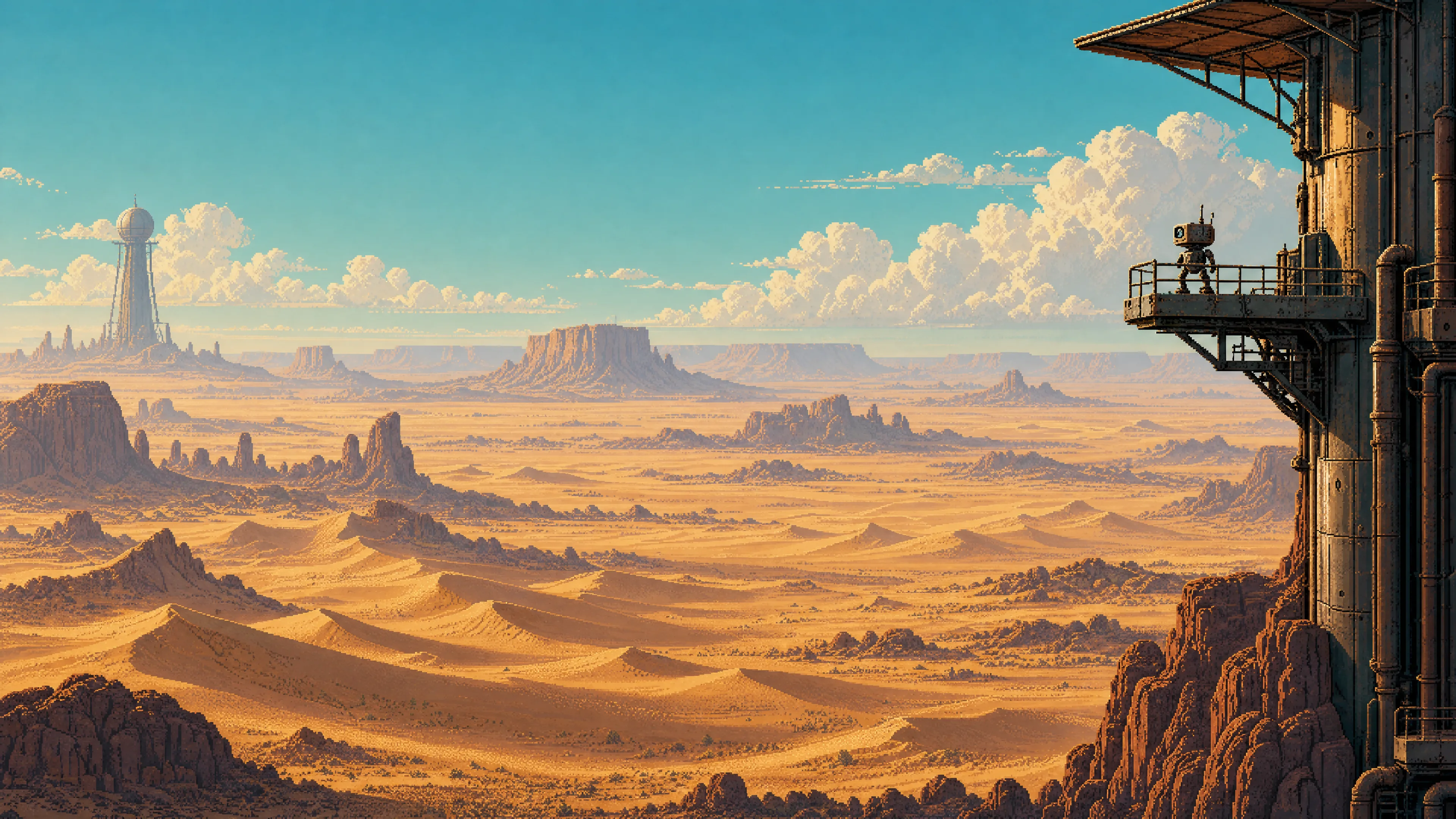 Desert | 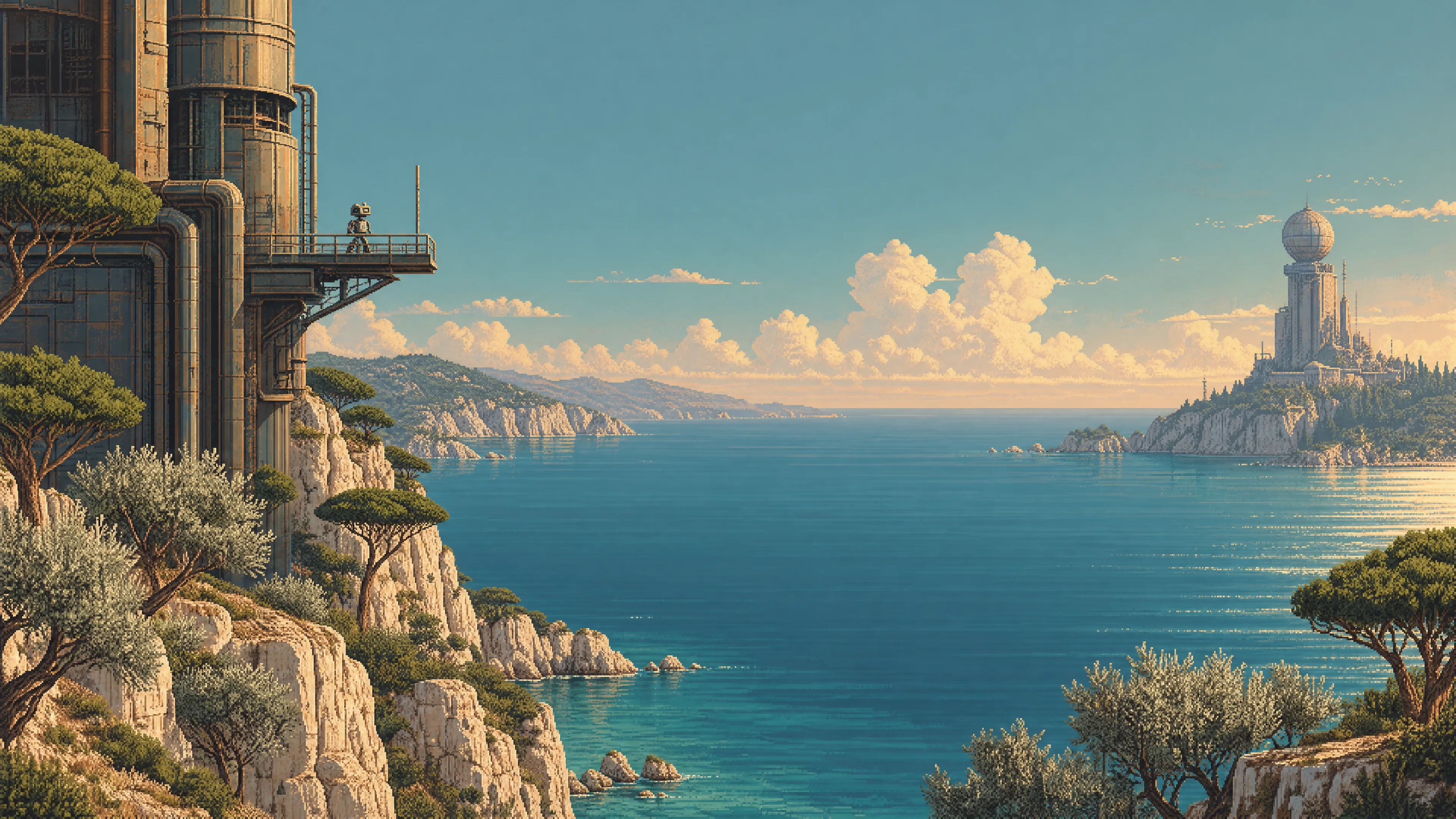 Mediterranean |
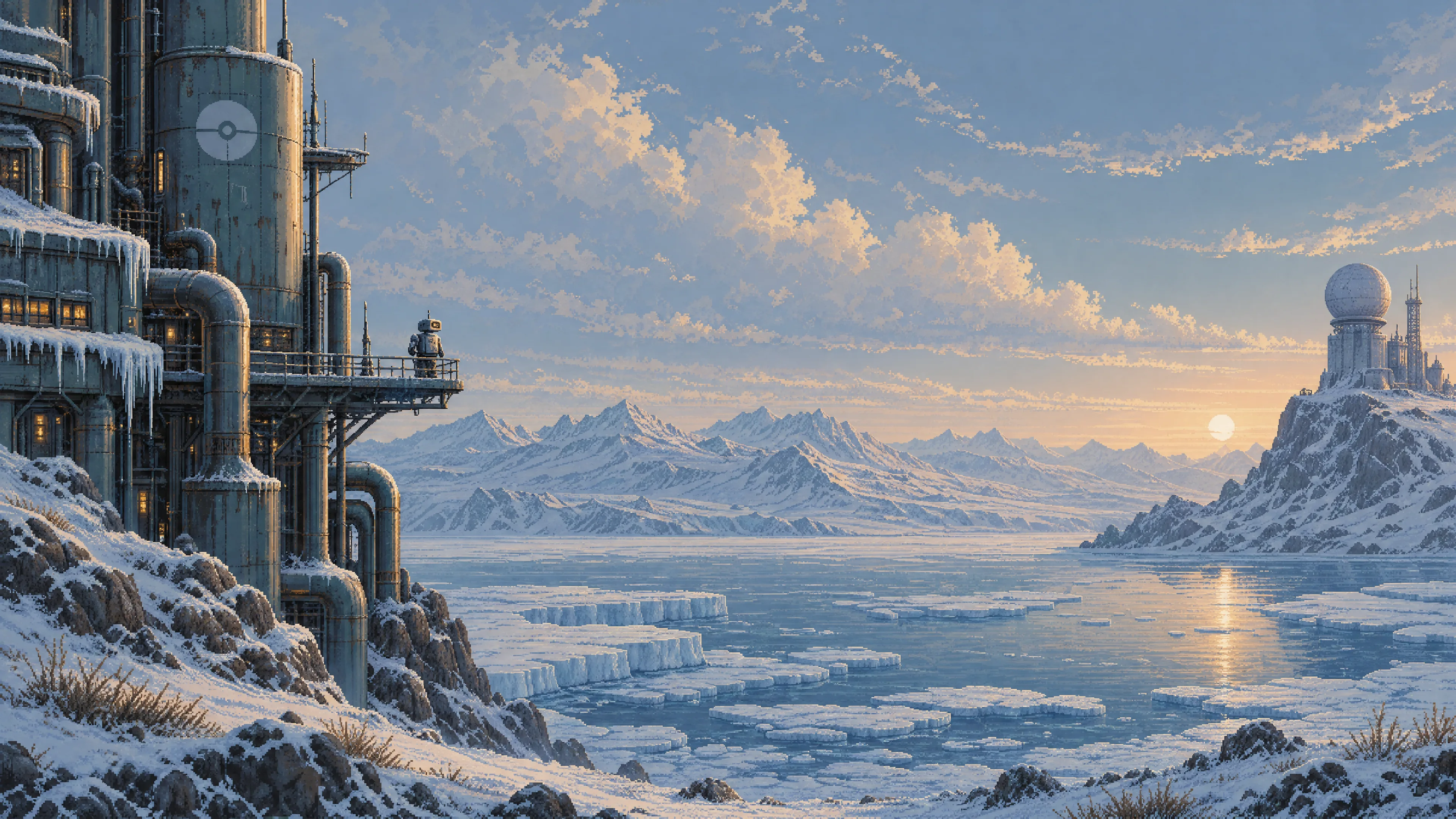 Tundra | 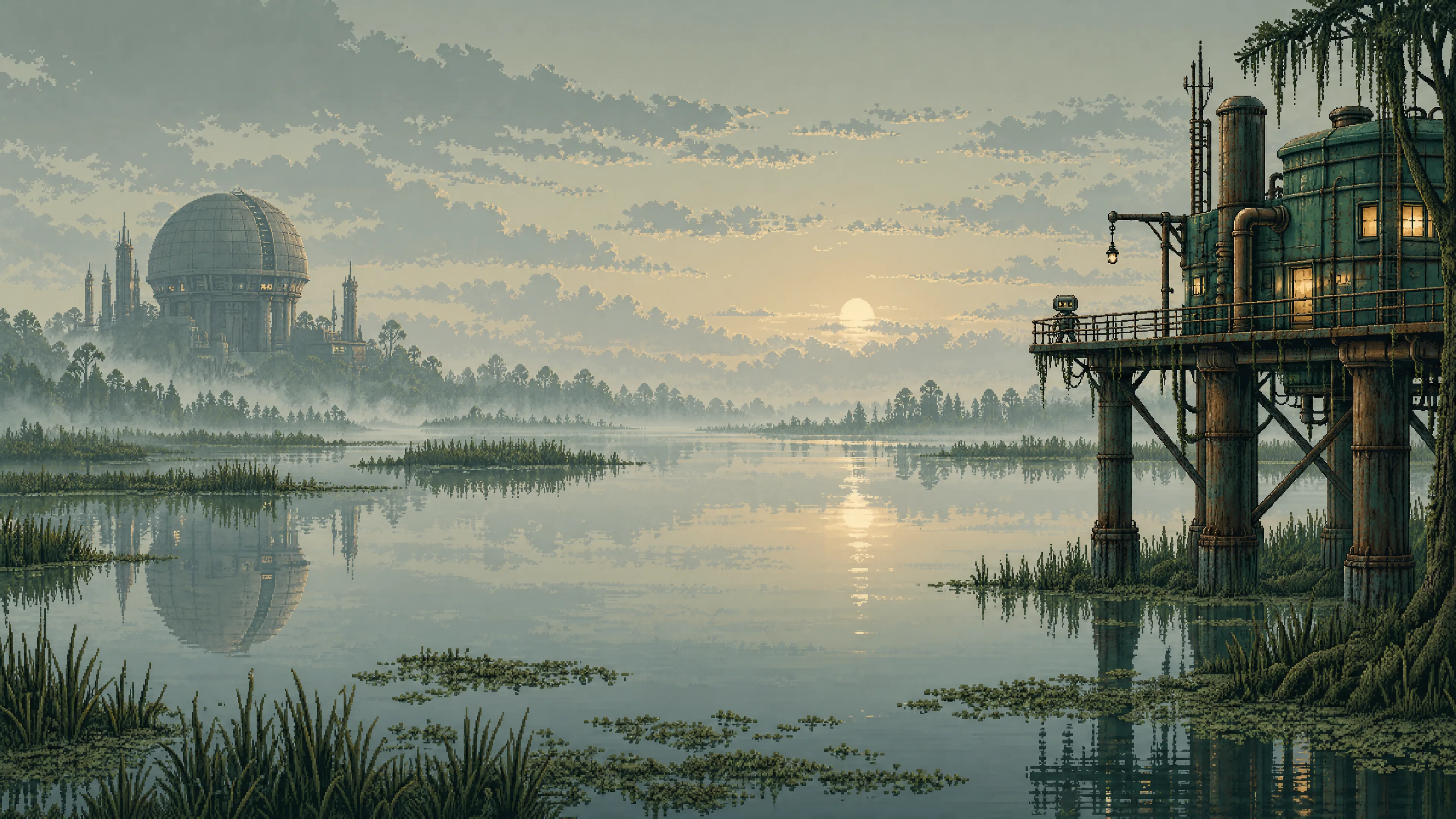 Swamp | 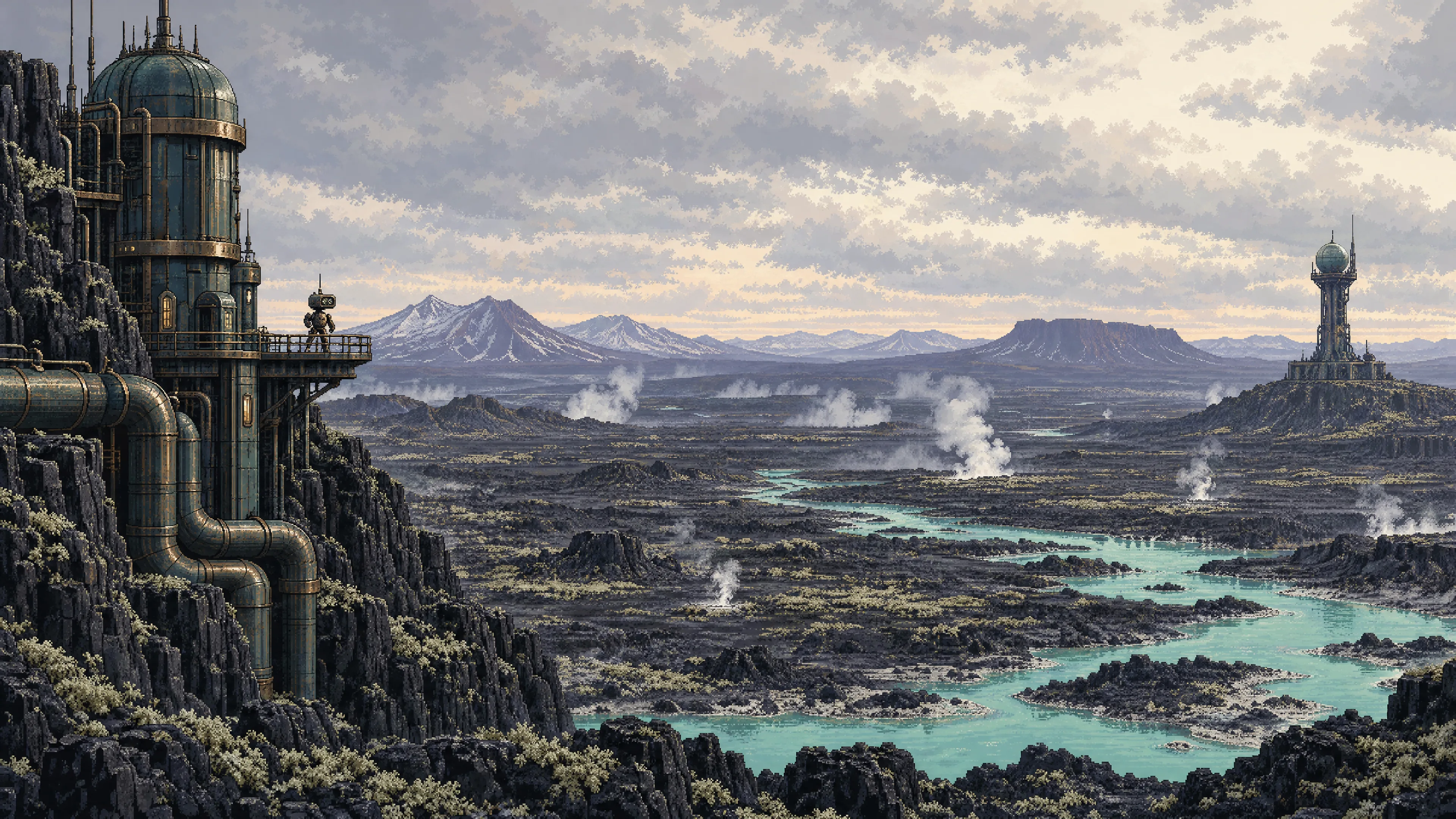 Volcanic |
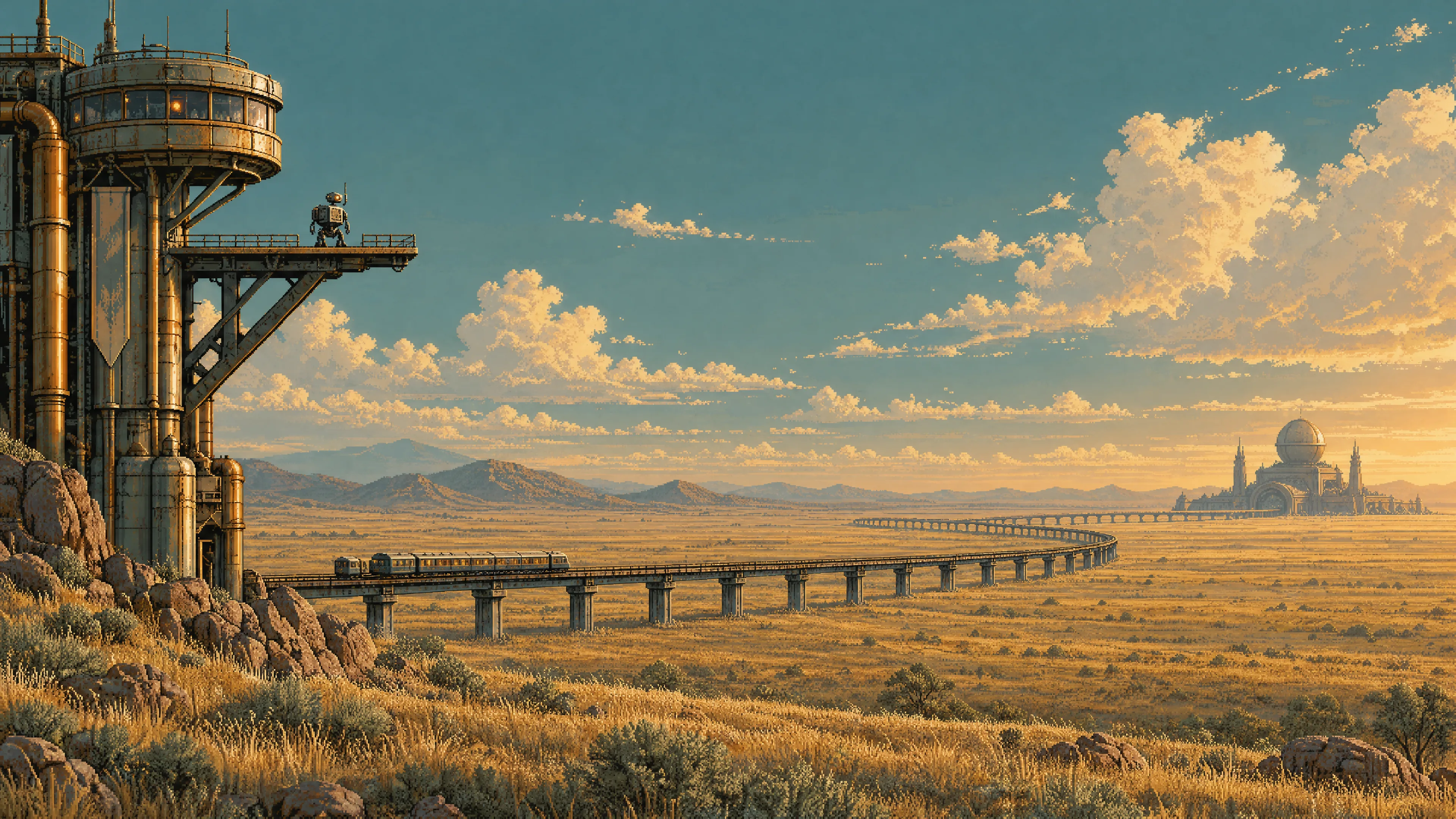 Steppe | 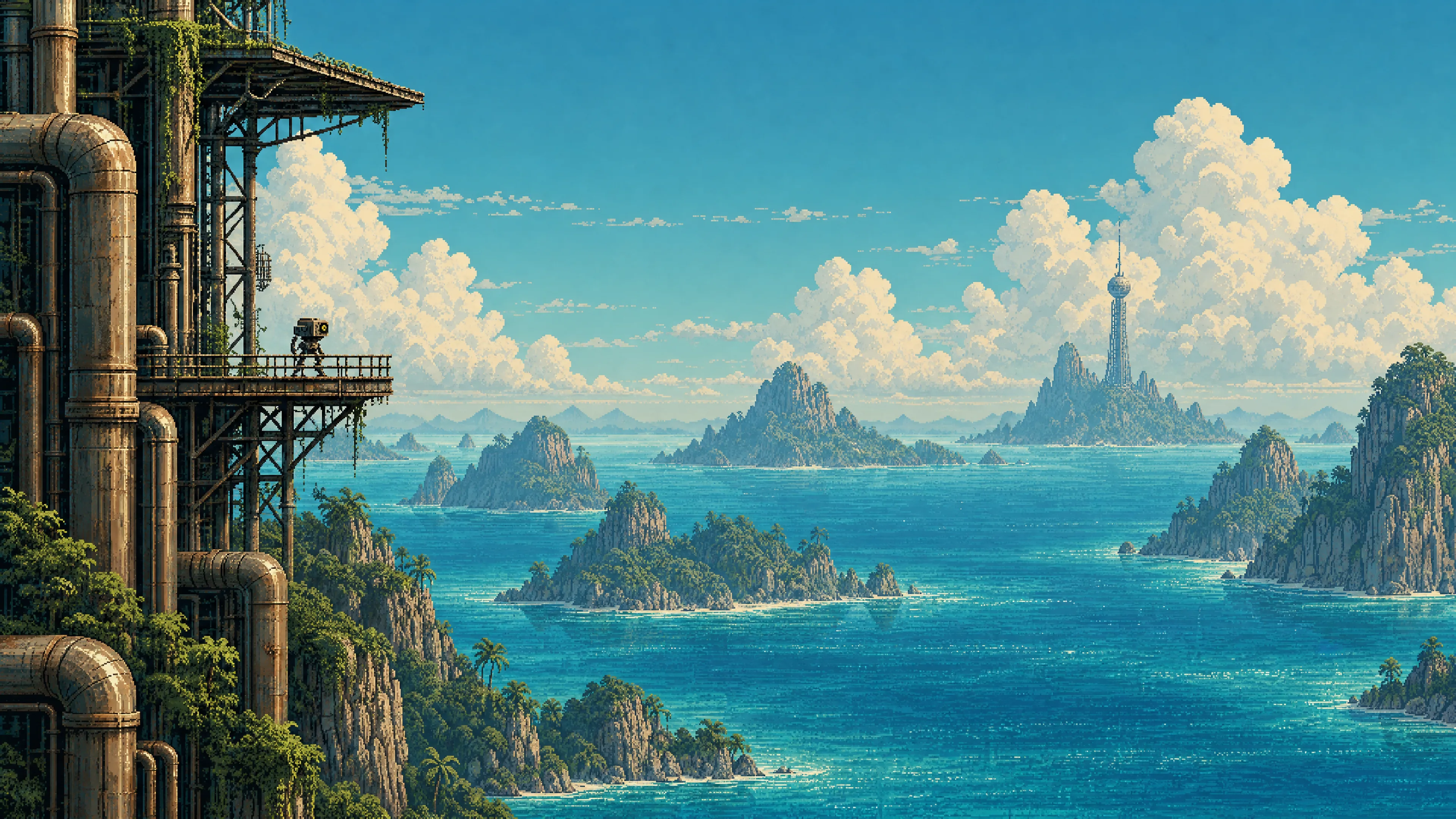 Tropical archipelago | 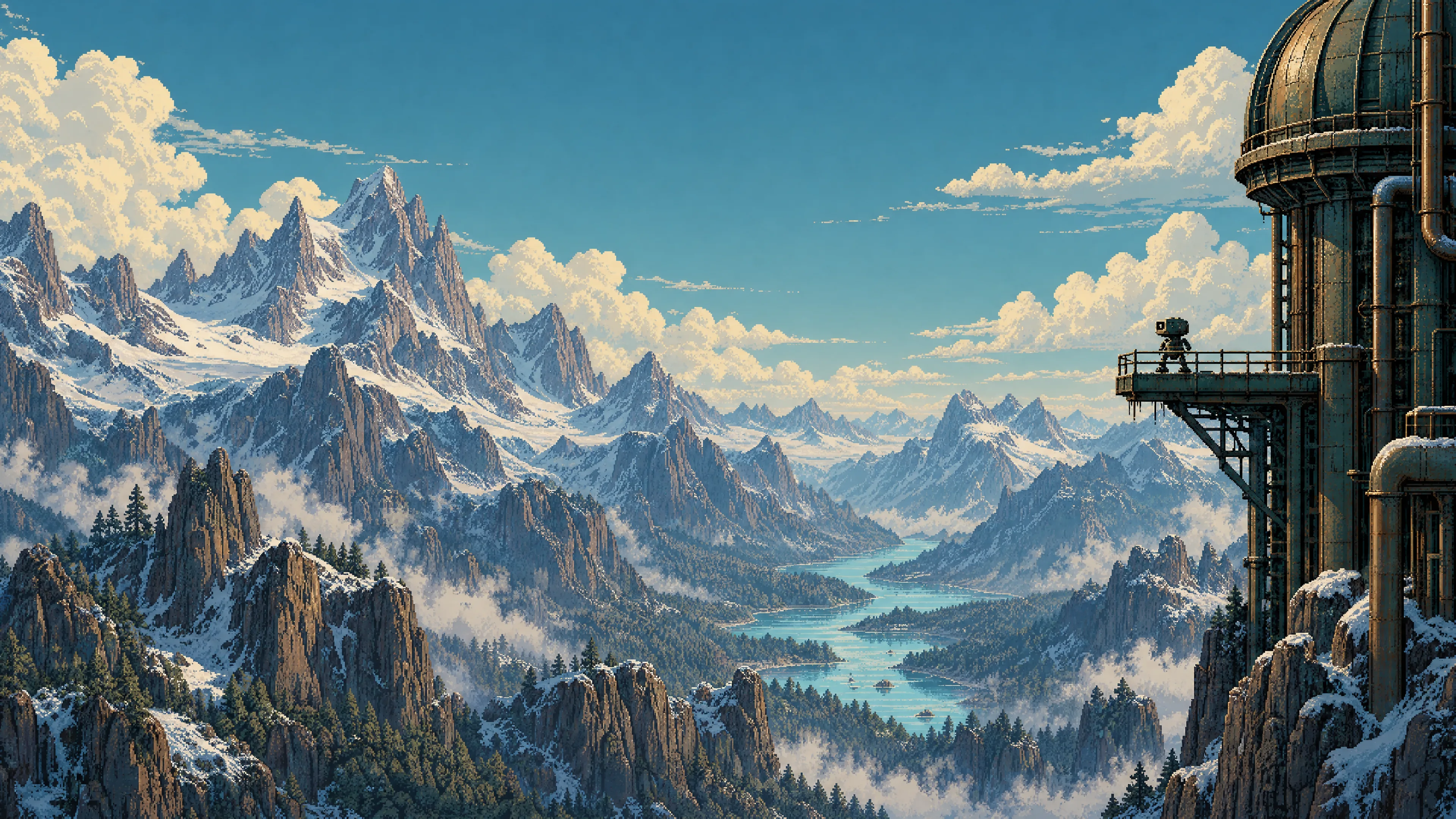 Alpine mountains |
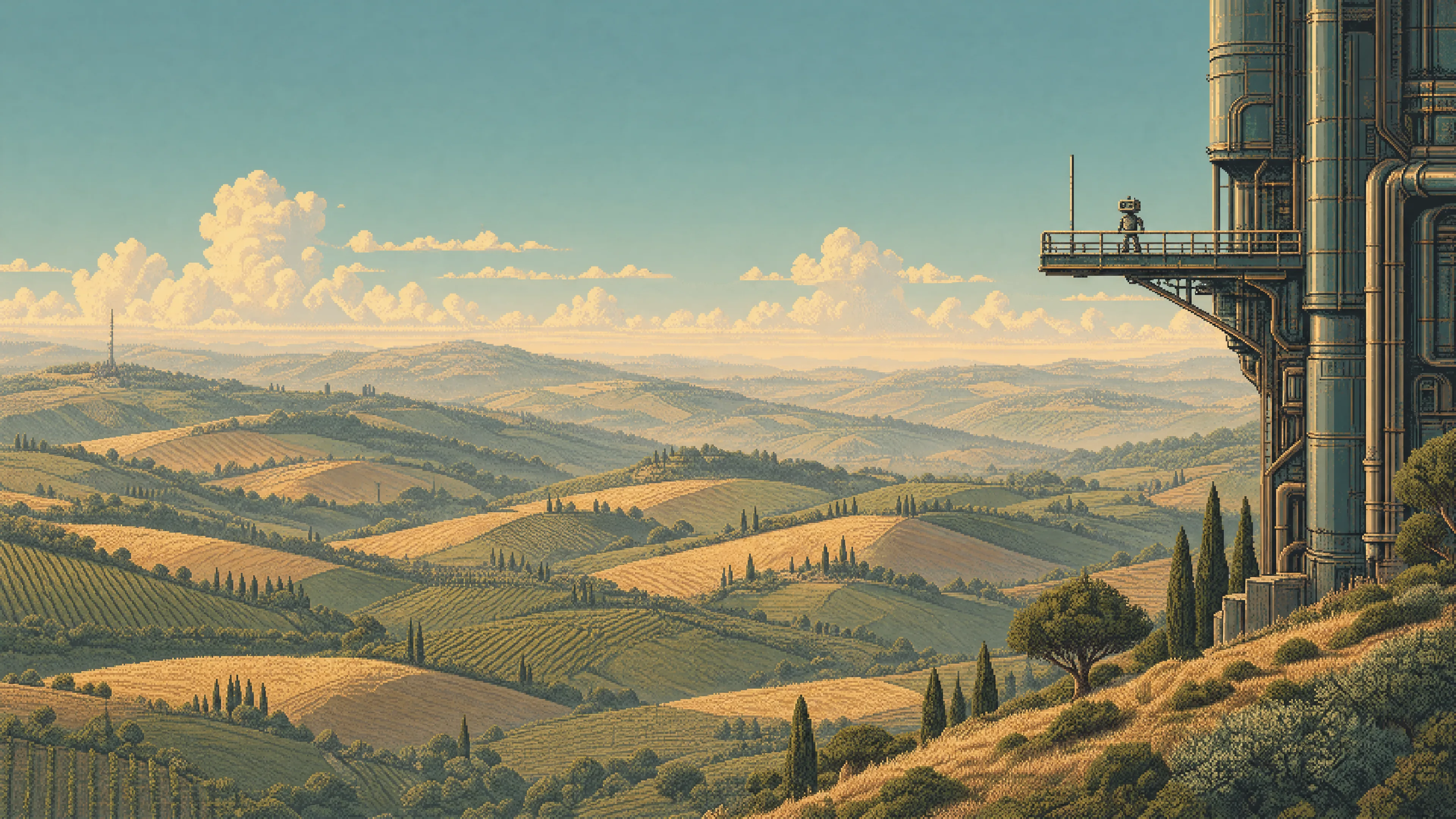 Rolling hills | 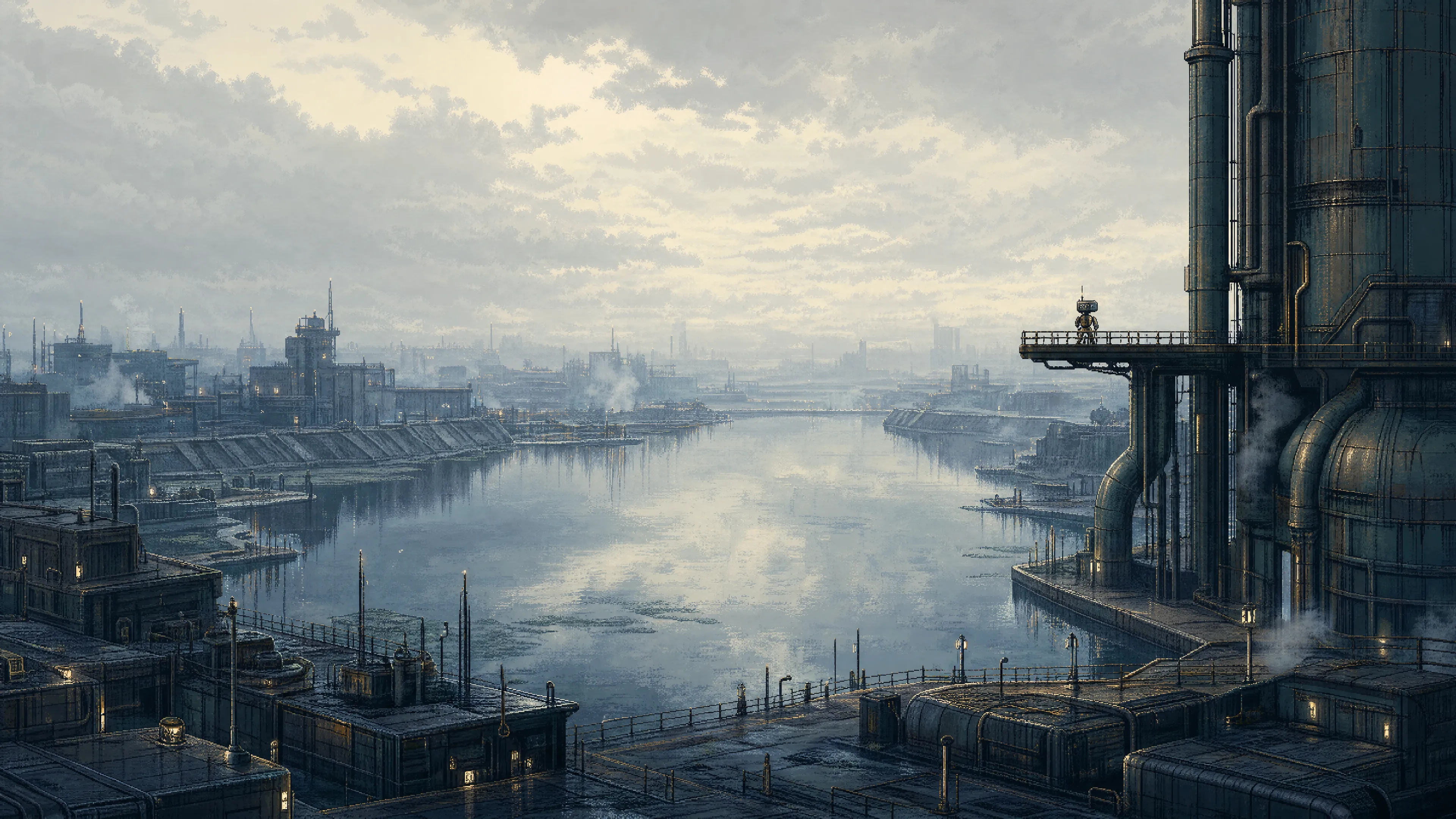 Water city | 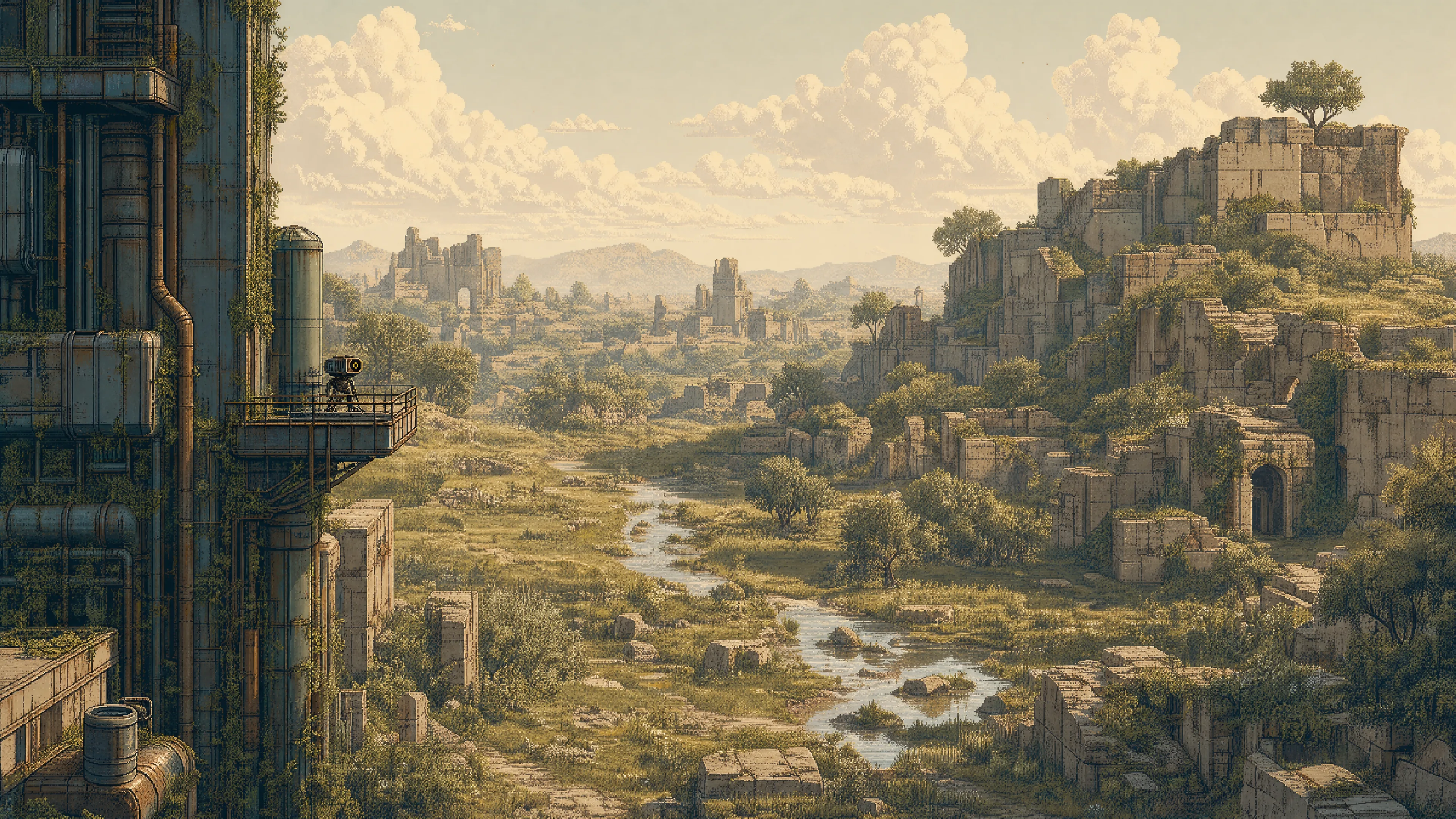 Overgrown ruins |
Night
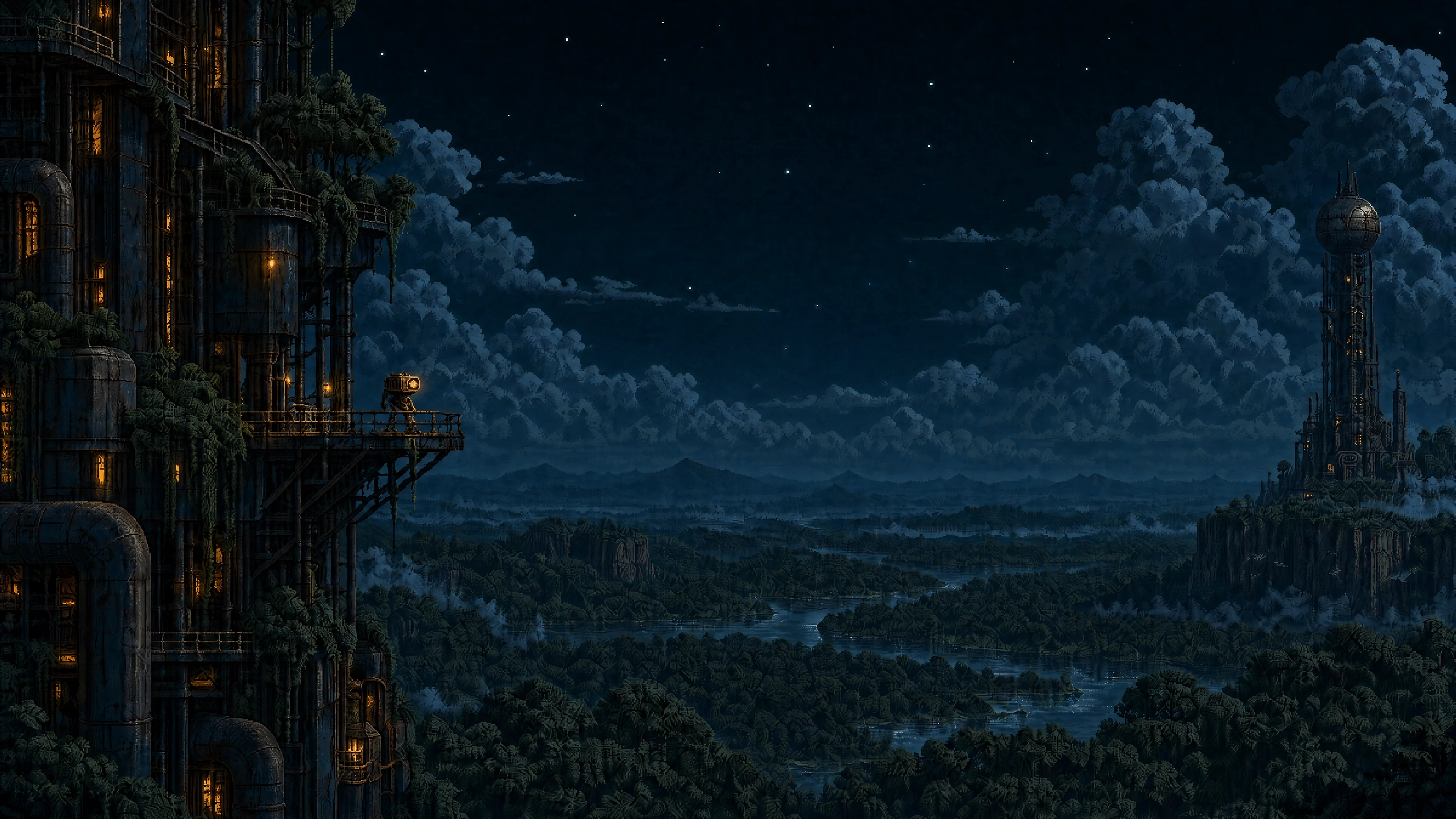 Forest — Night | 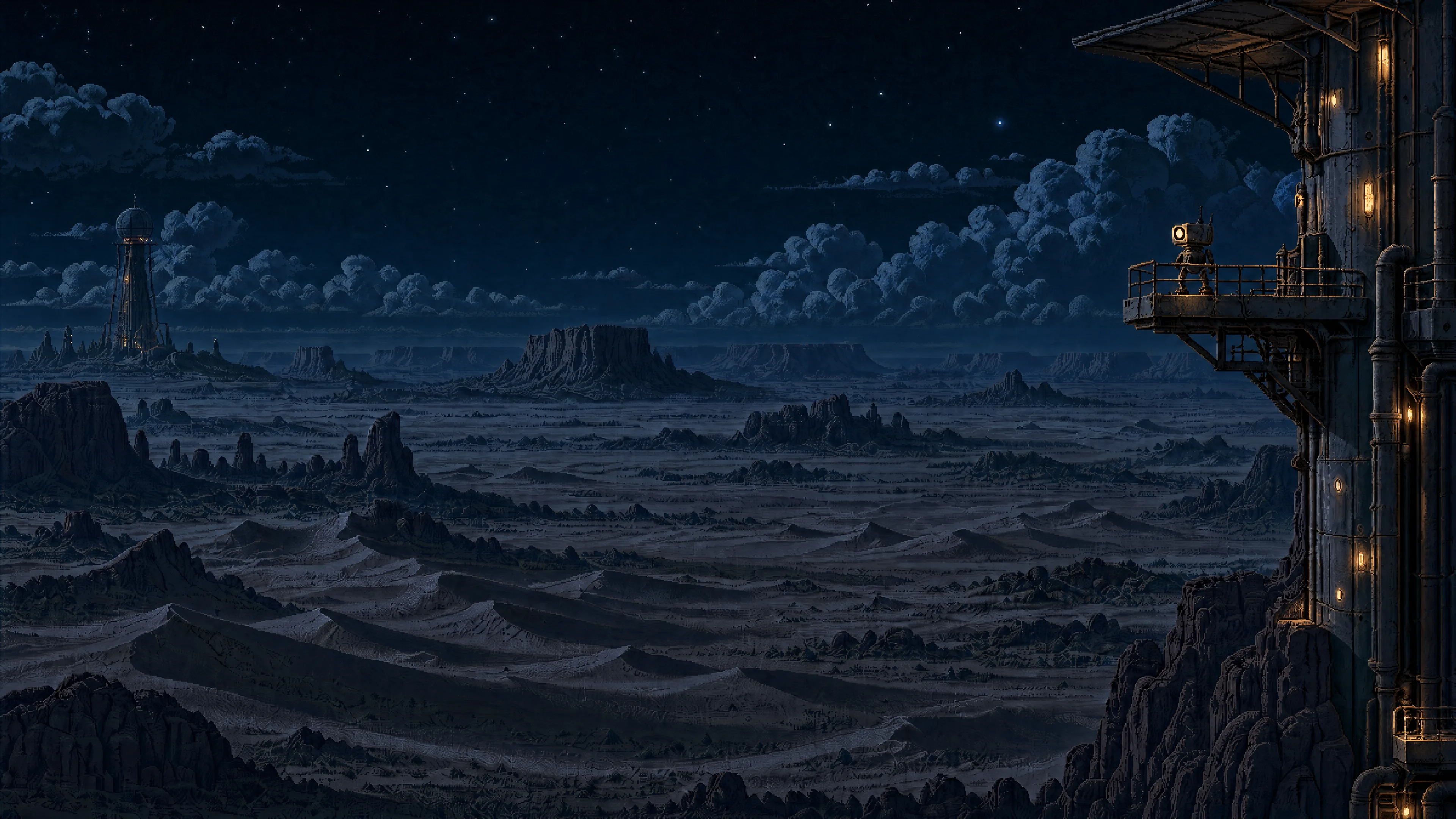 Desert — Night | 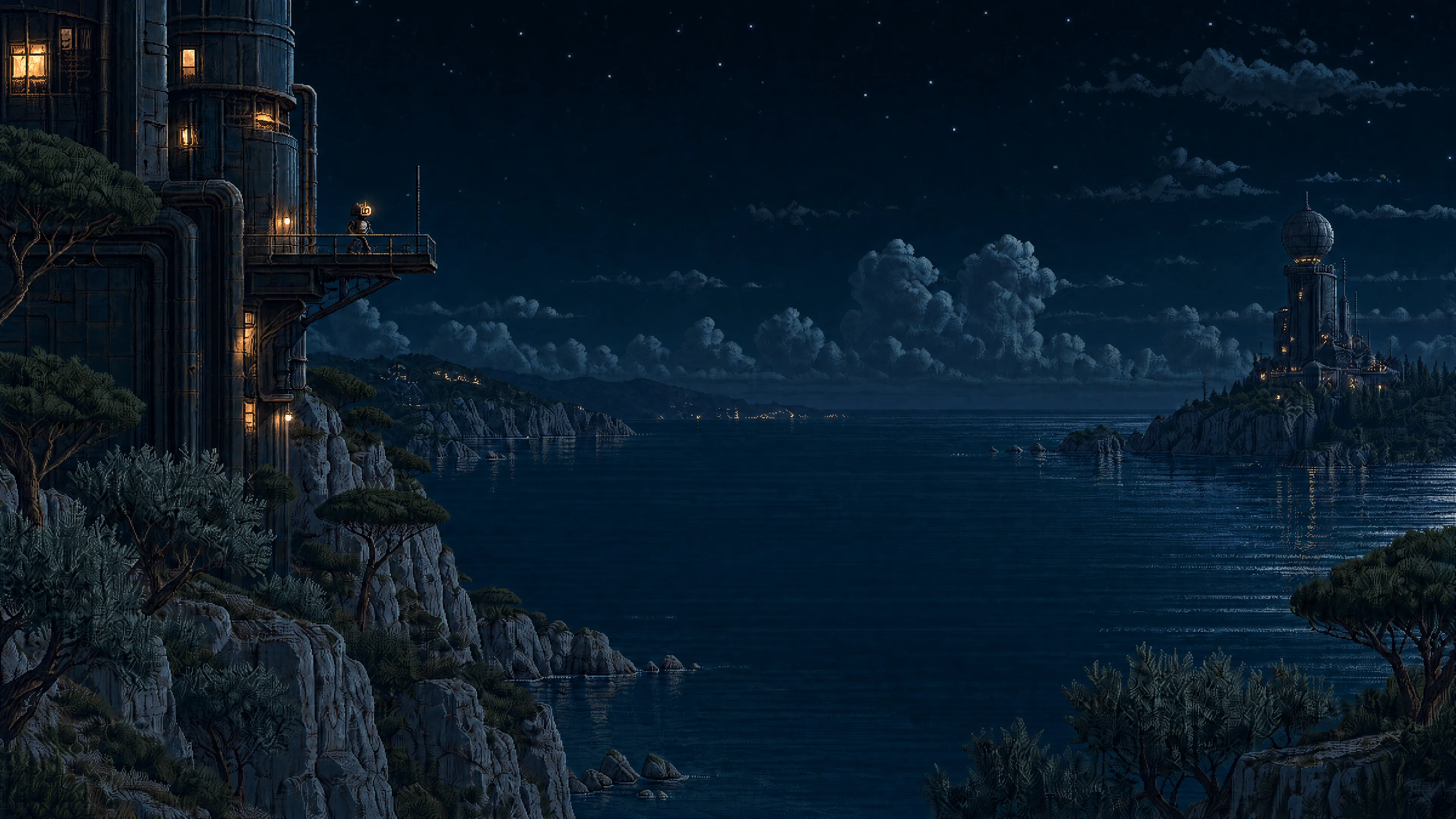 Mediterranean — Night |
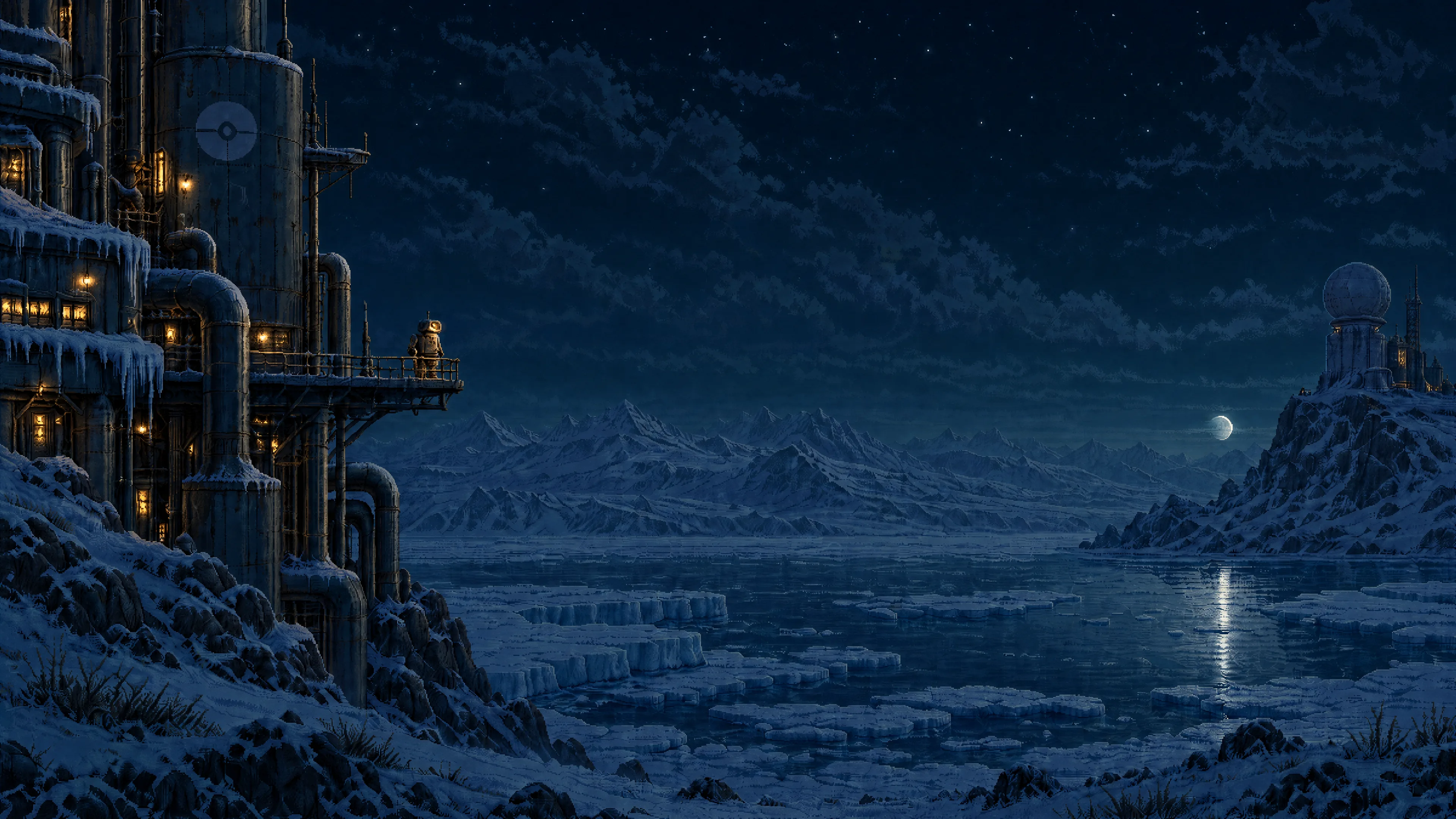 Tundra — Night | 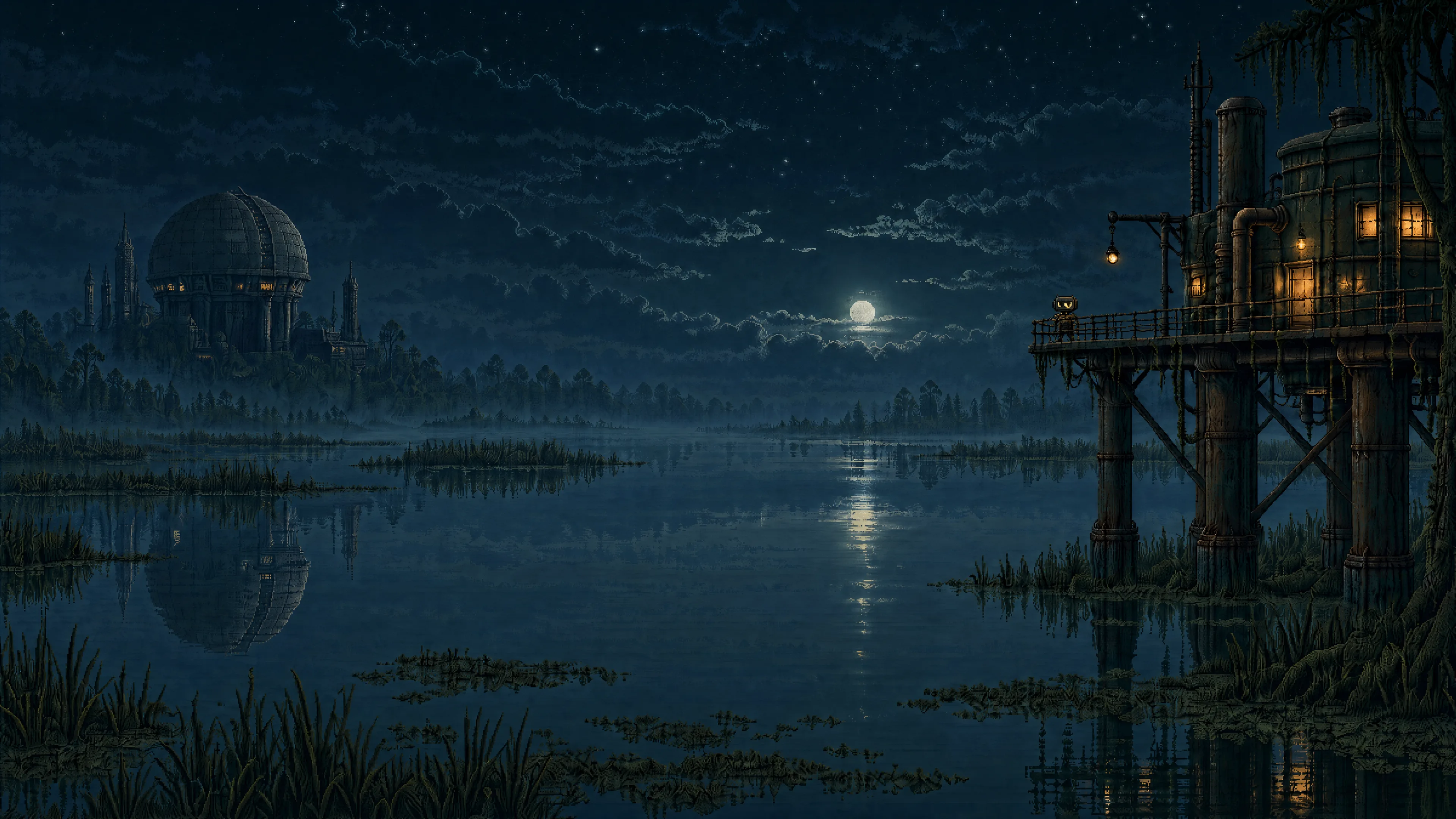 Swamp — Night | 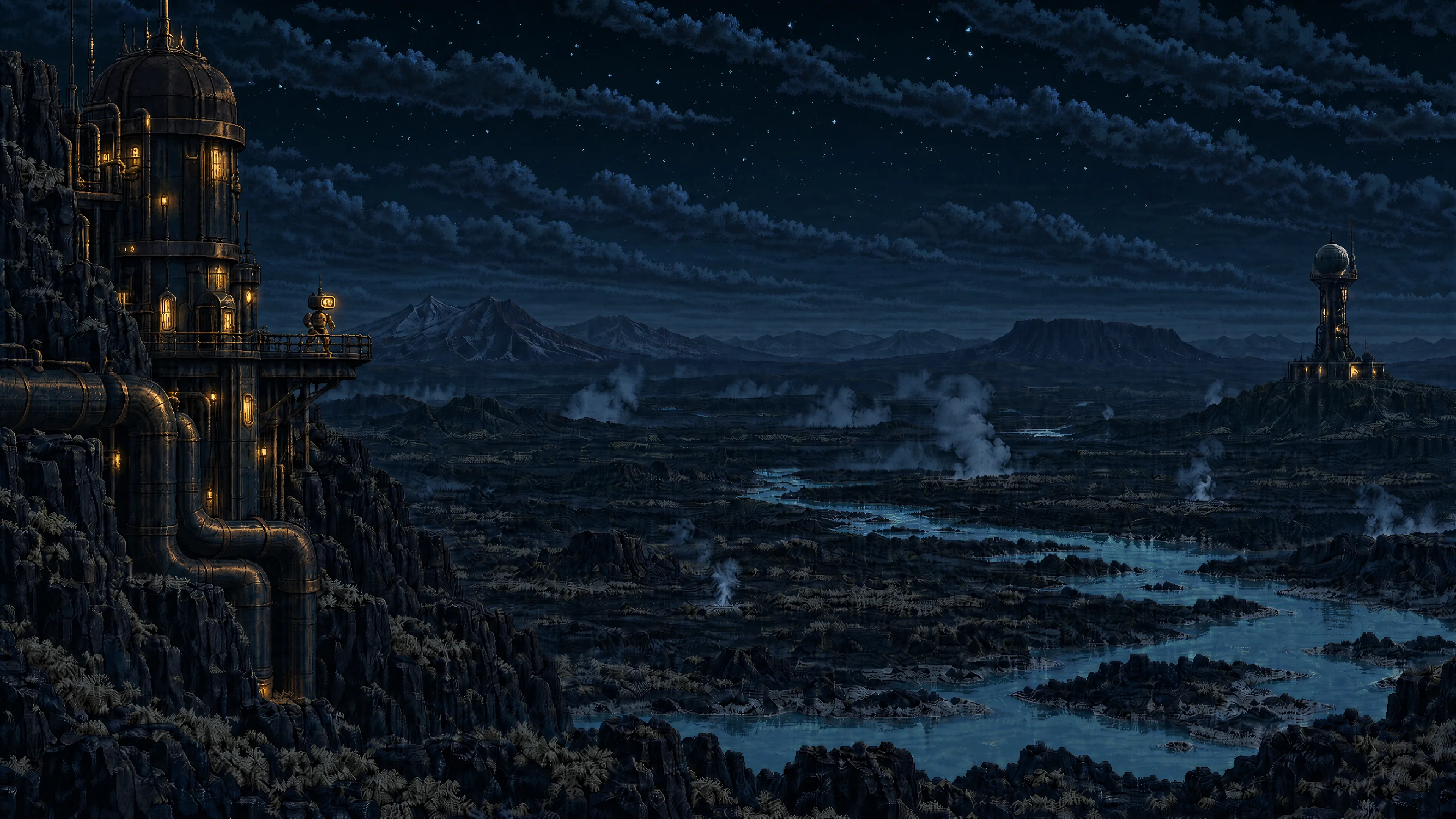 Volcanic — Night |
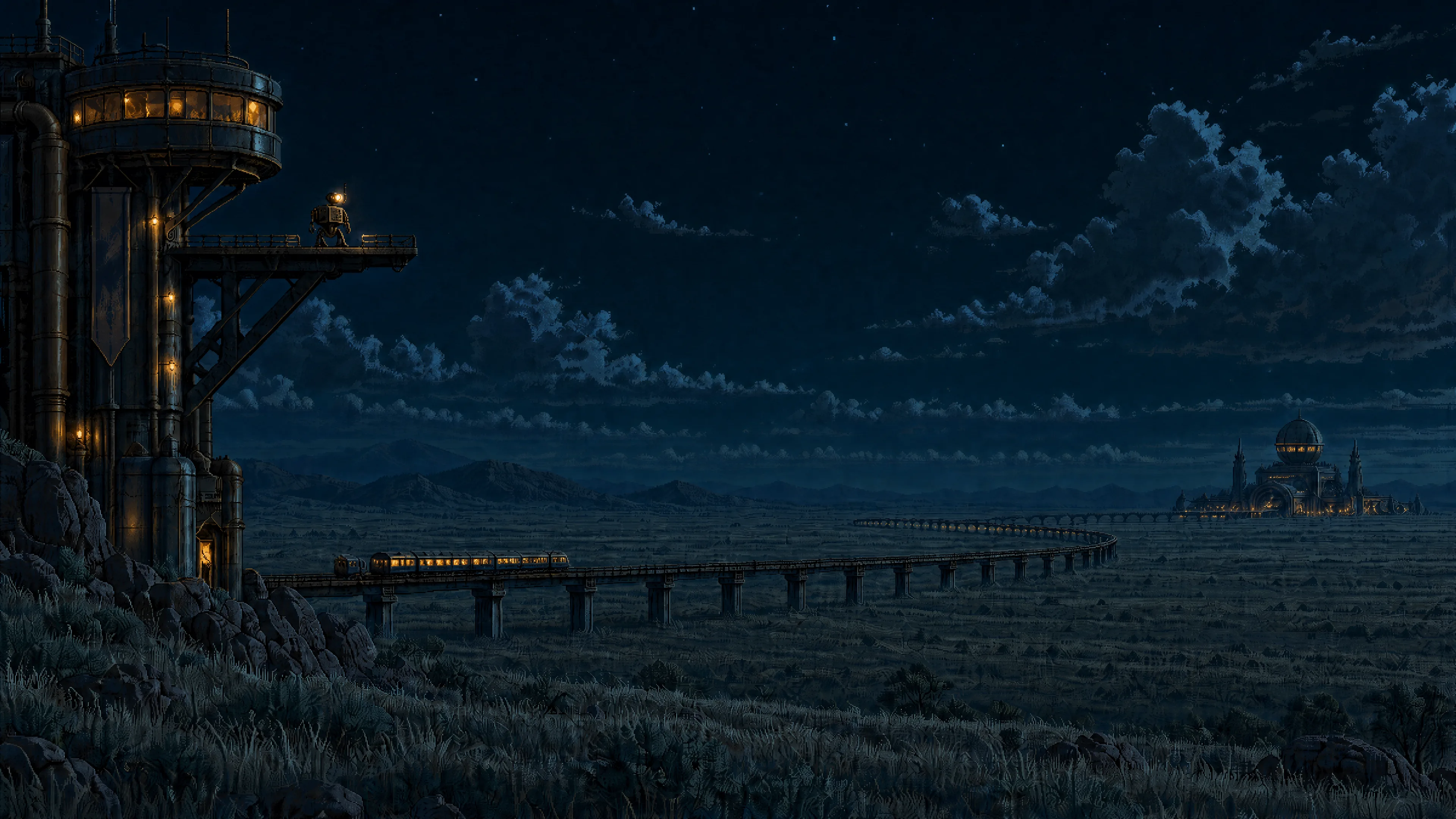 Steppe — Night | 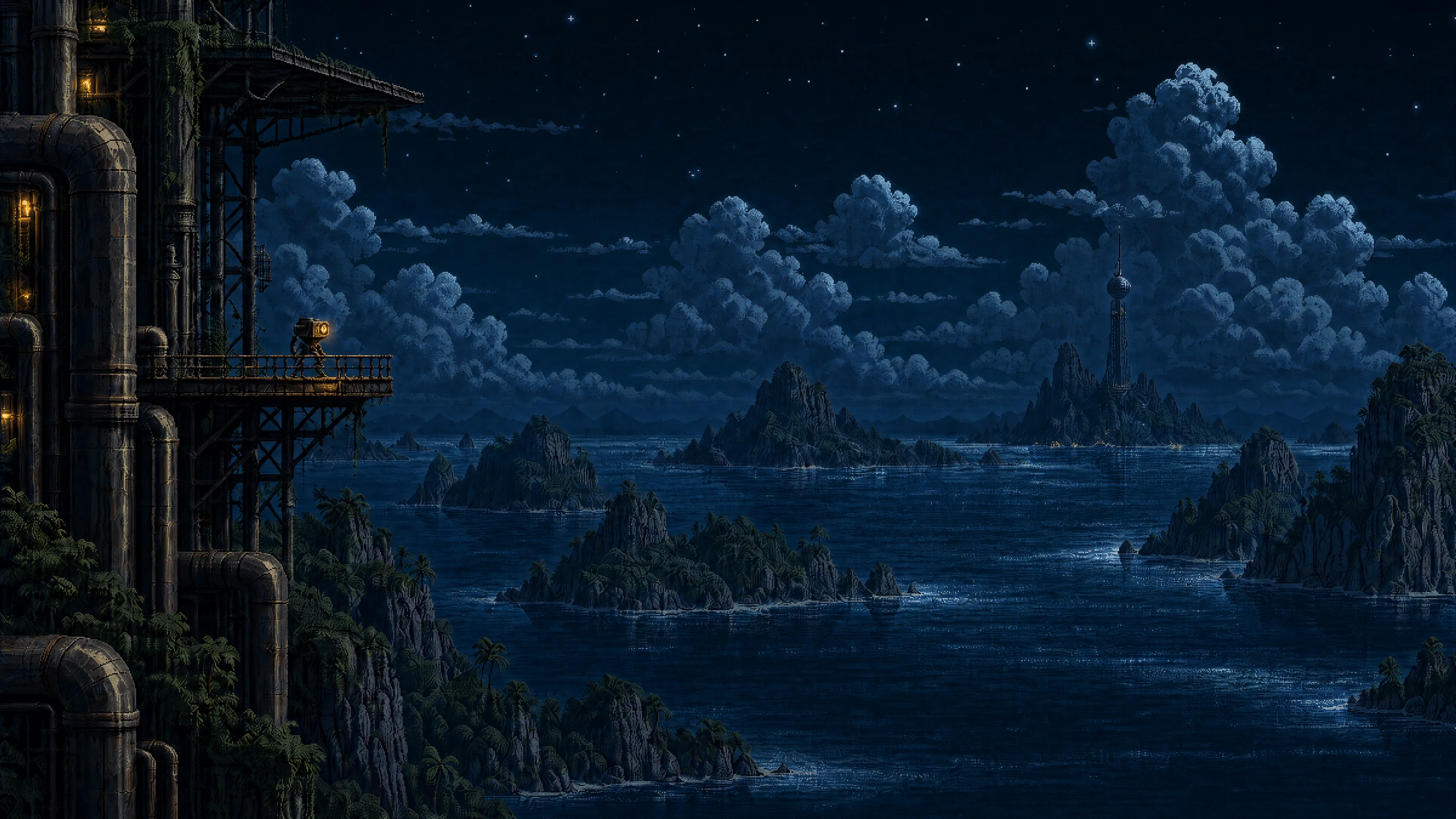 Tropical archipelago — Night | 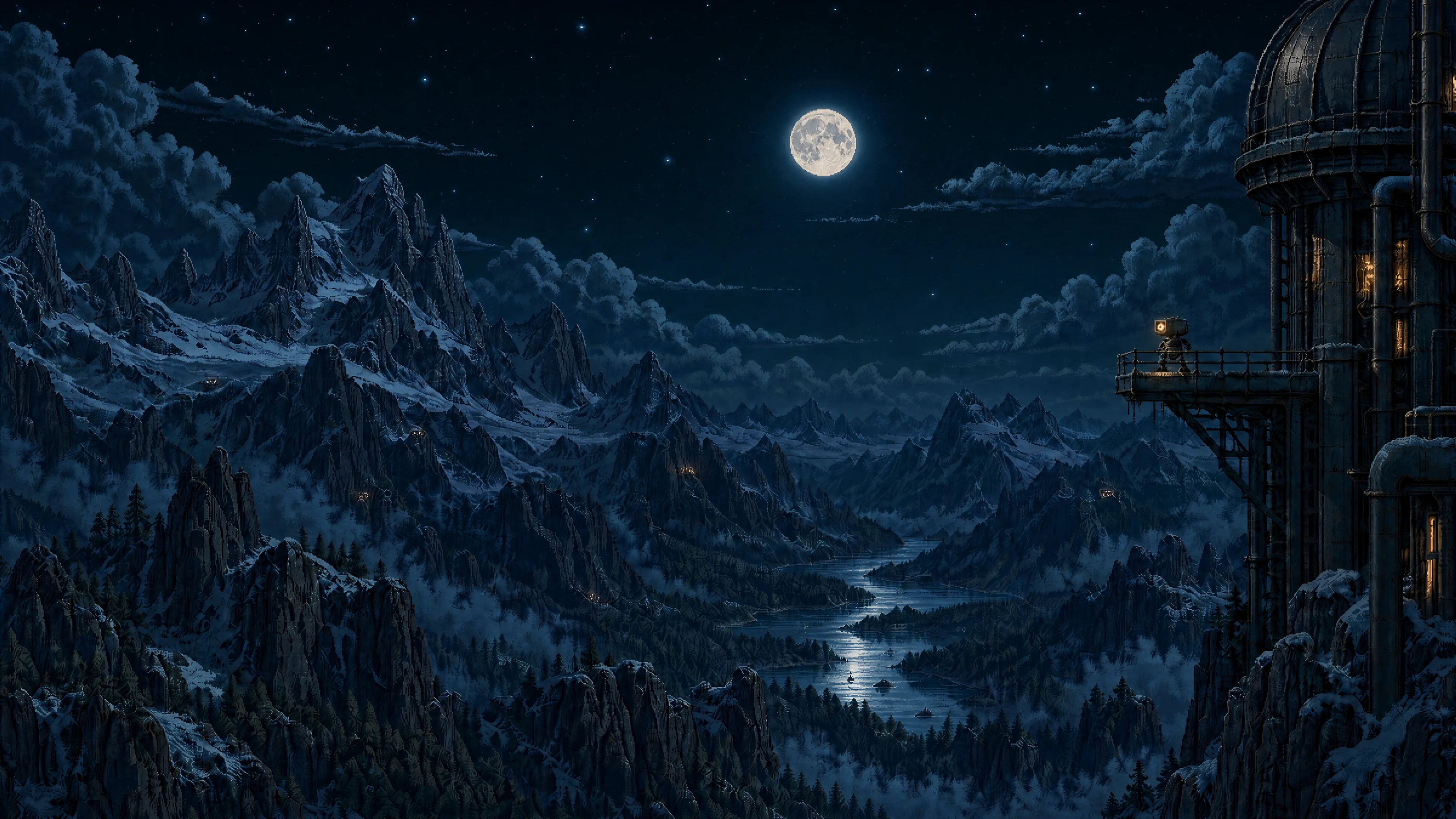 Alpine mountains — Night |
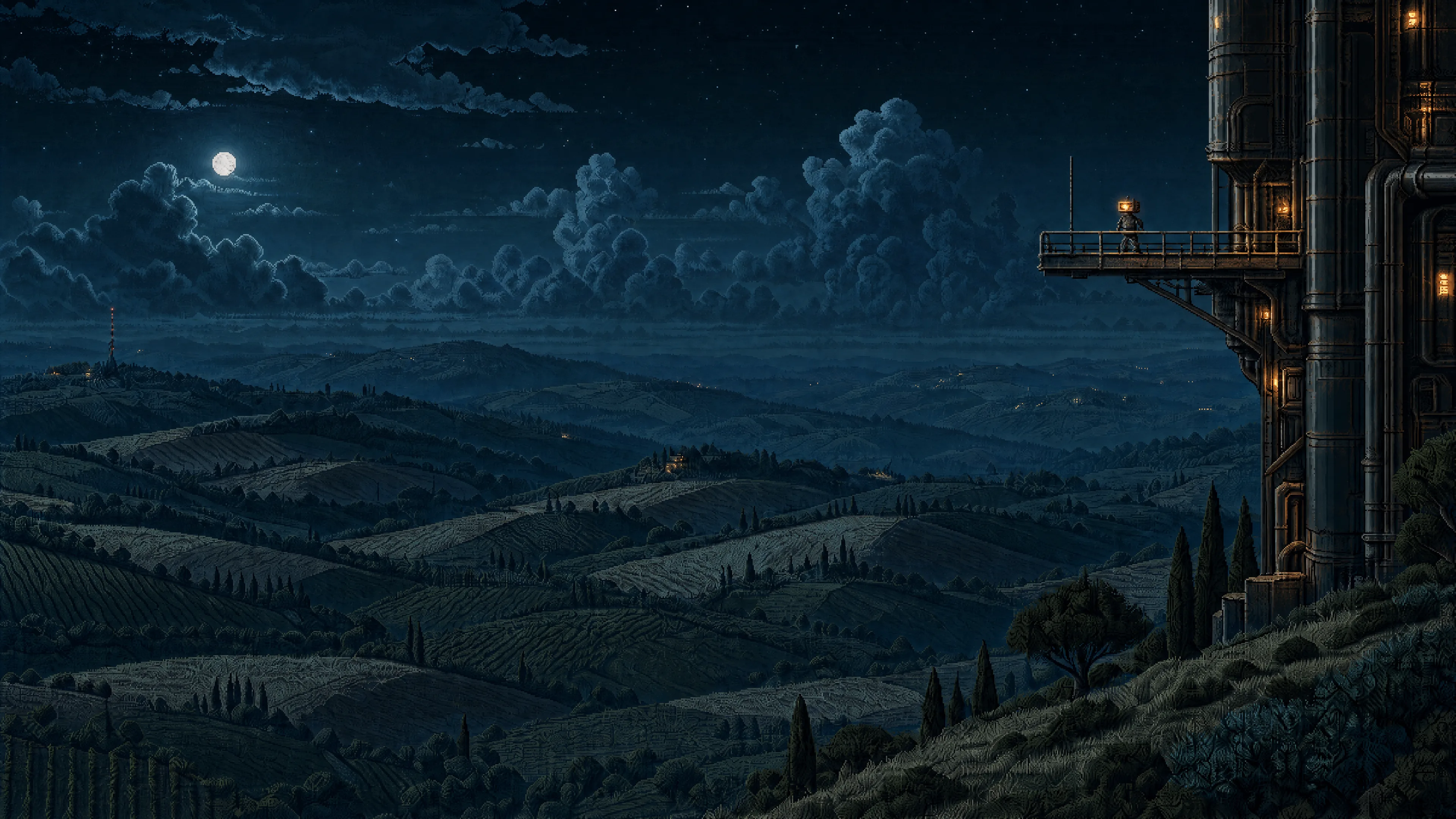 Rolling hills — Night | 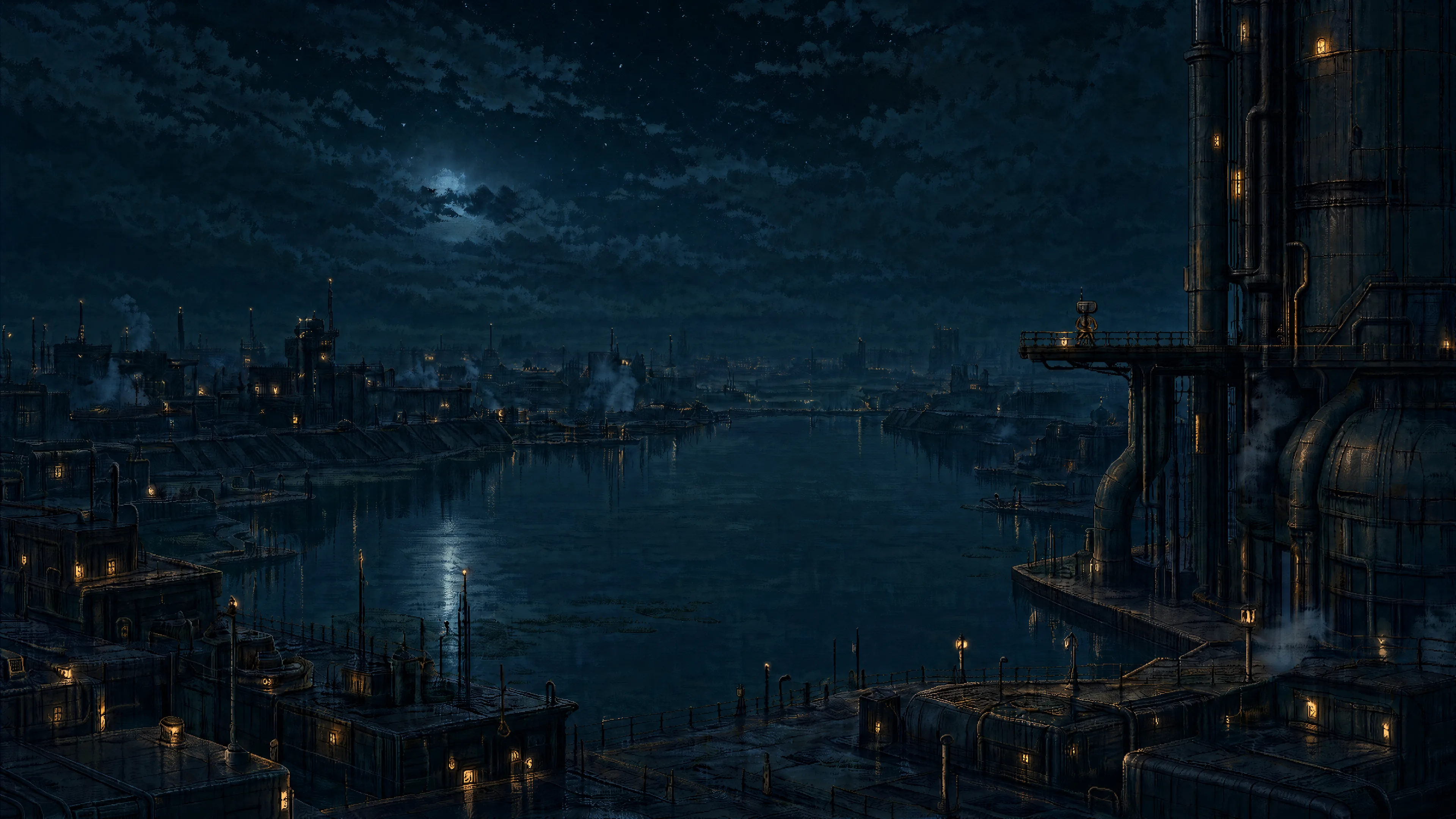 Water city — Night | 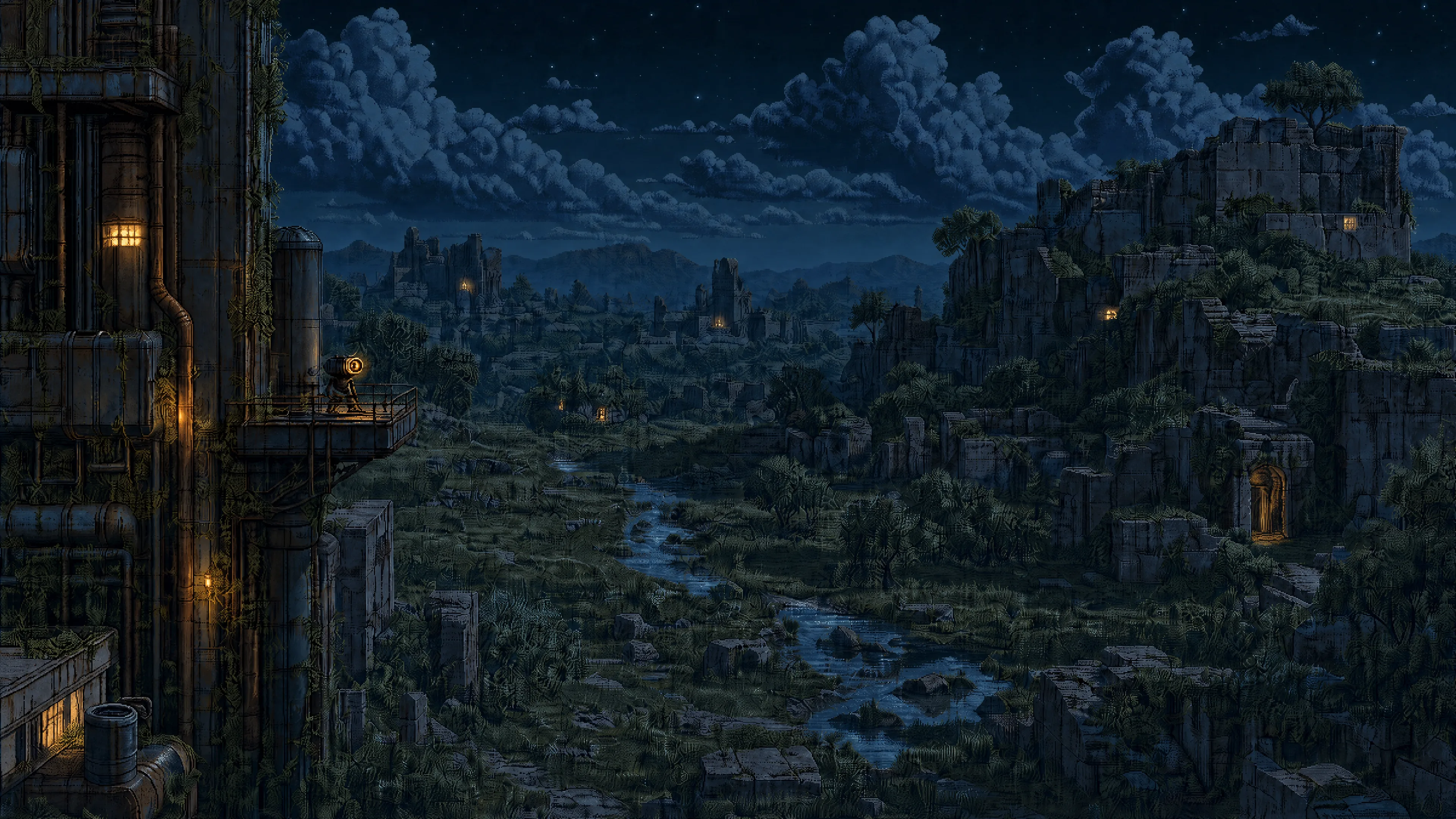 Overgrown ruins — Night |
Dawn & sunset
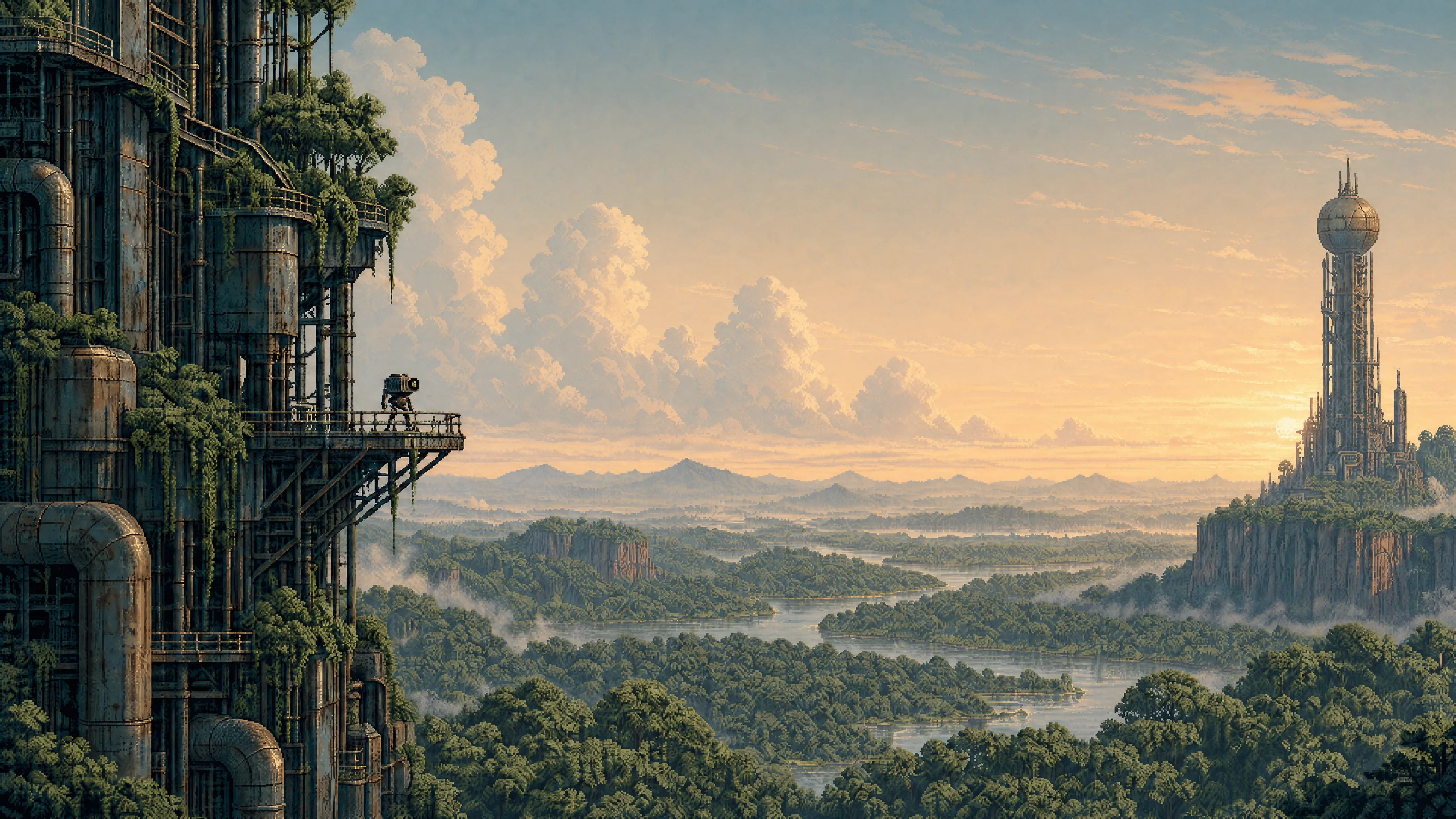 Forest — Dawn | 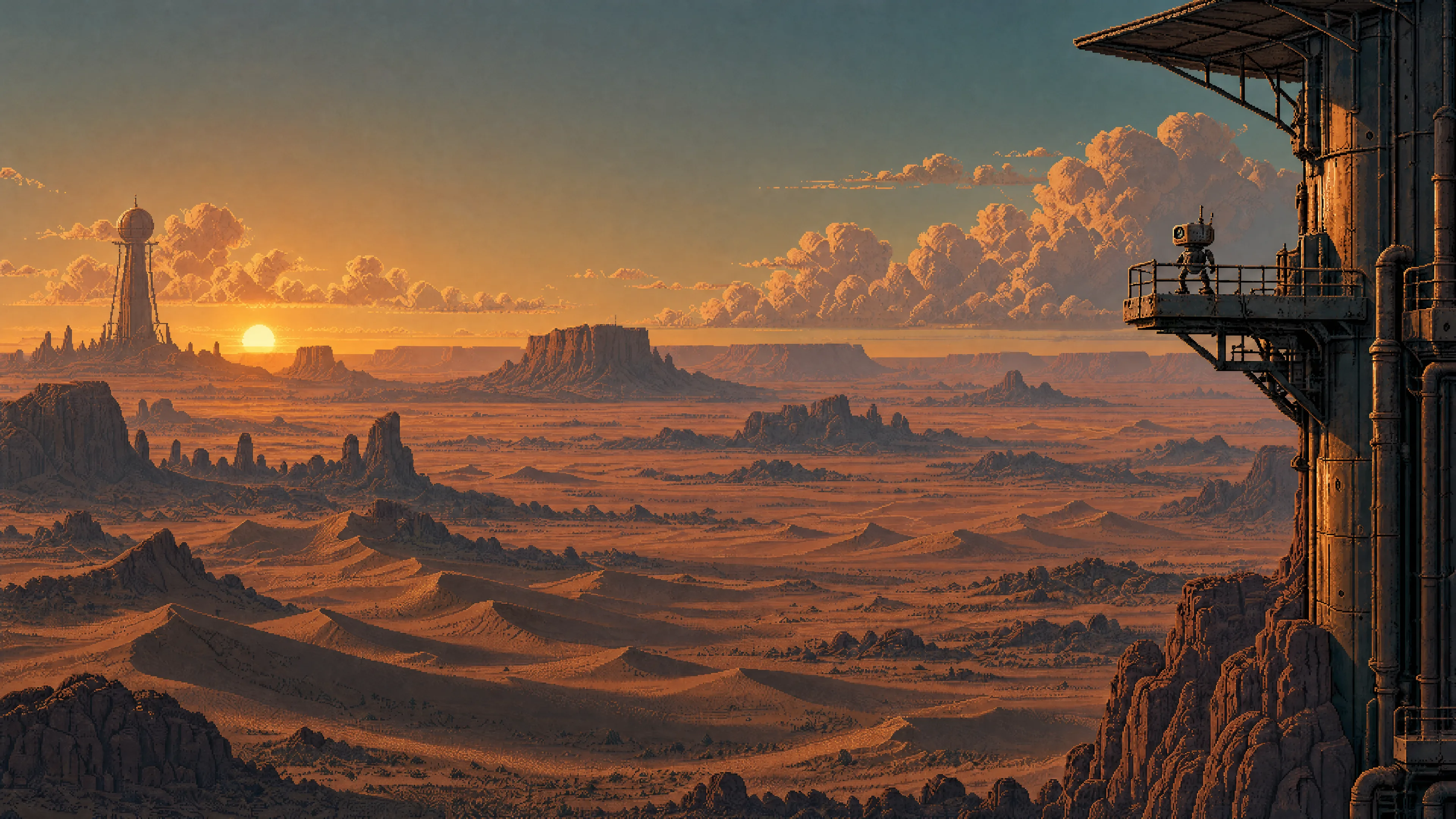 Desert — Sunset | 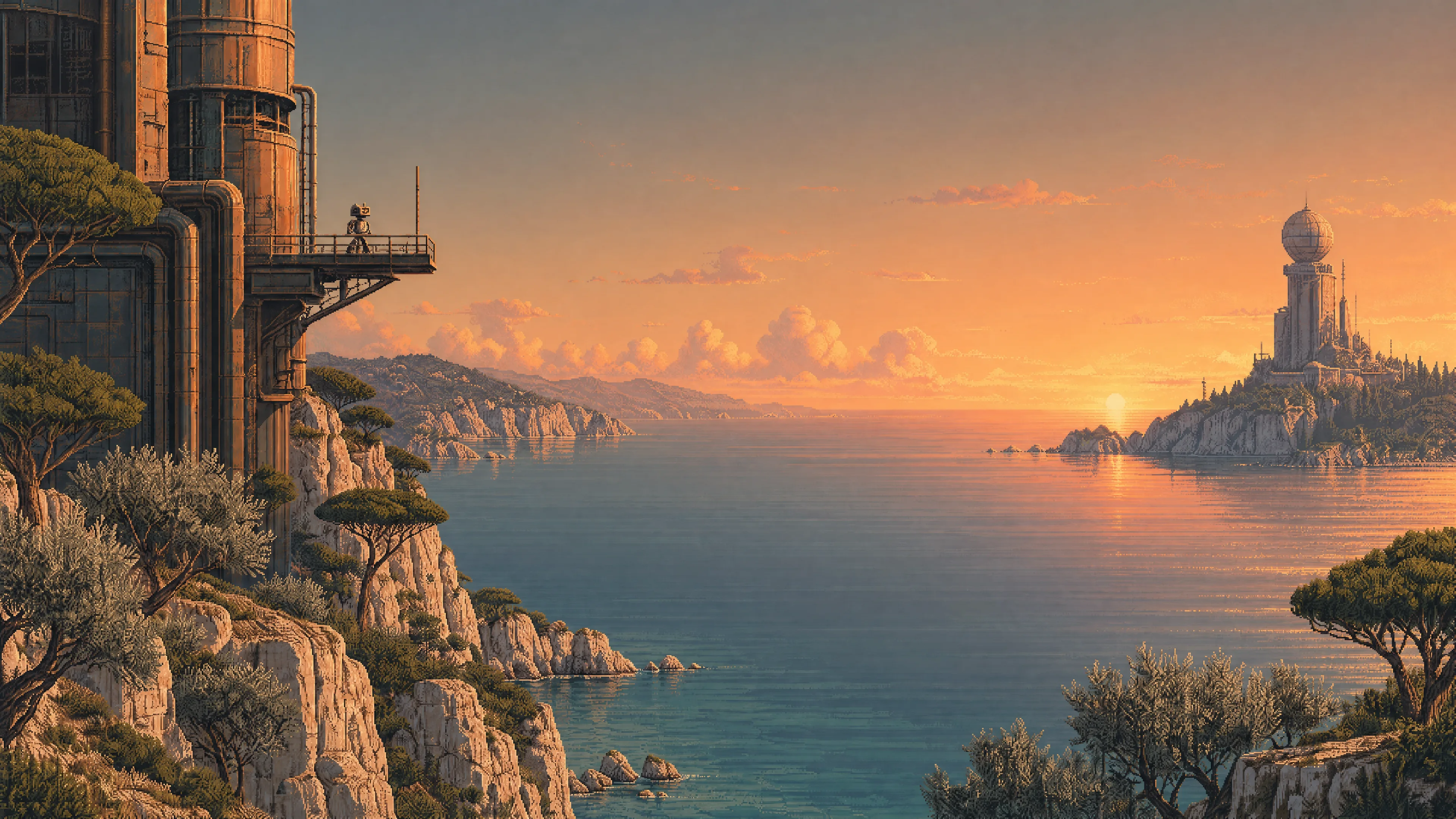 Mediterranean — Sunset |
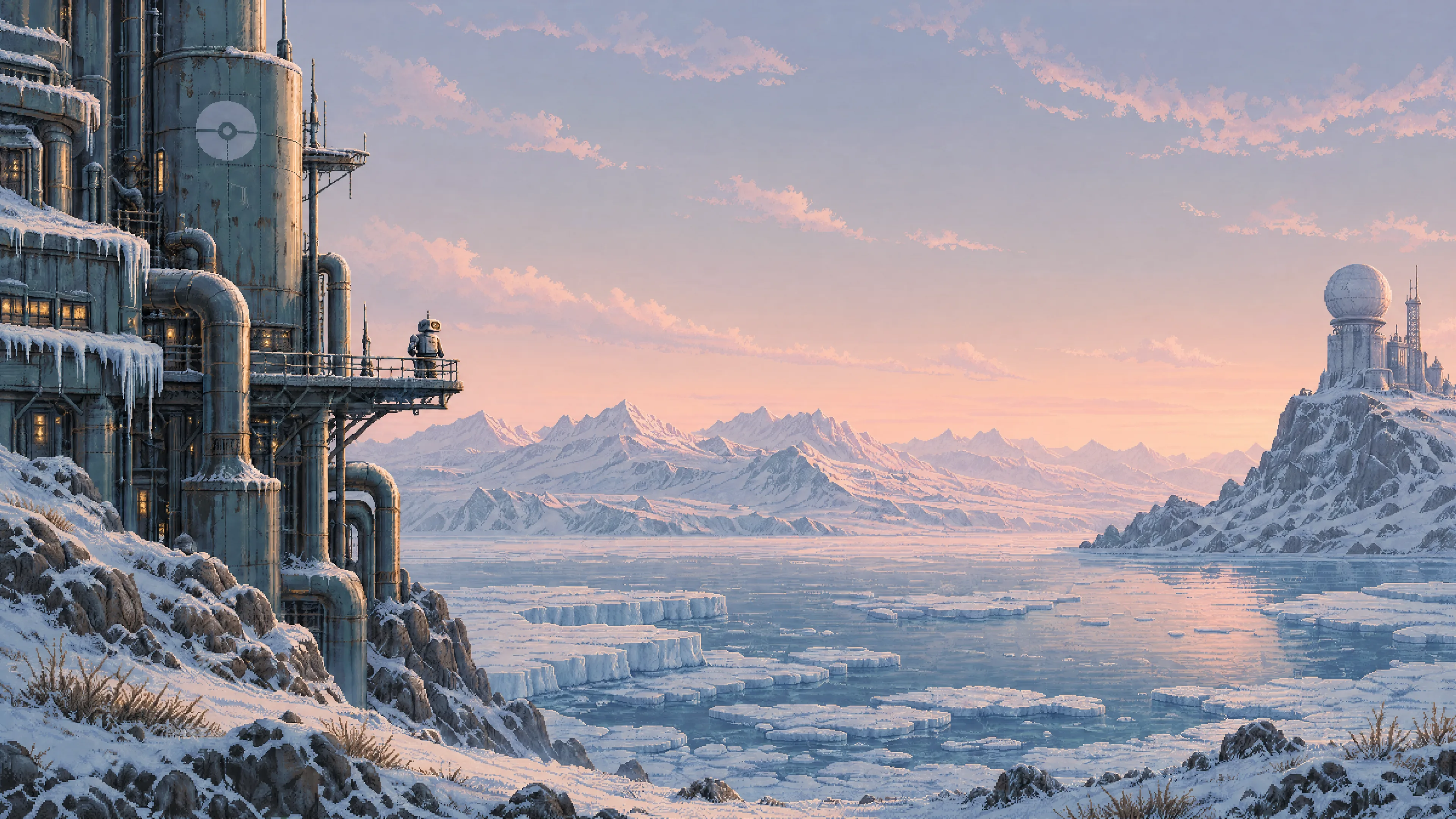 Tundra — Dawn | 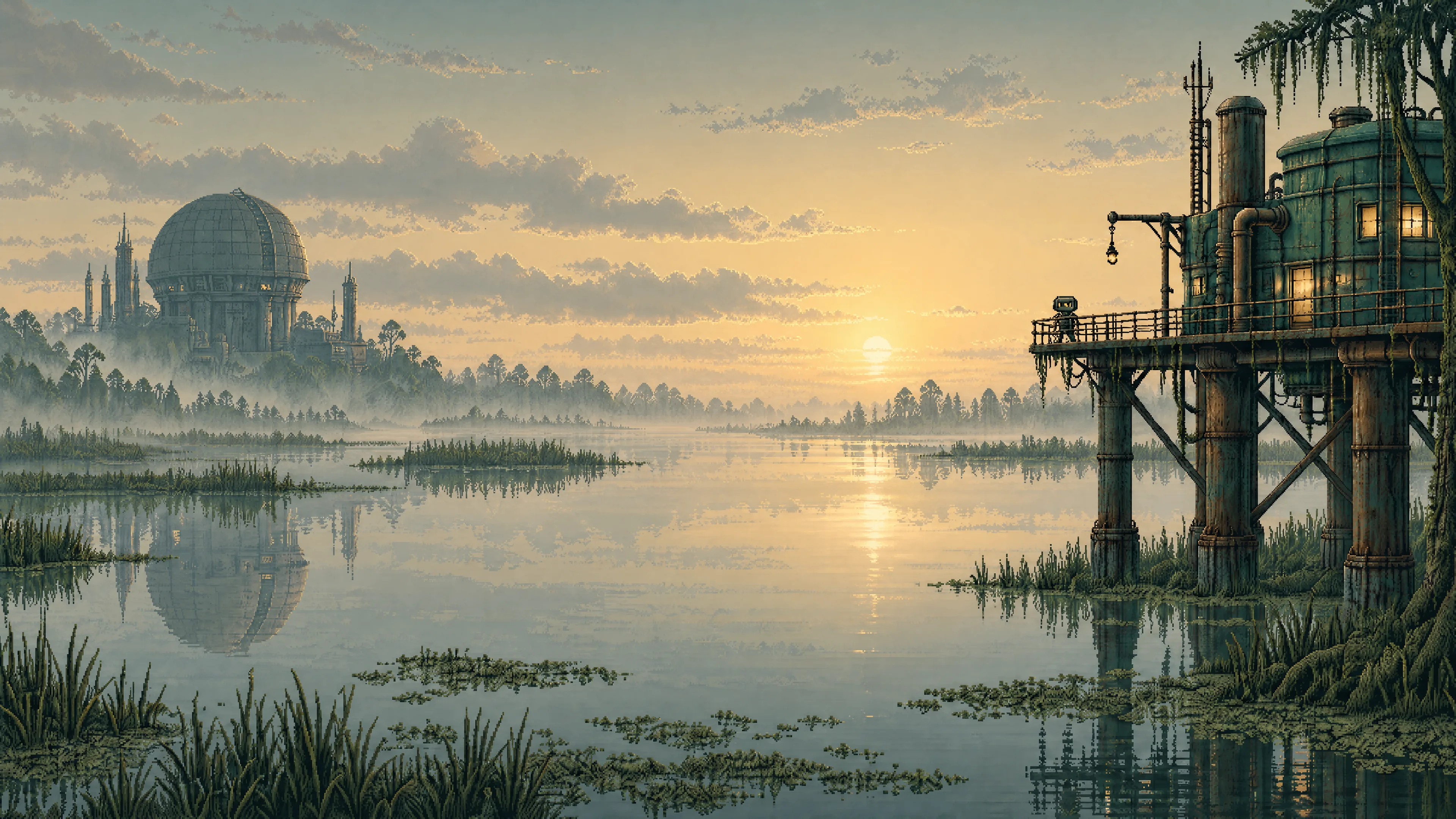 Swamp — Dawn | 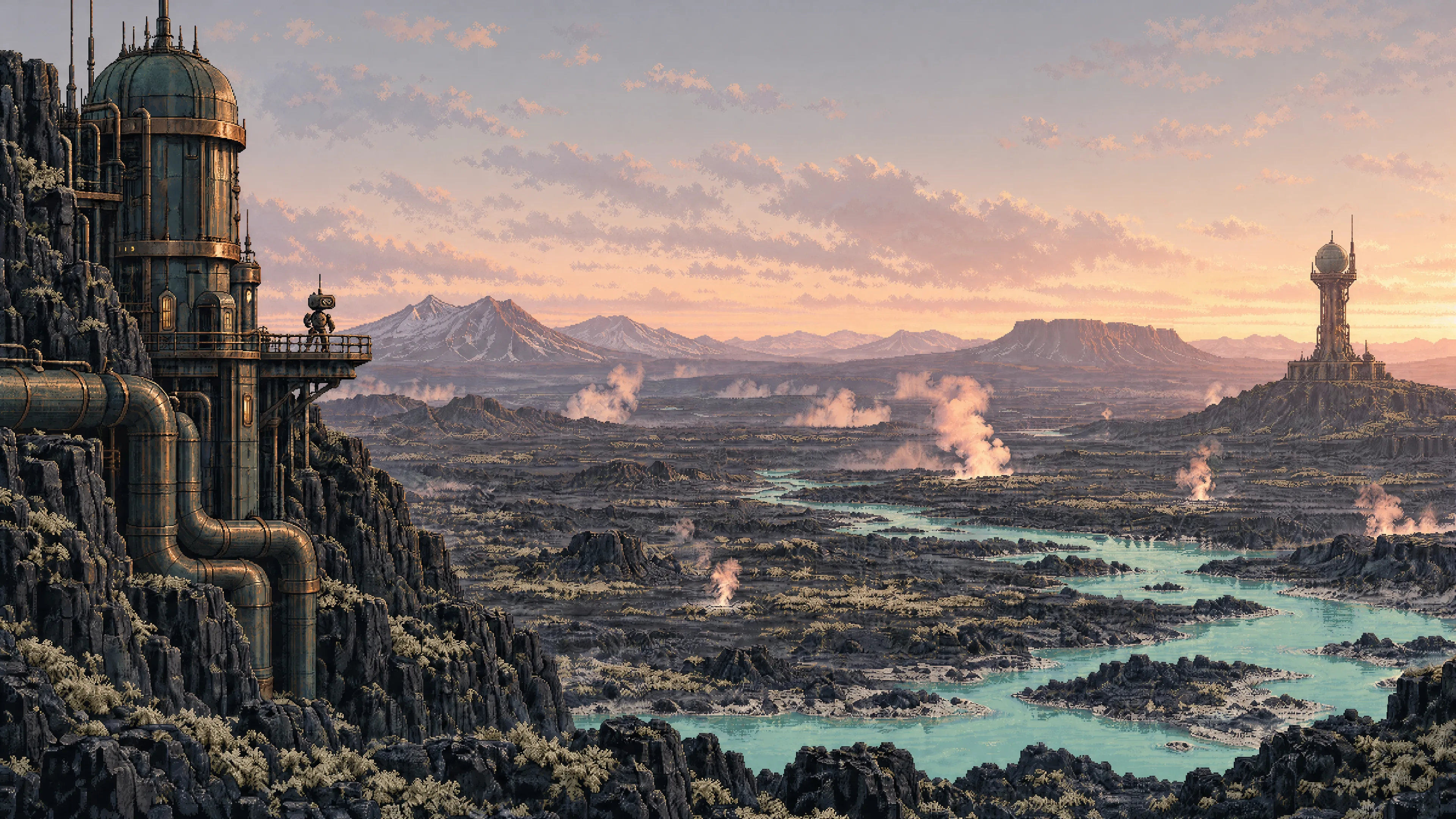 Volcanic — Dawn |
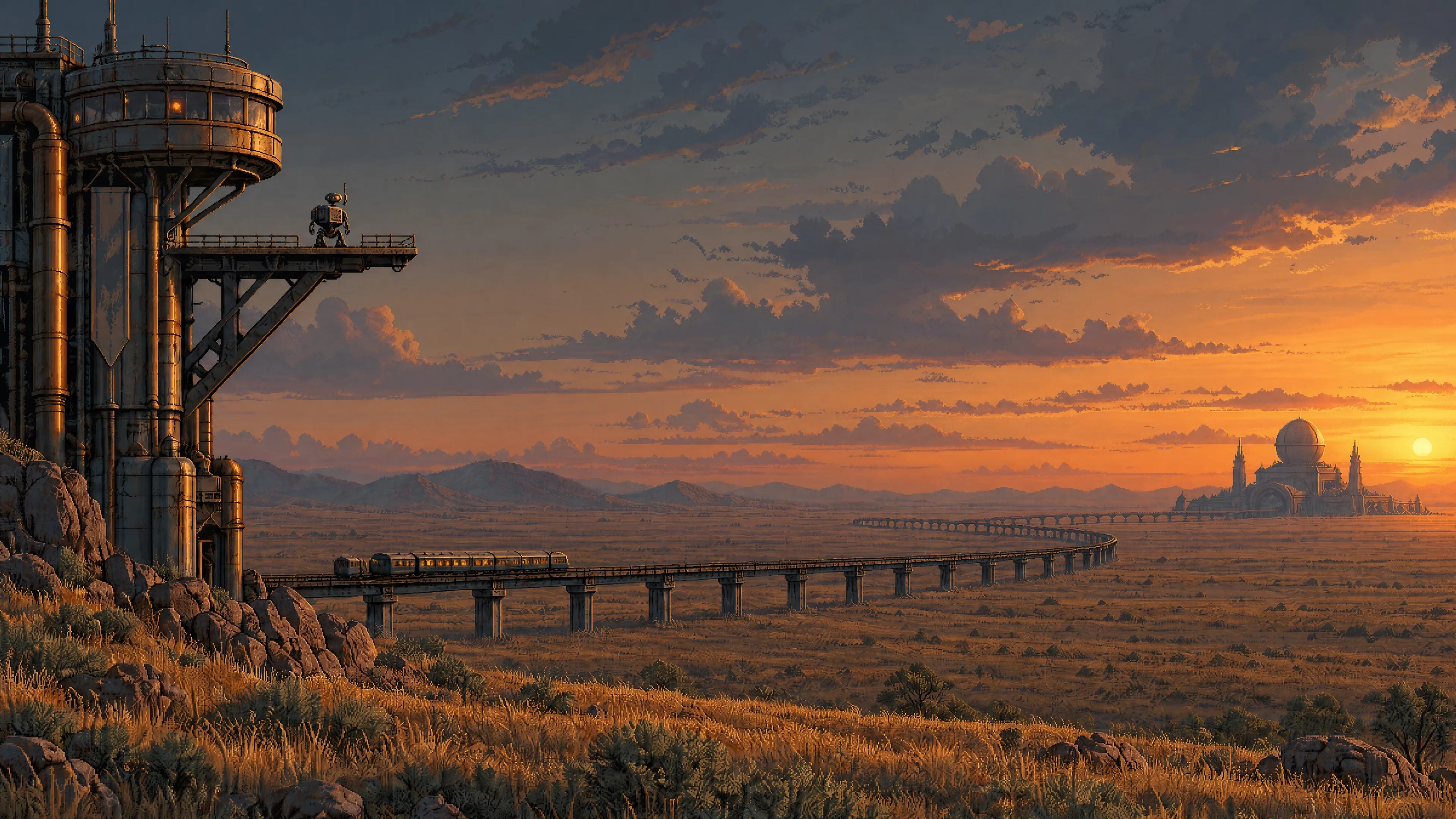 Steppe — Sunset | 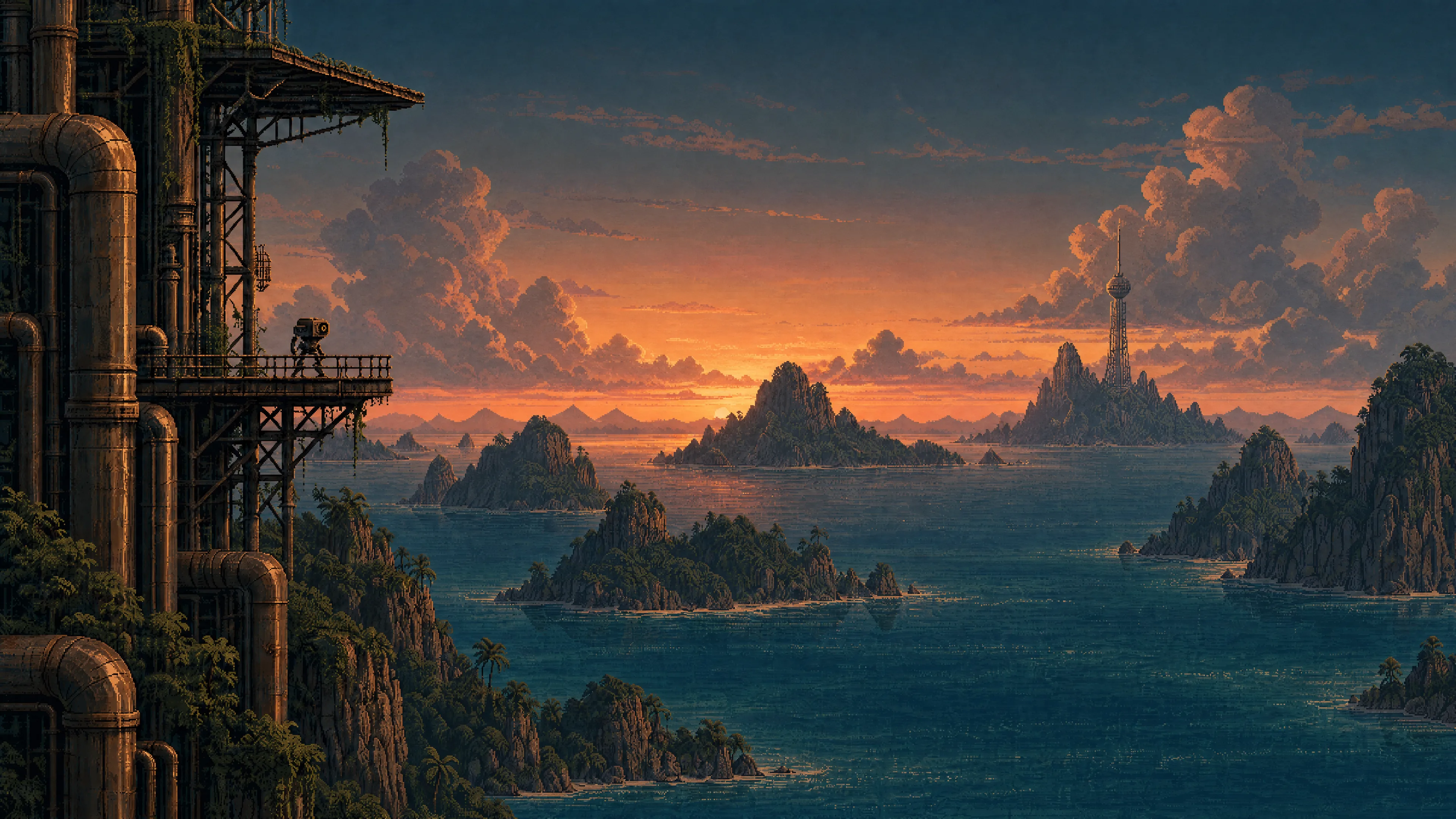 Tropical archipelago — Sunset | 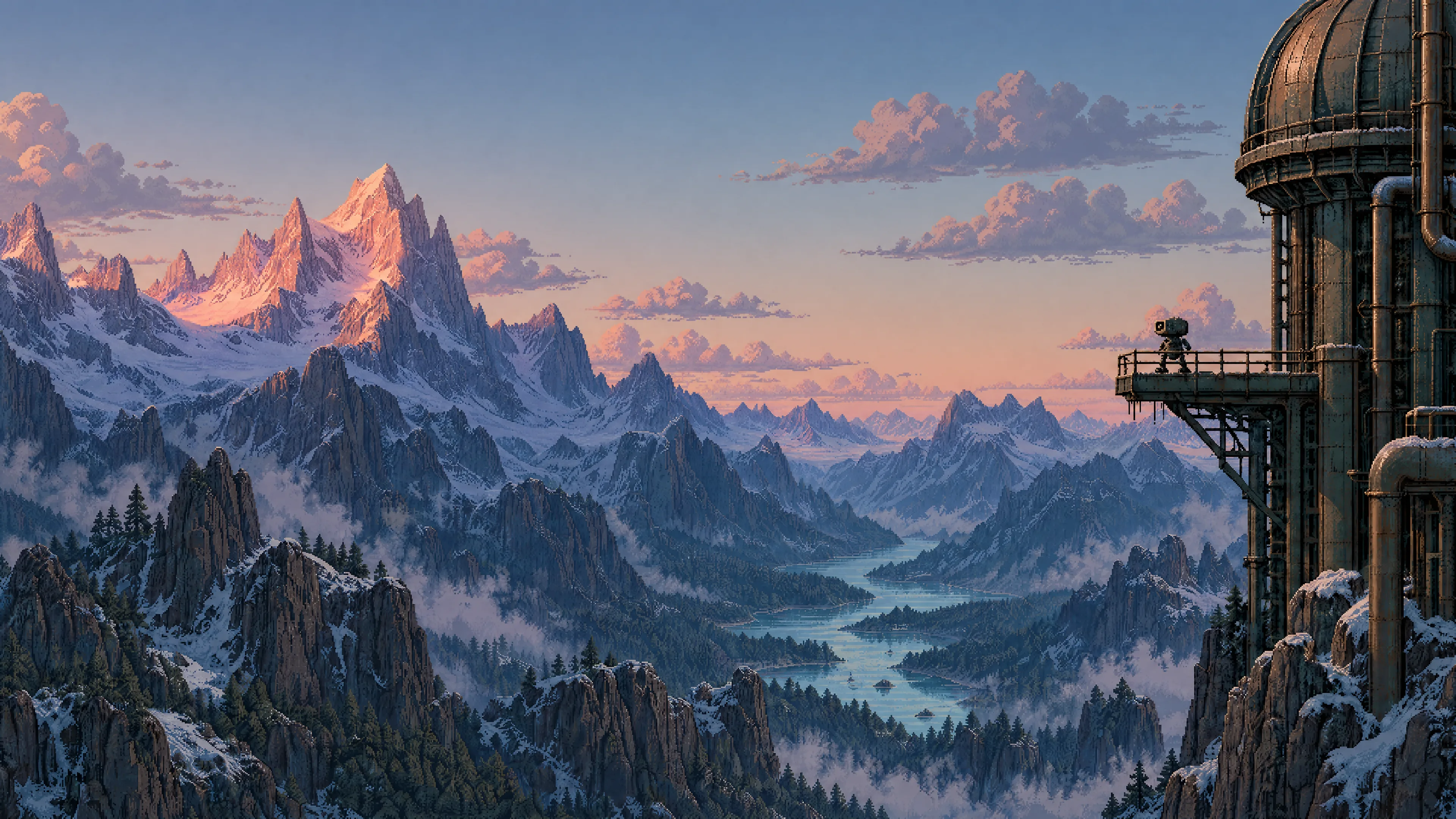 Alpine mountains — Dawn |
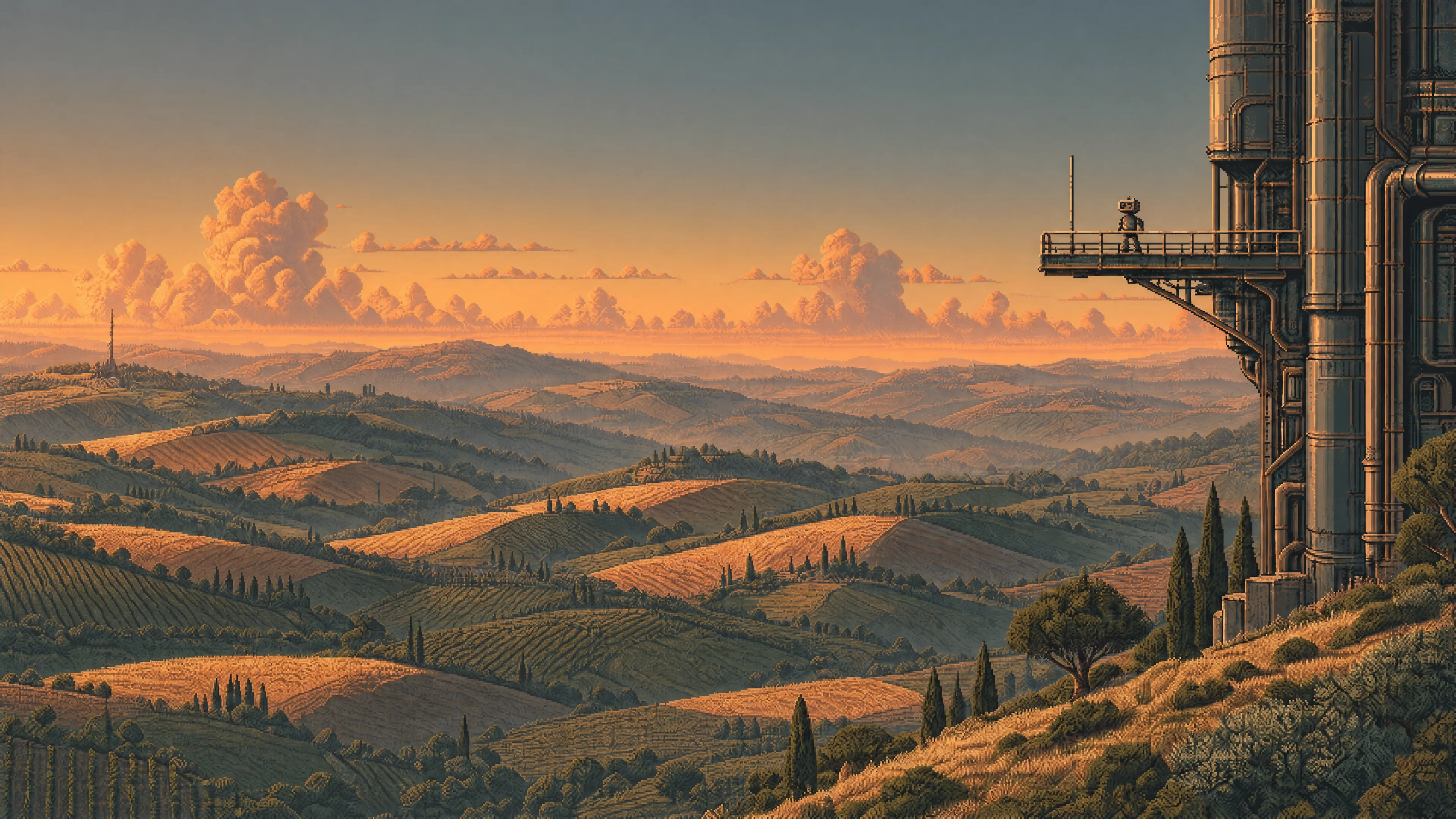 Rolling hills — Sunset | 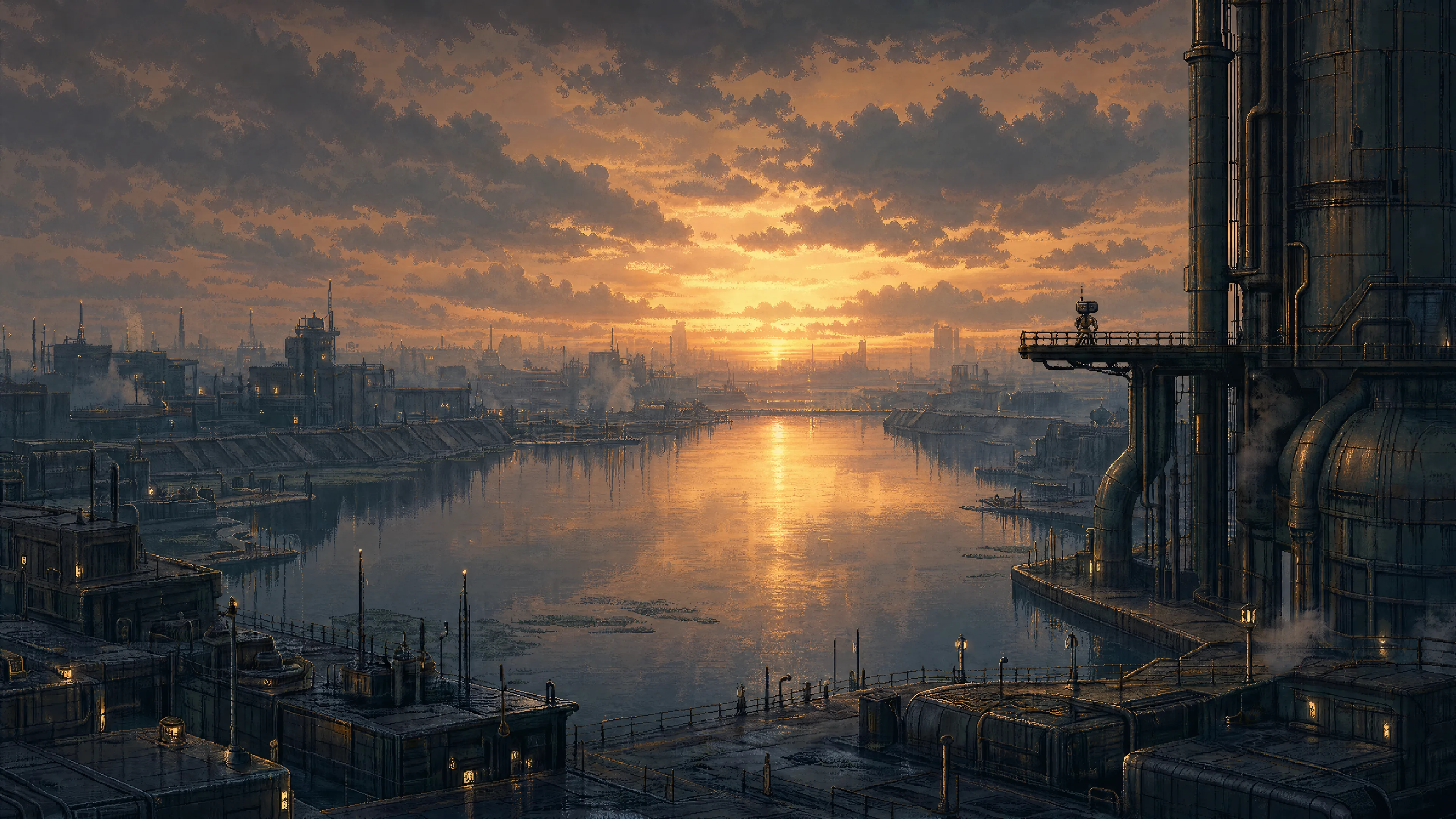 Water city — Sunset | 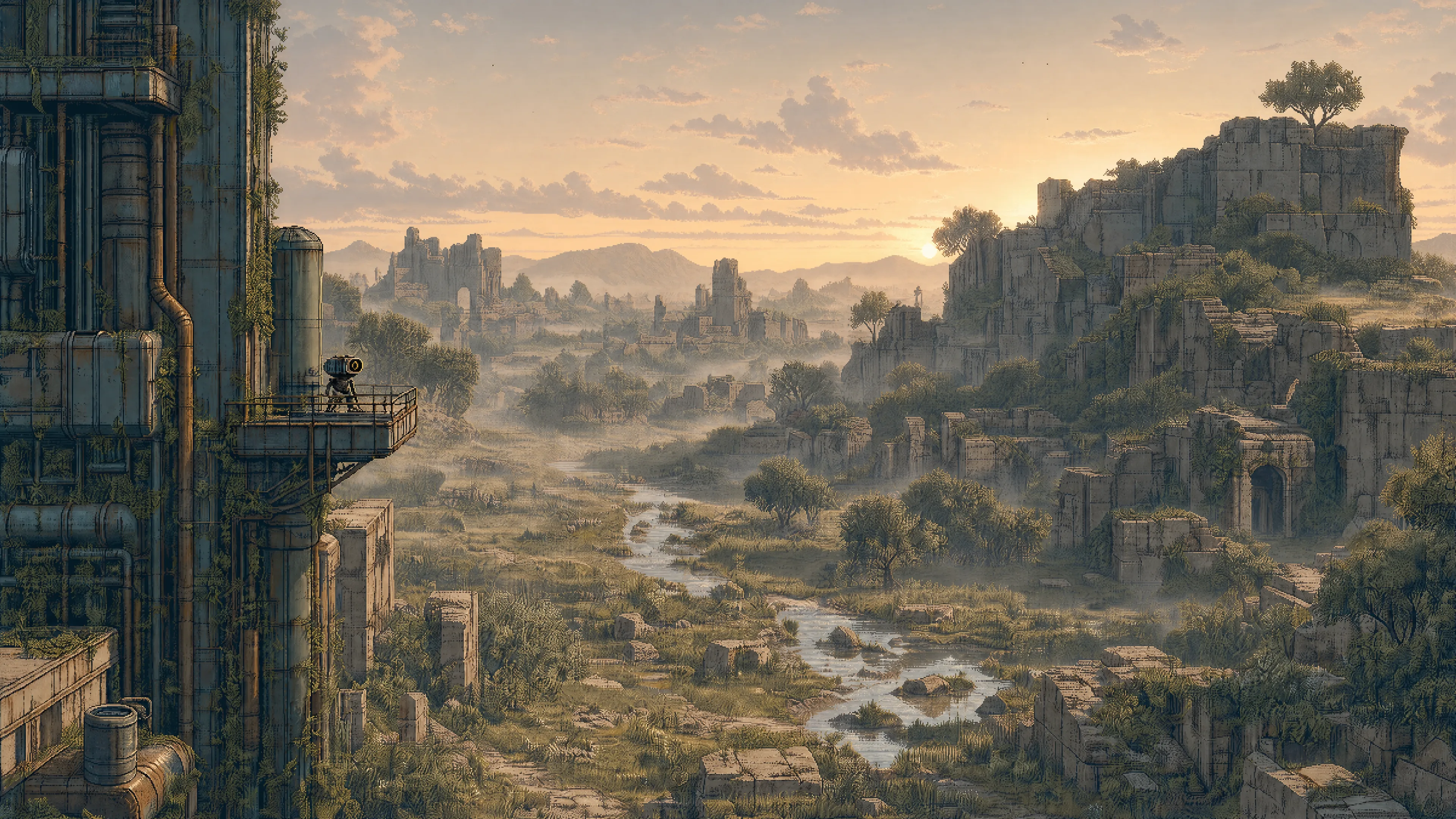 Overgrown ruins — Dawn |
The lighting variants use their corresponding original wallpaper as a visual reference. Exact prompts and generation settings are included for both companion packs.
An optional living pixel-art desktop brings Forest — Night to life with robot patrols, cargo drones and random ambient events. It includes a browser preview and a standalone Quickshell background for Omarchy.
Inspiration
Weathered retrofuturistic structures frame vast, open landscapes, while small maintenance robots lend a sense of scale. Petroleum shadows, bronze metal, and ivory light tie together ten biomes and two urban settings. The interface palette draws from these shared tones and remains consistent as wallpapers change.
Related themes
Outpost is the dark companion to Haven, a light theme of peaceful settlements, gardens and everyday robot life. Both share the same pixel art world, maintenance robots and palette of petroleum, bronze and ivory.
Installation
Once this repository has been published, run this command on your Omarchy 4 machine:
omarchy theme install https://github.com/simoz/omarchy-outpost-themeTo switch back, select your previous theme from Omarchy's theme menu.
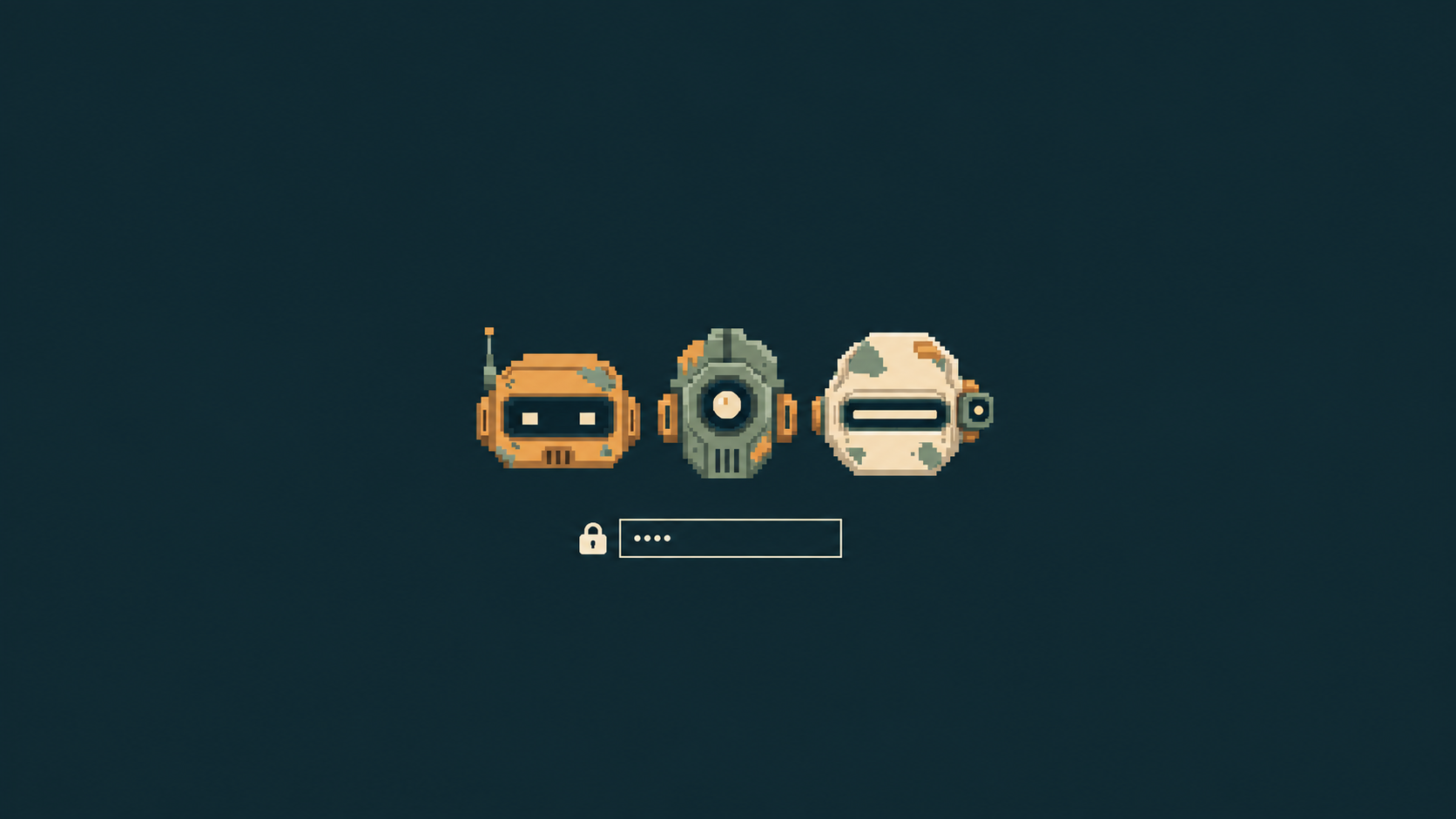
Unlock screen
About
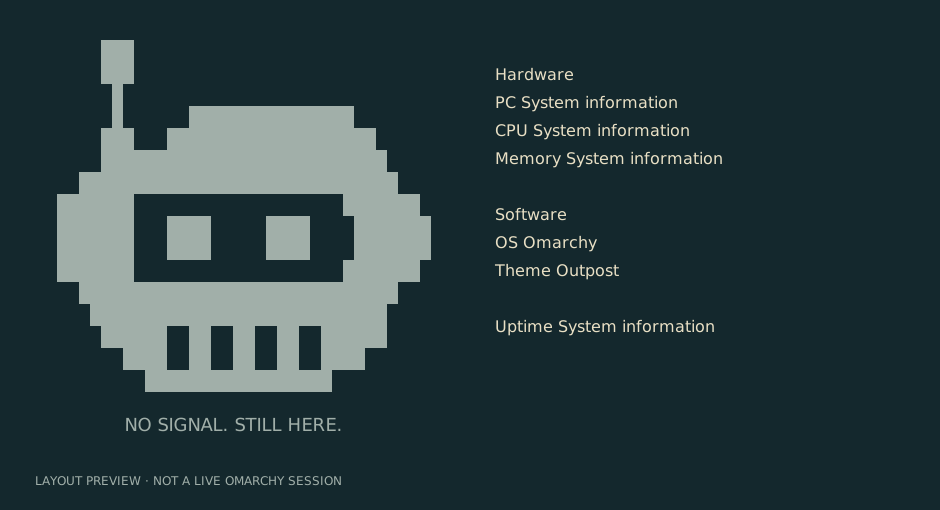
The optional About artwork shows a block-art robot with NO SIGNAL. STILL HERE. beneath it.
After installing or updating the theme, run these commands on your Omarchy machine. If you already have custom About artwork, save a copy of ~/.config/omarchy/branding/about.txt first; the copy command replaces it.
mkdir -p ~/.config/omarchy/branding
cp ~/.config/omarchy/themes/outpost/about.txt ~/.config/omarchy/branding/about.txt
Close and reopen About to see the change. This is a personal branding setting: selecting or updating Outpost does not copy the artwork automatically, and switching themes does not remove it. Repeat the copy command after updating the artwork.
The artwork has not yet been tested in a live Omarchy session.
Screensaver
The optional screensaver pairs the same block-art robot used in About with the Outpost wordmark and NO SIGNAL. STILL HERE. Omarchy supplies the animation effects.
After installing the theme, run these commands on your Omarchy machine to activate it. If you already have a custom screensaver, save a copy of ~/.config/omarchy/branding/screensaver.txt first; the copy command replaces it.
mkdir -p ~/.config/omarchy/branding
cp ~/.config/omarchy/themes/outpost/screensaver.txt ~/.config/omarchy/branding/screensaver.txt
Open System → Screensaver to preview it. This is a personal branding setting: selecting Outpost does not activate it automatically, and switching themes does not remove it. Use Style → Screensaver → Restore Default to restore the Omarchy logo.
The artwork has not yet been tested in a live Omarchy session.
Shell
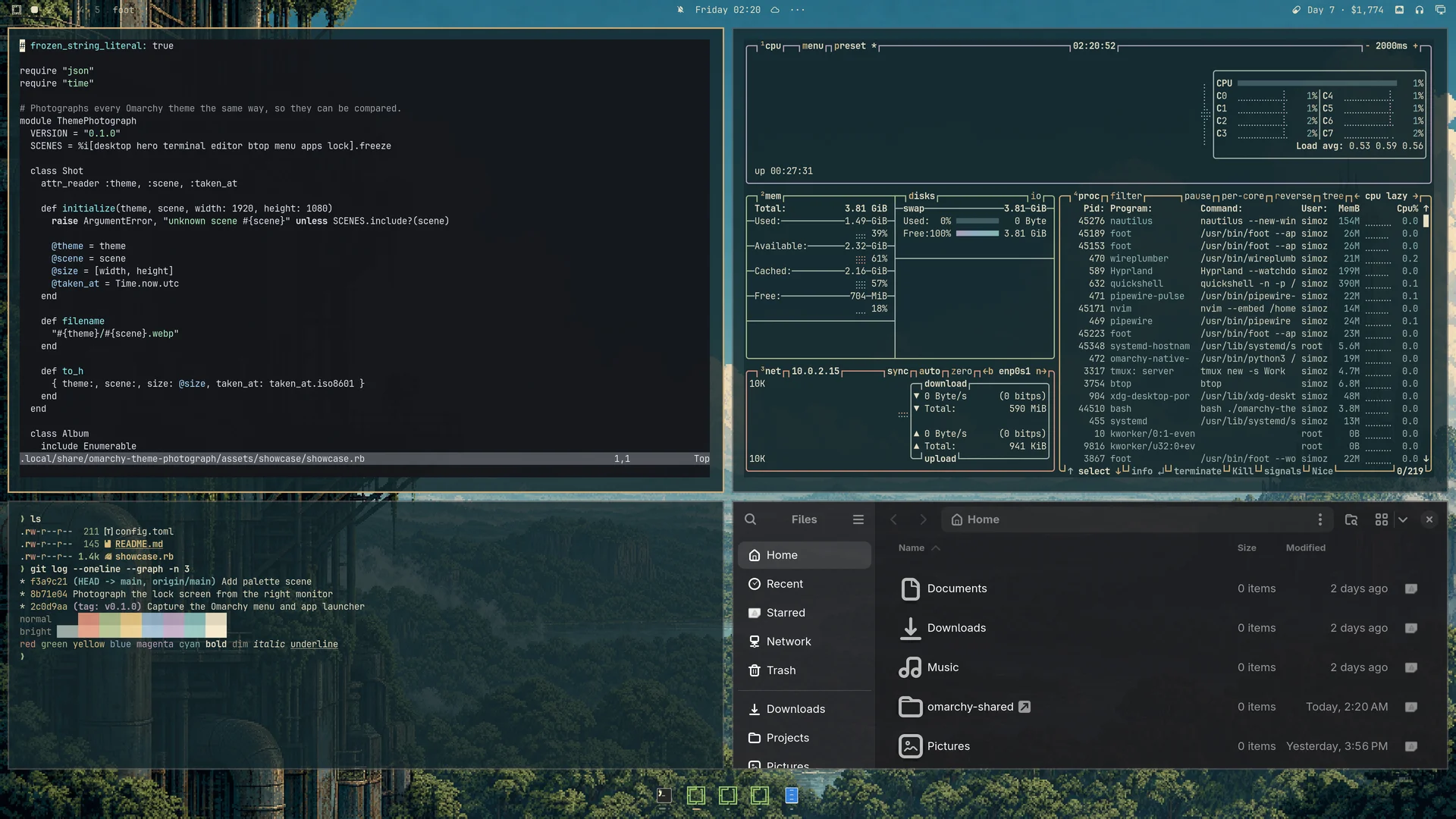
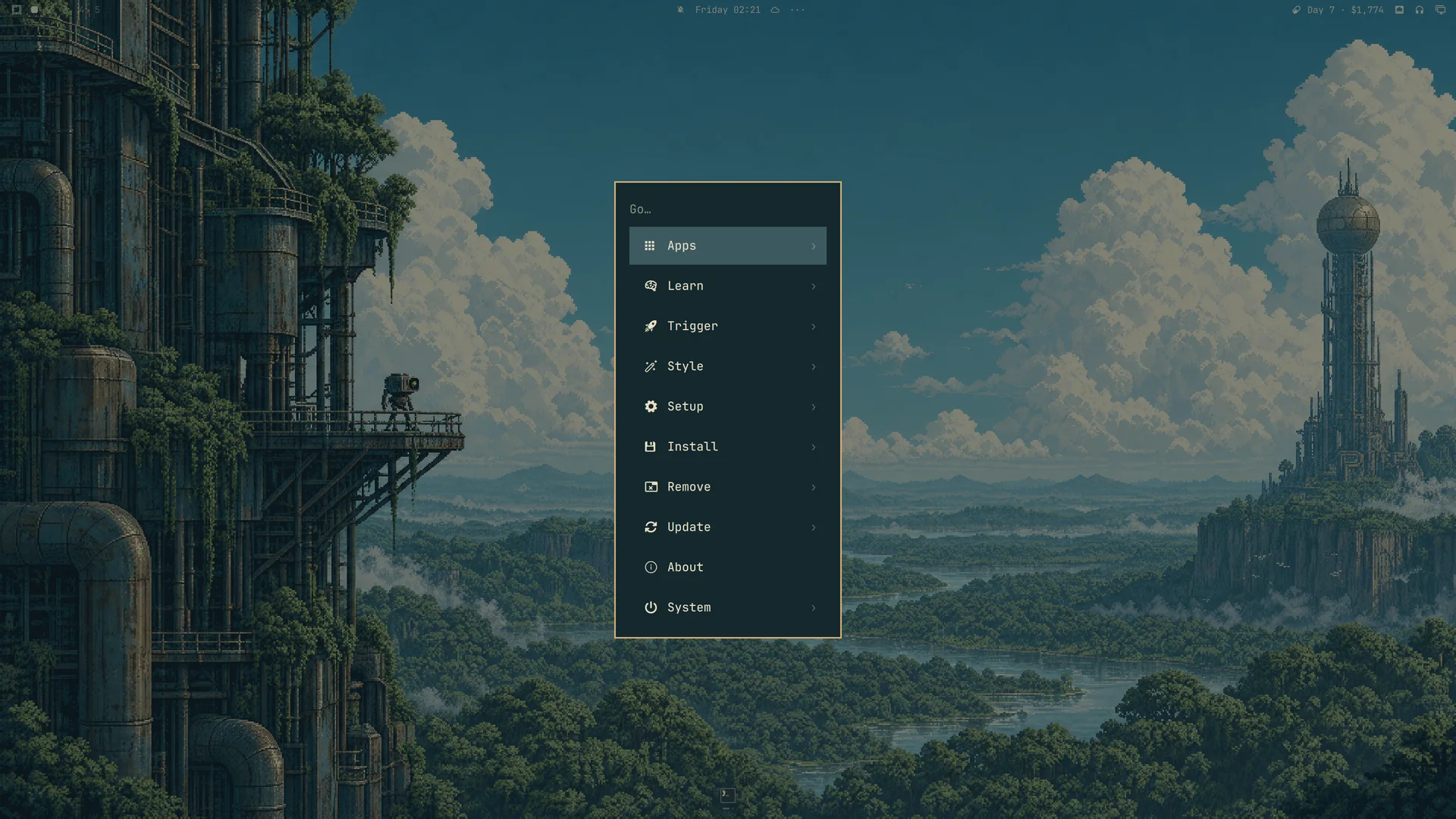
Petroleum surfaces, ivory text and bronze borders carry through the bar, menus, launcher, notifications and authentication dialogs. Selected menu rows use a solid blue-green background. shell.toml defines the appearance; personal settings in ~/.config/omarchy/shell.toml take precedence.
Desktop previews
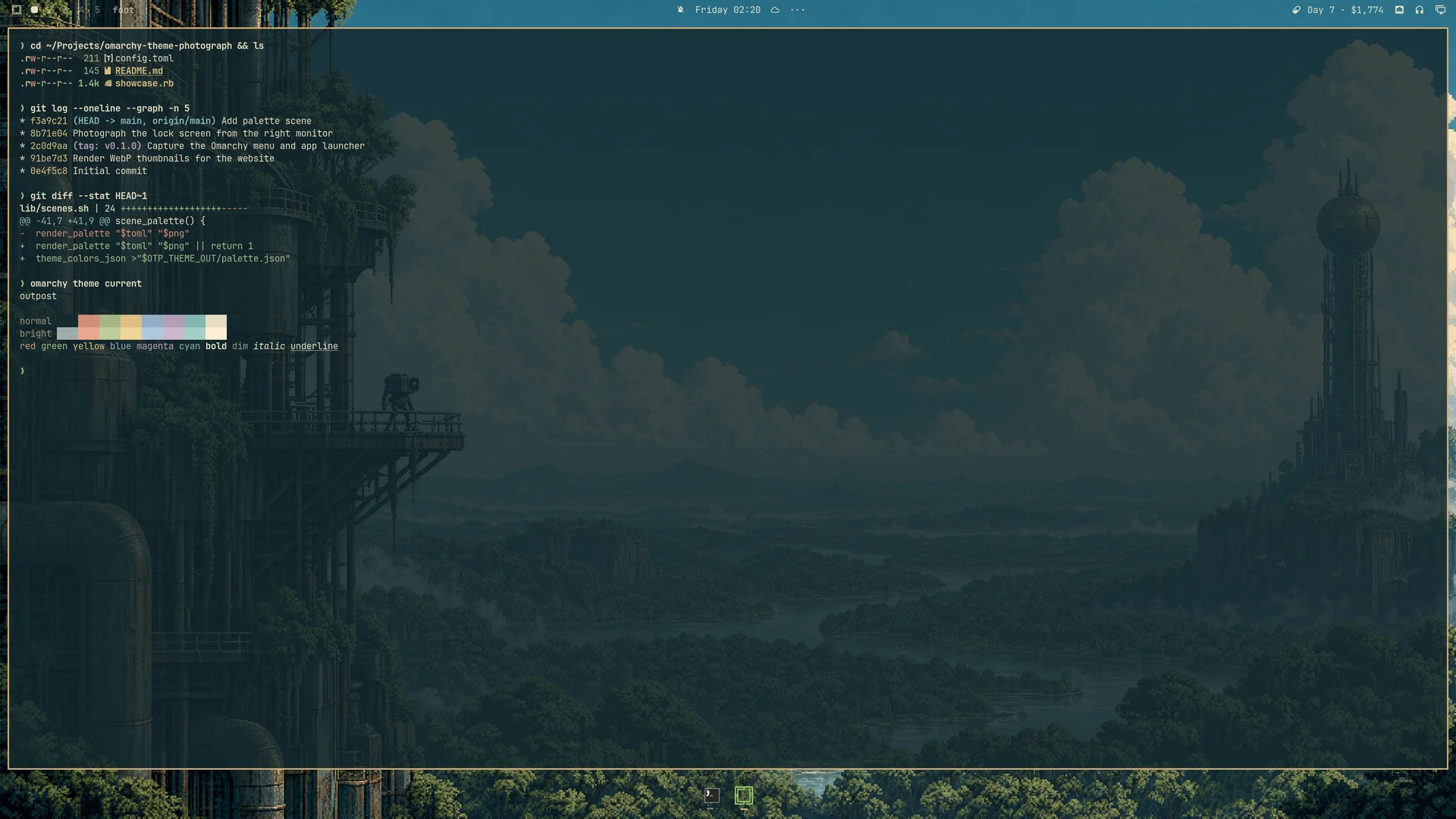
Click a screenshot to view it at full size. Captured on Omarchy 4.0.2-1.
| Desktop | Terminal |
|---|---|
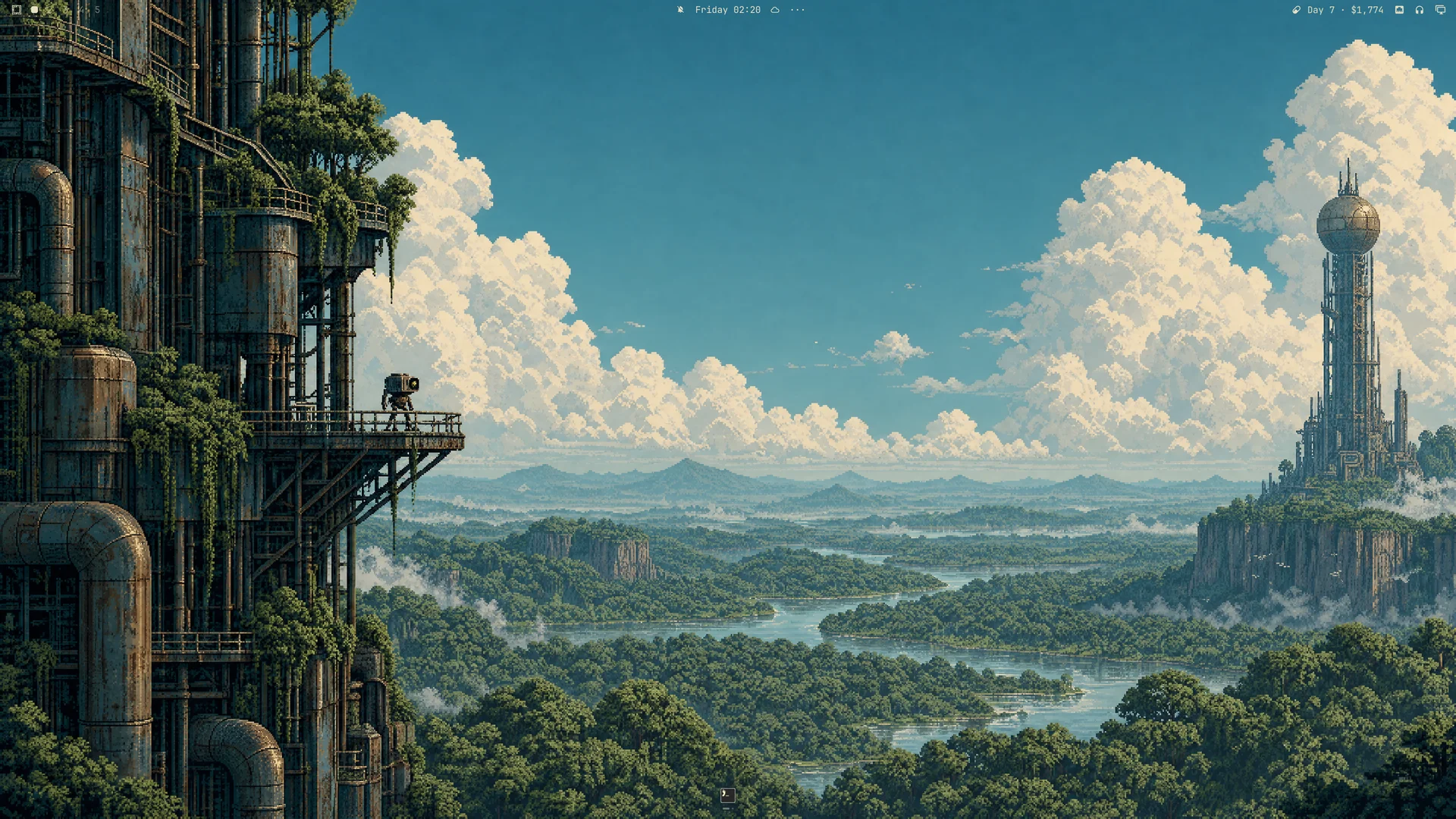 |  |
| Omarchy menu | About artwork |
 |  |
Palette
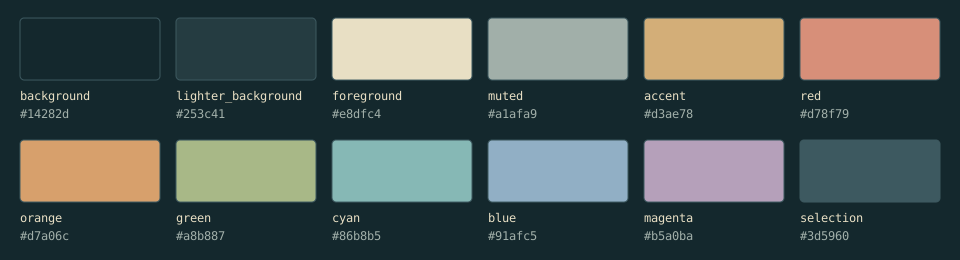
| Role | Color |
|---|---|
| Petroleum background | #14282d |
| Surfaces | #253c41 |
| Ivory text | #e8dfc4 |
| Bronze accent | #d3ae78 |
| Selection | #3d5960 |
| Secondary text | #a1afa9 |
| Terracotta | #d78f79 |
| Mist blue | #91afc5 |
colors.toml contains the proposed palette, including bright terminal variants. icons.theme selects Yaru-wartybrown.
Opaque-color contrast: primary text 11.51:1 on the background; primary text 5.64:1 on selection; secondary text 5.12:1 on lighter surfaces. The eight semantic terminal colors exceed 4.5:1 on the main background. Transparency and application customizations may change these results.
Compatibility
The theme uses the Omarchy 4 central palette format. Omarchy generates application configurations from its official templates, so separate configuration copies for each application are unnecessary. The included shell.toml customizes the shared shell surfaces. The screenshots above show the theme running on Omarchy 4.0.2-1.
Image credits
Artwork created for Outpost with OpenAI image generation. Wallpapers are 3840 × 2160, with no post-generation upscaling; gallery previews are reduced copies. The generated unlock concept references the layout of Omarchy’s Plymouth theme.
Thanks to limehawk for inspiring the expansion of Outpost’s wallpaper collection with nighttime and sunset scenes.
License
See the MIT License.