color palette
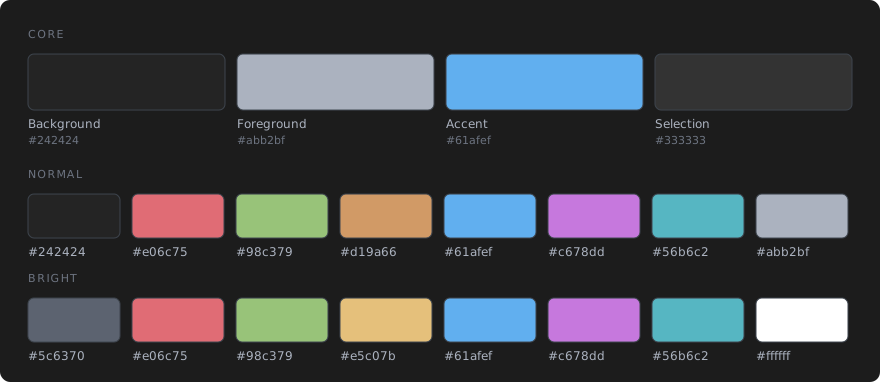
#242424
#abb2bf
#61afef
#333333
#abb2bf
#242424
#e06c75
#98c379
#d19a66
#61afef
#c678dd
#56b6c2
#abb2bf
#5c6370
#e06c75
#98c379
#e5c07b
#61afef
#c678dd
#56b6c2
#ffffff
preview
readme
Omarchy Noctua Theme
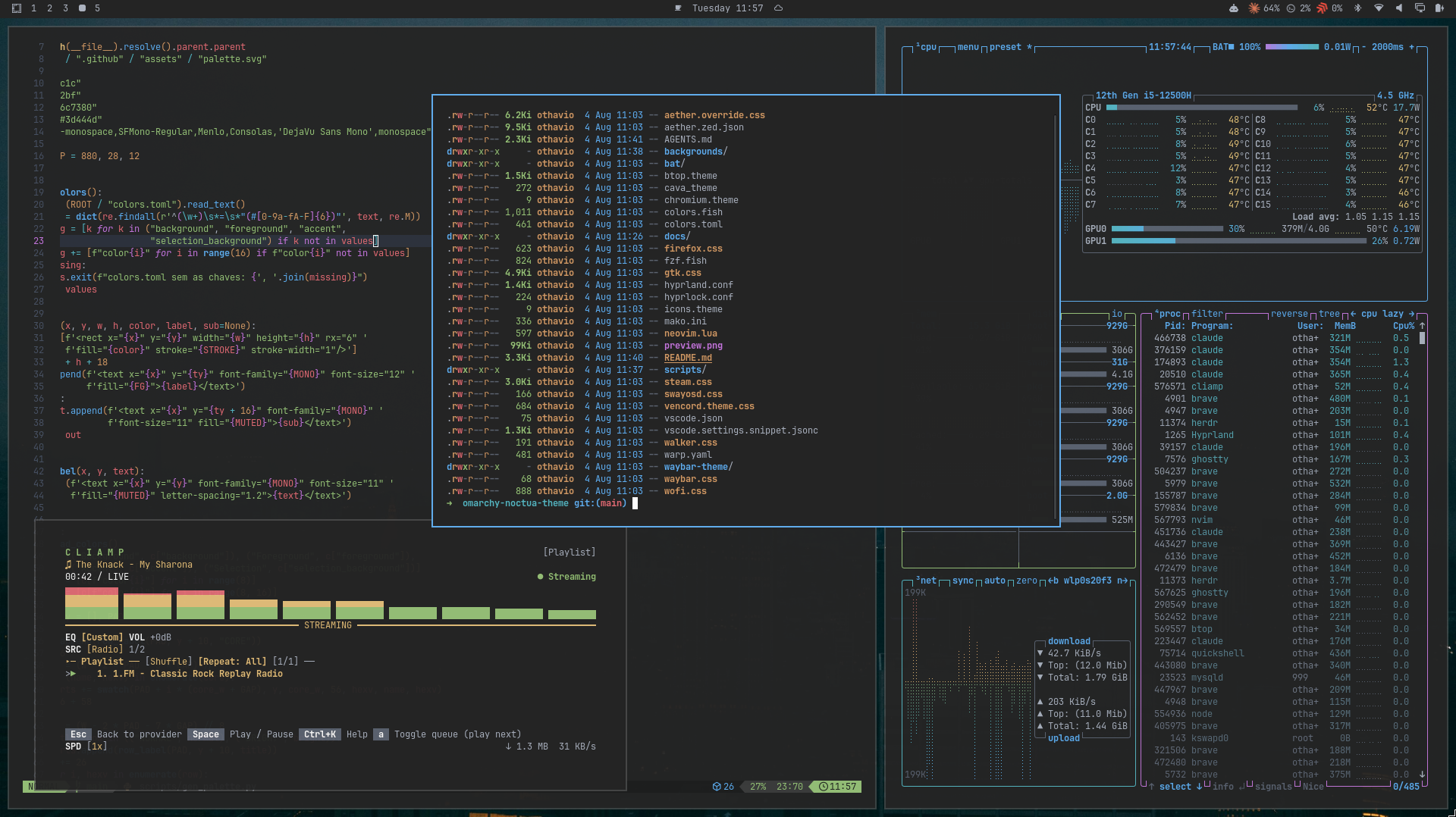
Neutral One Dark Pro palette for Omarchy/Hyprland, built on a #242424 base. It ships matching terminal, shell, editor, and app colors plus seven wallpapers.
Requirements
Omarchy 4 (Quattro) or newer.
Install
Use the Omarchy theme installer:
omarchy-theme-install https://github.com/othavi0/omarchy-noctua-themeherdr (opt-in)
Omarchy does not theme herdr, so its colors are not applied by the installer. To keep herdr in sync automatically, install the bundled Omarchy hook once:
mkdir -p ~/.config/omarchy/hooks/theme-set.d
cp ~/.config/omarchy/themes/noctua/herdr.hook.sh ~/.config/omarchy/hooks/theme-set.d/herdr
On every theme change the hook applies the theme's herdr.toml when it ships one, and falls back to herdr's terminal theme otherwise. It never overwrites a hand-edited [theme] block. Prefer manual setup? Follow the merge notes inside herdr.toml.
Palette
Noctua keeps the One Dark Pro syntax family while moving the desktop base to #242424. The primary Omarchy accent is #61afef.
What's included
Applied by Omarchy
omarchy-theme-set noctua applies these on its own.
colors.tomlis the source Omarchy generates from. That covers the terminals (Alacritty, Kitty, Ghostty, Foot), the Hyprland window borders, the omarchy-shell surfaces (bar, launcher, notifications, popups, lock screen), and the Neovim, VS Code, Helix and Obsidian themes.shell.menu.tomlrestyles the omarchy-shell menu with a darker card, a blue gradient border and a blue selected row.btop.themecolors btop.chromium.themesets the Chromium frame color.icons.themeselects the Yaru-blue icon theme.backgrounds/holds the seven wallpapers below.
Manual extras
Omarchy does not apply these. Copy the ones you want into each app's config.
gtk.cssholds GTK4/libadwaita color overrides.steam.cssholds color overrides for the Adwaita for Steam skin.vencord.theme.cssis a Discord theme for Vencord.firefox.cssholds base16 color variables for a FirefoxuserChrome.css.colors.fishsets Fish syntax and pager colors.fzf.fishsets fzf colors from Fish.warp.yamlis a Warp terminal theme.bat/Noctua.tmThemeis a bat syntax theme.aether.override.cssandaether.zed.jsonare Aether and Zed overrides.herdr.tomlandherdr.hook.shtheme herdr, as described in the herdr section above.vscode.settings.snippet.jsoncholds token refinements scoped to the One Dark Pro VS Code theme. They do nothing under the Omarchy theme that VS Code gets by default.
Motion and shadow (opt-in)
Themes installed from git cannot ship Lua, so Omarchy drops any *.lua file from them. To get the Noctua window shadow and animation curves, paste this block into ~/.config/hypr/looknfeel.lua. It stays active when you switch to another theme.
hl.config({
  decoration = {
    shadow = { enabled = true, range = 10, render_power = 3, color = "rgba(00000099)", offset = { 2, 2 } },
  },
})
hl.curve("noctua",   { type = "bezier", points = { { 0.55, 0.02 }, { 0.38, 0.98 } } })
hl.curve("midnight", { type = "bezier", points = { { 0.70, 0.01 }, { 0.30, 1.00 } } })
hl.animation({ leaf = "windows",     enabled = true,  speed = 4, bezier = "noctua" })
hl.animation({ leaf = "windowsIn",   enabled = false })
hl.animation({ leaf = "windowsOut",  enabled = false })
hl.animation({ leaf = "windowsMove", enabled = true,  speed = 3, bezier = "noctua" })
hl.animation({ leaf = "fade",        enabled = true,  speed = 4, bezier = "midnight" })
hl.animation({ leaf = "fadeIn",      enabled = true,  speed = 4, bezier = "midnight" })
hl.animation({ leaf = "fadeOut",     enabled = true,  speed = 3, bezier = "midnight" })
hl.animation({ leaf = "workspaces",  enabled = true,  speed = 3, bezier = "midnight", style = "fade" })
Wallpapers
Click any thumbnail for the full-resolution file.
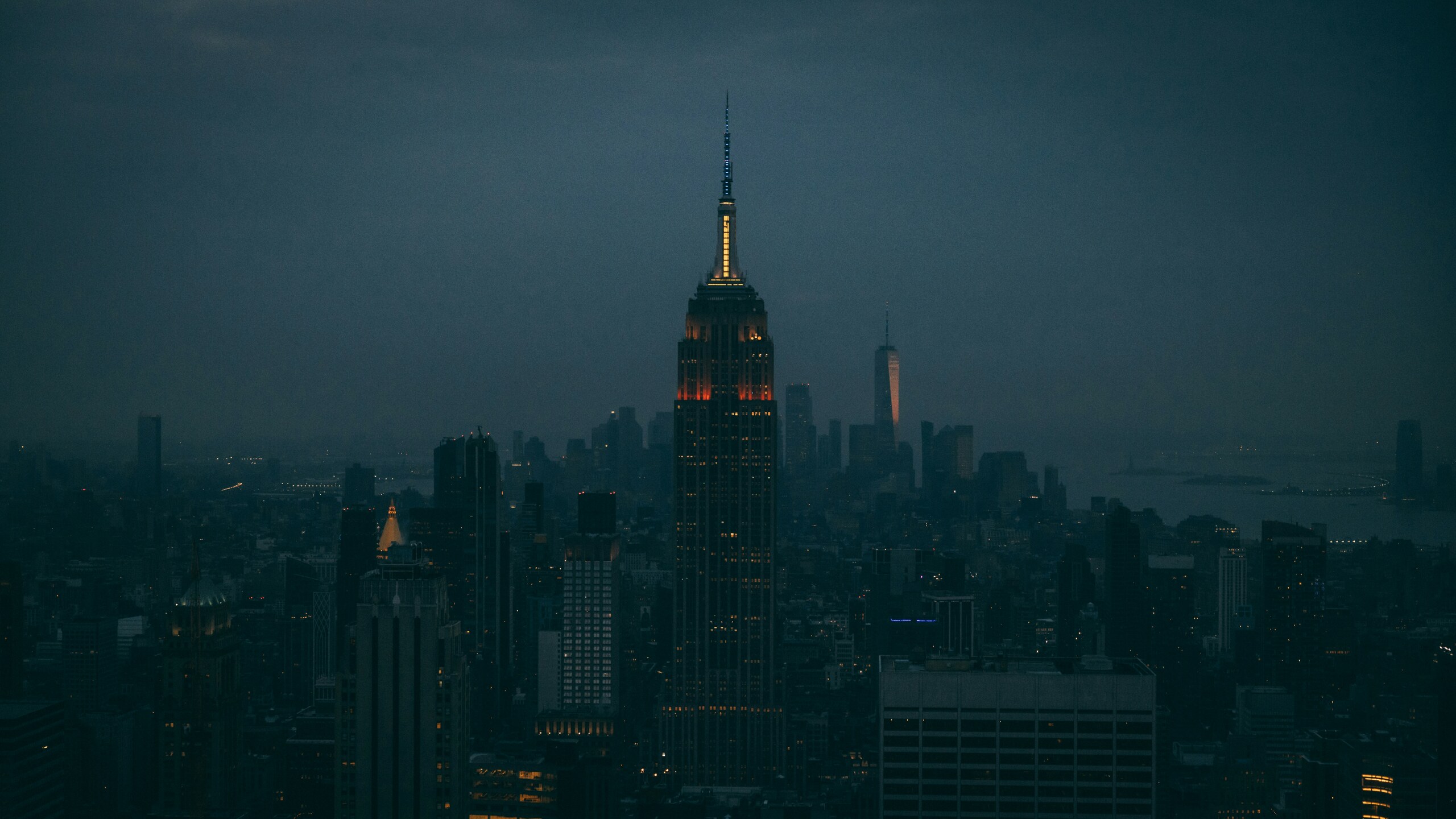 | 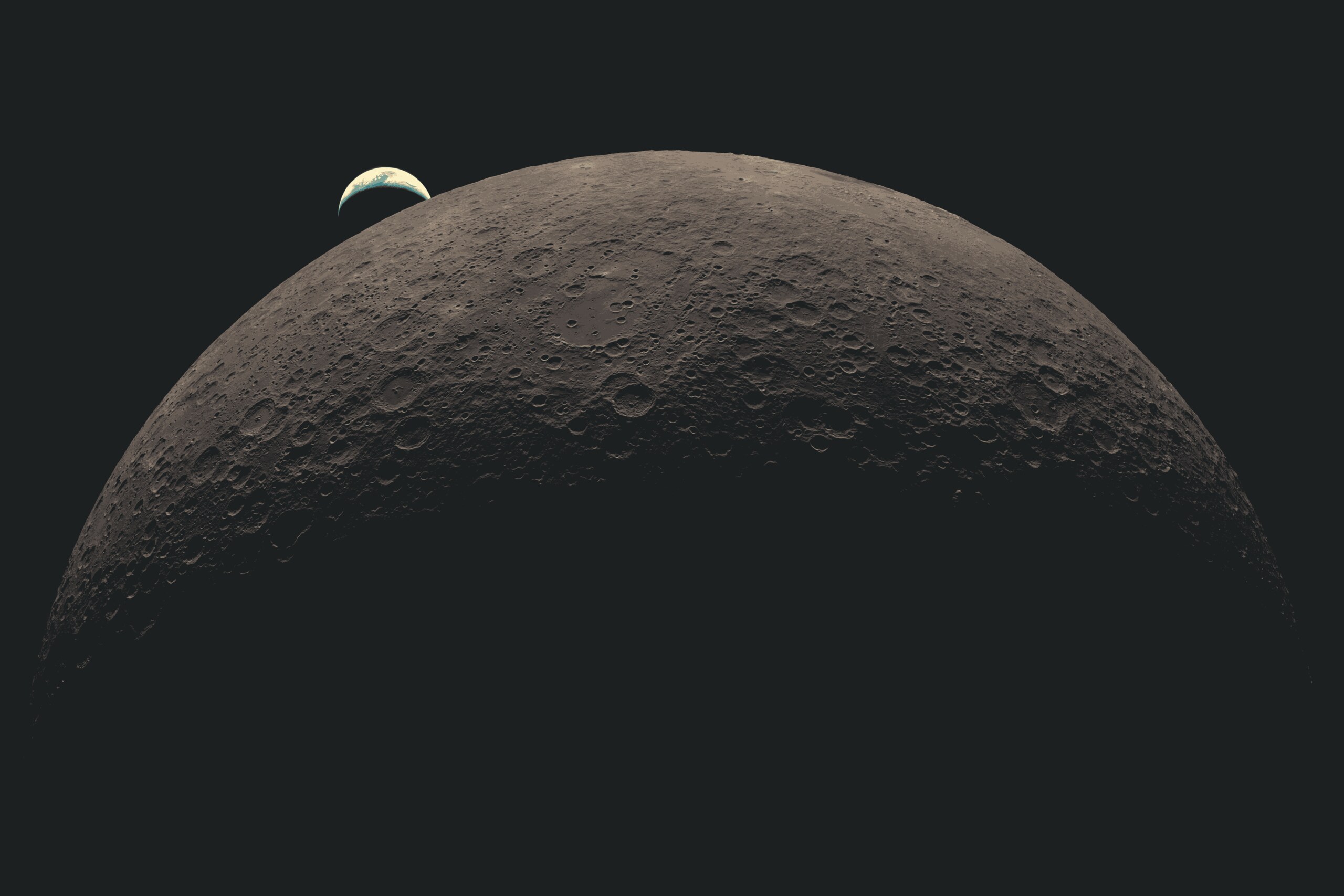 | 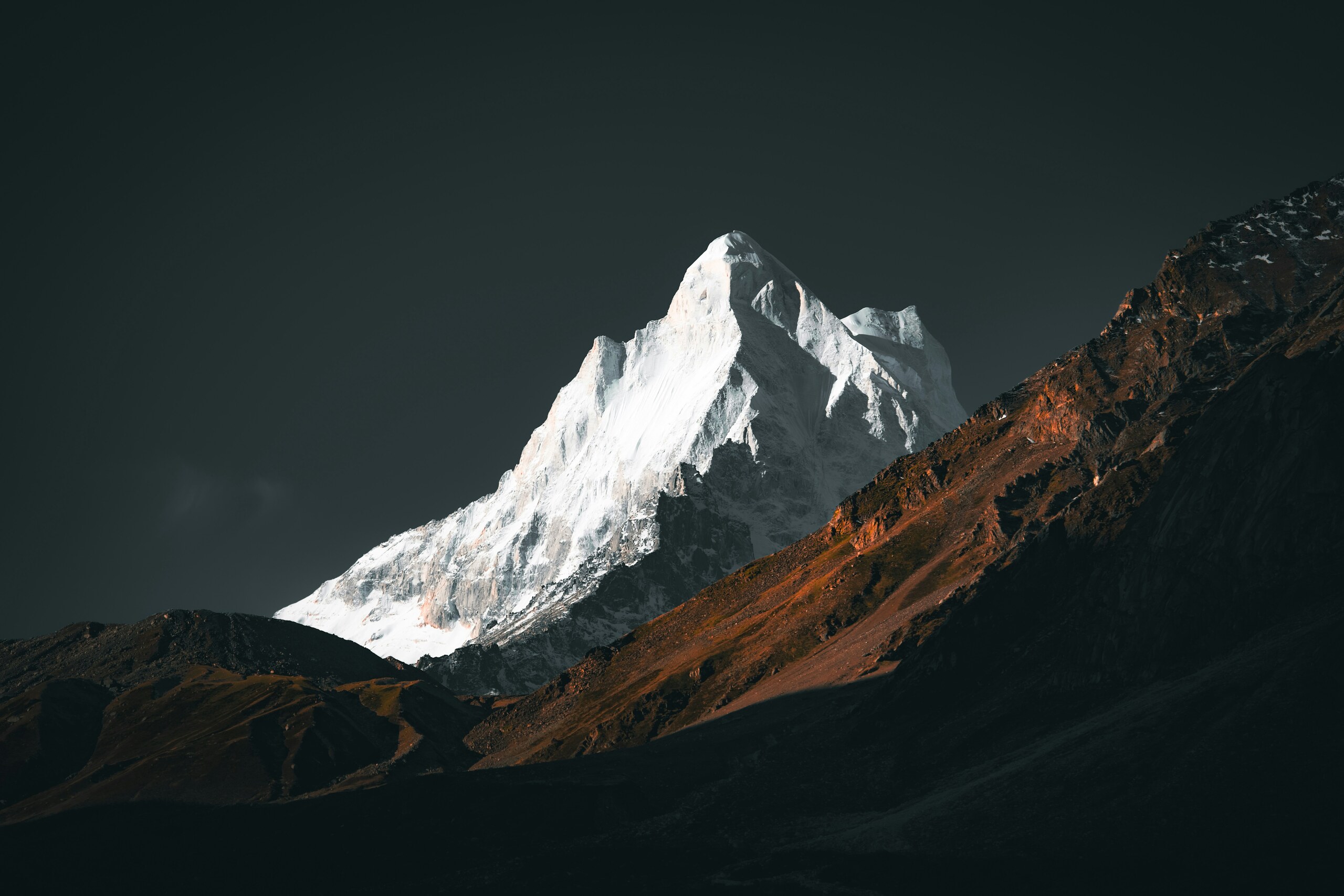 |
00-city-dusk.jpg | 01-lunar-arc.jpg | 02-alpine-ridge.jpg |
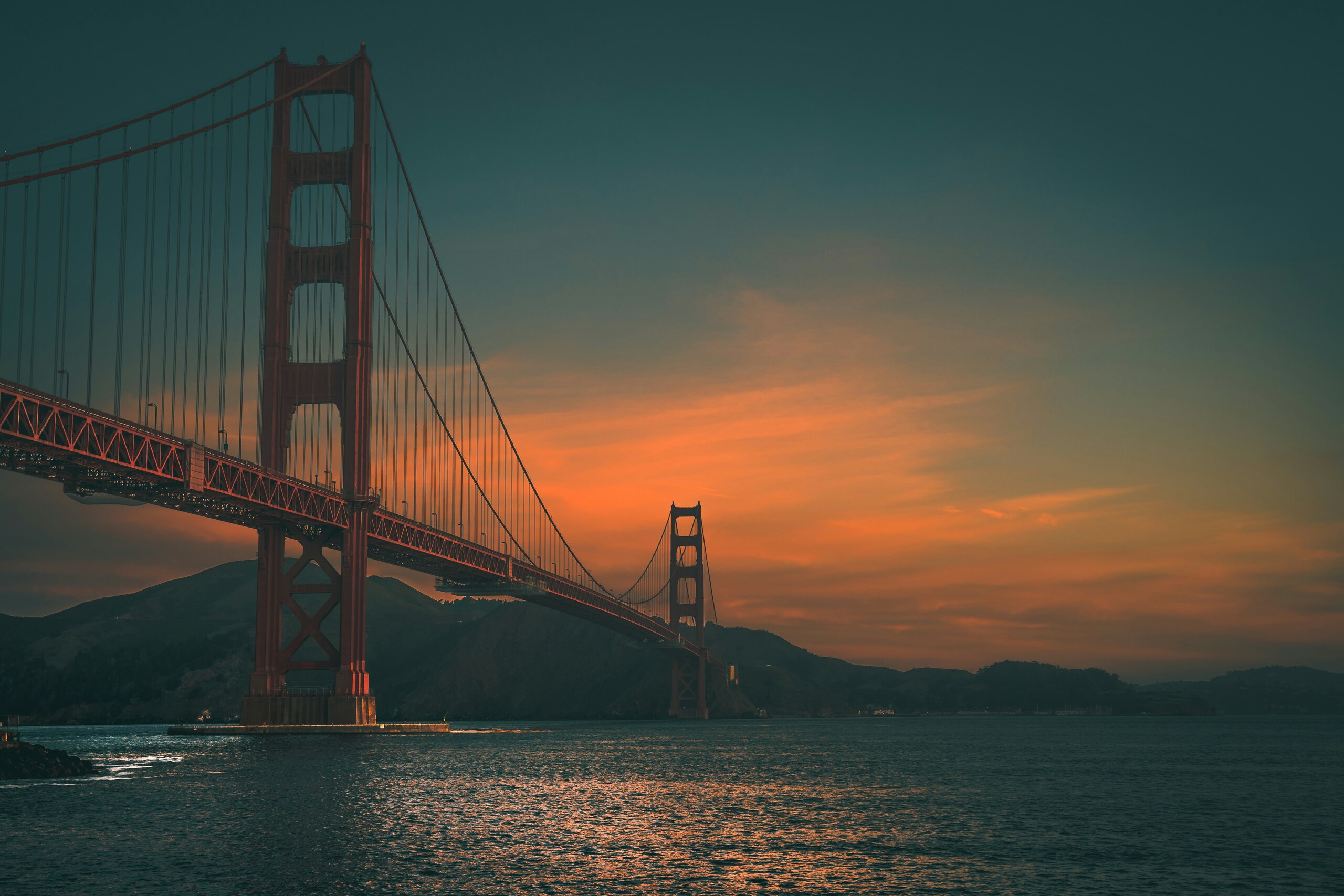 | 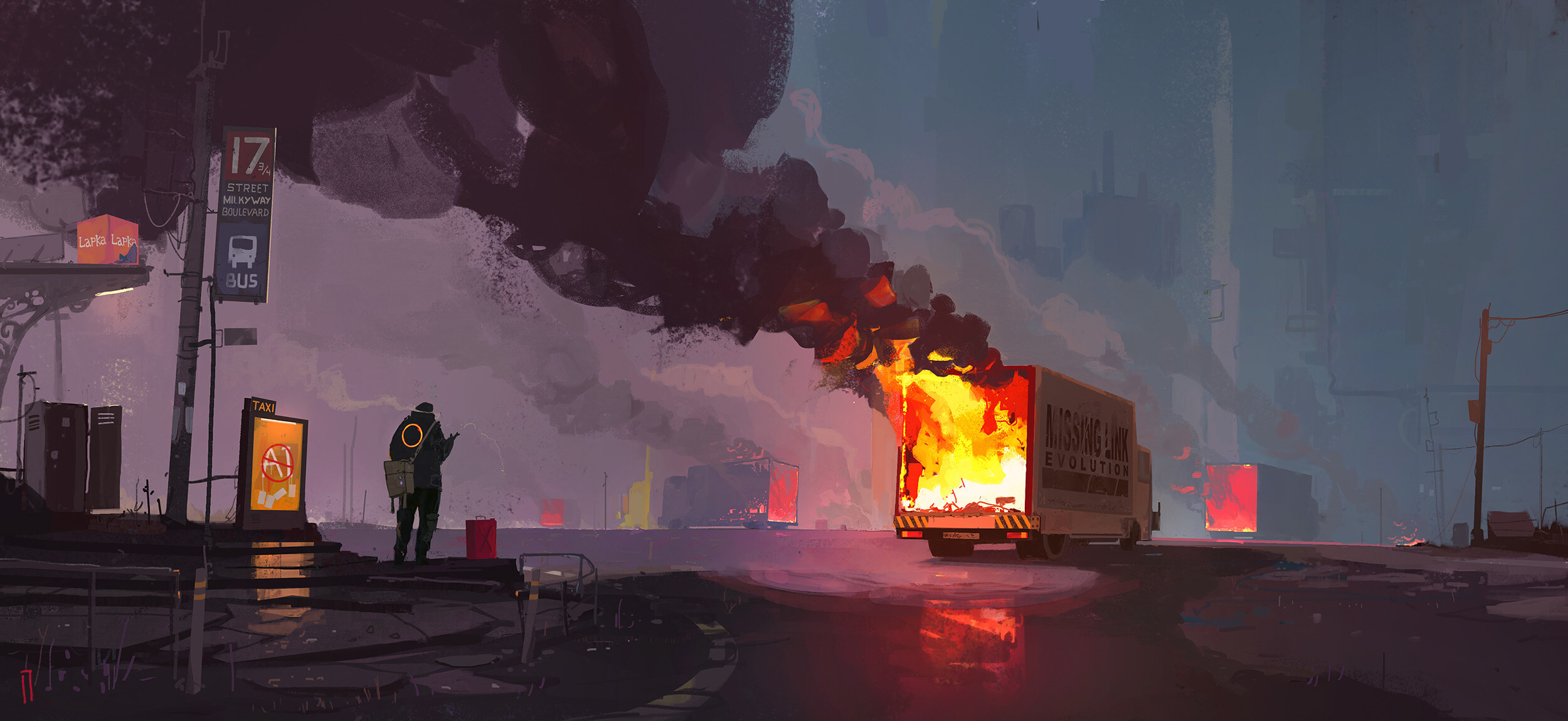 | 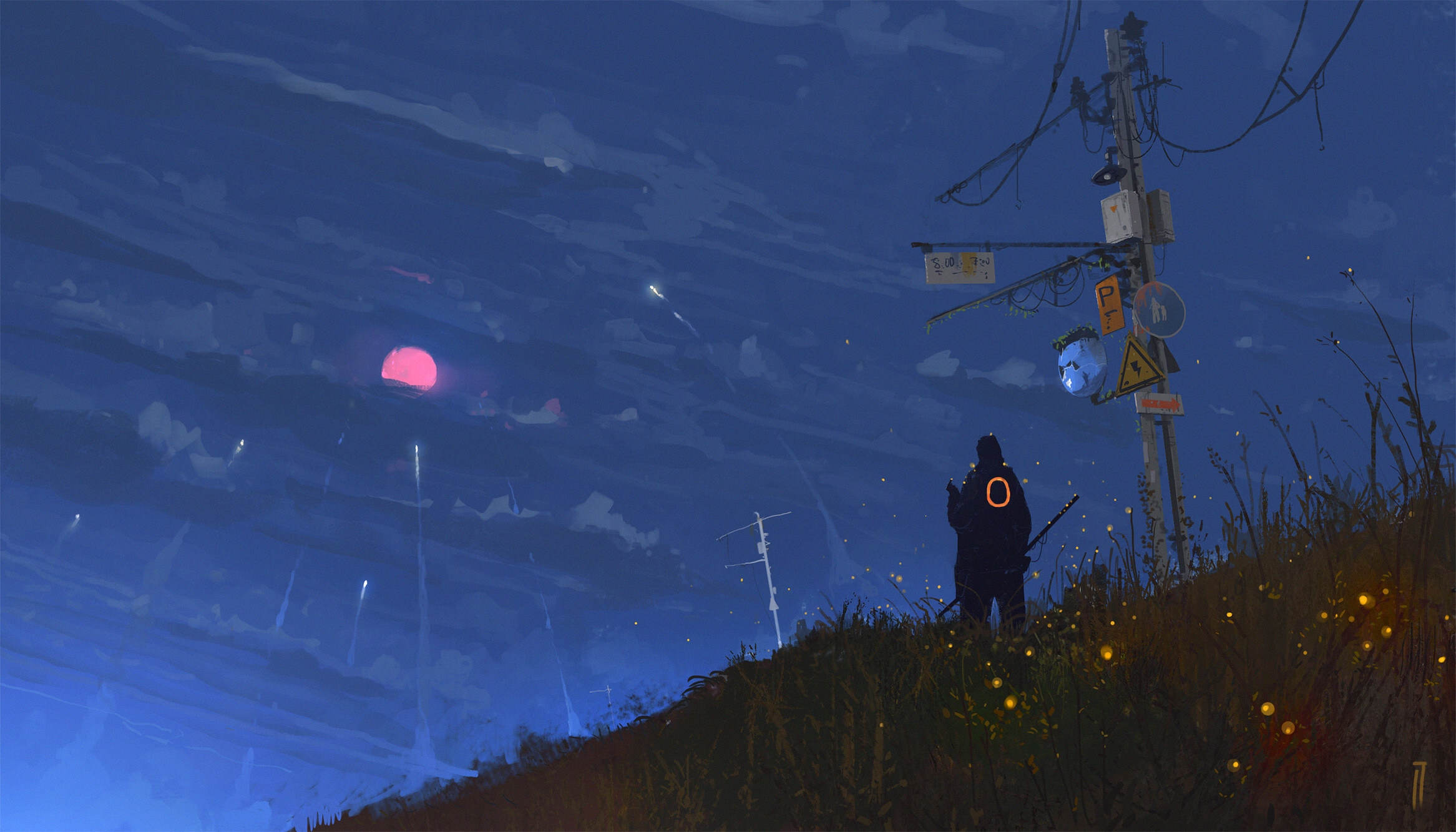 |
03-golden-gate.jpg | 04-burning-van.jpg | 05-red-moon-hill.jpg |
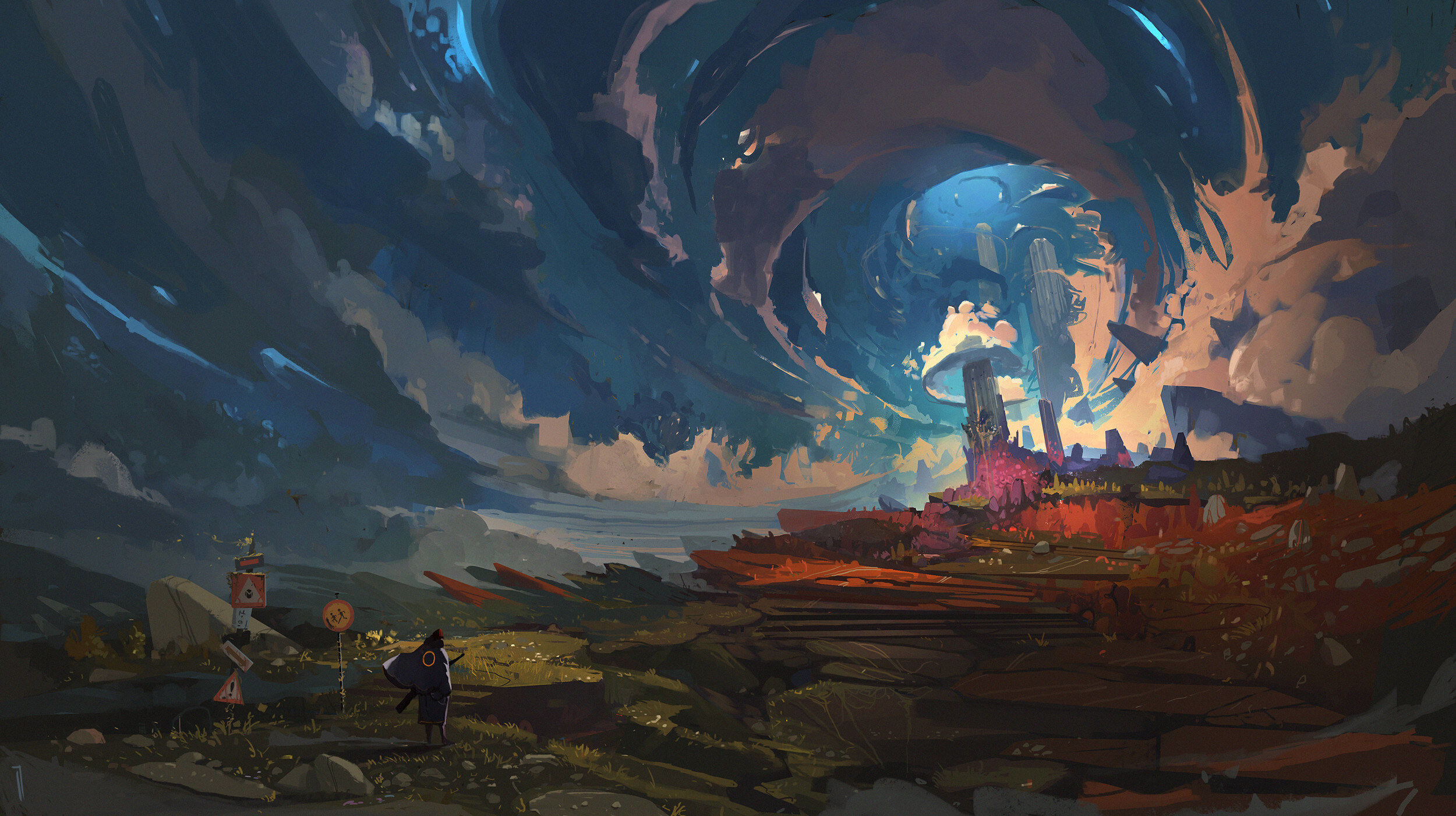 | ||
06-sky-vortex.jpg |