color palette
preview
readme
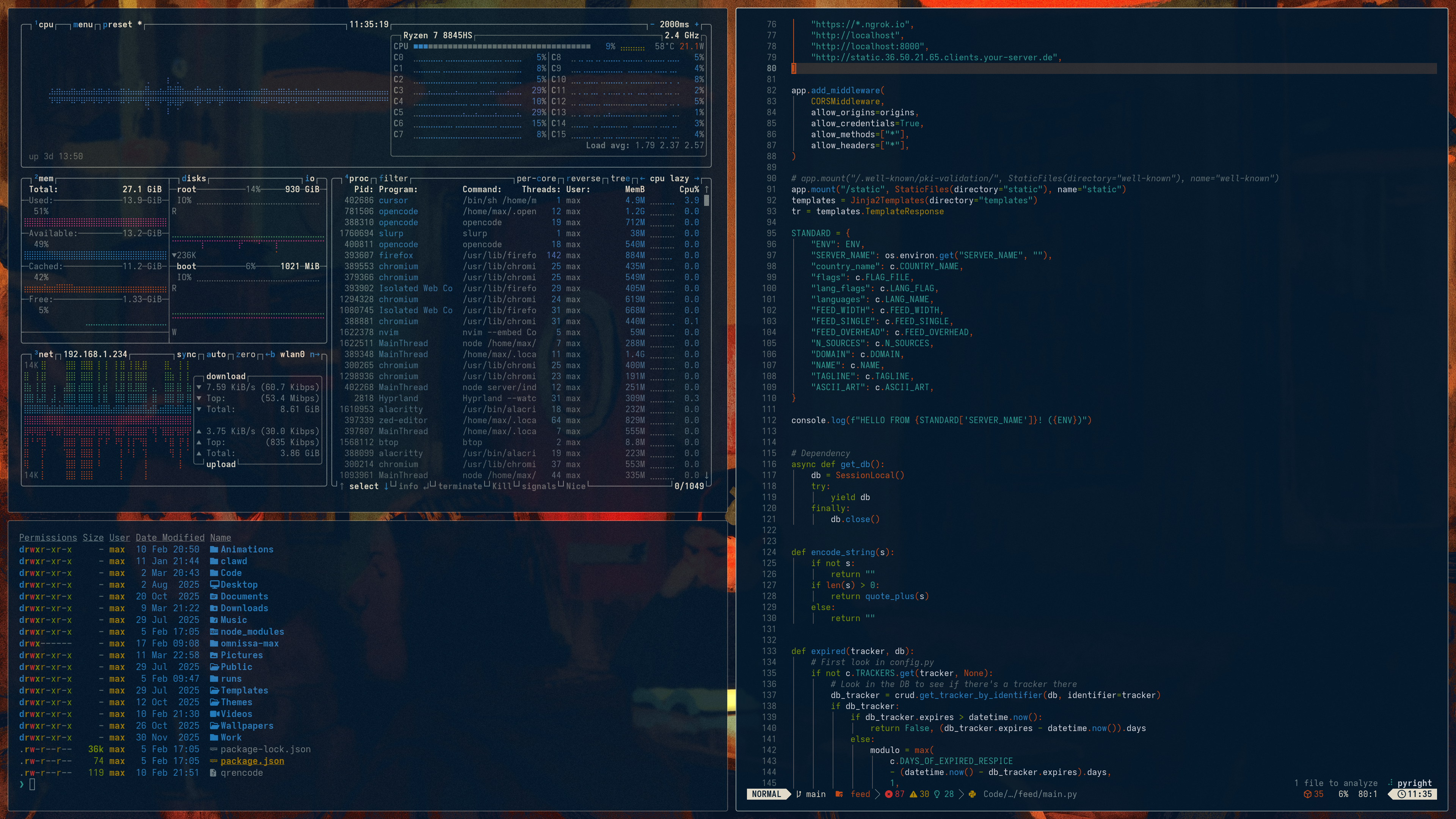
Omarchy Night Cat Theme
A theme system for Omarchy based on Solarized Osaka
🚀 Quick Start
Installation
Install this theme using the Omarchy TUI by selecting Themes > Install and copying the URL of this repo, or run:
omarchy-theme-install https://github.com/maxberggren/omarchy-night-cat-theme
GTK-4.0 theme
./install_gtk_theme.sh
This will copy the theme to ~/.config/gtk-4.0/gtk.css and restart Nautilus.
Chromium/Chrome/Brave/Vivaldi theme (manual install)
Steps:
- Open
chrome://extensions/ - Enable 'Developer mode'
- Click 'Load unpacked' and select the
chromium-themefolder inside this theme
To remove or disable, manage it from chrome://extensions/.