color palette
#0a0a0c
#e6dcd8
#ff2a1c
preview
readme
K.I.T.T.
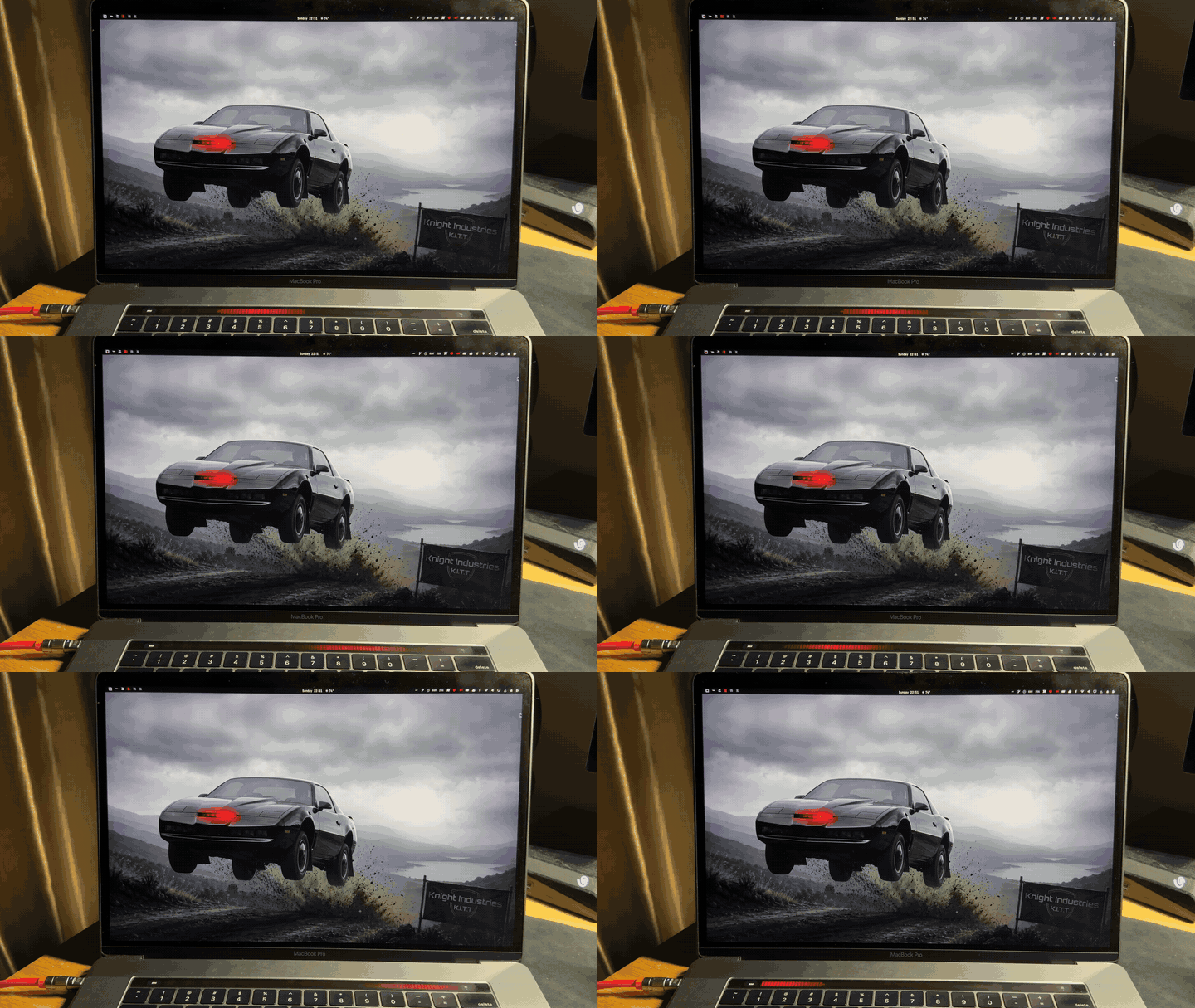
An Omarchy theme based on the Knight Industries Two Thousand from Knight Rider — black-on-black bodywork, amber dash readouts, and that red scanner sweep.
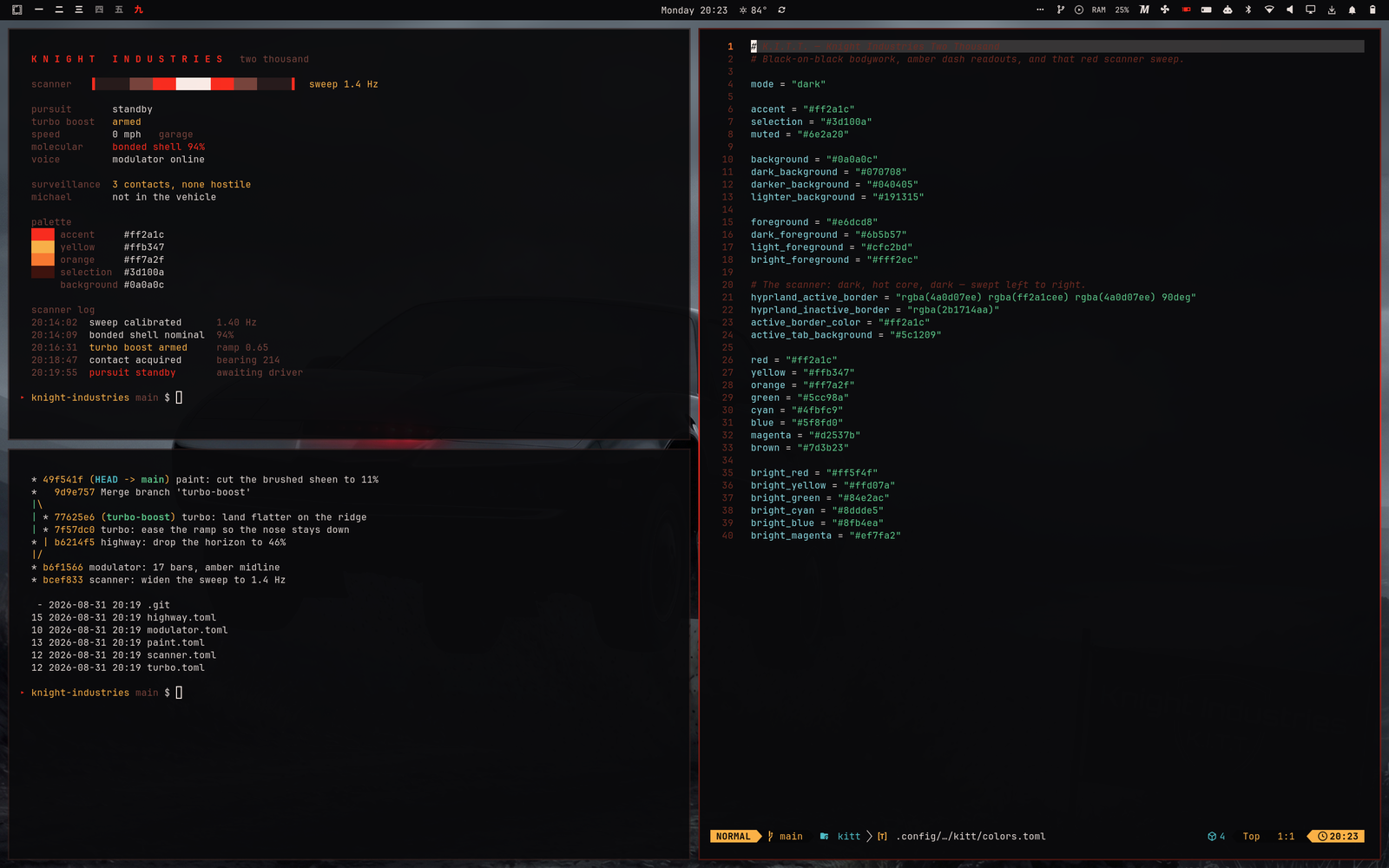
Above: a telemetry readout, a git graph, and colors.toml in Neovim.
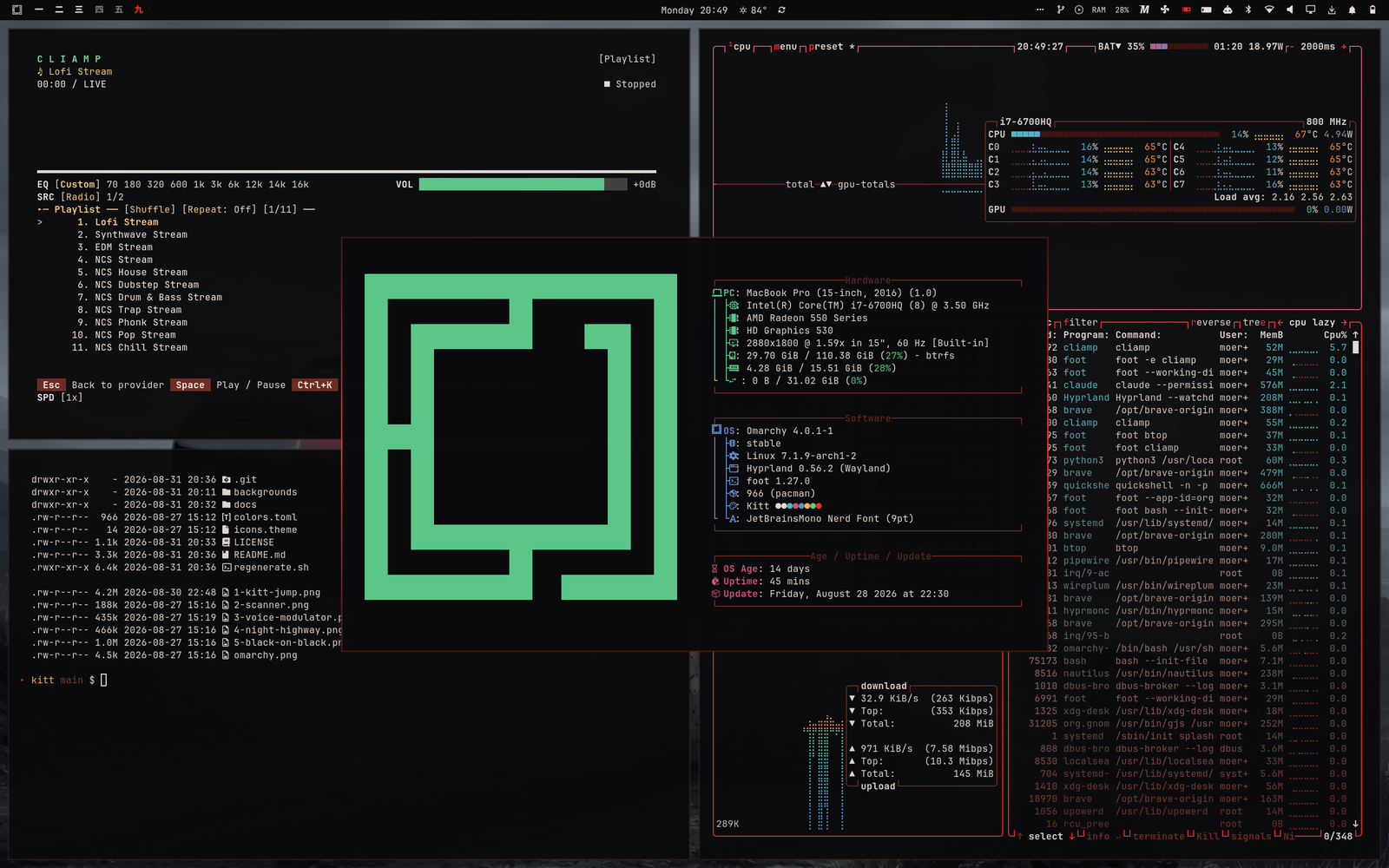
Below: cliamp, btop, eza over the theme's own files, and the Omarchy
About screen.
Install
omarchy theme install https://github.com/moerdowo/Omarchy-Kitt-Theme.gitOr manually:
git clone https://github.com/moerdowo/Omarchy-Kitt-Theme.git ~/.config/omarchy/themes/kitt
omarchy theme set kitt
Palette
| Token | Colour | |
|---|---|---|
background | #0a0a0c | the paintwork |
foreground | #e6dcd8 | |
accent / red | #ff2a1c | the scanner |
yellow | #ffb347 | dash amber |
orange | #ff7a2f | |
selection | #3d100a |
Window borders use a three-stop Hyprland gradient —
rgba(4a0d07ee) → rgba(ff2a1cee) → rgba(4a0d07ee) at 90° — so the focused
window reads as a red sweep from left to right. Inactive borders drop to a
dead rgba(2b1714aa).
Everything else (terminals, btop, neovim via aether, vscode, chromium,
obsidian, the bar and all shell surfaces) is generated from colors.toml by
Omarchy's own templates.
Backgrounds
Cycle with omarchy theme bg next.
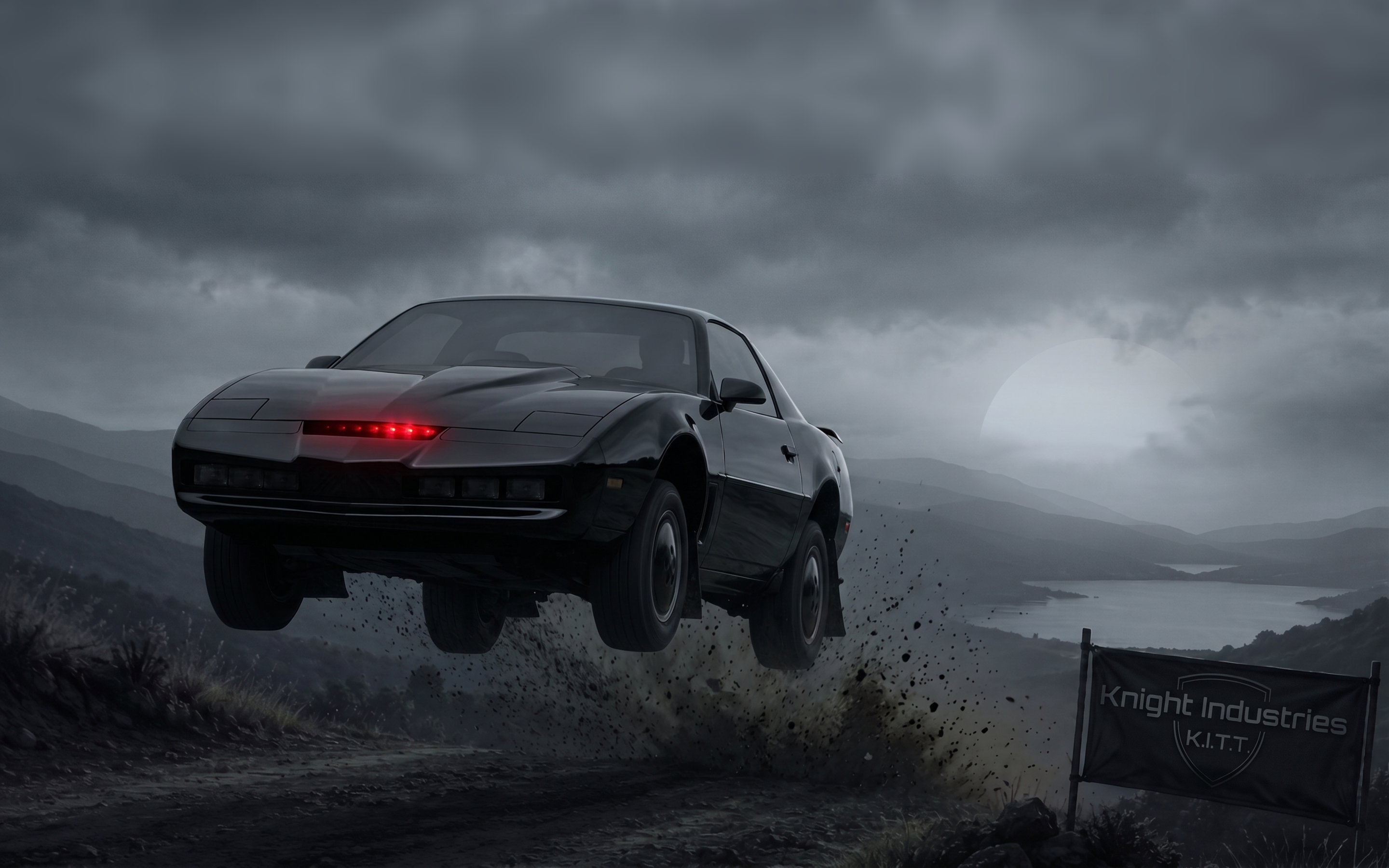
1-kitt-jump — the car mid-jump on a storm-lit ridge, scanner lit.
Applied by default. Generated with AI.
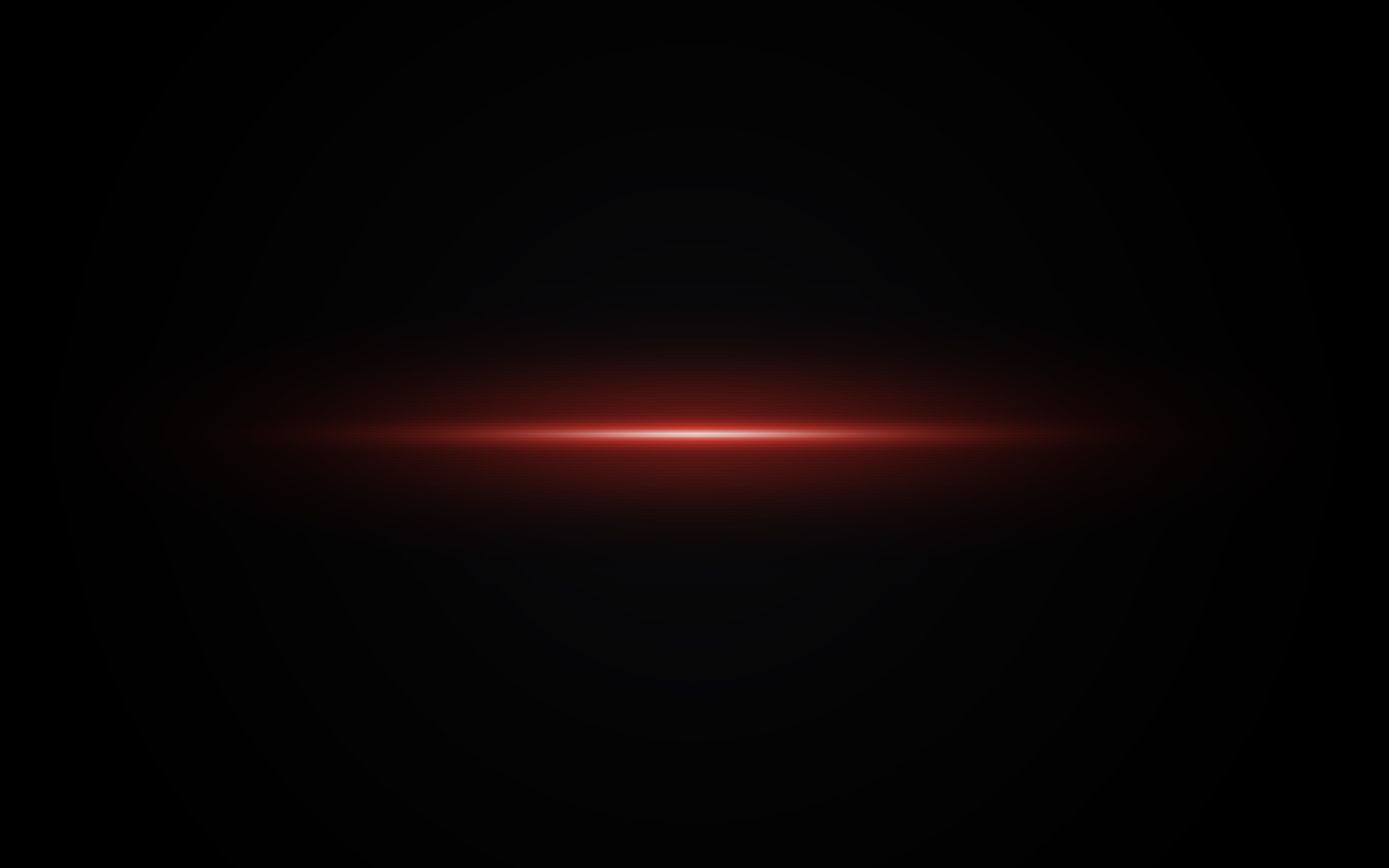
2-scanner — the red sweep across black, white-hot core, CRT scanlines
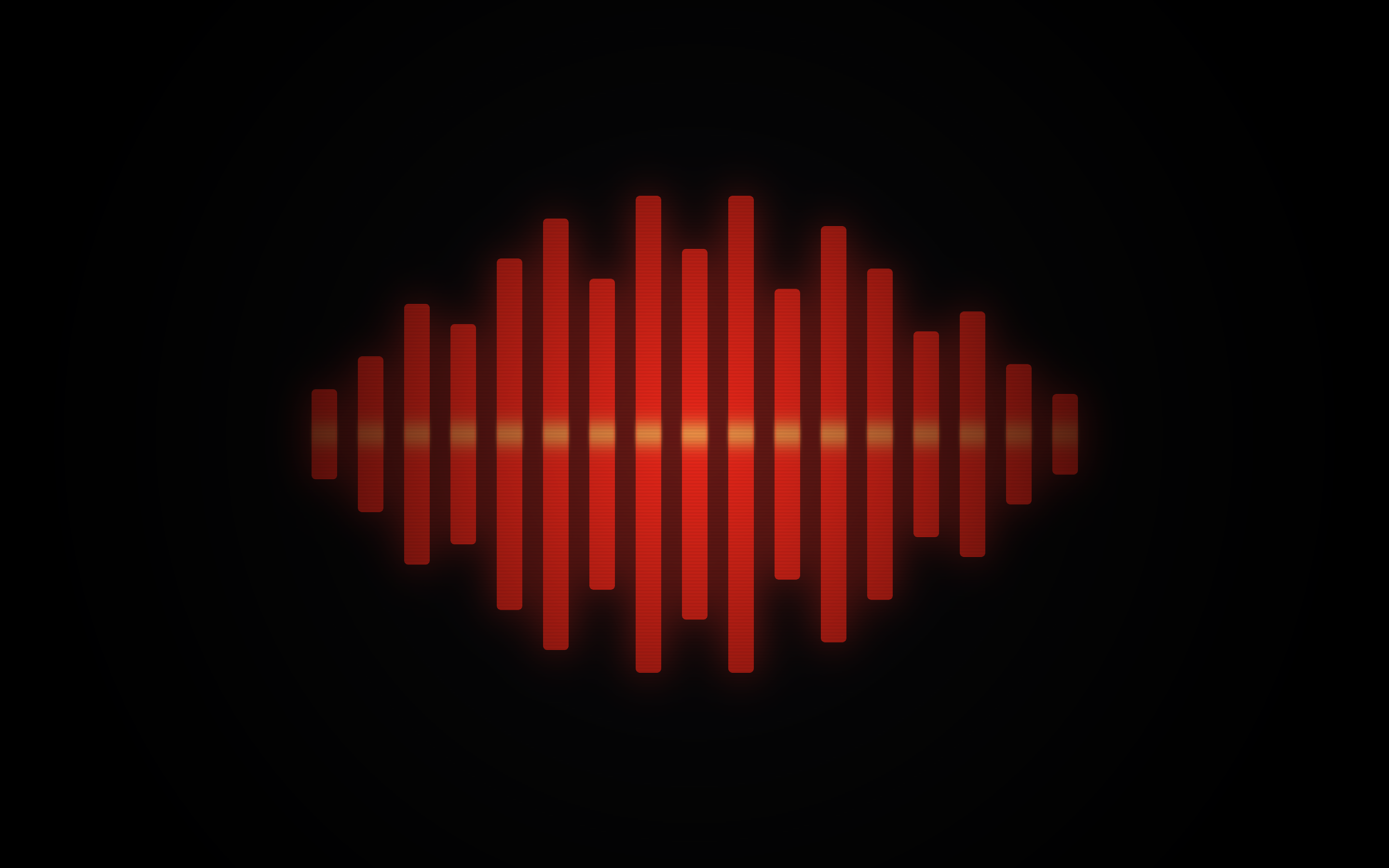
3-voice-modulator — the dash LED bar cluster in red with an amber midline
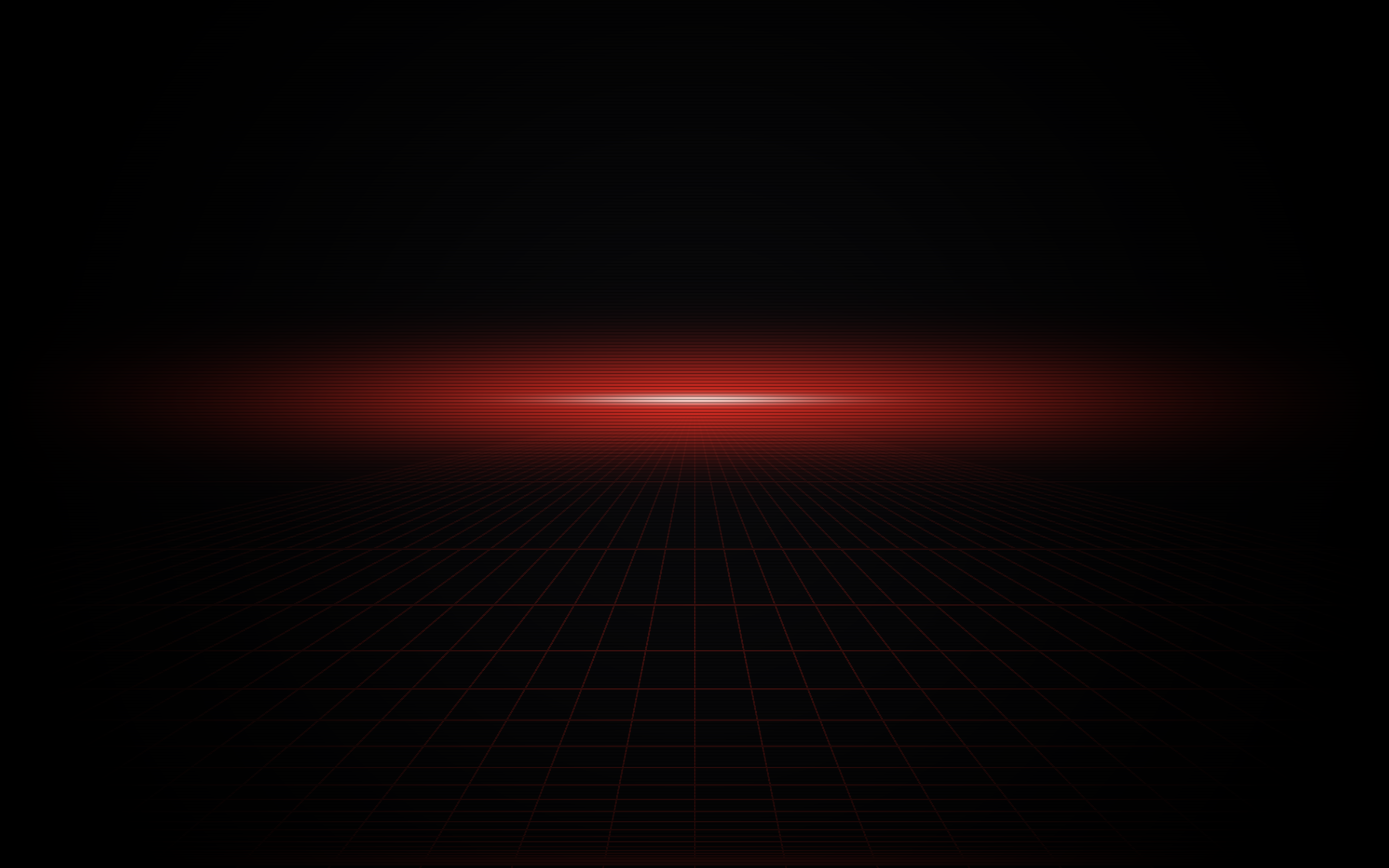
4-night-highway — 80s perspective grid receding to a red horizon glow

5-black-on-black — brushed near-black paint, one thin scanner line low in frame
Backgrounds are applied in filename order, so 1-kitt-jump is what the theme
sets when you switch to it.
2–5 are generated procedurally with ImageMagick at 2880×1800; regenerate.sh
rebuilds them. Budget around nine minutes — it is compositing a few dozen
full-size layers and is not hung. Backgrounds 2–4 reproduce exactly;
5-black-on-black draws its brushed sheen from +noise Gaussian, so its
texture differs slightly on every run.
1-kitt-jump is an AI-generated image and is not regenerated by the script.
License
MIT © Frianto Moerdowo.
1-kitt-jump was generated with AI. It depicts the Knight Industries Two
Thousand; Knight Rider and the car's design remain the property of their
respective rights holders. The MIT grant covers this theme's own work — the
palette, the procedural backgrounds, and regenerate.sh.