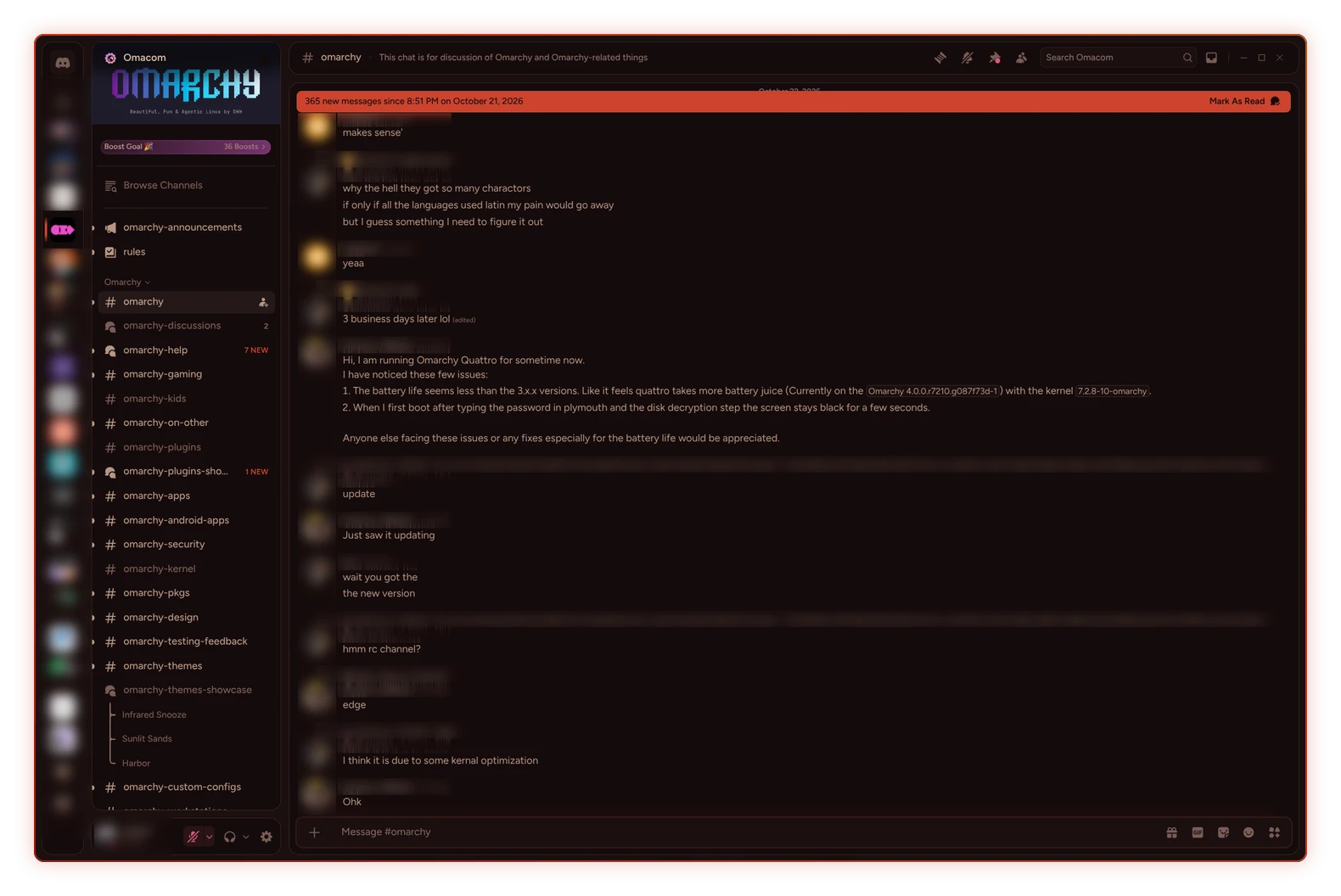
color palette
background
#150b0b
foreground
#c2a08e
accent
#cc432e
cursor
#d8b8a2
selection background
#3d1f1c
selection foreground
#d8b8a2
color0
#150b0b
color1
#c2445f
color2
#993223
color3
#c99a4a
color4
#c4865f
color5
#ad6670
color6
#b8603e
color7
#c2a08e
color8
#785c56
color9
#d85c74
color10
#cc432e
color11
#dcb060
color12
#d89c74
color13
#c27b85
color14
#c68065
color15
#d8b8a2
preview
~/infrared-snooze
┌──────────────────────Hardware──────────────────────┐
PC: omarchy-host
│ ├: x86_64 (8 cores) @ 4.00 GHz
│ ├: Integrated Graphics
│ ├: 1920x1080 @ 60 Hz
│ ├: 120 / 500 GiB (24%)
│ ├: 8 / 16 GiB (50%)
└ └ : 0 / 4 GiB (0%)
└────────────────────────────────────────────────────┘
┌──────────────────────Software──────────────────────┐
OS: Omarchy 3.6.0
│ ├: master
│ ├: stable
│ ├: linux-arch
│ ├: Hyprland (Wayland)
│ ├: ghostty
│ ├: 1024 (pacman)
│ ├: Infrared Snooze ●●●●●●●●
└ └: JetBrainsMono Nerd Font (9pt)
└────────────────────────────────────────────────────┘
┌─────────────────Age / Uptime / Update───────────────┐
OS Age: 0 days
Uptime: 2 hours, 13 mins
Update: Today
└────────────────────────────────────────────────────┘
user@omarchy:~ $
readme
Infrared Snooze
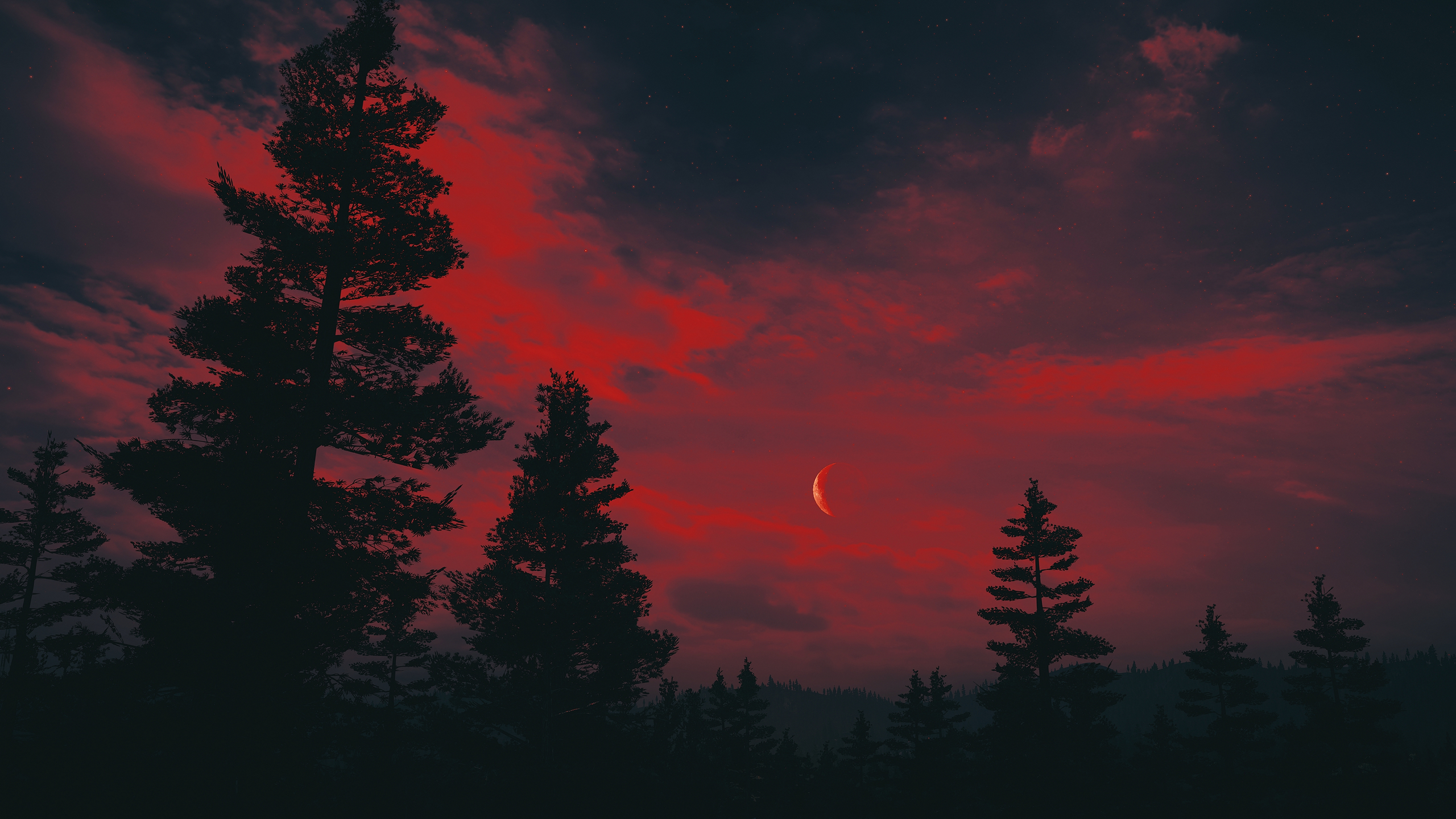
A warm dimmed, dark Omarchy theme made for winding down before bed. No blue tones, just warm reds, embers and soft dusty colours that are easy on the eyes.


Why red and dim?
Your body clock is most sensitive to blue light, around 460 to 480 nm, and much less to red (Brainard 2001). But colour alone isn't enough: a warmer screen at full brightness still suppresses melatonin (Nagare 2019), so the theme is kept dim too.
Pair it with the Darky plugin to have the theme auto apply close to your bedtime.
Install
Currently (4.0.6) omarchy theme install drops every .lua file and the terminal configs, so
you lose the Hyprland look and everything. Clone and
link the repo instead.
Clone and link
mkdir -p ~/custom-themes
git clone https://github.com/jagrat7/omarchy-infrared-snooze-theme ~/custom-themes/infrared-snooze
ln -sT ~/custom-themes/infrared-snooze ~/.config/omarchy/themes/infrared-snooze
omarchy theme set infrared-snooze
Or use theme-link
Official way (skip till they fix it):
omarchy theme install https://github.com/jagrat7/omarchy-infrared-snooze-themeWallpapers
 |
 |
 |
 |
 |
In the terminal
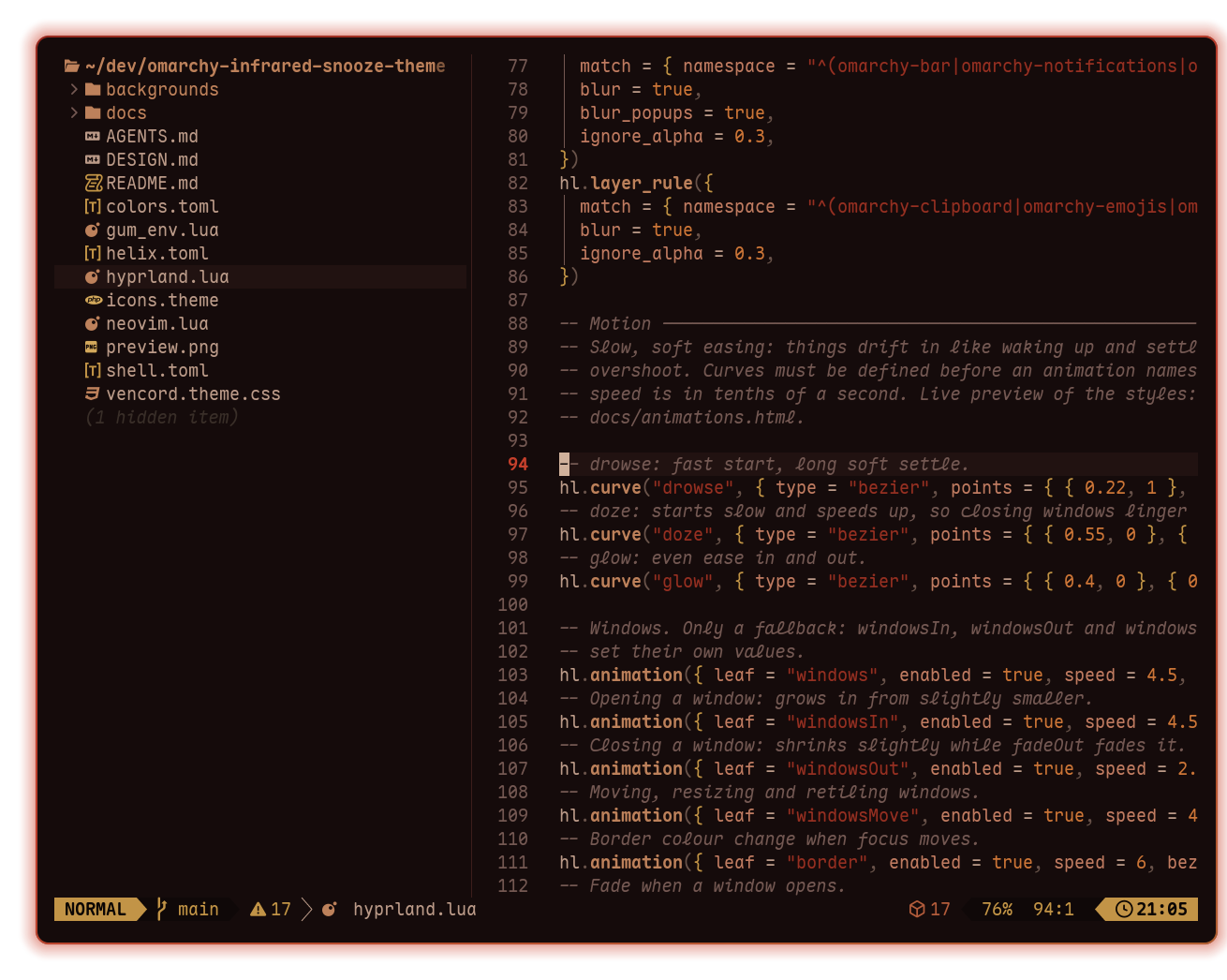 Neovim |
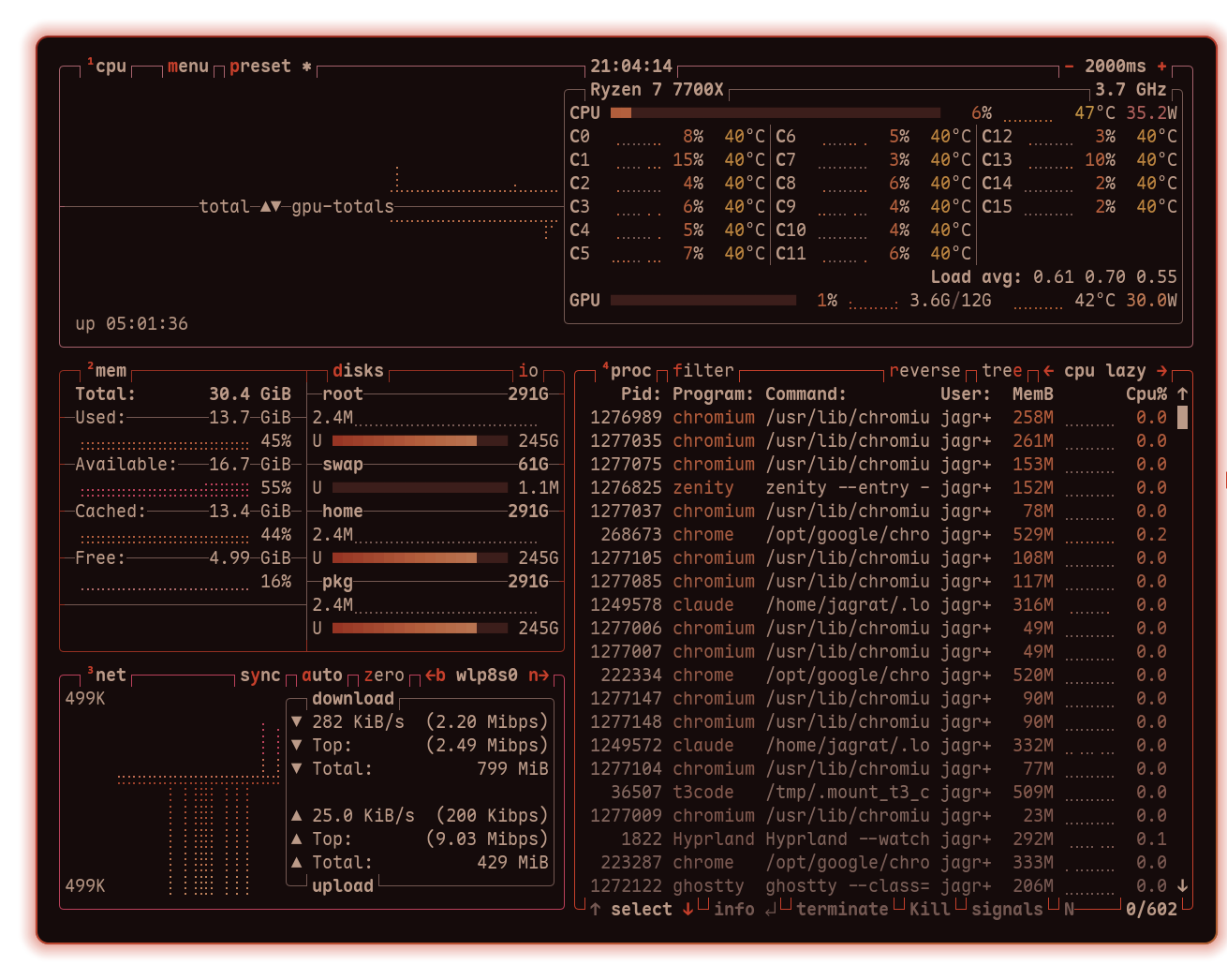 btop |
Vesktop