color palette
preview
readme
HyprBlue Theme 💧🔷
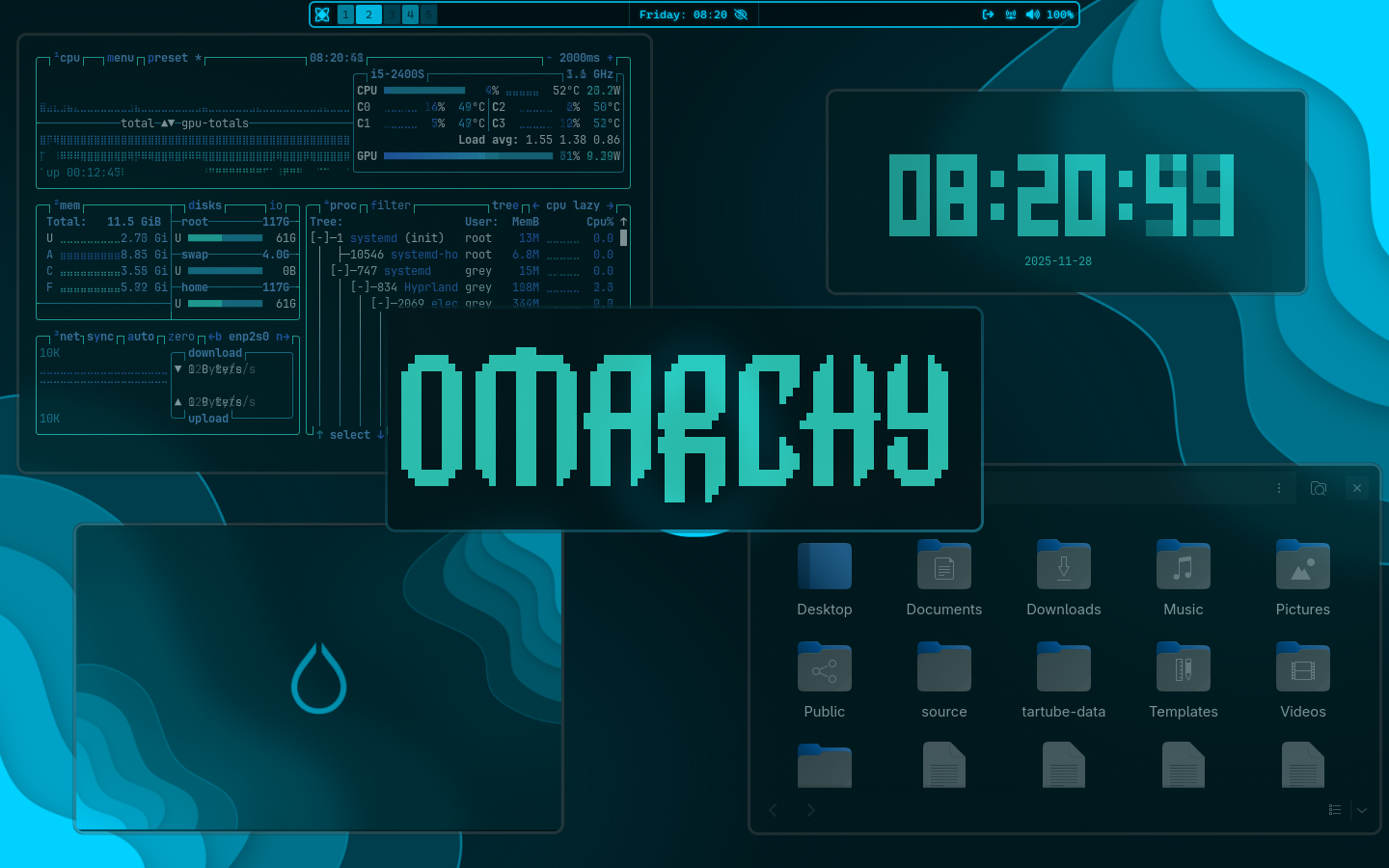
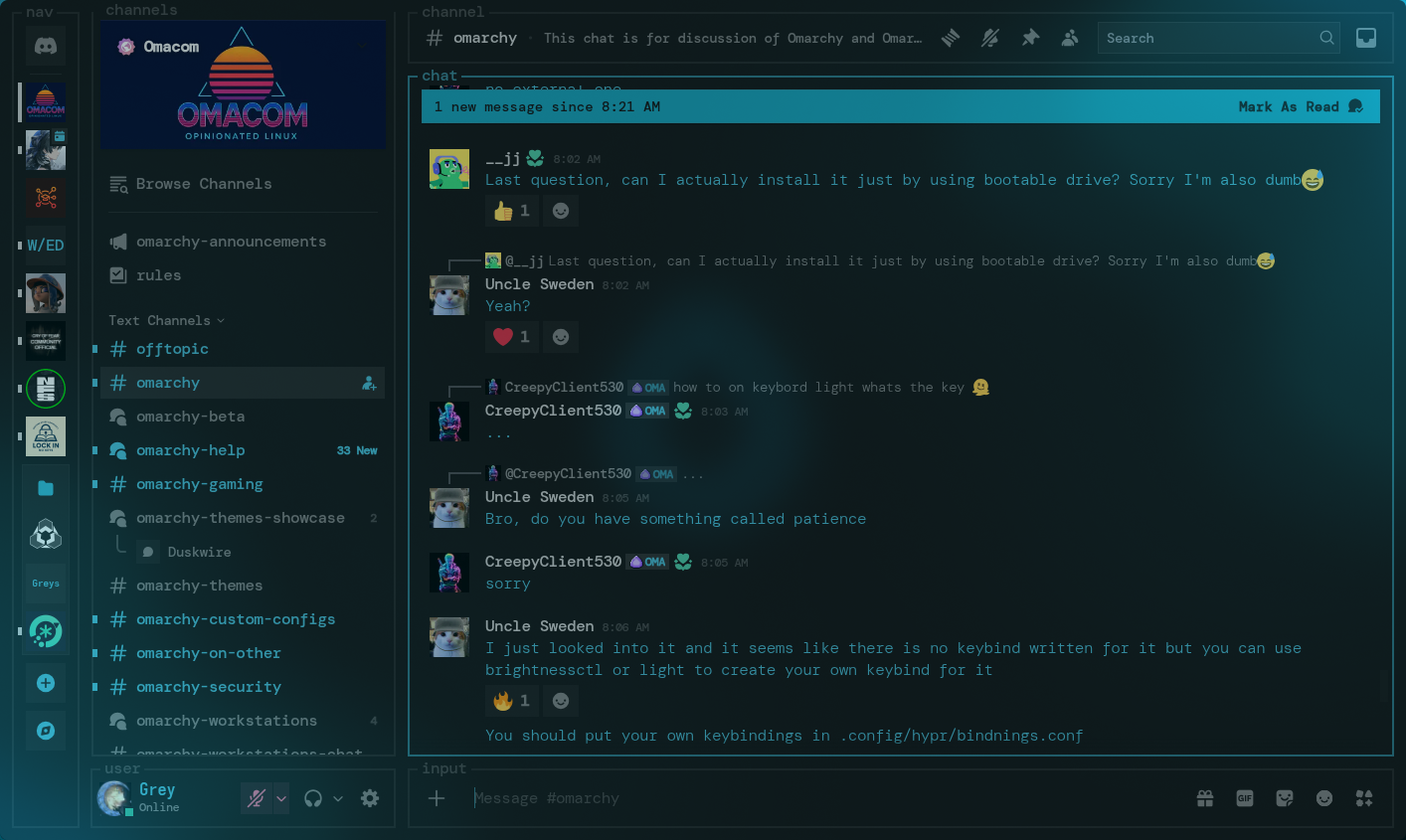
HyprBlue is a bright, calm, and modern blue theme designed for Omarchy. It focuses on smooth visuals, cool tones, and a clean layout that feels refreshing every time you use your system. The theme brings together clarity, simplicity, and style in a way that works perfectly for daily use.
✨ Features
- Cool blue + aqua color palette for a relaxed aesthetic
- Clean and modern UI styling across Omarchy components
- Neatly designed layouts that stay readable and consistent
- Perfect balance of contrast and brightness for long sessions
- Works smoothly with Waybar, Eww, and Omarchy theming structure
📦 Installation
Install HyprBlue with a single command:
omarchy-theme-install https://github.com/Grey-007/hyprblue.git
This will automatically place everything in the right place and apply the theme.
🖼️ Screenshots
Preview the look of the HyprBlue theme:
💙 Credits
Made by Grey-007. Thanks to the Omarchy community for tools, support, and inspiration.