color palette
preview
readme
Omarchy Grimdark Solarized Theme
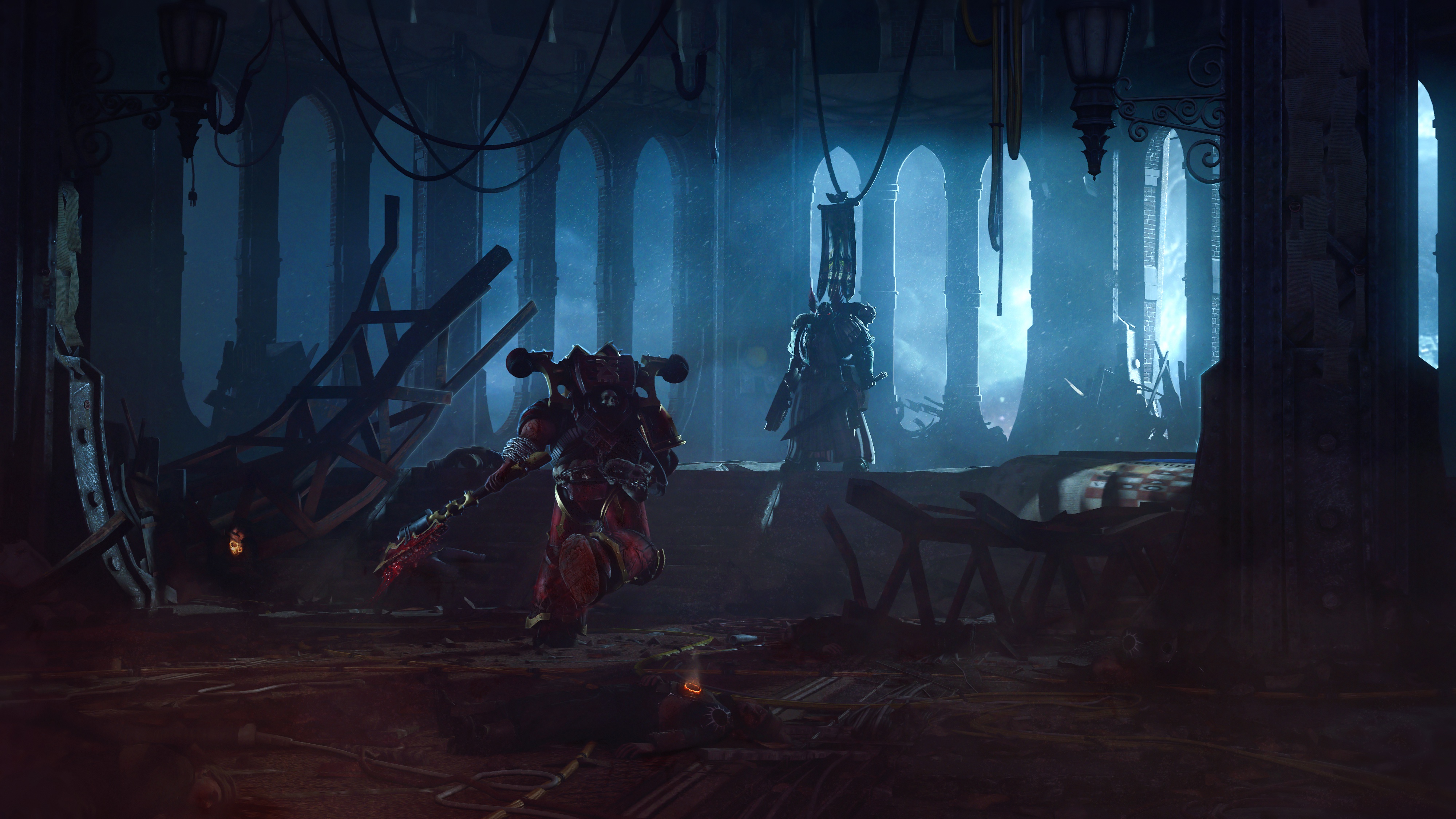
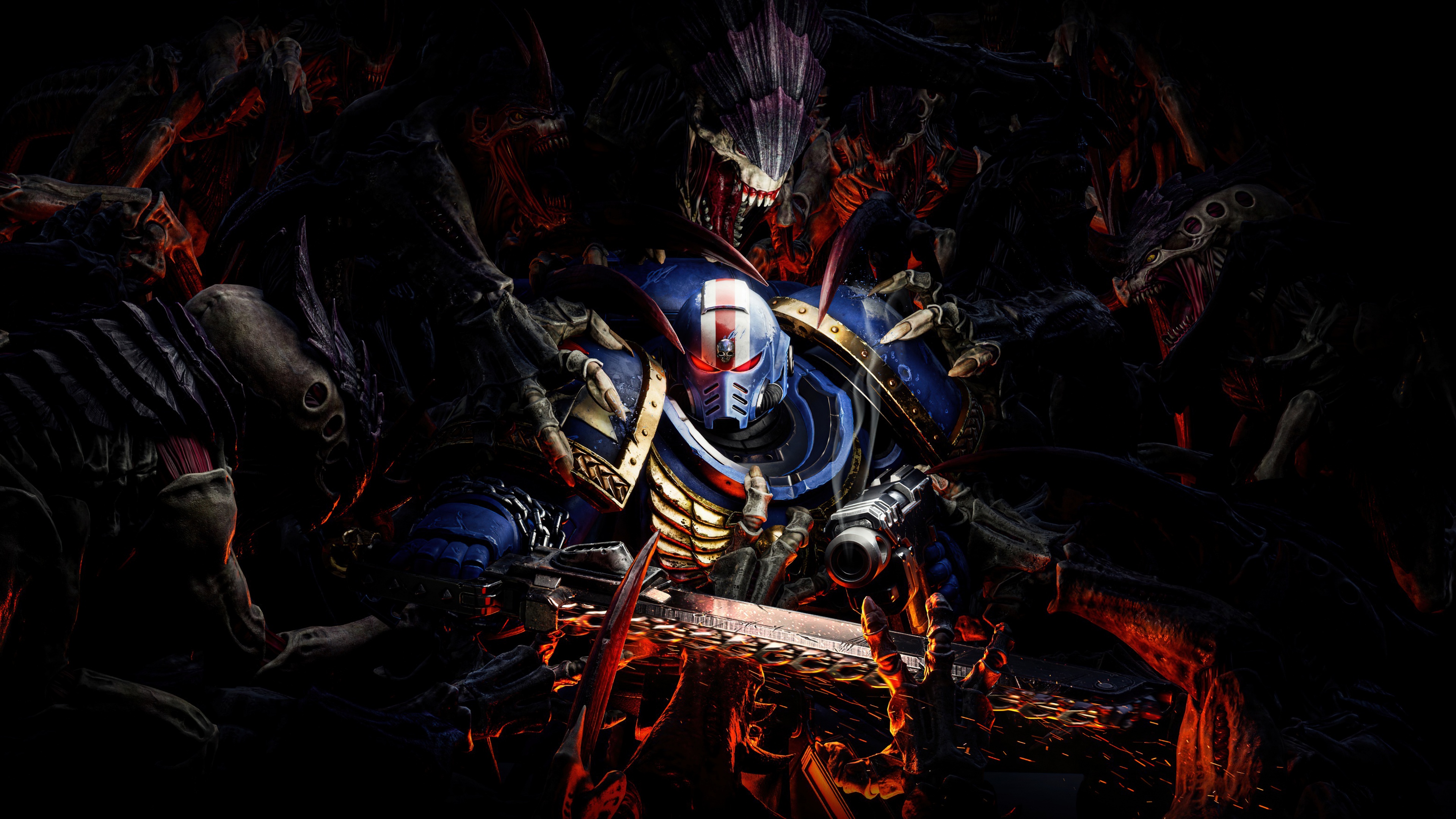
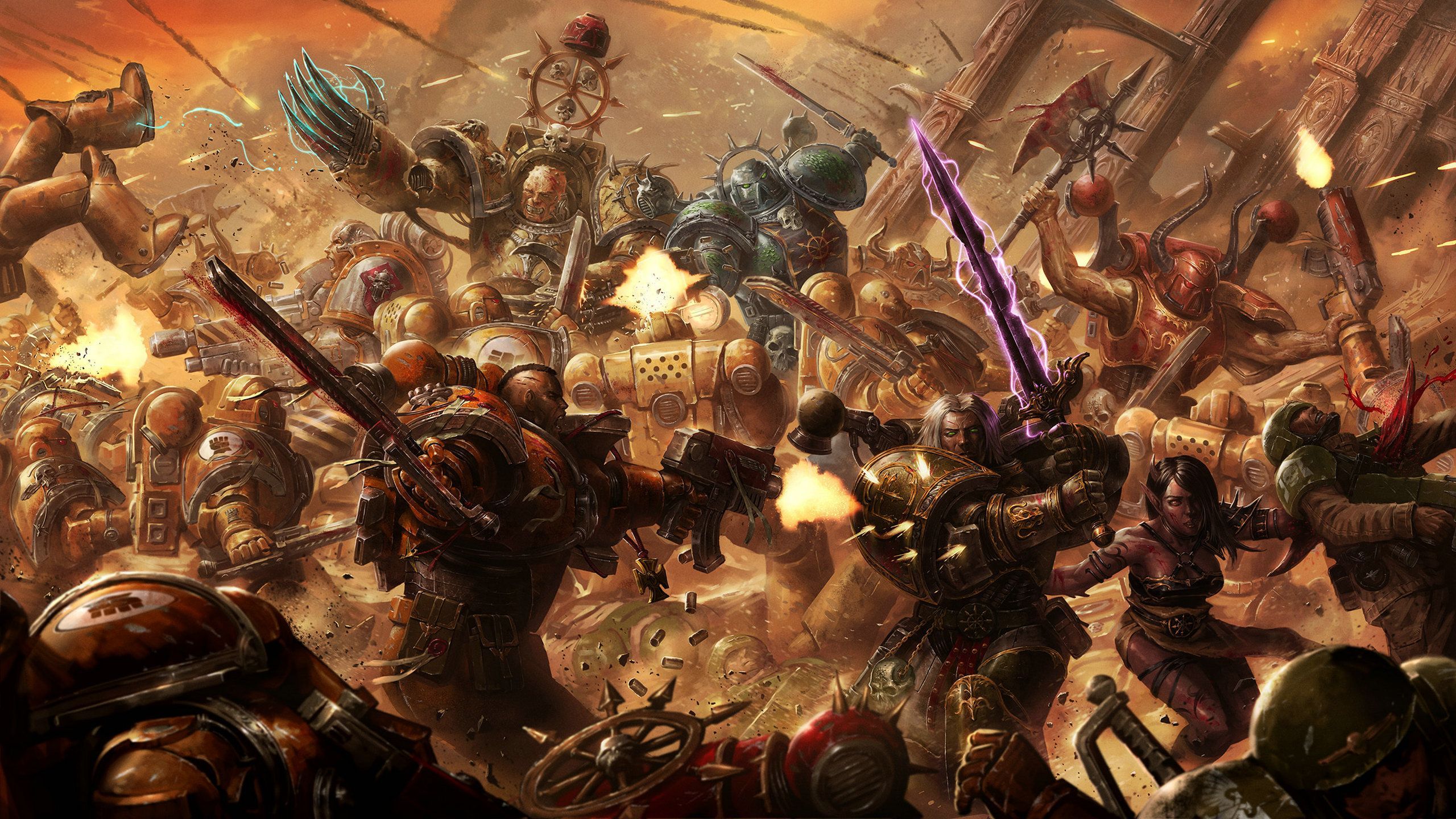
Warhammer 40k inspired Solarized Dark theme for Omarchy Linux. This is a grim, low-noise take on Solarized that keeps the palette faithful while pushing the atmosphere toward gothic sci-fi, with custom Waybar, Walker, and SwayOSD styling plus a hand-picked set of free 4k Warhammer 40k wallpapers. Built for Omarchy's theme installer, this repo ships all configs and assets needed to apply the look in one go.
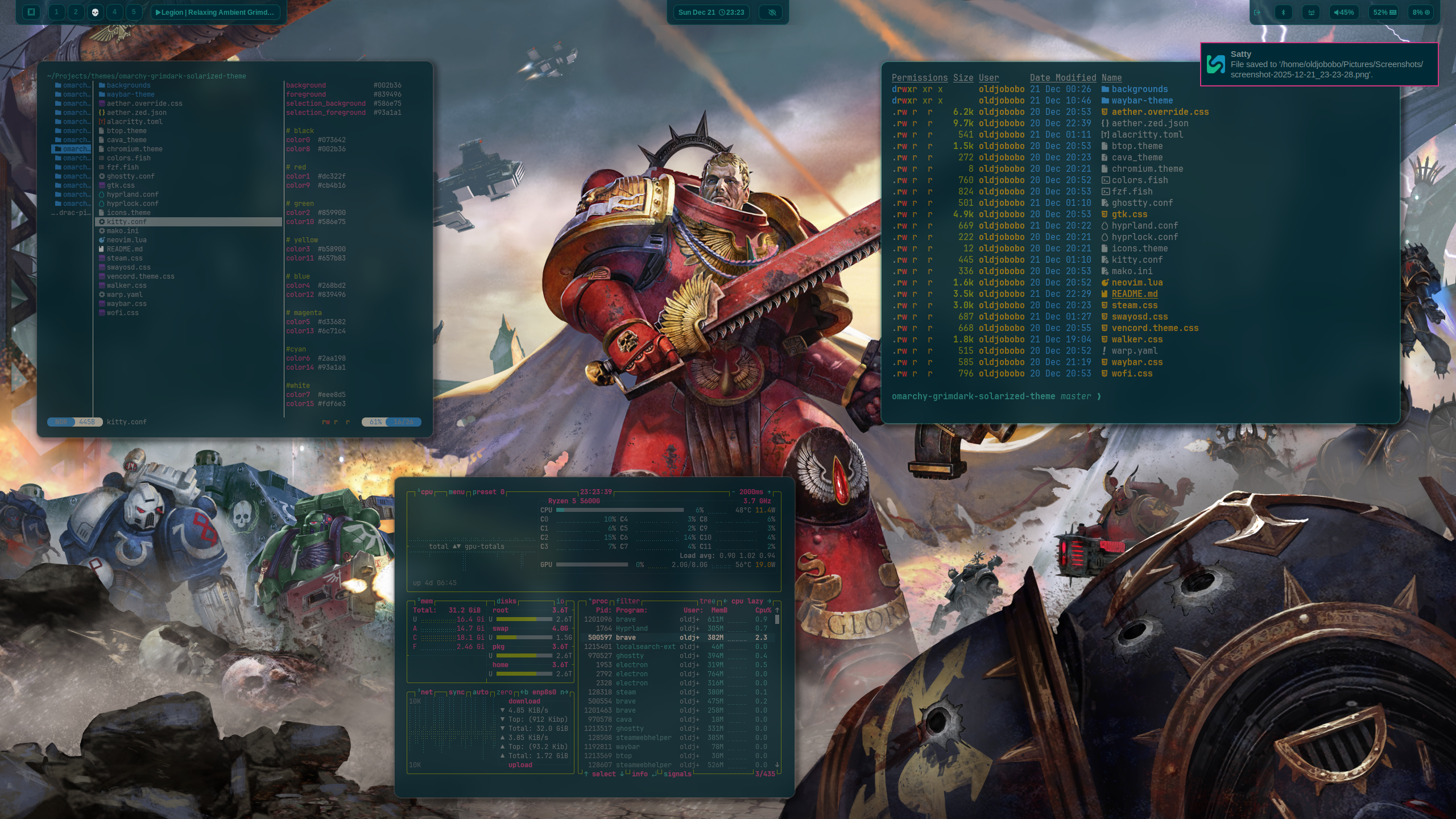
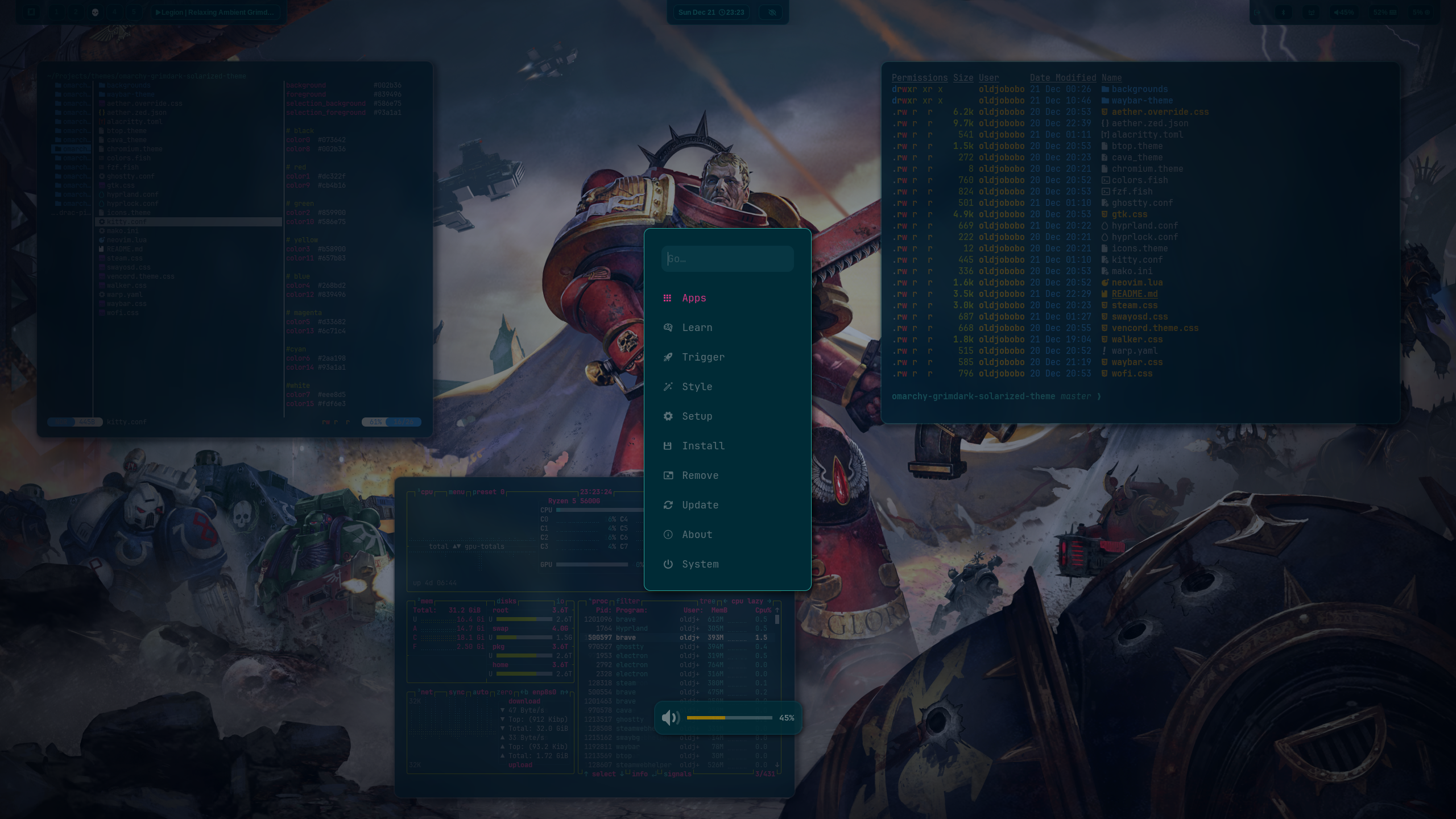
What's included
- Hyprland: dimmed inactive windows, zero borders, custom opacity rules (
hyprland.conf) - Hyprlock colors for ring and text (
hyprlock.conf) - Waybar styling with a custom grimdark layout (
waybar.css) - Terminals: Alacritty (
alacritty.toml), Ghostty (ghostty.conf), Kitty (kitty.conf) - Shell/UI tools: btop (
btop.theme), Wofi (wofi.css) - Notifications and helpers: Mako (
mako.ini), SwayOSD (swayosd.css), Walker launcher (walker.css) - Neovim colorscheme snippet (
neovim.lua) - Icon theme pointer for Yaru-purple (
icons.theme)
Quick start
Run the installer and it will place everything where it belongs:
omarchy-theme-install https://github.com/OldJobobo/omarchy-grimdark-solarized-theme
Wallpapers live in backgrounds/. Apply them in your wallpaper tool of choice after installation.
Customize
- Tweak window opacity in
hyprland.confif you want more or less dimming. - Adjust bar spacing, fonts, and modules in
waybar.cssto fit your layout. - Swap terminal presets by editing
alacritty.toml,ghostty.conf, orkitty.confbefore installing.
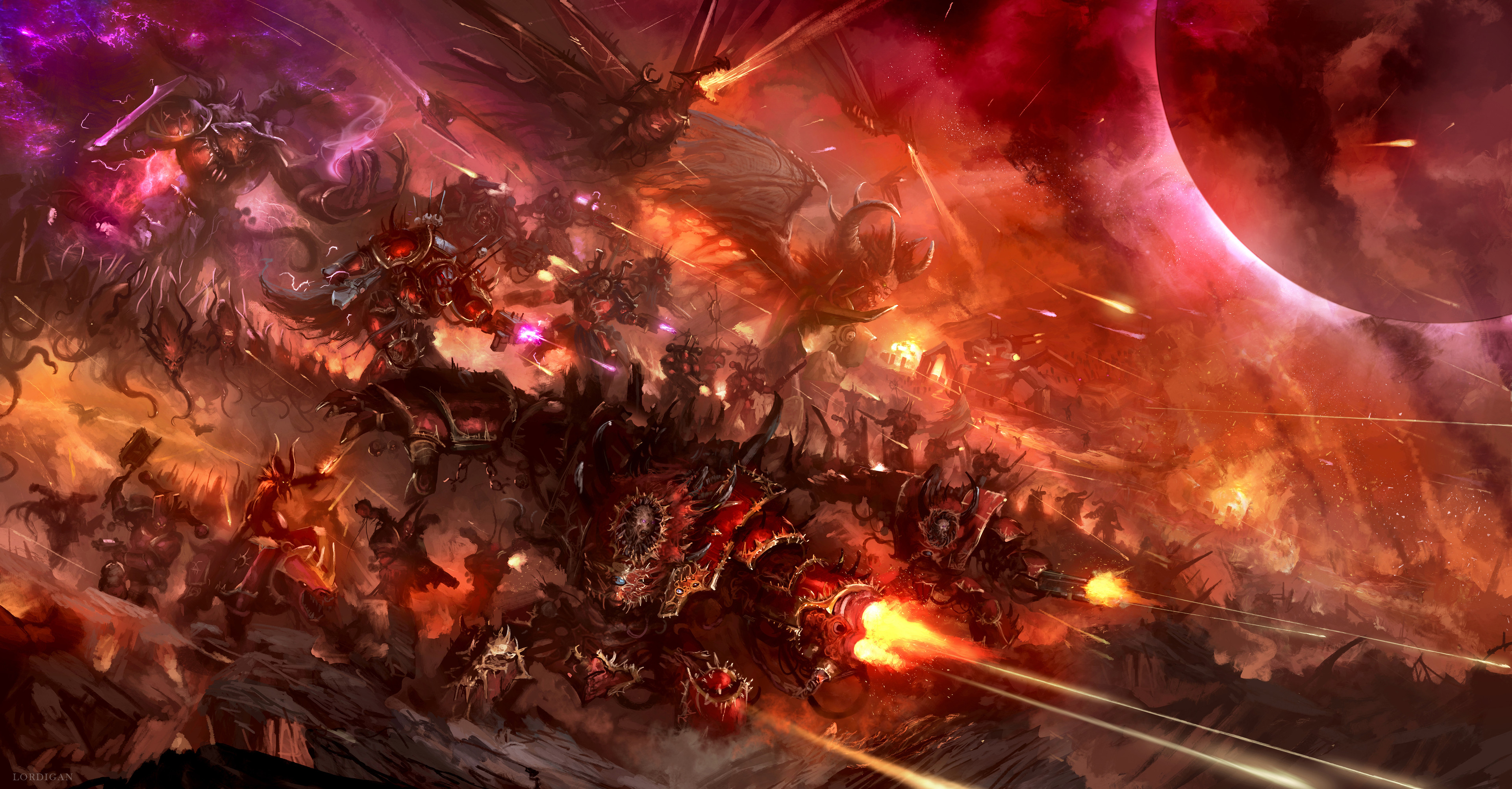
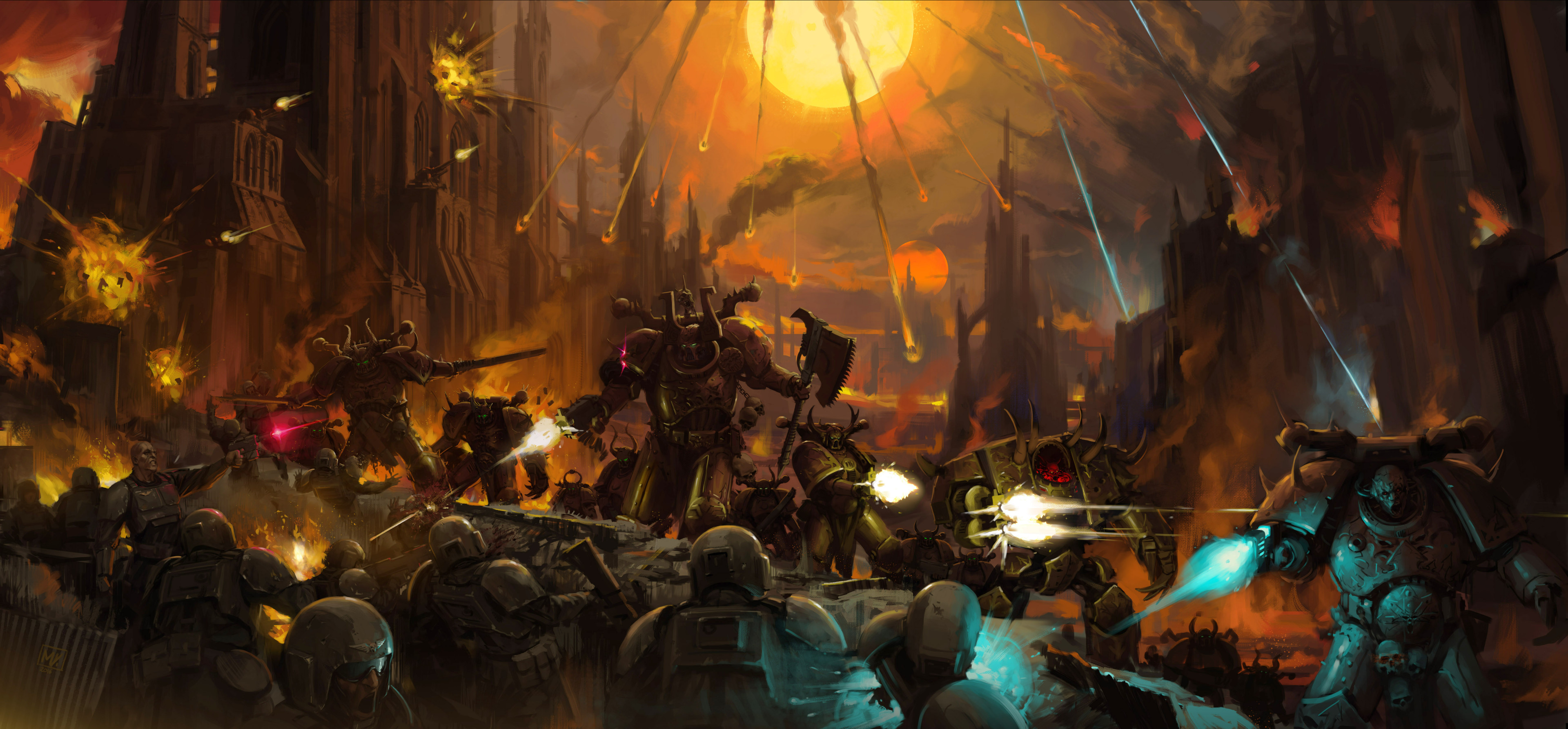
Background previews
| | | |
| --- | --- | --- |
|  |
|  |
|  |
|
|
|  |
|  |
|  |
|
|
|  |
|  |
|  |
|
Notes
- Hyprland rules enforce full opacity on active windows and slight dimming on inactive ones; adjust
windowrulelines if you want different defaults. - The palette is Solarized Dark at its core, tuned toward grimdark contrast and saturation control for a Warhammer 40k feel.