color palette
background
#1d271f
foreground
#e4d8b4
accent
#65a0d9
cursor
#e4d8b4
selection background
#505b51
selection foreground
#f2eadc
c0
#293427
c1
#c45b5b
c2
#7e9c58
c3
#d29c5a
c4
#65a0d9
c5
#d6885e
c6
#89d9d0
c7
#e4d8b4
c8
#505b51
preview
~/green-garden
user@omarchy:~ $ ls --color
desktop/scripts/.config/notes.mdMakefileREADME.md
user@omarchy:~ $
readme
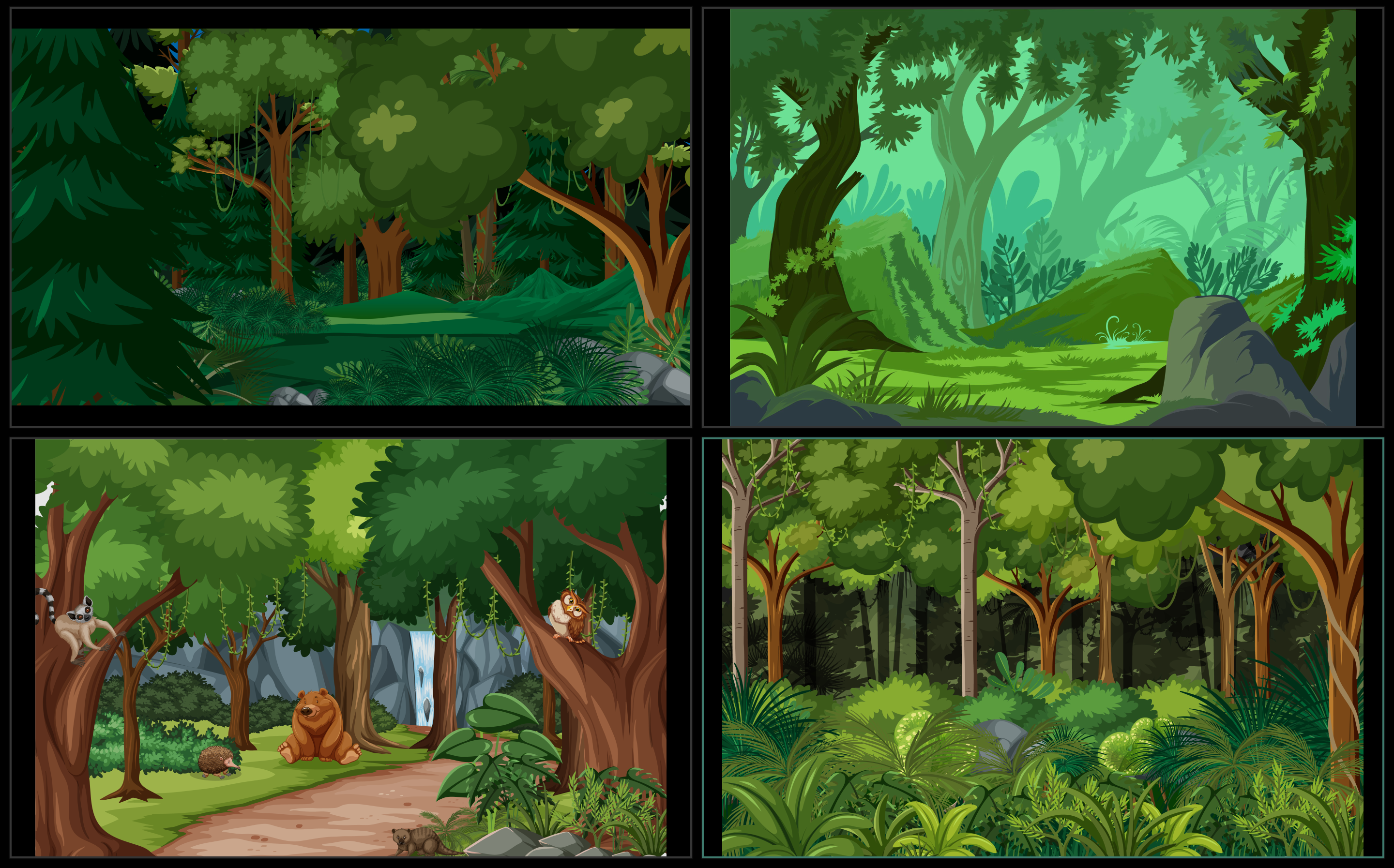
# ð³ Green Garden A fresh and calming theme for Omarchy-Hyprland inspired by nature. Vibrant yet soothing is what **Green Garden** brings to your desktop. Let me know what you think because your feedback is welcome and appreciated! 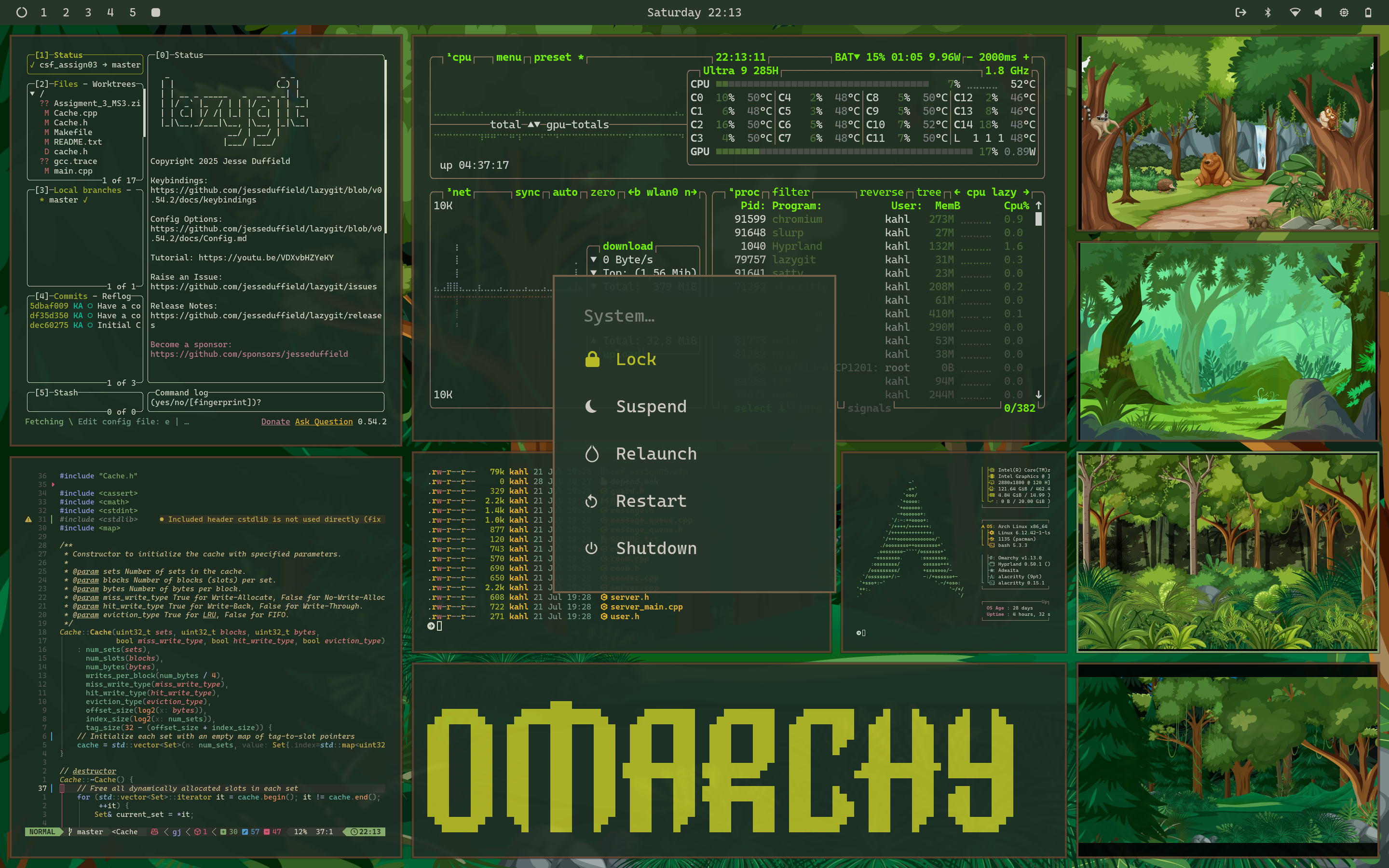 ## ð¿ About the Theme **Green Garden** was inspired by the default lock screen of Genome Fedora Linux. It is designed to provide a calming and focused environment for work and good vibes. The theme features a palette of rich greens, warm earth tones, and clean, high-contrast pictures. ## ð¥ Installation Installation is simple and can be done directly from the Omarchy menu. ### Via the Omarchy CLI Simply copy the repository URL and use the `omarchy-theme-install` command or paste the following command inside your prefered terminal. ```bash omarchy-theme-install https://github.com/kalk-ak/omarchy-green-garden-theme.git ``` ## ð¼ï¸ Available Backgrounds Enjoy the vibe that zincs the most.