color palette
preview
readme
Dragon Frost Theme ❄️✨💙
Dragon Frost is a cool, icy theme that makes your computer look soft, bright, and pretty. It uses light blue colors and shiny, frosty parts to make everything look calm and nice. It is simple to use and easy to look at, just like a soft winter day. 🌨️😊❄️
❄️ Features
- Looks like frosty glass
- Soft blue colors everywhere
- Simple and clean buttons and widgets
- Works with Omarchy things like Waybar and Eww
- Easy on the eyes and not too busy
- Everything looks neat and matching
📦 Installation 📥❄️✨
You can put this theme on your computer very easily! 😊❄️⭐
🔹 Dragon Frost Installation
Type this in your computer to install Dragon Frost:
omarchy-theme-install https://github.com/Grey-007/dragon-frost.git
This will download the theme and make it work right away. 🚀❄️💙
🖼️ Screenshots 📸❄️✨
Here are pictures that show you what the theme looks like. 😊💙❄️
1. Screenshot One
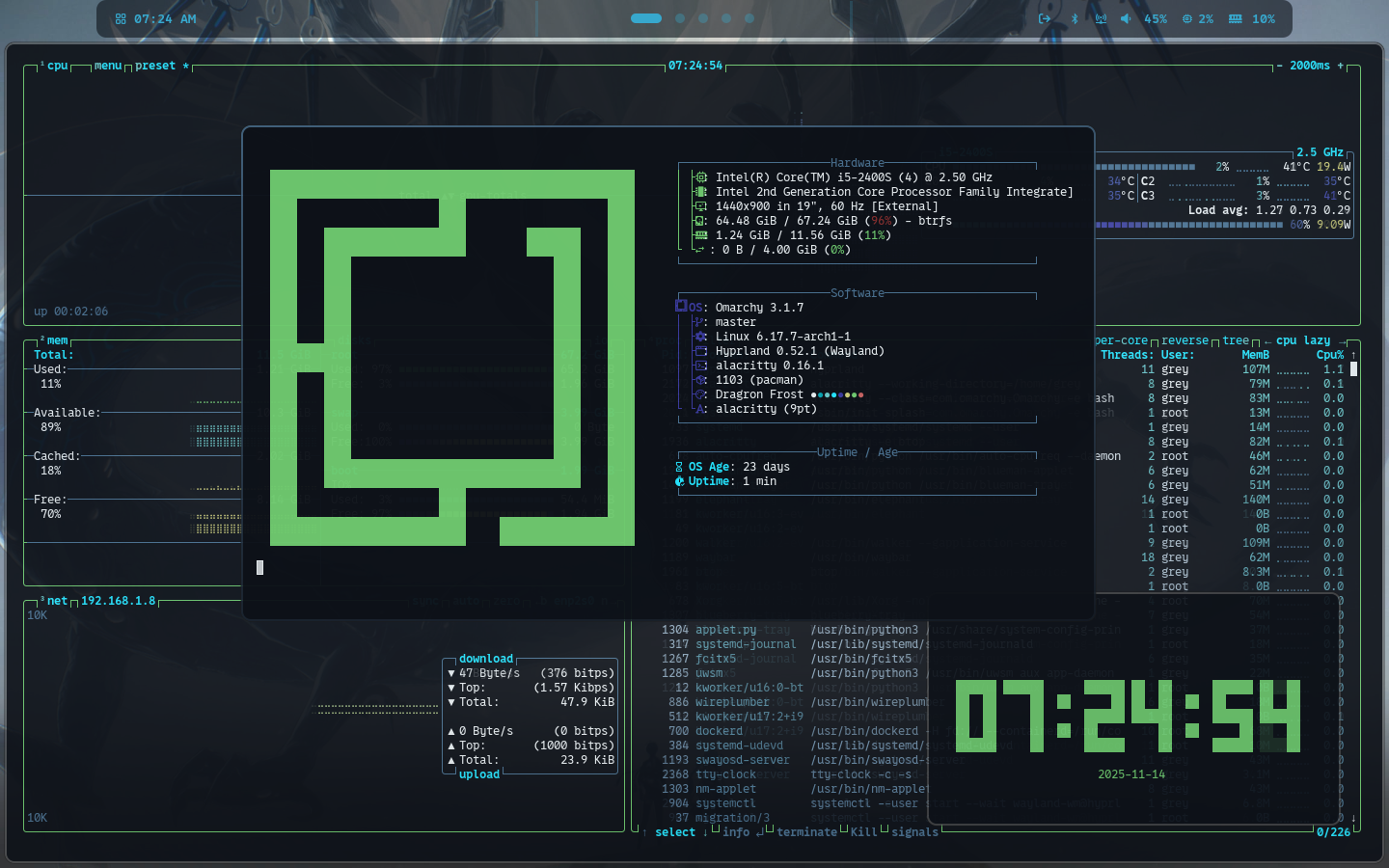
2. Screenshot Two
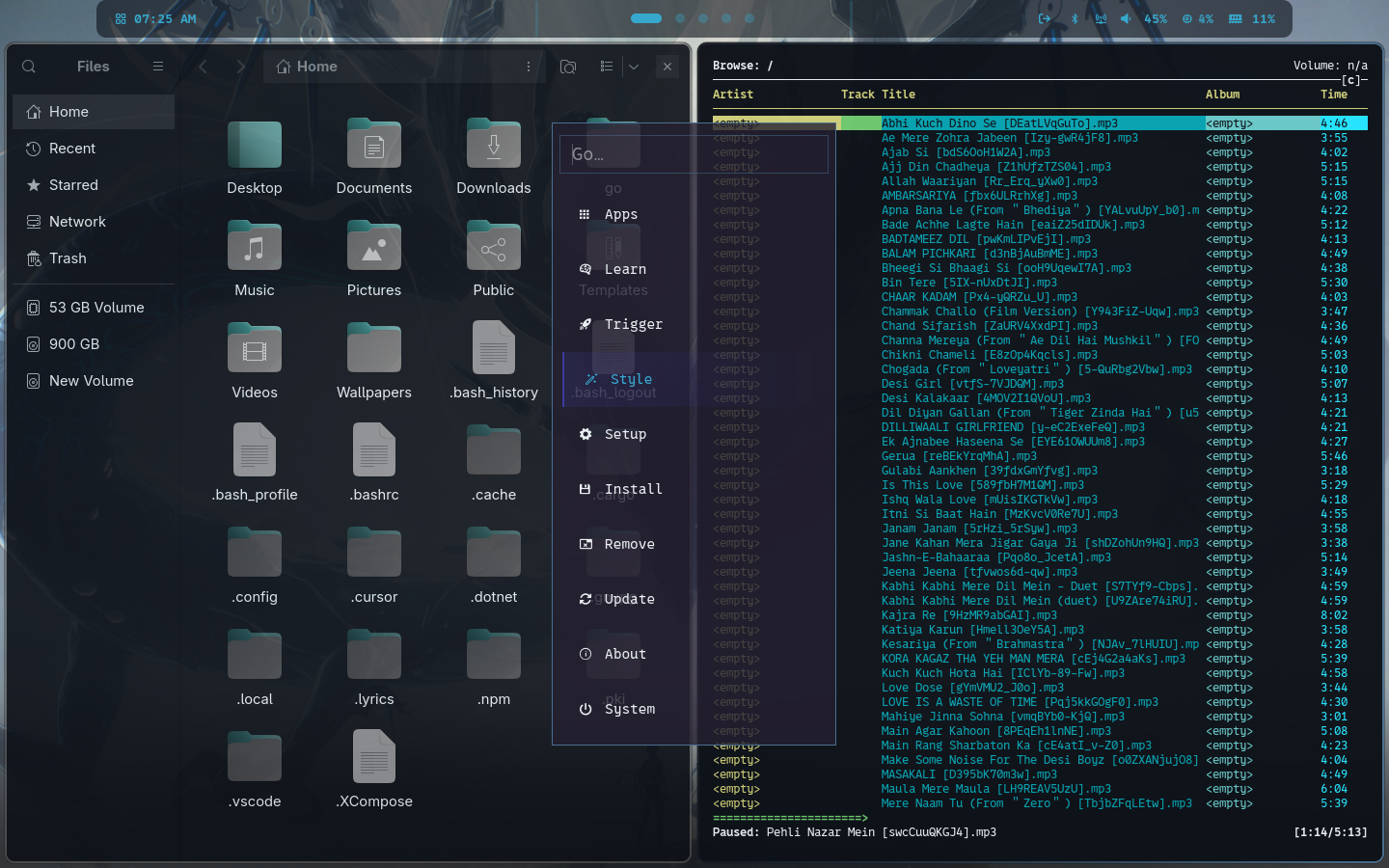
3. Screenshot Three

🎨 Customization 🎨❄️🔧
If you want to change colors or other things, you can do it here:
~/.config/omarchy/current/theme/
It’s okay to play with the files to make the theme look how you like! 😊✨❄️
💙 Credits 🙏❄️✨
Made by Grey-007. Thank you to the Omarchy community for helping make themes fun and pretty. 💙🌟❄️