color palette
background
#0f0f17
foreground
#bbccee
accent
#66eeaa
cursor
#e8f0ff
selection background
#22222e
selection foreground
#e8f0ff
color0
#0f0f17
color1
#bb324c
color2
#b4f09e
color3
#fbde66
color4
#6bc7f5
color5
#cfa3f5
color6
#66eeaa
color7
#bbccee
color8
#424260
color9
#ff385e
color10
#00ffab
color11
#ffd31b
color12
#38daff
color13
#db6797
color14
#52f3f3
color15
#e8f0ff
preview
~/dark-magic
┌──────────────────────Hardware──────────────────────┐
PC: omarchy-host
│ ├: x86_64 (8 cores) @ 4.00 GHz
│ ├: Integrated Graphics
│ ├: 1920x1080 @ 60 Hz
│ ├: 120 / 500 GiB (24%)
│ ├: 8 / 16 GiB (50%)
└ └ : 0 / 4 GiB (0%)
└────────────────────────────────────────────────────┘
┌──────────────────────Software──────────────────────┐
OS: Omarchy 3.6.0
│ ├: master
│ ├: stable
│ ├: linux-arch
│ ├: Hyprland (Wayland)
│ ├: alacritty
│ ├: 1024 (pacman)
│ ├: Dark Magic ●●●●●●●●
└ └: JetBrainsMono Nerd Font (9pt)
└────────────────────────────────────────────────────┘
┌─────────────────Age / Uptime / Update───────────────┐
OS Age: 0 days
Uptime: 2 hours, 13 mins
Update: Today
└────────────────────────────────────────────────────┘
user@omarchy:~ $
readme
Dark Magic Theme
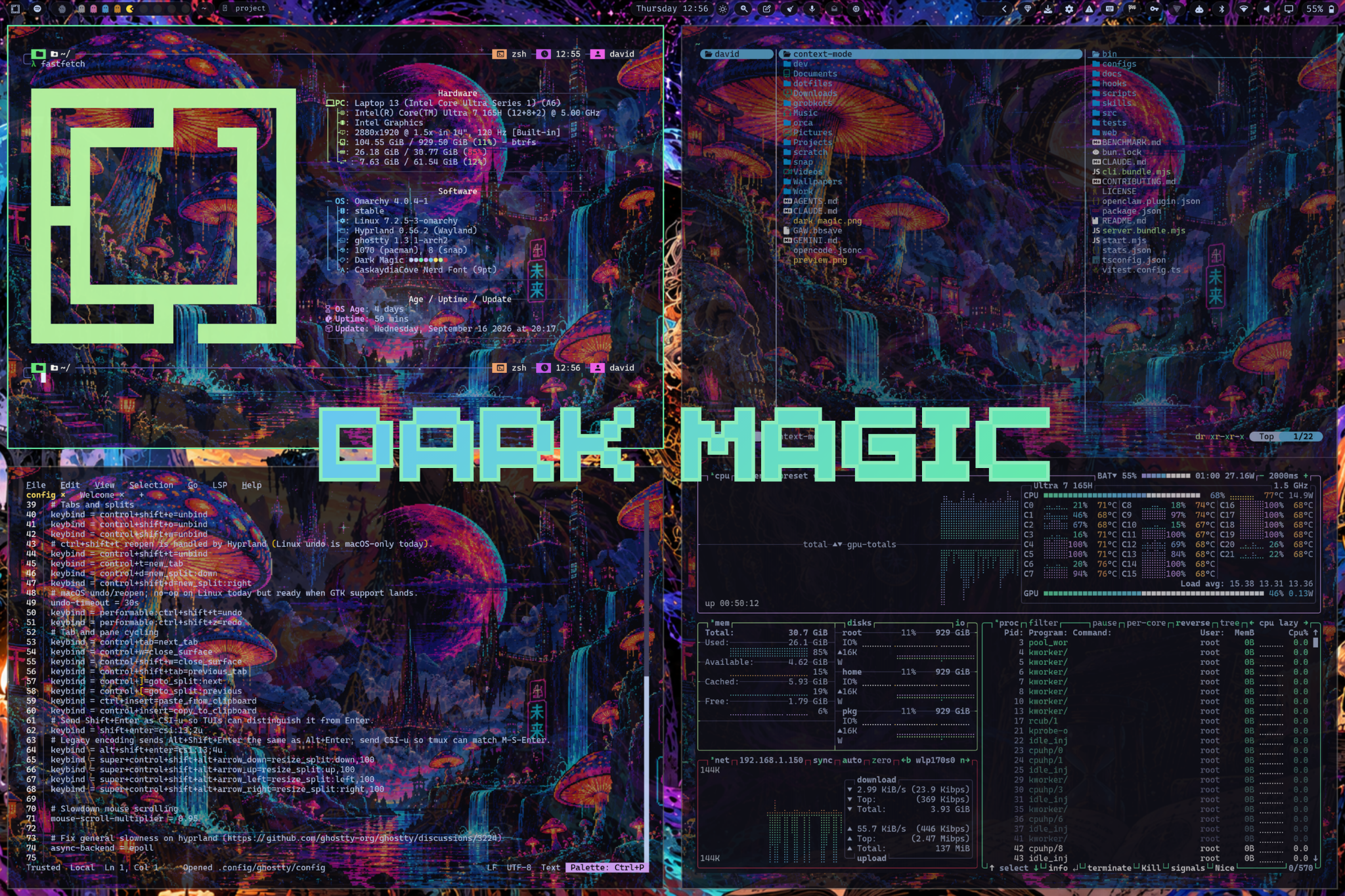
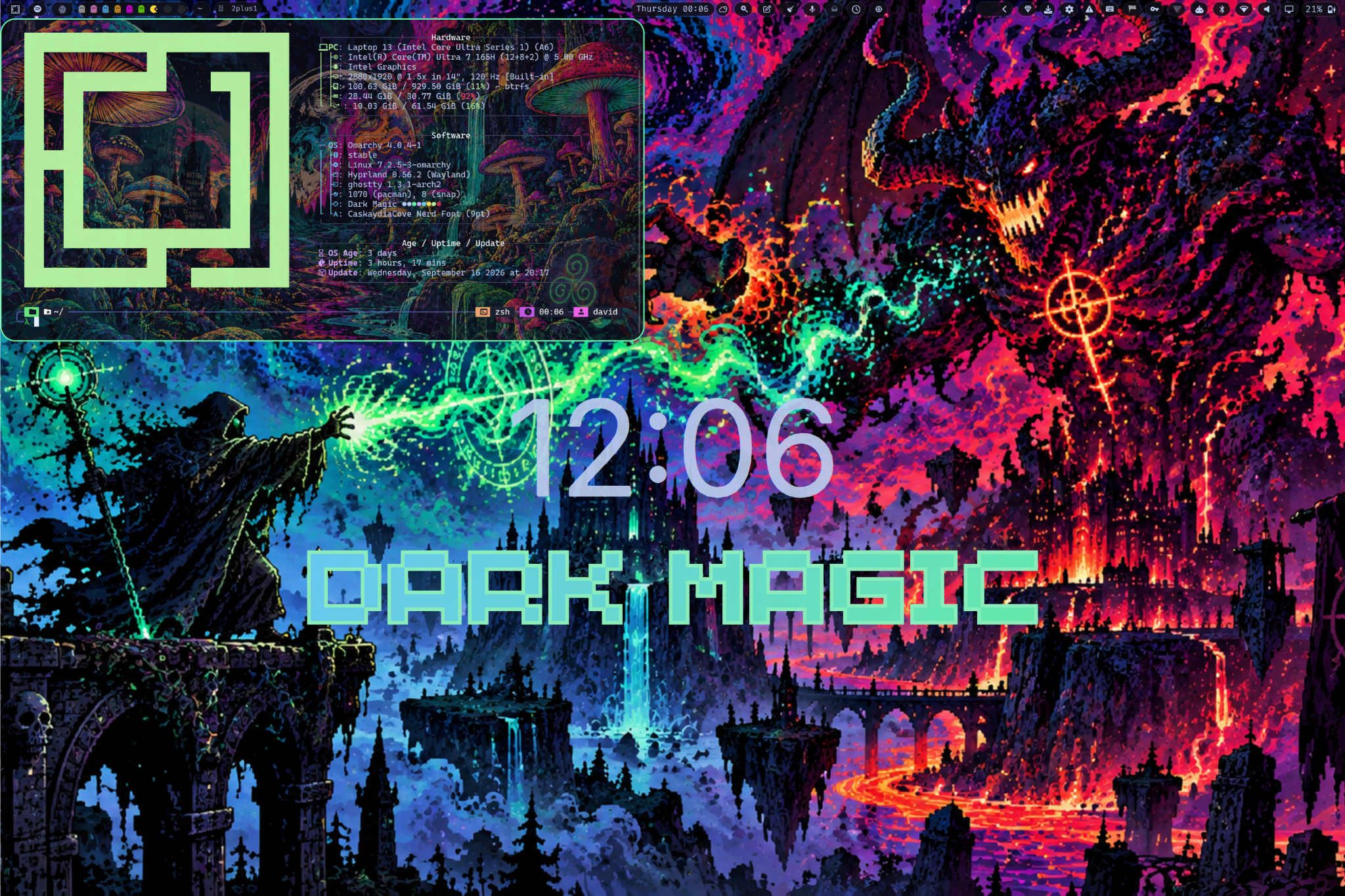
A dark Omarchy theme with mint accent (#66eeaa) and blue secondary (#6bc7f5).
Preview
Installation
Omarchy Theme
Install directly from this repo:
omarchy theme install https://github.com/davidsmorais/omarchy-dark-magic-themeOr use the Omarchy menu: Super + Space → Install > Style > Theme, then paste the repo URL.
Once installed, activate it with:
omarchy theme set "Dark Magic"Terminal Wallpapers + Ghostty Setup (Optional)
Install terminal wallpapers and set up Ghostty to cycle through them:
./install.shThis will:
- Copy 5 shroom terminal backgrounds to
~/.config/ghostty/backgrounds/dark-magic/ - Install the
set-backgroundscript to~/.config/ghostty/bin/ - Configure Ghostty to use the wallpapers
- Set the initial wallpaper
After installation, cycle wallpapers with:
set-background next           # cycle to next wallpaper
set-background shrooms1       # set specific wallpaper (1-5)
What's Included
colors.toml- Full 16-color palette with mint accent (#66eeaa) and blue secondary (#6bc7f5)alacritty.toml- Alacritty terminal color schemebtop.theme- btop++ system monitor themecava_theme- Cava audio visualizer gradient themechromium.theme- Chromium browser theme colorsdimming.sh- Toggle script for inactive window dimming in Hyprlandghostty.conf- Ghostty terminal color palettegtk.css,gtk-3.0/,gtk-4.0/- GTK 3 and GTK 4 / Libadwaita stylinghyprland.conf- Window manager config with mint accent borders, dimming, and smooth animationshyprland-preview-share-picker.css- Screen share picker stylinghyprlock.conf- Hyprlock lockscreen themeicons.theme- Icon theme configurationkitty.conf- Kitty terminal thememako.ini- Mako notification daemon styling with Wi-Fi & update actionsneovim.lua- Complete Neovim / LazyVim theme with treesitter, LSP, and UI highlightsobsidian.css- Obsidian markdown editor themeqt6ct.conf- Qt6 configuration tool color schemesteam.css- Adwaita-for-Steam themesuperfile.toml- Superfile terminal file manager themeswayosd.css- SwayOSD on-screen display themesystem24.css&vencord.theme.css- Discord / Vencord / Vesktop system24 stylingvscode.json- VSCode theme integration (DavidMorais.dark-magic-themes)walker.css- Walker application launcher themewaybar.css- Waybar status bar palette stylingzed.json&zed/themes/- Zed editor theme configurationzen.css- Zen Browser color stylingbackgrounds/- Theme backgrounds including signaturedark-magic.pngterminal-backgrounds/- 5 high-res shroom wallpapers for Ghosttybin/set-background- Script to cycle terminal wallpapersinstall.sh- Automated setup for terminal backgrounds
Credits
Created by David Morais (davidsmorais)