color palette
#060606
#f0d4e4
#9b6b9f
preview
readme
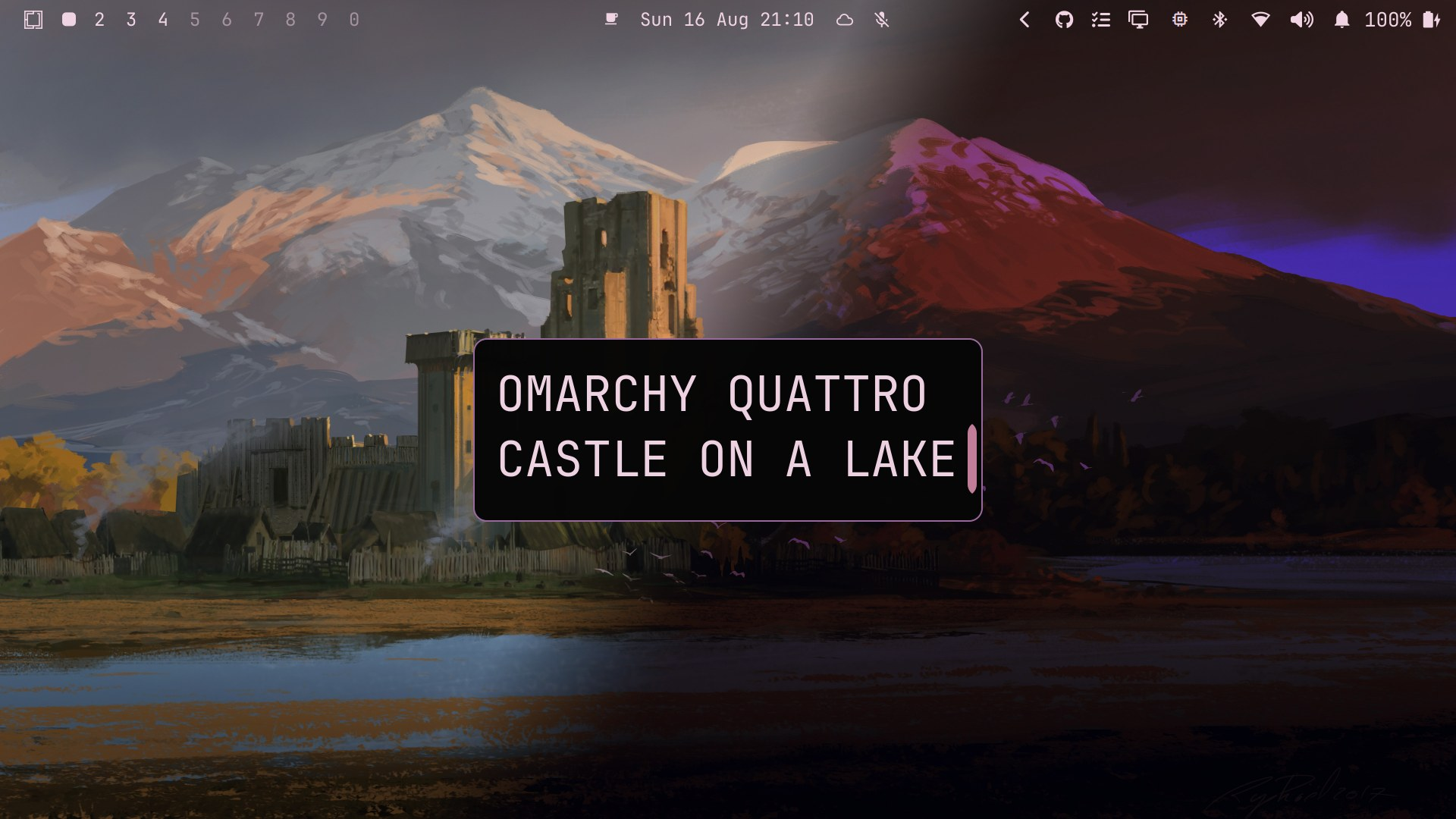
Castle on a Lake
A warm, earthy dark theme for Omarchy 4 (Quattro)
#dark · #art-theme · #landscapes · #day-night









Warm stone, firelight, sage, lake reflections, and twilight violet on a near-black canvas — a quiet, old-stone calm.
Named after the four castle images it ships with (two paintings, each in day
and night versions), the theme's palette is drawn directly from colors in the
paintings — sandstone, firelight, sage, lake reflections, storm sky, and
twilight violet — so every hue has a natural anchor in the artwork. And the
background follows the sun: it switches itself to the -night variant at
sunset and back at sunrise.
Highlights
- Day / night auto-switching backgrounds — the wallpaper follows the sun (see below)
- Two castle paintings by Raphael Lacoste — daytime and nighttime versions of two scenes
- Wallpaper-derived palette — every color drawn from the castle paintings: sandstone, firelight, sage, lake reflections, storm sky, twilight violet
- Custom Neovim theme — full highlight groups (editor, syntax, Treesitter, LSP, and popular plugins) built directly from the palette
- Theme-guarded helper — only acts while this theme is active
- Whole-desktop coverage —
colors.tomlthemes the desktop, shell, and terminals; a bundledneovim.luacovers the editor with full highlight groups for syntax, Treesitter, LSP, and popular plugins
Day / Night Background Switching
At sunset the background becomes the -night variant, and at sunrise it
switches back. The helper looks up real sunrise/sunset times for your location
every day — the location configured for the Omarchy weather panel, or detected
from your IP when none is set.
Install it (safe to re-run, nothing to configure):
bash ~/.config/omarchy/themes/castle-on-a-lake/daynight/install.shRemove it:
bash ~/.config/omarchy/themes/castle-on-a-lake/daynight/uninstall.shNotes:
- The helper is theme-guarded, so it only changes the background while the Castle On A Lake theme is active. A background picked manually via the switcher is left untouched.
- Requires network access for the daily sunrise/sunset lookup.
- A
post-boothook starts the daemon at login; its log lives at~/.local/state/omarchy/bg-daynight-daemon.log. Check it's running withpgrep -f bg-daynight-daemon.
Installation
omarchy theme install https://github.com/shmall03/omarchy-castle-on-a-lake-theme.gitOr via the menu (Super + Alt + Space → Install > Style > Theme) — paste the repo URL and press Enter.
Then apply it:
omarchy theme set castle-on-a-lakeOr pick it under Style > Theme in the menu.
Wallpapers
| Artwork | Daytime | Nighttime |
|---|---|---|
| Castle on a Lake Raphael Lacoste, via wallhaven.cc/w/ogj6kp | 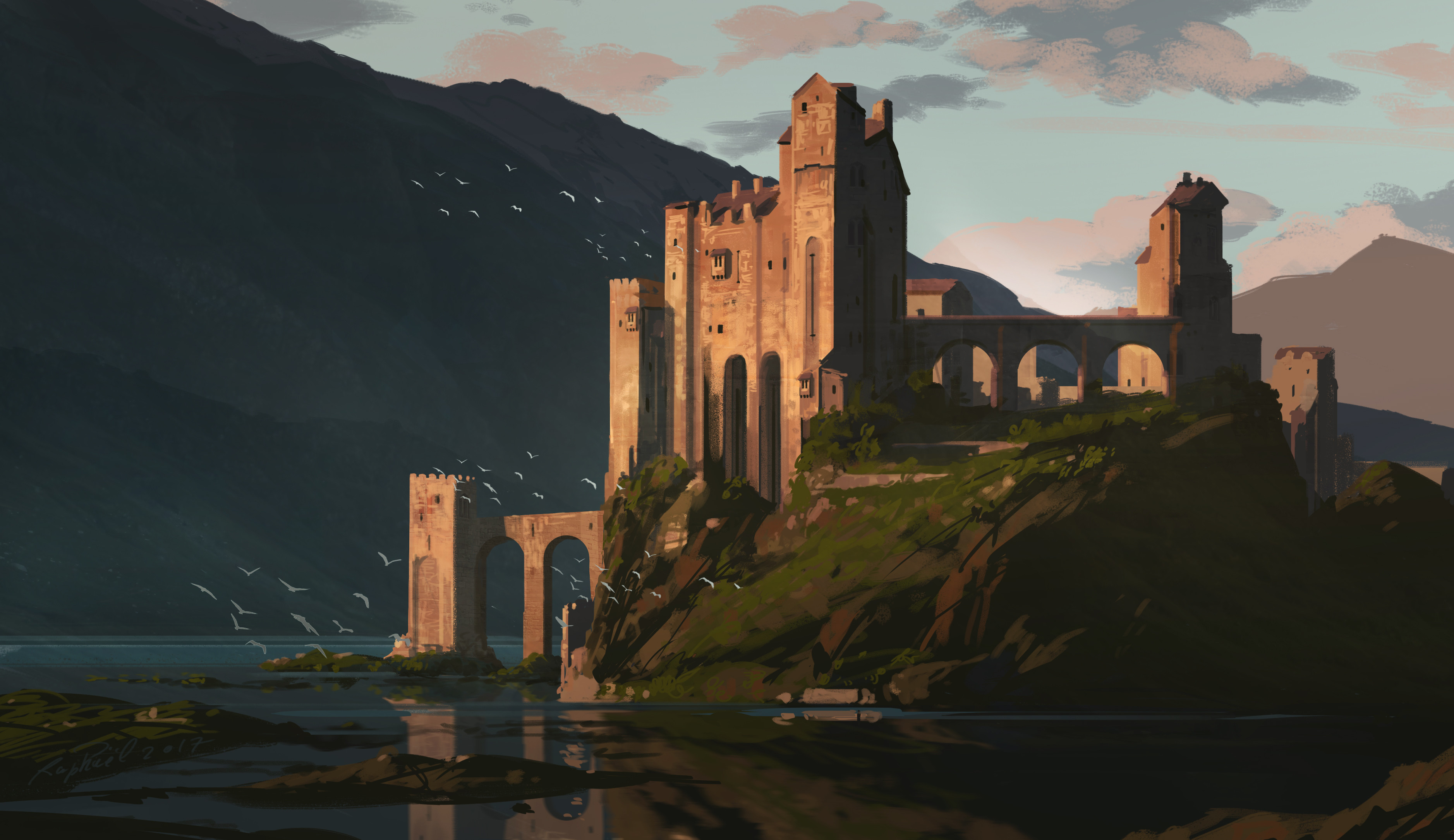 | 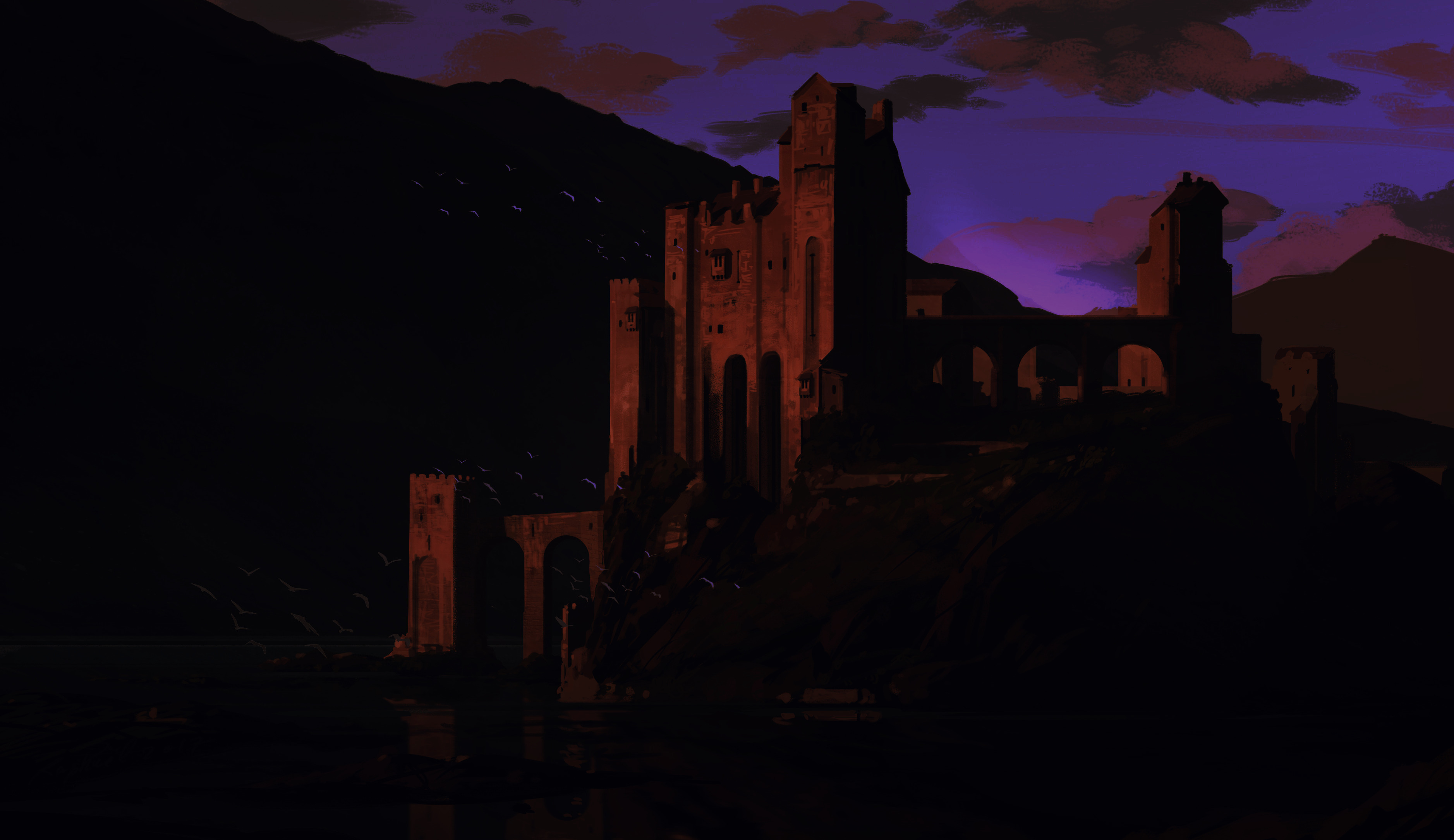 |
| Castle in Front of a Mountain Raphael Lacoste, via wallhaven.cc/w/jedy6p | 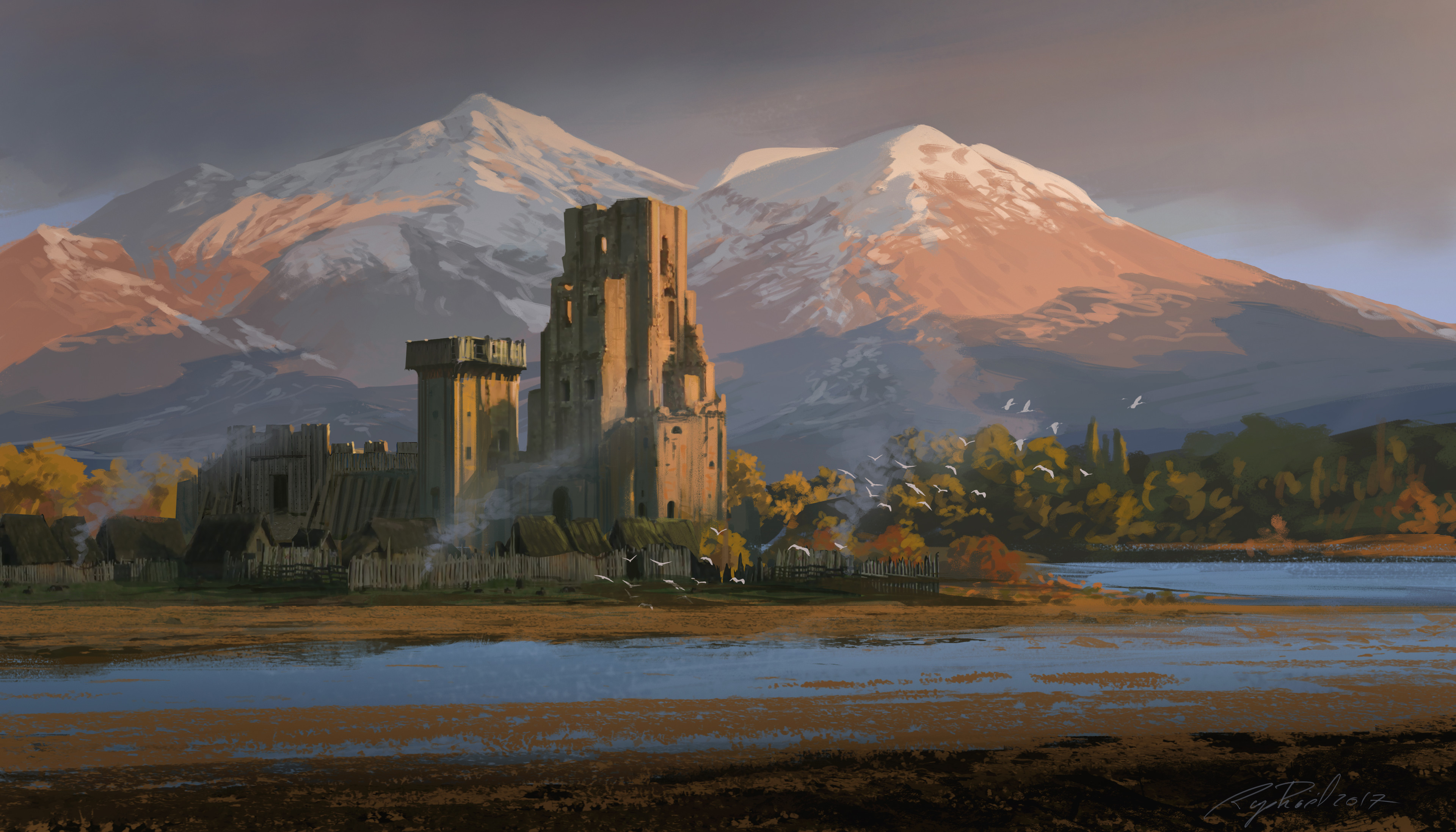 | 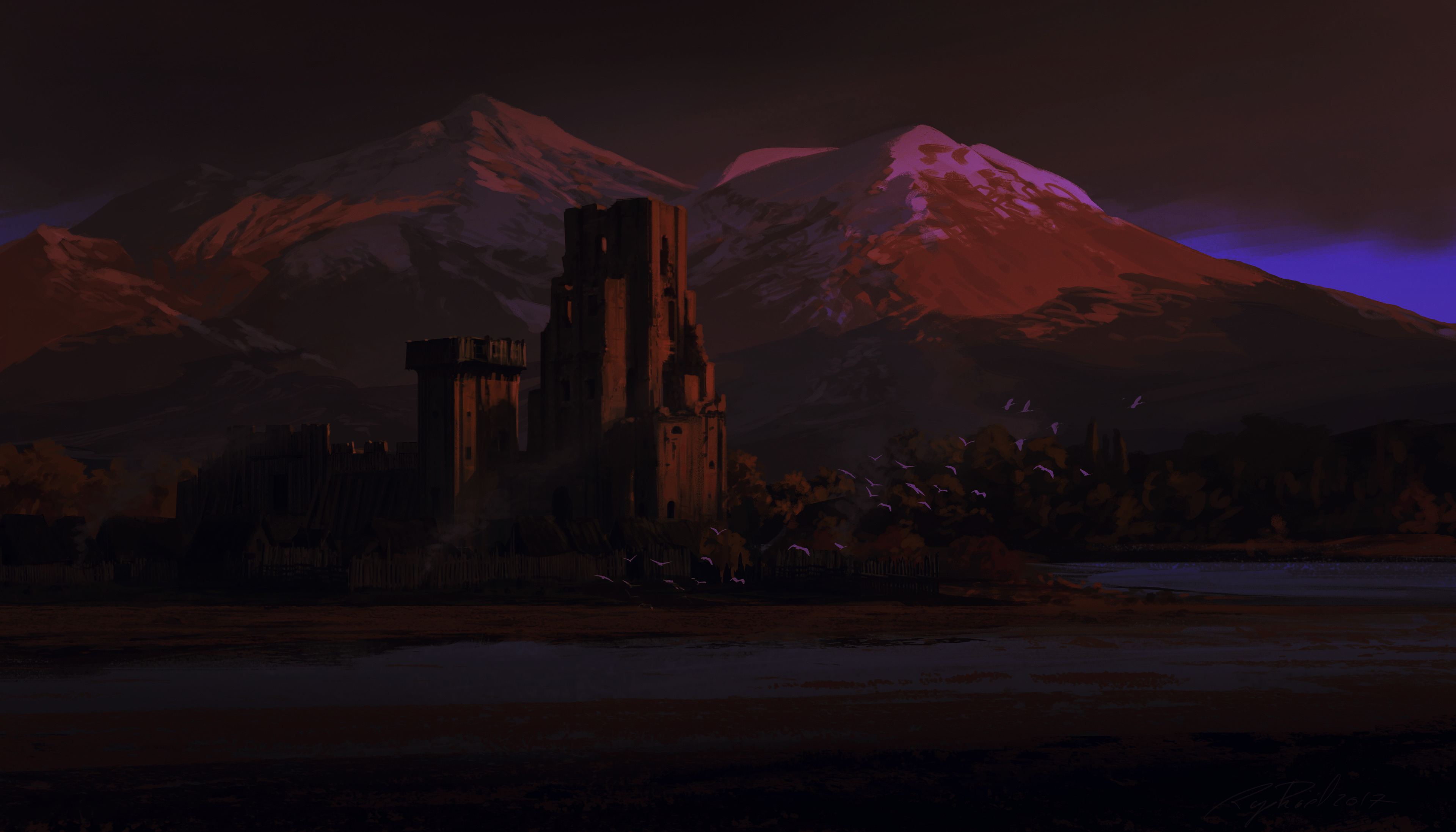 |
Night versions derived from the originals with ImageMagick and GIMP — dimmer, cooler, moonlit contrast.
Color Palette
| Role | Swatch | Hex | Wallpaper source |
|---|---|---|---|
| Background | #060606 | Deep night shadows | |
| Dark background | #040404 | Near-black canvas | |
| Lighter background | #1f1f1e | Dim stone surface | |
| Foreground | #f0d4e4 | Cream text | |
| Accent | #9b6b9f | Mauve identity | |
| Muted | #626262 | Weathered stone | |
| Red | #a06048 | Warm sandstone in sunset light | |
| Yellow | #d4b060 | Golden glow from lit windows | |
| Orange | #c47838 | Copper firelight | |
| Green | #80a070 | Sage from hillside vegetation | |
| Cyan | #6090a0 | Slate-teal from lake reflections | |
| Blue | #5870a8 | Storm blue from mountain sky | |
| Magenta | #8060a0 | Twilight violet from night sky | |
| Brown | #5a4038 | Dark castle stone |
Theme Files
colors.toml       Color palette (wallpaper-derived)
neovim.lua        Custom Neovim colorscheme
backgrounds/      Wallpapers (day and night versions)
icons.theme       Yaru-wartybrown icons
daynight/         Day/night background switcher (see above)
unlock.png        Lock screen background
preview.png       Desktop preview
preview-unlock.png Lock screen preview
CHANGELOG.md      Version history
LICENSE           MIT license
More from shmall03
Media Lock Screen — a companion Omarchy Quattro project that replaces the built-in lock screen with one showing the currently playing track (MPRIS), a large clock, and your user name, with separate password and fingerprint PAM flows.
omarchy plugin add https://github.com/shmall03/omarchy-shmall.lock-plugin.git --enableContributing
Bugs, ideas, and tweaks are welcome — open an issue or pull request.
License
The theme code — the color palette, Neovim theme, icon config, day/night switcher scripts, and all other files except the artwork — is released under the MIT License, Copyright (c) 2026 Ben Smith.
The bundled wallpapers are digital paintings by Raphael Lacoste, as tagged and source-linked on Wallhaven. Per Wallhaven, "all images remain property of their original owners" — they are not covered by the MIT license and are included only for use with this theme. The night versions are derivative edits made with ImageMagick and GIMP and carry no separate license.
Redistributing the artwork, including the night versions, or creating further derivatives requires the artist's permission. If you are the rights holder and would like these images removed, open an issue and they will be taken down.
Acknowledgments
- Raphael Lacoste — artist of the bundled wallpapers, as tagged and source-linked on Wallhaven (ogj6kp, jedy6p)
- Omarchy — the desktop this theme was made for