color palette
#FFDCEB
#7A1550
#E0218A
preview
readme
Omarchy Barbie Malibu Theme
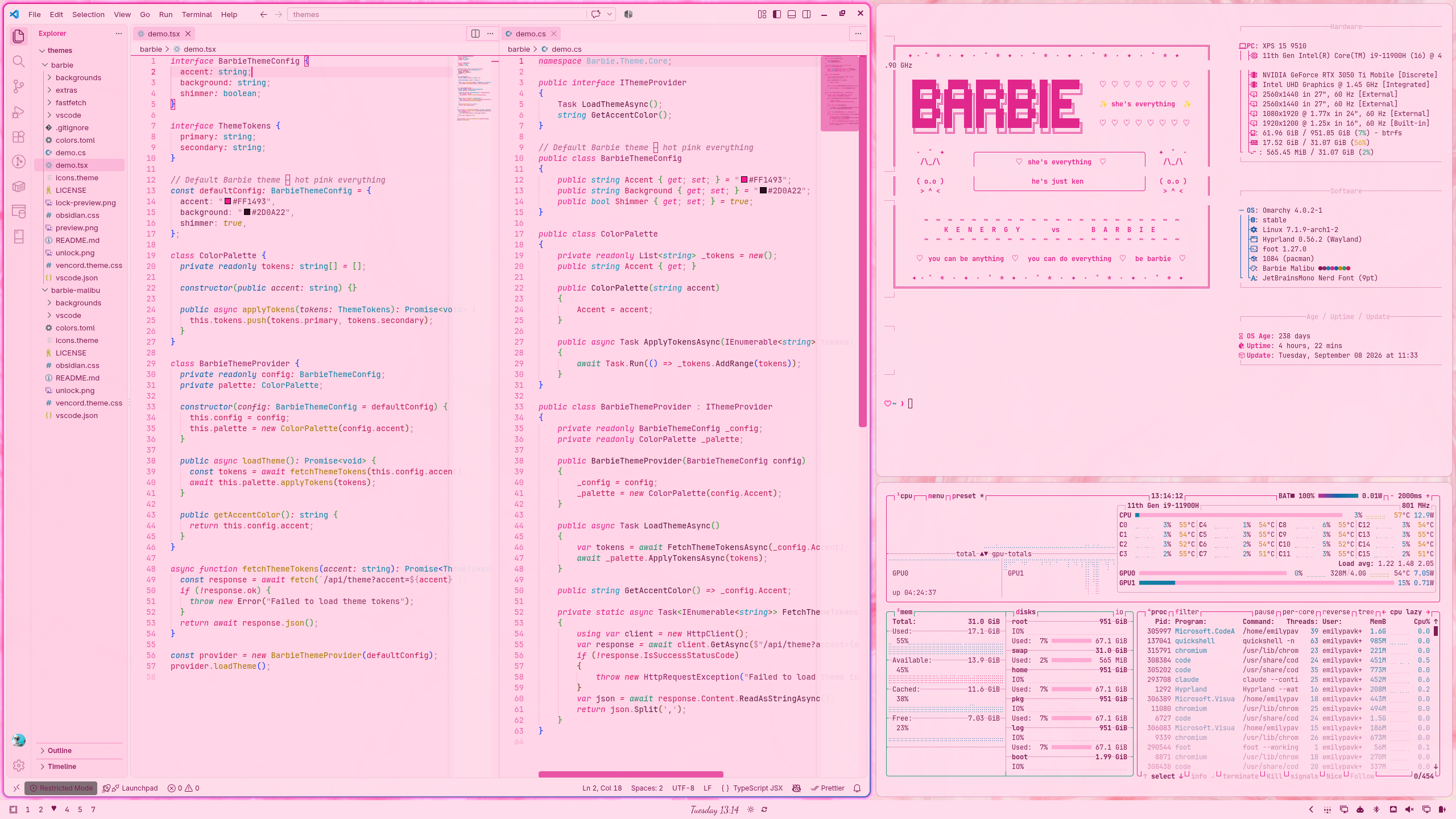
A light, daytime companion to the Omarchy Barbie theme for Omarchy: pastel pink backgrounds, deep berry text, hot pink accents, and ocean blue and sunshine yellow highlights. Includes matching VS Code, Obsidian, and Discord themes.
Install
omarchy theme install https://github.com/BBIEPavkov/omarchy-barbie-malibu-theme
omarchy theme set barbie-malibu
Requires Omarchy 4 (Quattro) and the Yaru-magenta icon theme.
Dark Mode
For nighttime, use the dark Omarchy Barbie theme: deep violet-pink backgrounds with hot pink accents.
omarchy theme install https://github.com/BBIEPavkov/omarchy-barbie-theme
omarchy theme set barbie
Switch between the two any time with omarchy theme set barbie and omarchy theme set barbie-malibu.
Colors
| Role | Color |
|---|---|
| Background | #FFDCEB (pastel pink) |
| Foreground | #7A1550 (deep berry) |
| Accent | #E0218A (Barbie pink) |
| Blue | #0B5FA8 (ocean blue) |
| Yellow | #C98A00 (sunshine yellow) |
VS Code
A matching light VS Code theme is in the vscode/ folder. Link it into VS Code:
ln -s ~/.config/omarchy/themes/barbie-malibu/vscode ~/.vscode/extensions/omarchy-barbie-malibu-themeReload VS Code, then pick Omarchy Barbie Malibu from the theme picker (Ctrl + Shift + P → Preferences: Color Theme).
Obsidian
Omarchy themes Obsidian automatically. This theme adds heart bullet points, a heart before each top-level heading, pink highlights, and dividers made of hearts.
Discord
For Vencord or Vesktop, with Discord set to its light appearance: copy vencord.theme.css into Vencord's themes folder, then turn it on under Settings → Themes.
cp ~/.config/omarchy/themes/barbie-malibu/vencord.theme.css ~/.config/Vencord/themes/barbie-malibu.theme.cssExtras
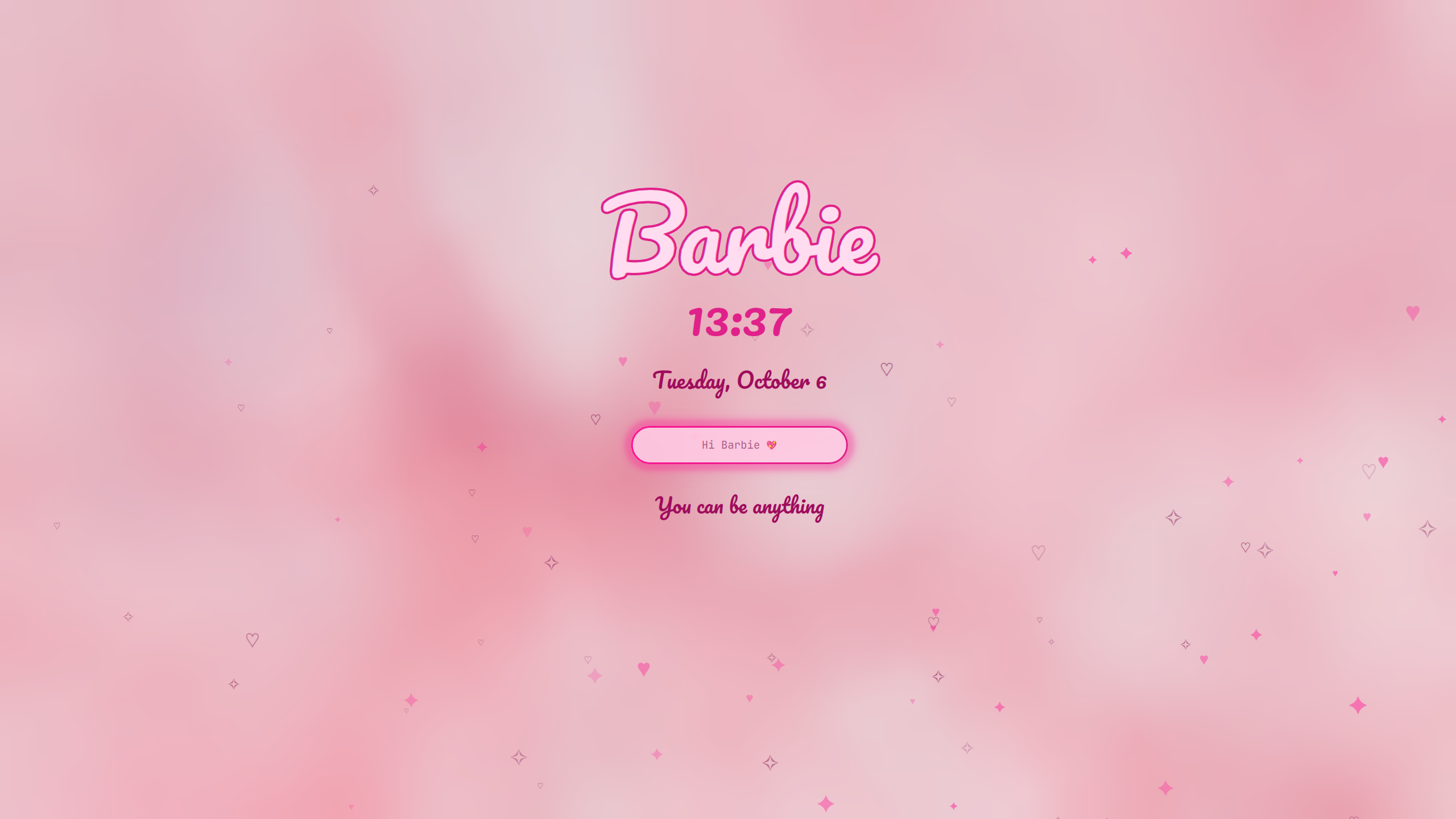
The Barbie lock screen, heart bar, heart popups, pink cursor, and the rest come from the Omarchy Barbie theme's extras. Install that theme, run its extras/install.sh, then switch back to Malibu. The extras take their colors from whichever theme is active.
Wallpapers
Cycle through them with Super + Ctrl + Space or omarchy theme bg next. Add your own to ~/.config/omarchy/backgrounds/barbie-malibu/; that folder survives theme updates.
Photos from Unsplash, free to use under the Unsplash License:
| File | Photographer |
|---|---|
pink-blossoms.jpg | Mi Min |
pink-building-palms.jpg | Caroline Ross |
pink-clouds.jpg | Xinyi Wen |
pink-paint-swirl.jpg | Pawel Czerwinski |
pink-peach-gradient.jpg | Ikhlas |
pink-sky-bridge.jpg | Anders Jildén |
Disclaimer
Barbie is a trademark of Mattel, Inc. This is an unofficial fan theme and is not affiliated with or endorsed by Mattel.