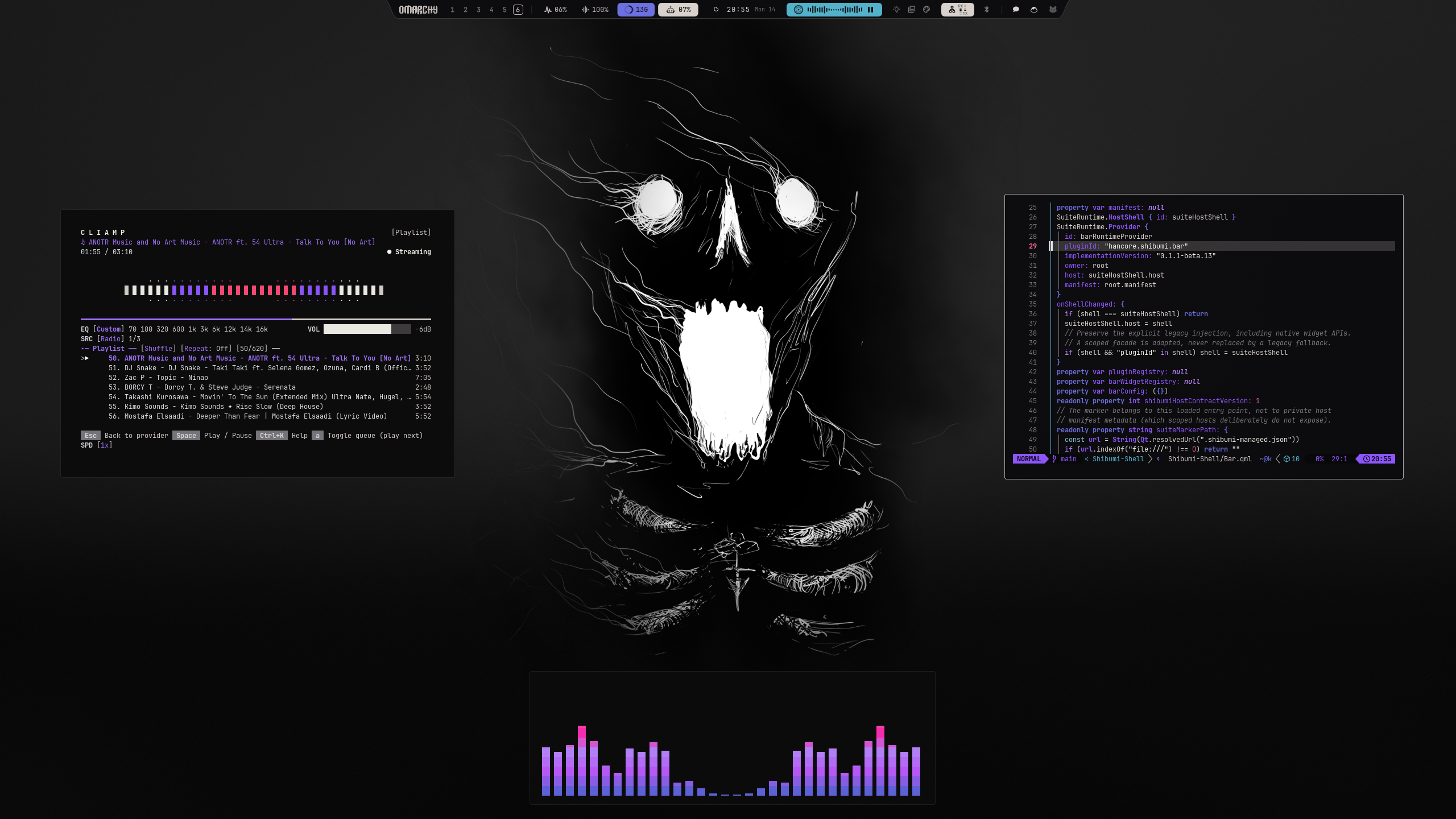
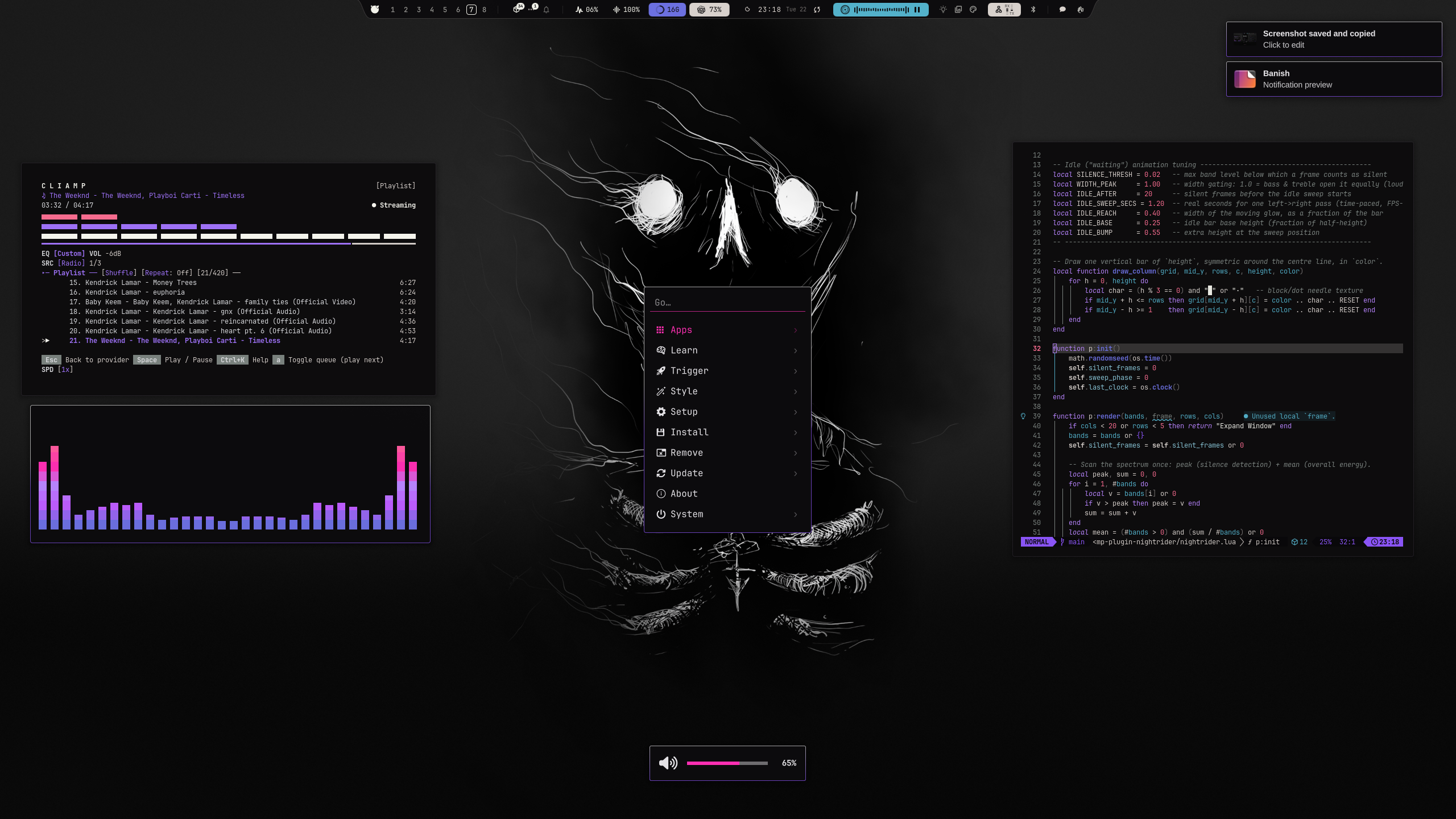
color palette
#0c0b0d
#D8D1CC
#ff2fb3
#E0E1E4
#33ffe6
#0c0b0d
#0c0b0d
#ff4a78
#f2f2ea
#8F57FF
#6C70E0
#bd5cff
#53b1ca
#D8D1CC
#7d8581
#ff6f93
#fefef6
#A375FF
#9488ff
#b985ff
#8ac7d8
#E0E1E4
preview
readme
Banish
Installation Theme
To install this theme, simply use the omarchy-theme-install command:
omarchy-theme-install https://github.com/HANCORE-linux/omarchy-banish-theme.gitOmarchy skips every .lua in a theme installed from a repo, so this way leaves out
gum_env.lua and hyprland.lua. Clone into ~/custom-themes/banish and link
instead to get the whole theme:
mkdir -p ~/custom-themes ~/.config/omarchy/themes &&
git clone https://github.com/HANCORE-linux/omarchy-banish-theme.git ~/custom-themes/banish &&
ln -sT ~/custom-themes/banish ~/.config/omarchy/themes/banish &&
omarchy theme set banish
Enable Shell Plugins
The custom menu, OSD and notification plugins are optional. The menu replaces the built-in overlay; it does not add a bar widget. Install the plugins as real folders so Shibumi's plugin catalog can read them.
Copy the plugins (works from Bash, Zsh and Fish):
mkdir -p ~/.config/omarchy/plugins &&
cp -a ~/.config/omarchy/themes/banish/shell-plugins/. ~/.config/omarchy/plugins/ &&
omarchy-shell shell rescanPlugins &&
echo "Plugins copied. Run the activation commands below."
Then activate them: copying alone does not enable the plugins. Each enable
command prints Enabled banish.… on success.
omarchy plugin enable banish.menu &&
omarchy plugin enable banish.osd &&
omarchy plugin enable banish.notifications &&
omarchy restart shell
After a theme update, copy the plugins again and run omarchy restart shell.
Remove Shell Plugins
To restore Omarchy's built-in menu, OSD and notifications:
omarchy plugin disable banish.menu && omarchy plugin remove banish.menu --yes
omarchy plugin disable banish.osd && omarchy plugin remove banish.osd --yes
omarchy plugin disable banish.notifications && omarchy plugin remove banish.notifications --yes

omarchy restart shell
The original files in the theme folder are kept.